RC
Rupert Chesman
or Space to navigate
1 / 1
Free live session · this week

Making images in
Midjourney & Nano Banana

Create images from a sentence, edit real photos by describing the change — and bring a still to life as video.

Welcome

If you can describe it, you can make it

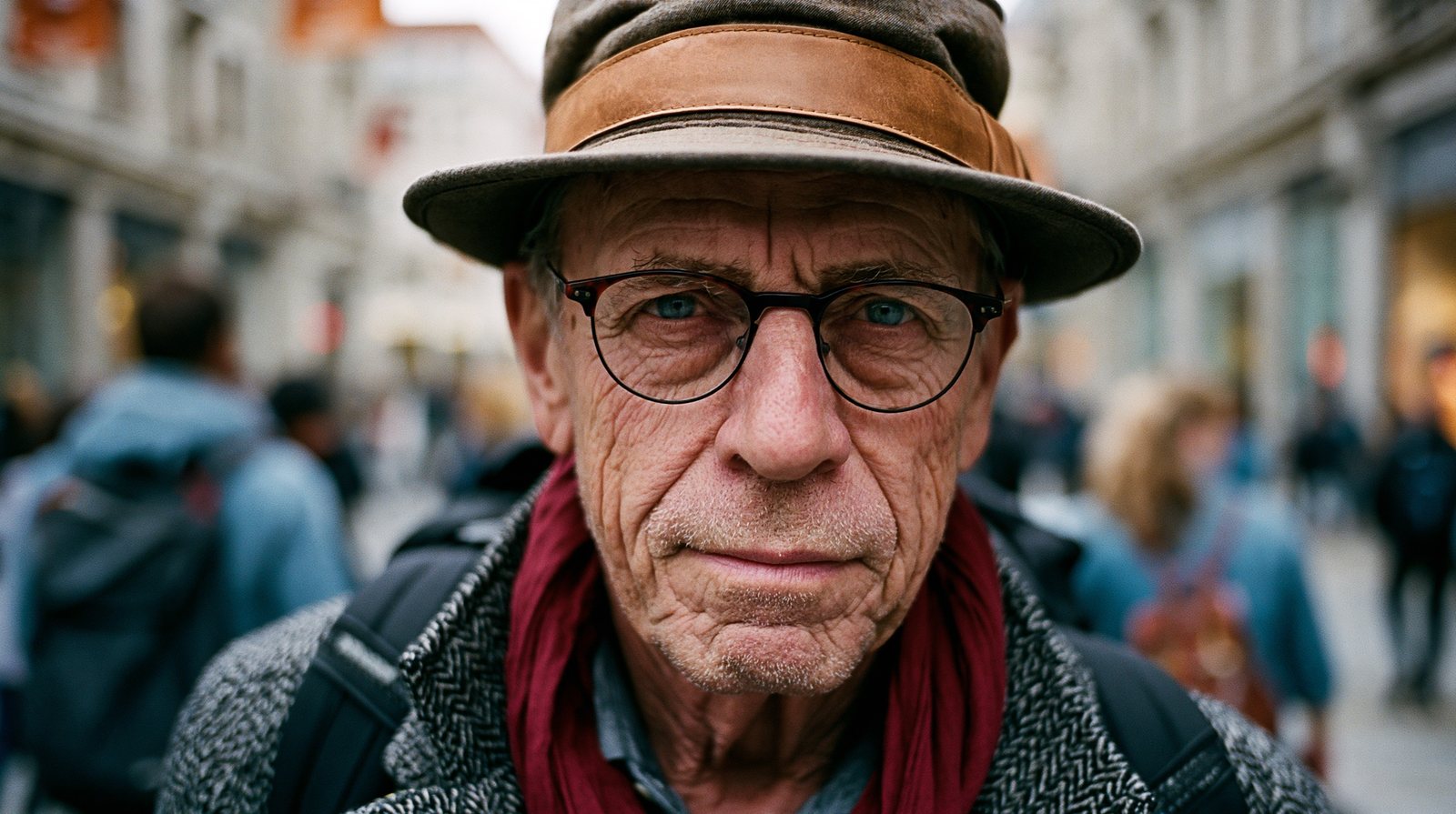
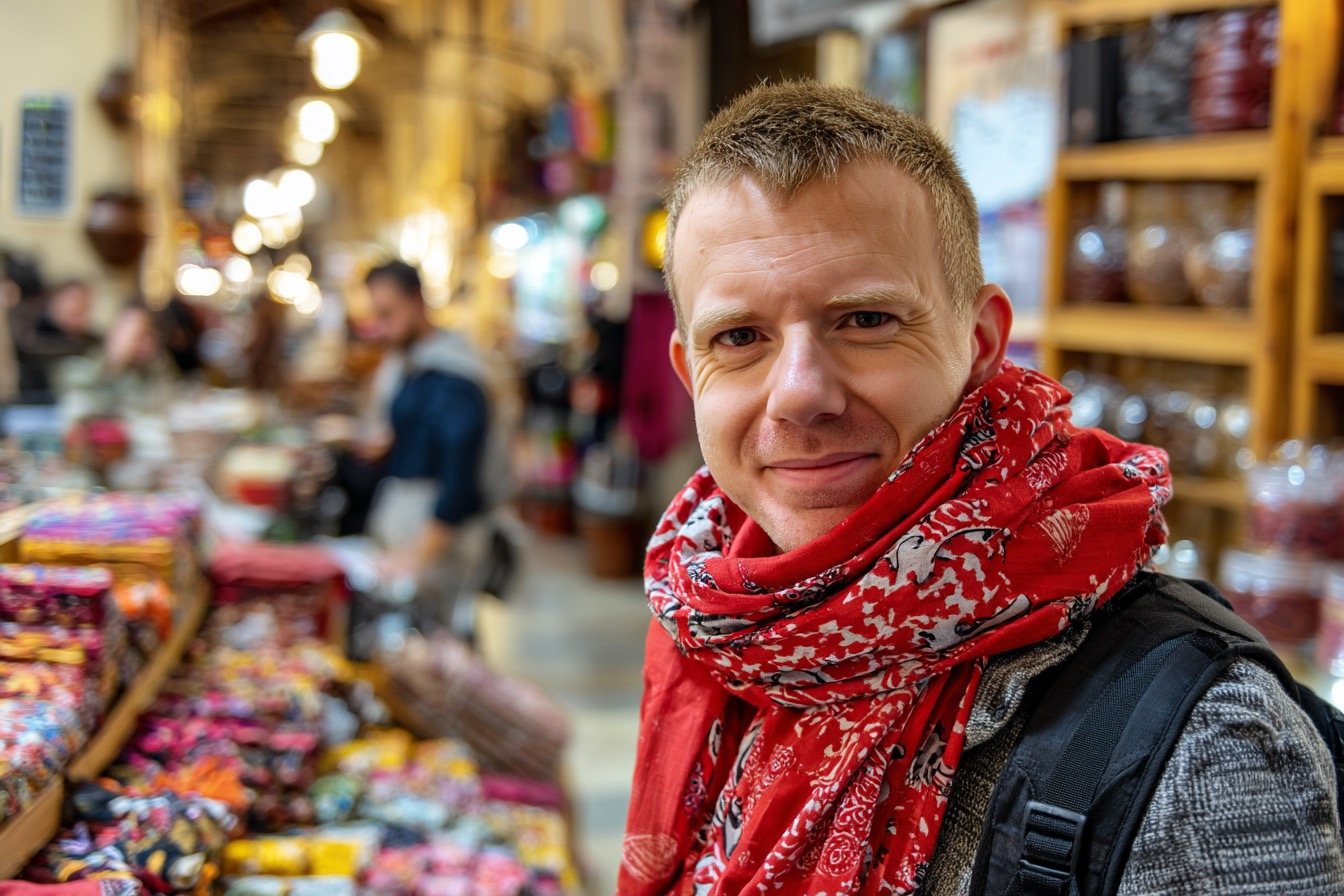
Every image in this hour was made from text — no camera, no drawing, no editing suite. Today you learn to do the same, then turn a still into a short film.

60 minutes6 quick lessonsNo skills needed
The hour ahead

Six steps in sixty minutes

  • Why AI images & video — the landscape
  • Your first Midjourney image — live
  • Prompting for images — getting what you want
  • Style & consistency — a look that holds
  • Nano Banana — edit real photos
  • From image to video — bring it to life
  • Put it together — taste & where next
1
Lesson 1

Why AI Images & Video

A few years ago this took a studio. Now it takes a sentence.

A taste

One tool, any style
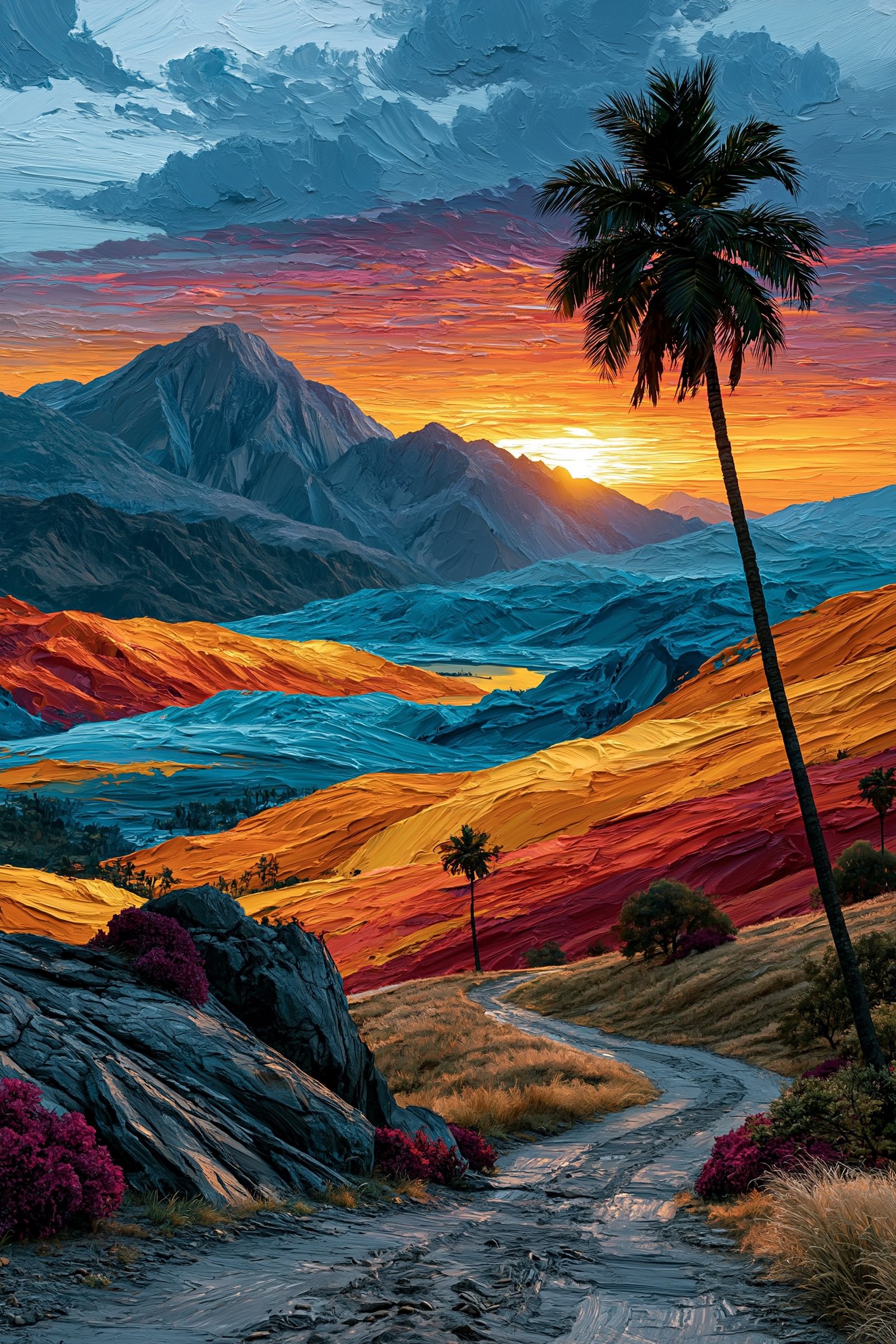
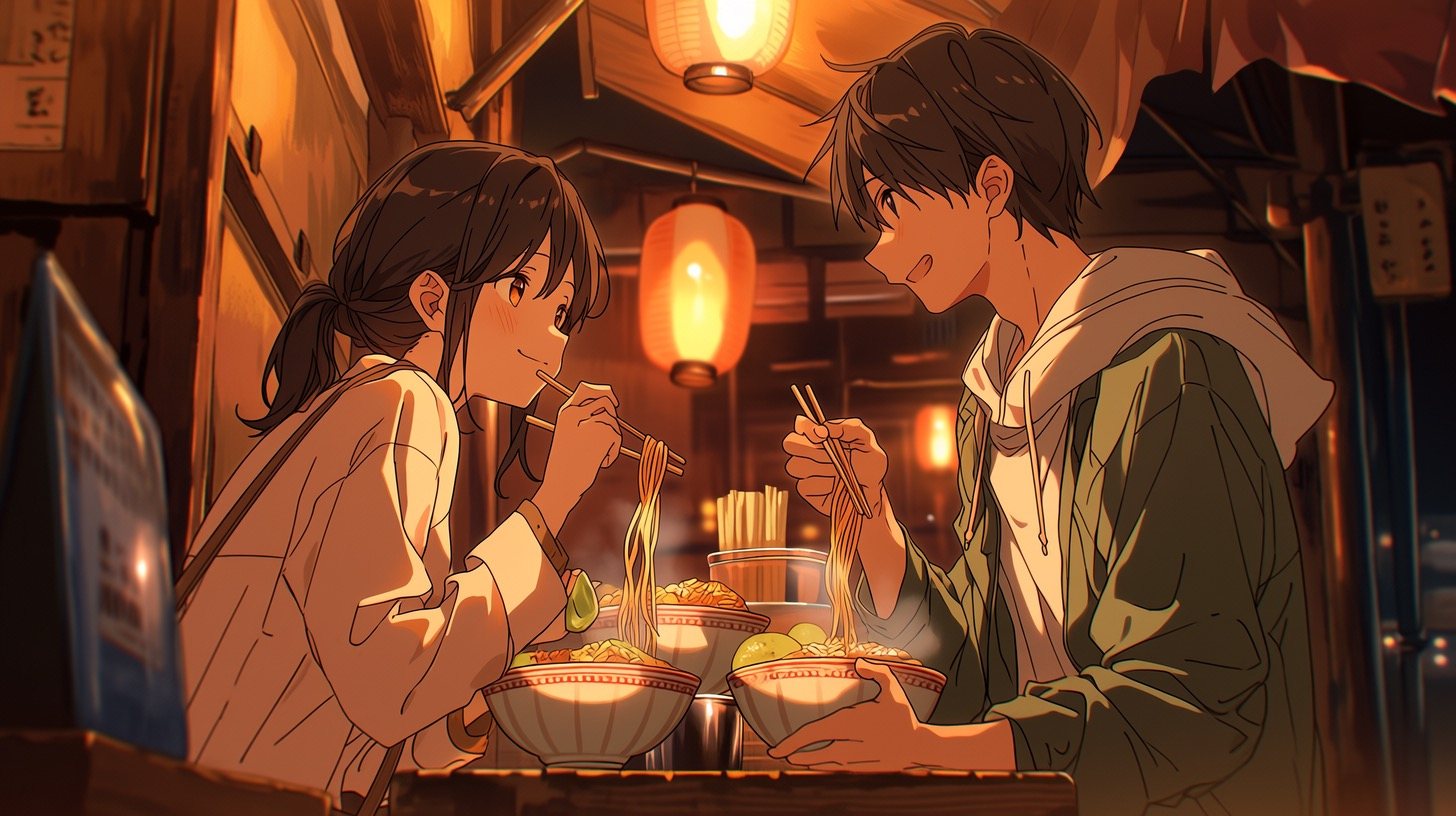
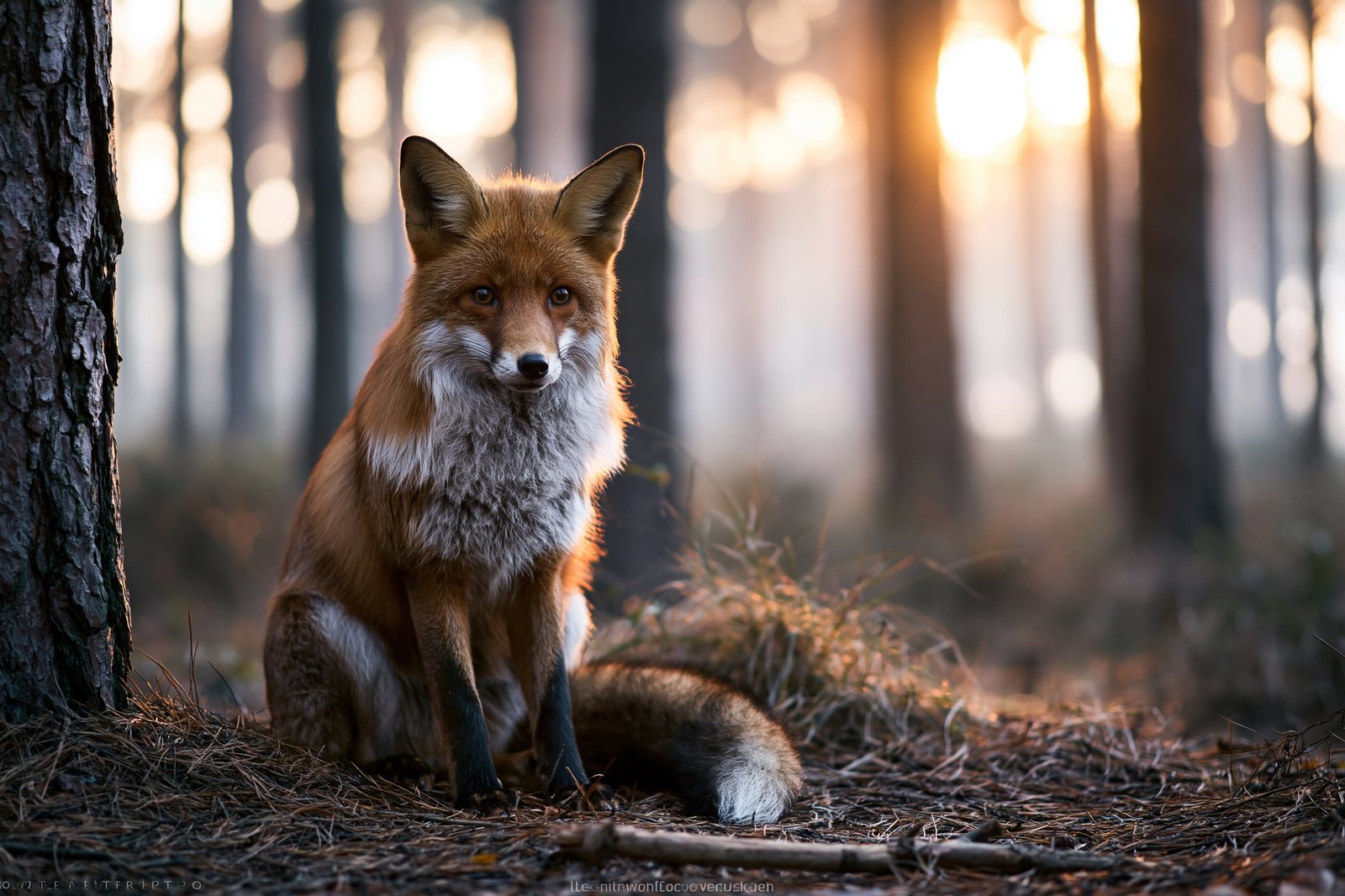
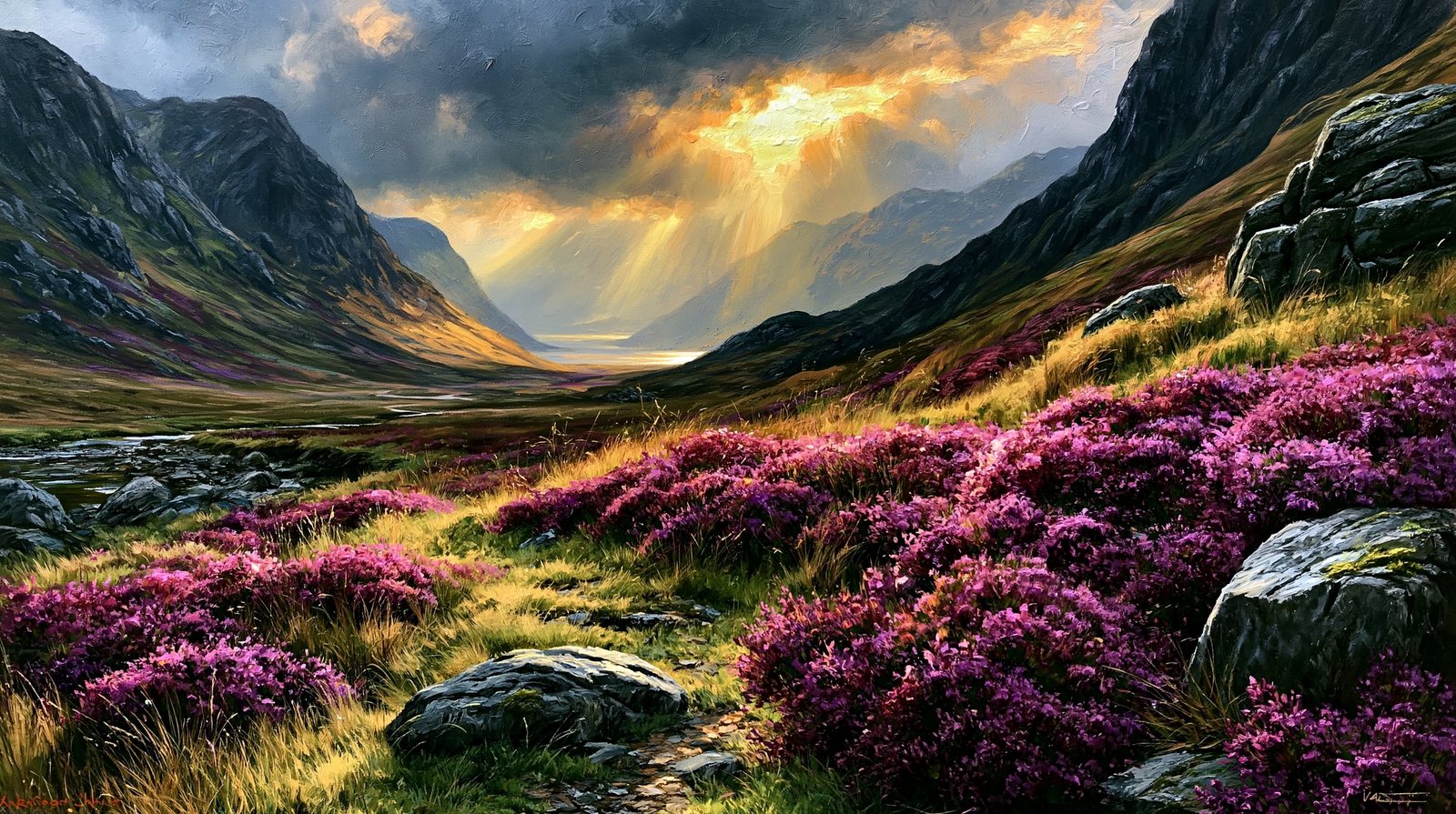
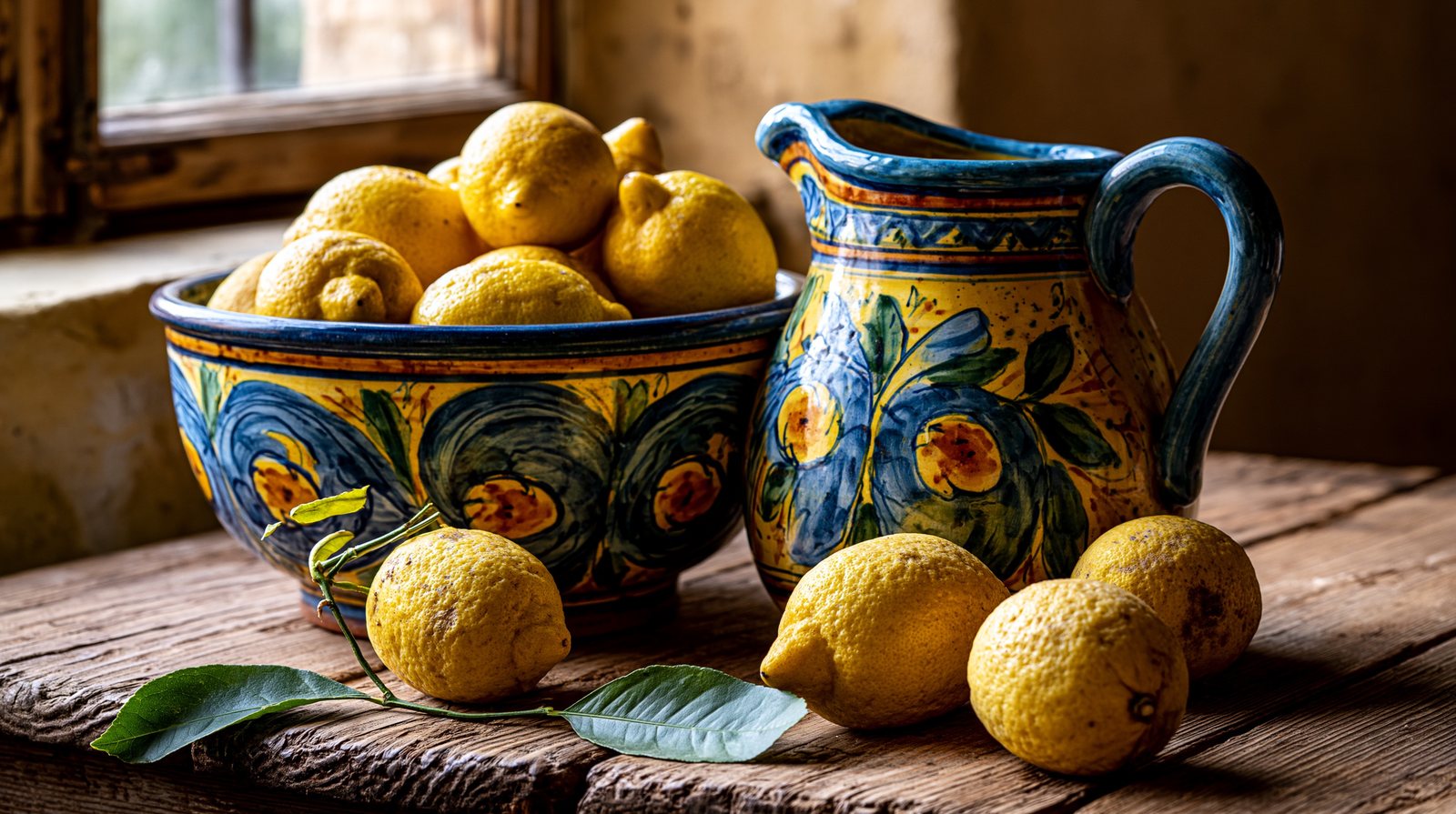
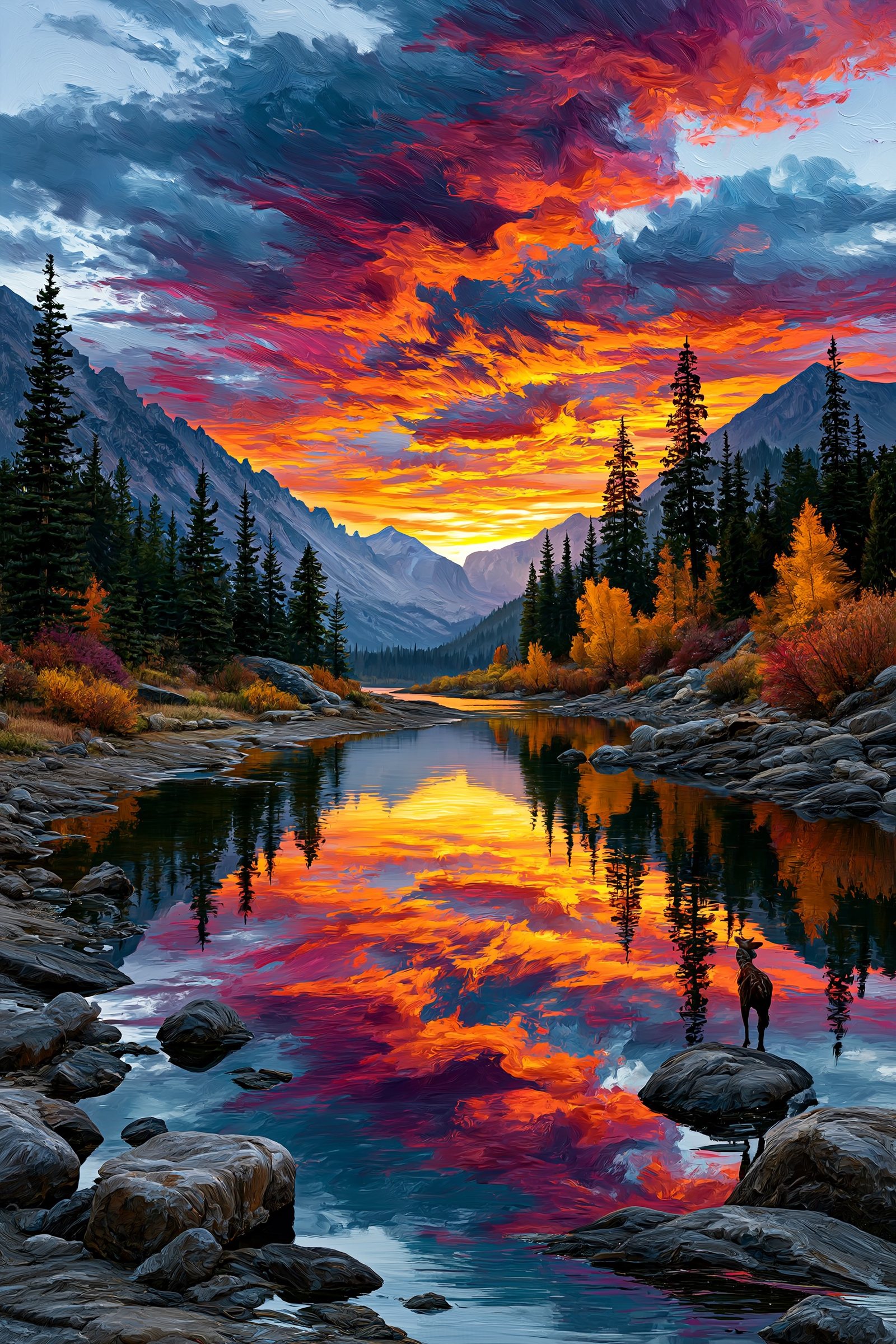
Painterly, anime, photographic, woodcut — all from text prompts

If you can describe it, you can make it.

The skill that matters now isn’t drawing — it’s seeing, describing, and choosing.

2
Lesson 2

Your First Midjourney Image

Type a prompt, get four options, zoom in on the one you love.

The four moves

Everything in four buttons

  • Type a prompt in the imagine box
  • Read the grid of four options
  • Upscale the keeper to finish it
  • Vary or re-roll to explore further
On screen

A finished first image

From a simple prompt to a polished, upscaled result
3
Lesson 3

Prompting for Images

The difference between ‘a landscape’ and something breathtaking is specificity.

Vague vs specific

Same tool. Different words.

Name the subject, style, lighting and composition — then tune with parameters
The recipe

The anatomy of a great prompt

  • Subject & details — what, and what makes it specific
  • Style & medium — oil, anime, photoreal, woodcut
  • Lighting & mood — golden hour, neon, noir
  • Composition — close-up, wide, aerial, low-angle
  • Parameters — --ar for shape, --stylize for art
4
Lesson 4

Style & Consistency

Go from lucky one-offs to a set that belongs together.

Same character, new scenes

Consistency is the professional edge
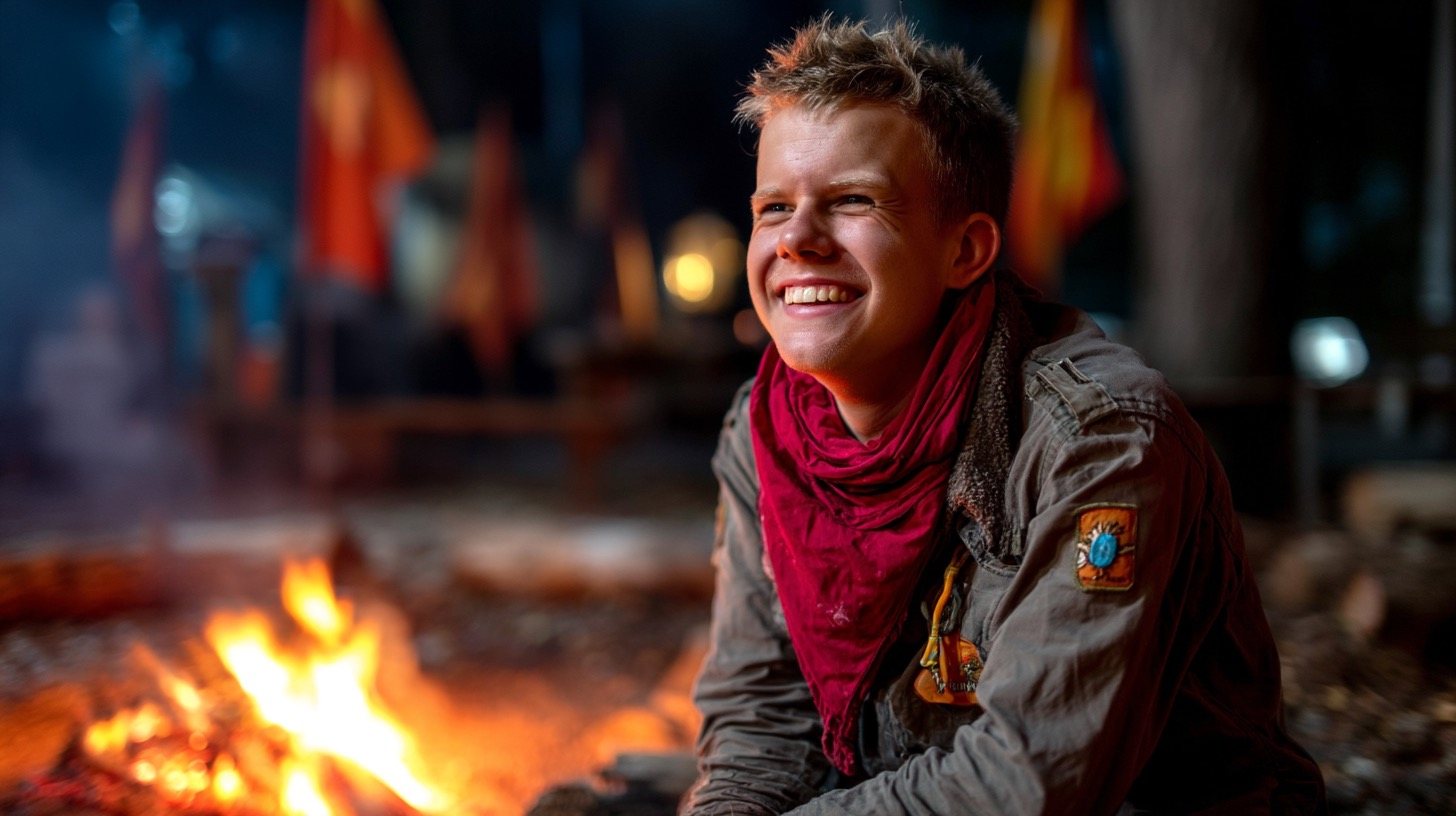
One explorer, four scenes — recognisably the same character throughout
One subject, many mediums

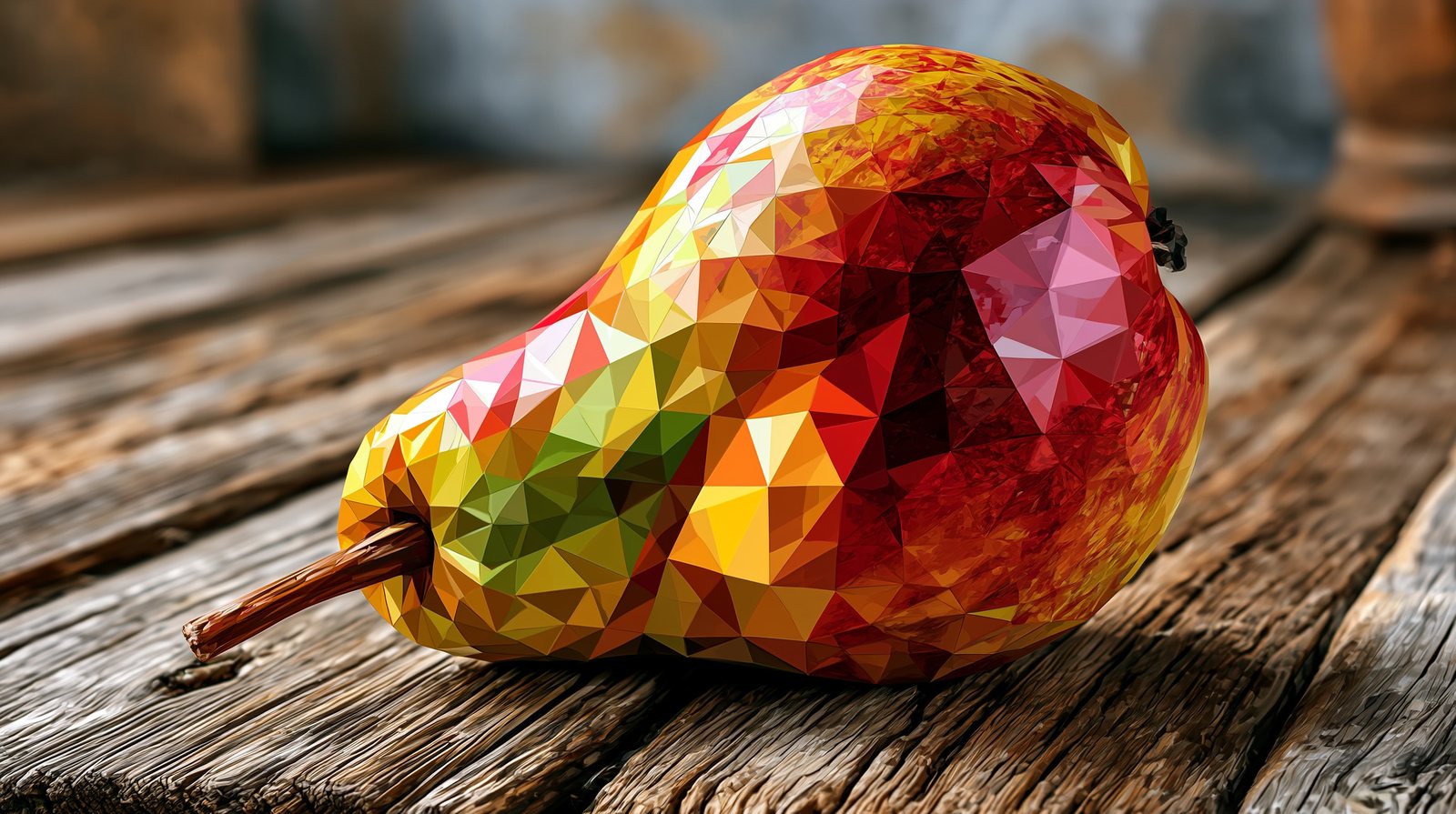
Ask for any look
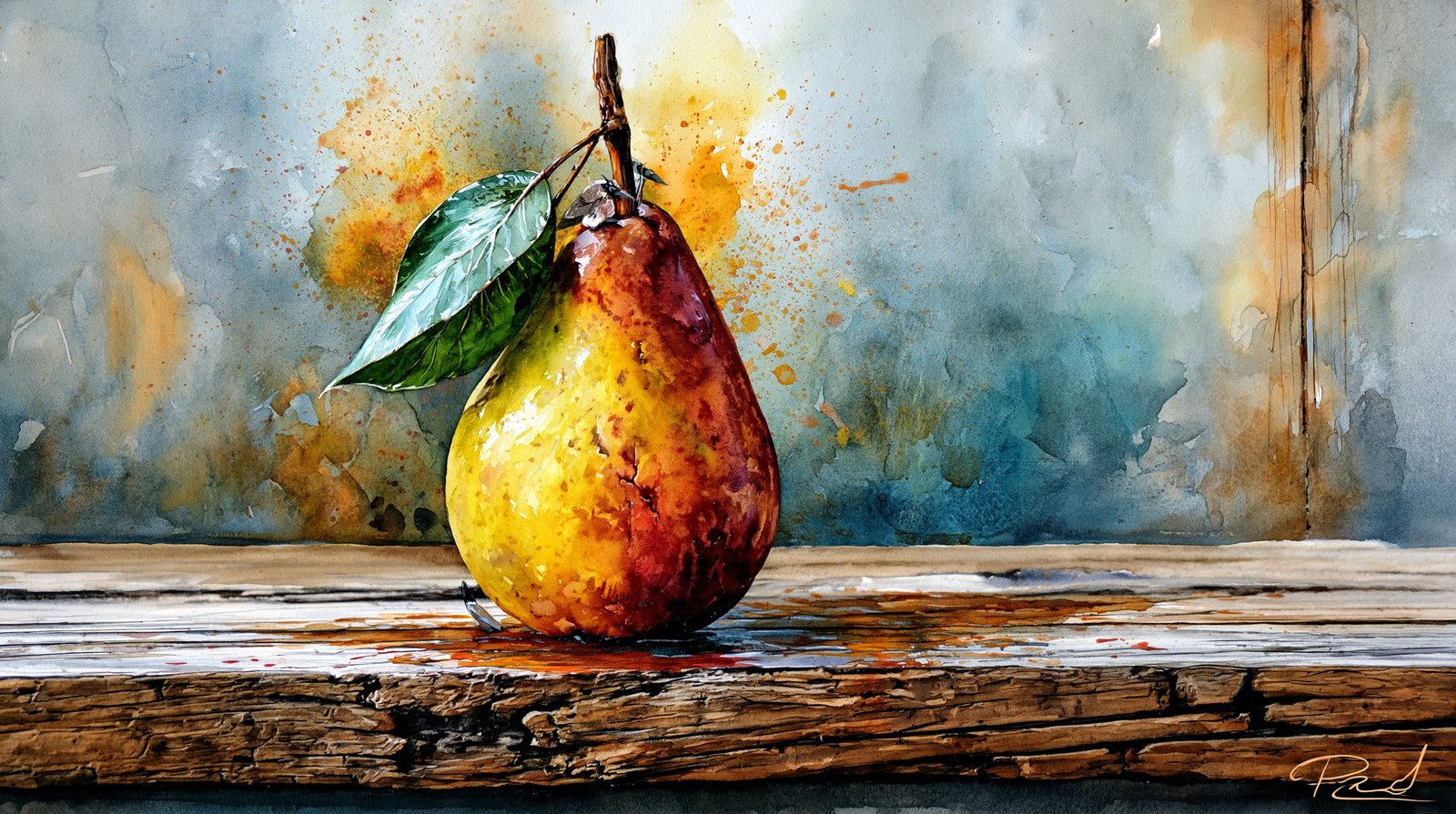
The same pear: woodcut, watercolour, oil, low-poly
5
Lesson 5

Editing Real Photos: Nano Banana

Midjourney dreams things up. Nano Banana edits the photos you already have.

Four everyday edits

Edit a real photo by describing the change

  • Background replacement — swap the scene, match the light
  • Object removal — delete a distraction, fill it naturally
  • Style transfer — restyle a photo, keep faces & text
  • Enhancement — sharpen, denoise, recolour, extend the frame

Two tools, two jobs.

Reach for Midjourney to imagine something new — and Nano Banana to edit a photo you already have.

6
Lesson 6

From Image to Video

Take a beautiful still and bring it gently to life.

Start strong

A still ready to animate

Feed a finished image into an image-to-video tool, then describe the motion
Good AI video

Make it look intentional, not gimmicky

  • Image-to-video beats text-to-video for control
  • Prompt the motion: ‘slow push-in, drifting mist’
  • Keep it subtle — wild motion looks like ‘slop’
  • Short clips, in the right shape (16:9, 9:16)
7
Lesson 7

Put It Together & Where Next

Generation is easy. Taste is the edge.

The bar to aim for

Curate hard; finish properly
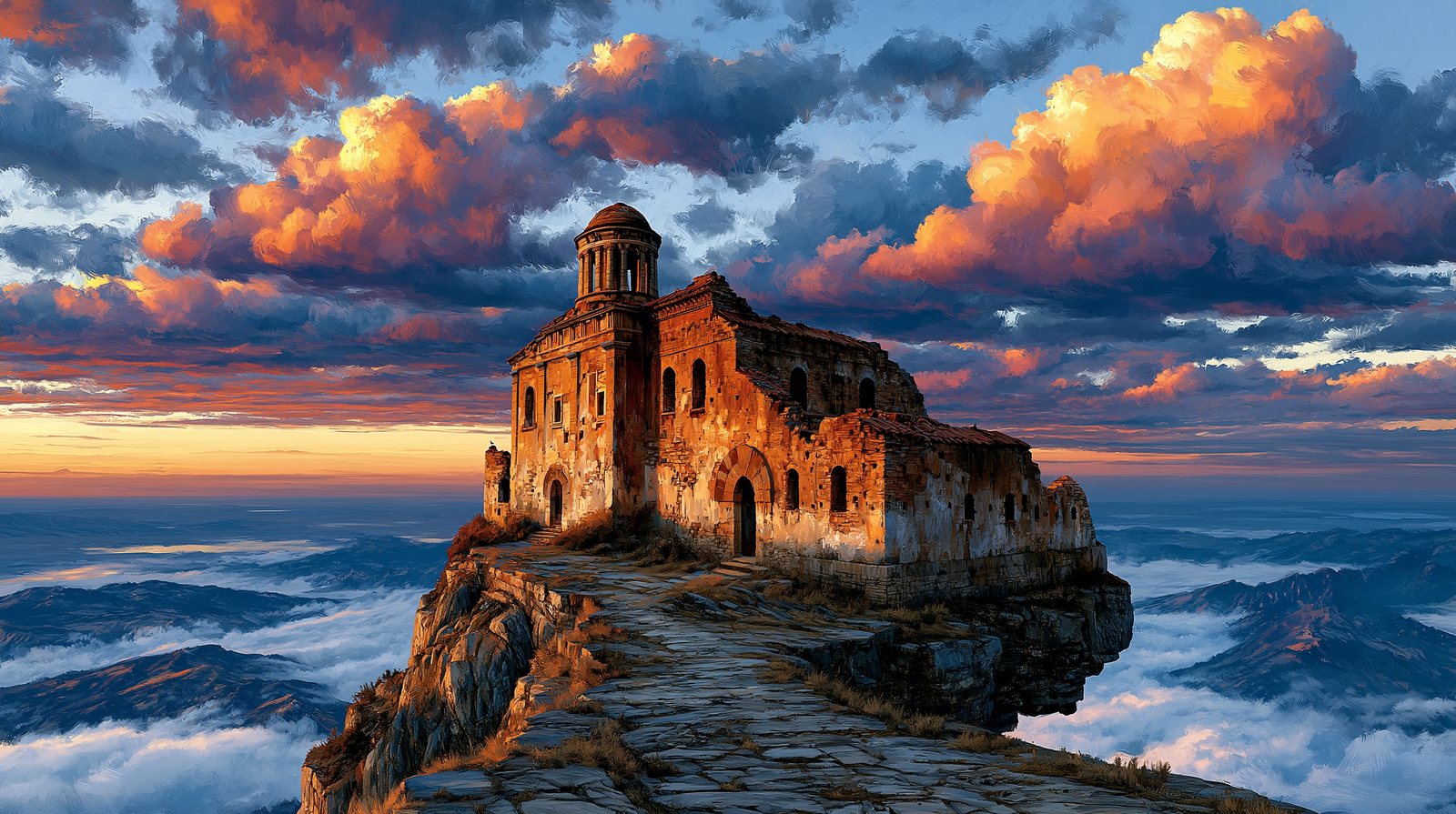
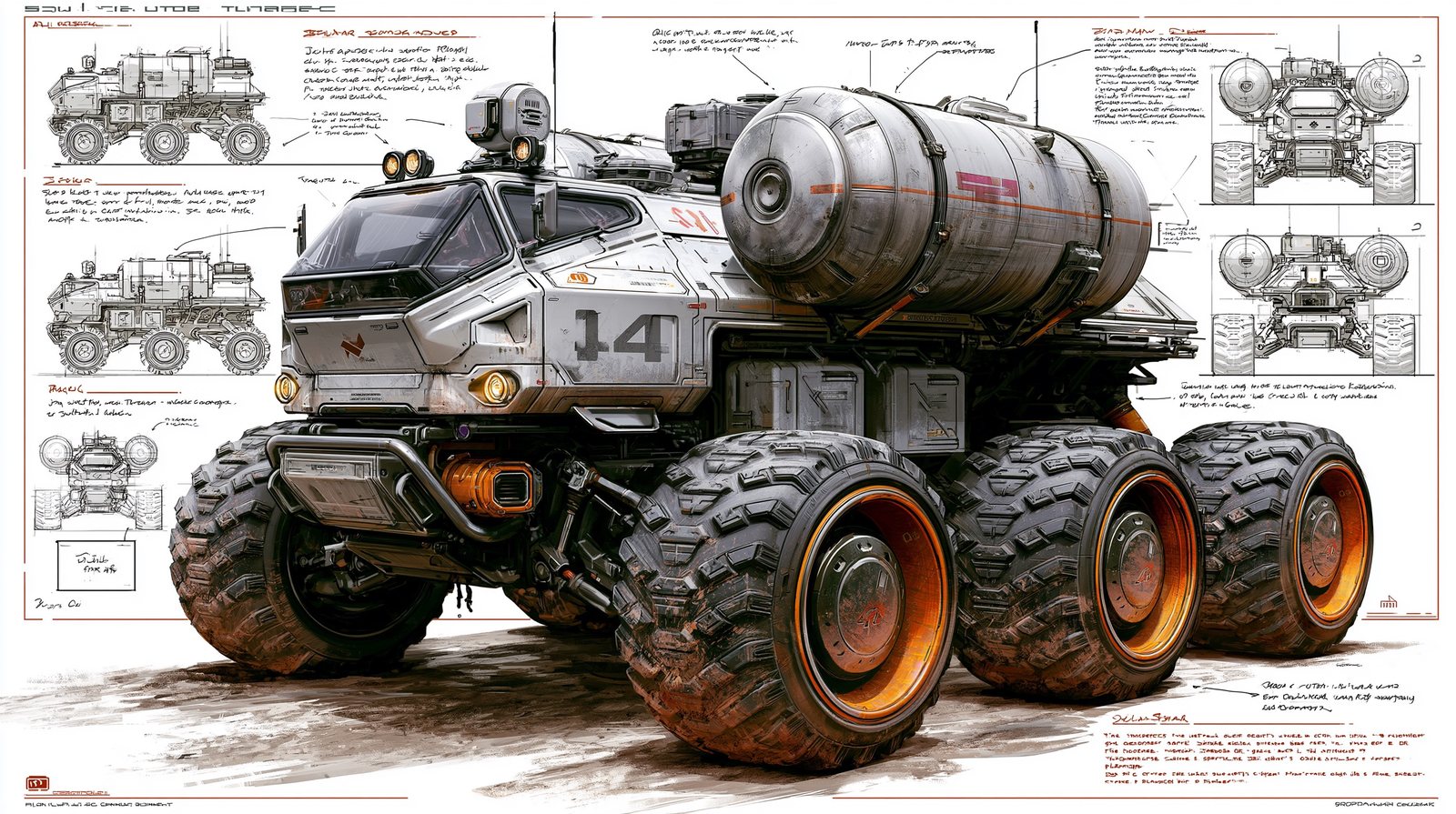
Concept art, cinematic light, a concept sheet, a finished piece

Go deeper: The Midjourney Book

Eight chapters, 145+ worked examples, every prompt copy-pasteable — free at rupertchesman.com/midjourney

Make something beautiful

Join the rest of the free series this week:

Tue 23 JunYour First Hour with Claude
Wed 24 JunMidjourney & Nano Banana
Thu 25 JunDo your taxes with Claude Cowork
Fri 26 JunBuild something with AI in an hour

rupertchesman.com/live.html