A Visual Field Guide
The Midjourney
Book
Scroll to open ↓
A Visual Field Guide
Scroll to open ↓
From your very first prompt to studio-grade control — how to think, see, and create with the world's most opinionated image model. Ten chapters, every figure a controlled experiment, every prompt copy-pasteable.
Pick a door. Each chapter opens with its hero and reads top to bottom.


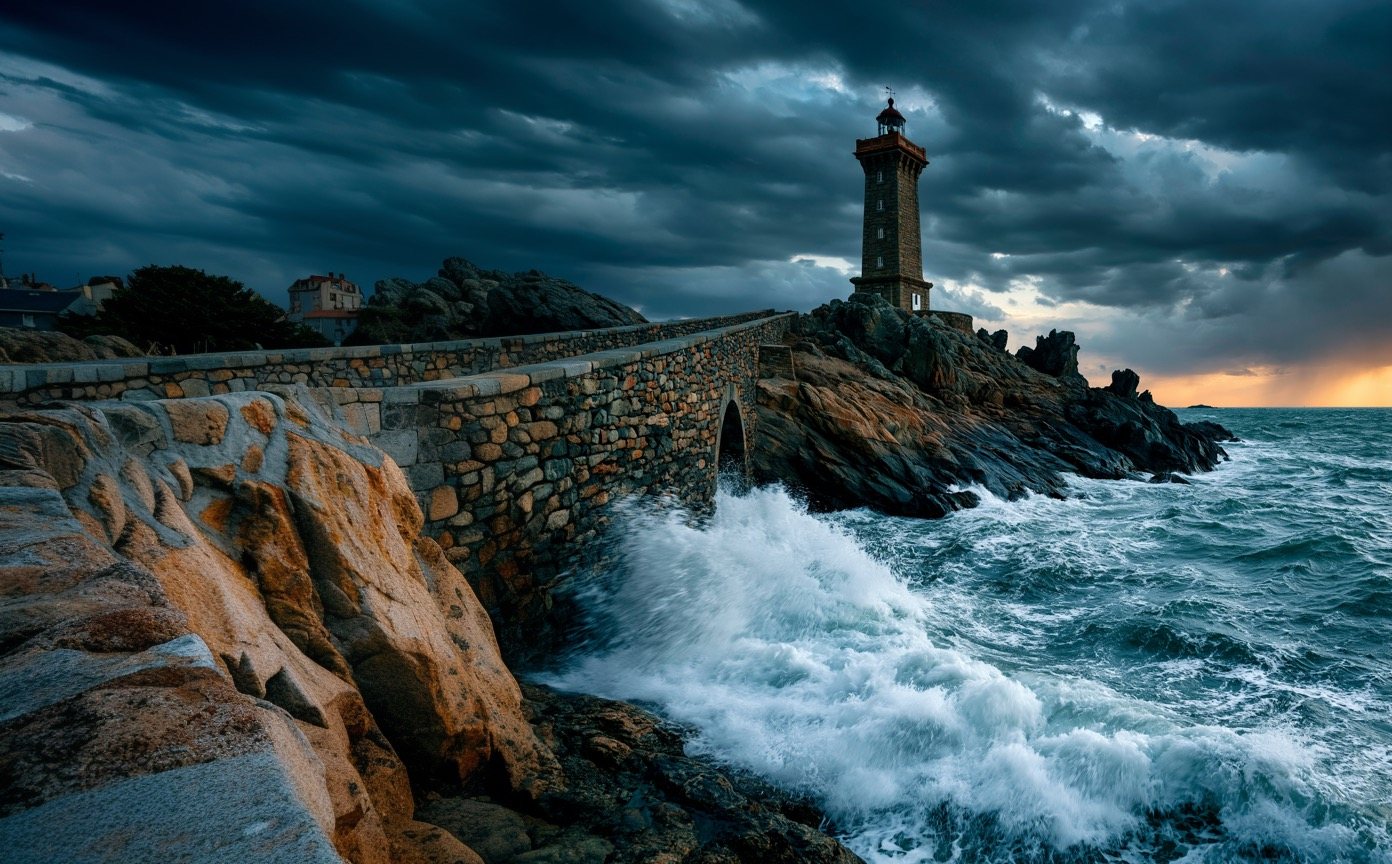
Midjourney rewards people who learn to describe what they see. This book teaches that skill the way a photography book would — with pictures first, side-by-side comparisons, and the smallest possible change between any two images.
Every figure follows one discipline: change only the variable being taught. Same subject, same seed where it matters, one swapped phrase or parameter. The captions tell you what moved; your eyes do the rest. Every prompt printed beside a figure is copy-pasteable.
Midjourney moves fast. As this book went to press: V7 is the documented platform default (released April 2025); V8.1 is the newest model (April 30, 2026) — 4–5× faster, native 2K “HD” output — but the whole V8 line is officially alpha and changing, sometimes without notice. Several mature features (Omni Reference, multi-prompting, Niji, the Quality parameter, Draft Mode, Turbo) live in V7 and are not yet in V8.1. Every figure in this book is tagged with the model that produced it. Verify anything version-specific against docs.midjourney.com before you rely on it.
The single most misunderstood thing for beginners. Plans ($10–$120/month) buy Fast GPU hours — a standard image costs roughly one GPU-minute; V8.1 HD ≈ 1.33 minutes; video ≈ 8× an image. Standard plans and above add unlimited Relax mode (queued, slower, free). Explore in Relax, spend Fast hours on finals. Unused Fast hours don't roll over.
Part One
A prompt is not a wish — it's a description. In four images, watch a single word grow into a photograph, then meet the buttons that turn one result into many.
Midjourney's prompt grammar is simple: subject → context → lighting → style/camera → parameters. Each layer you add removes a decision from the model and hands it to you.
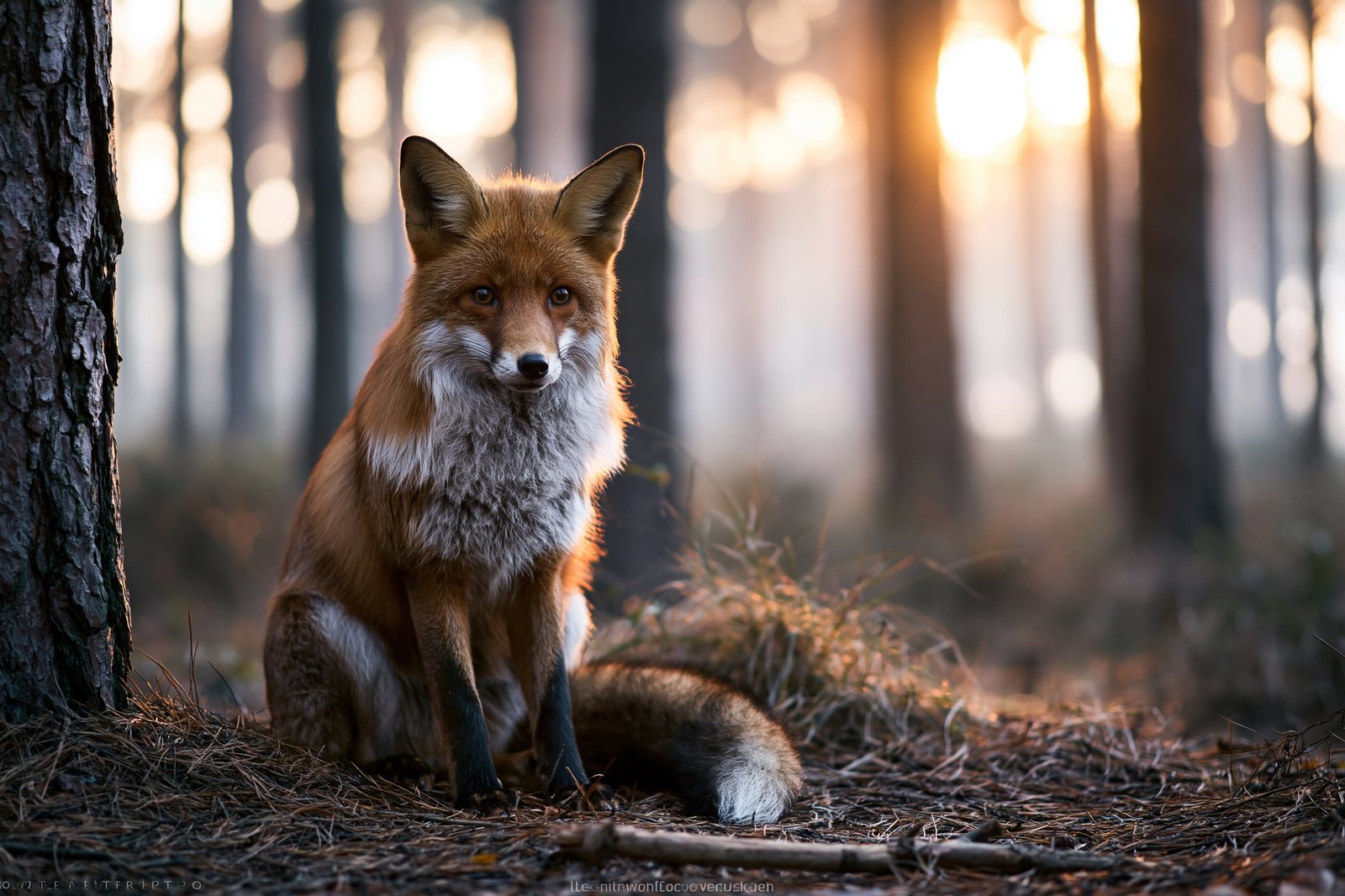
Start with two words and Midjourney fills every gap with its own taste. Add a setting and it stops guessing where you are. Add light and it stops guessing when. Add a lens and it stops guessing how the scene was seen. The fox below never changes species — only how much of the picture is yours.
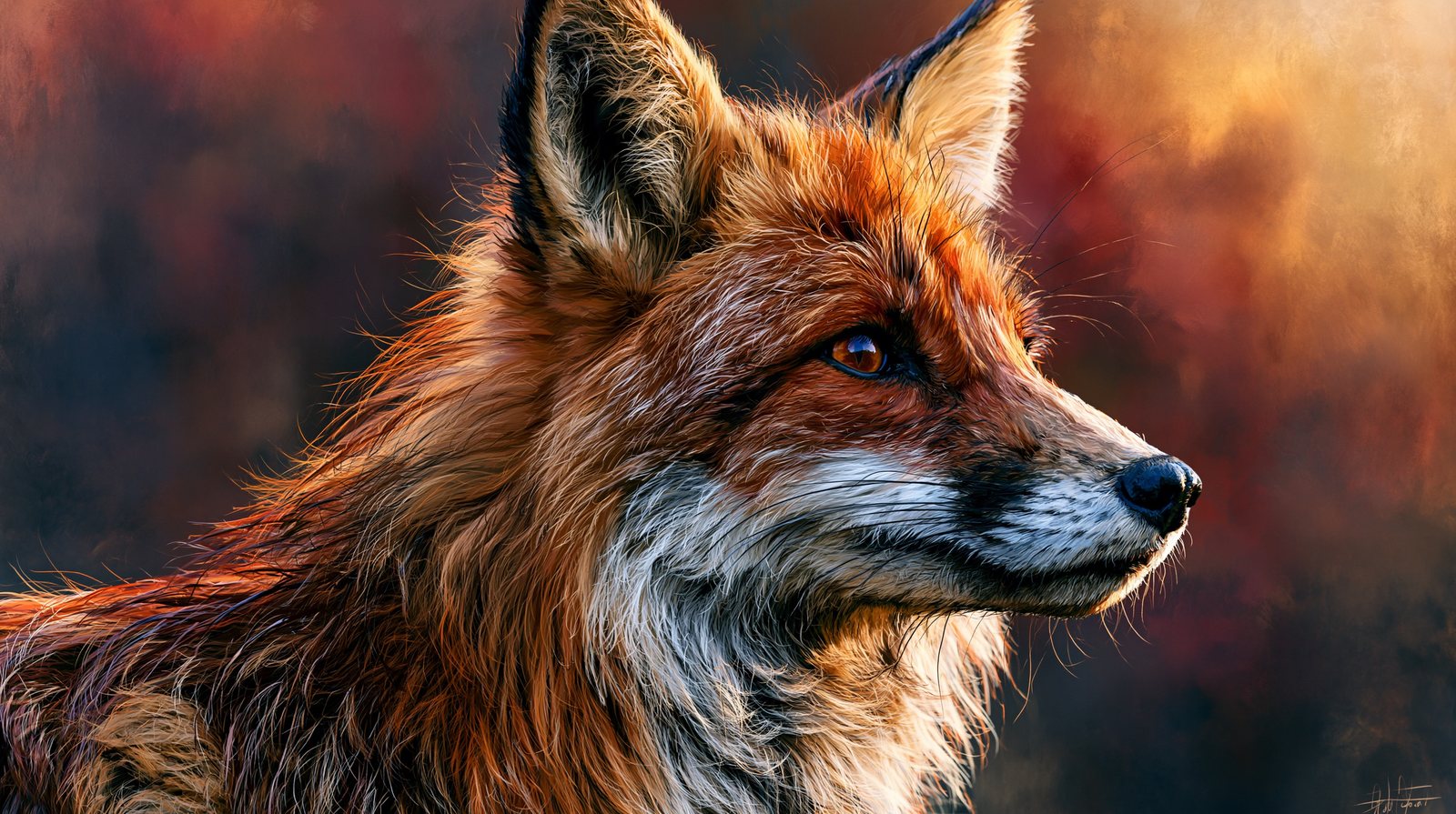
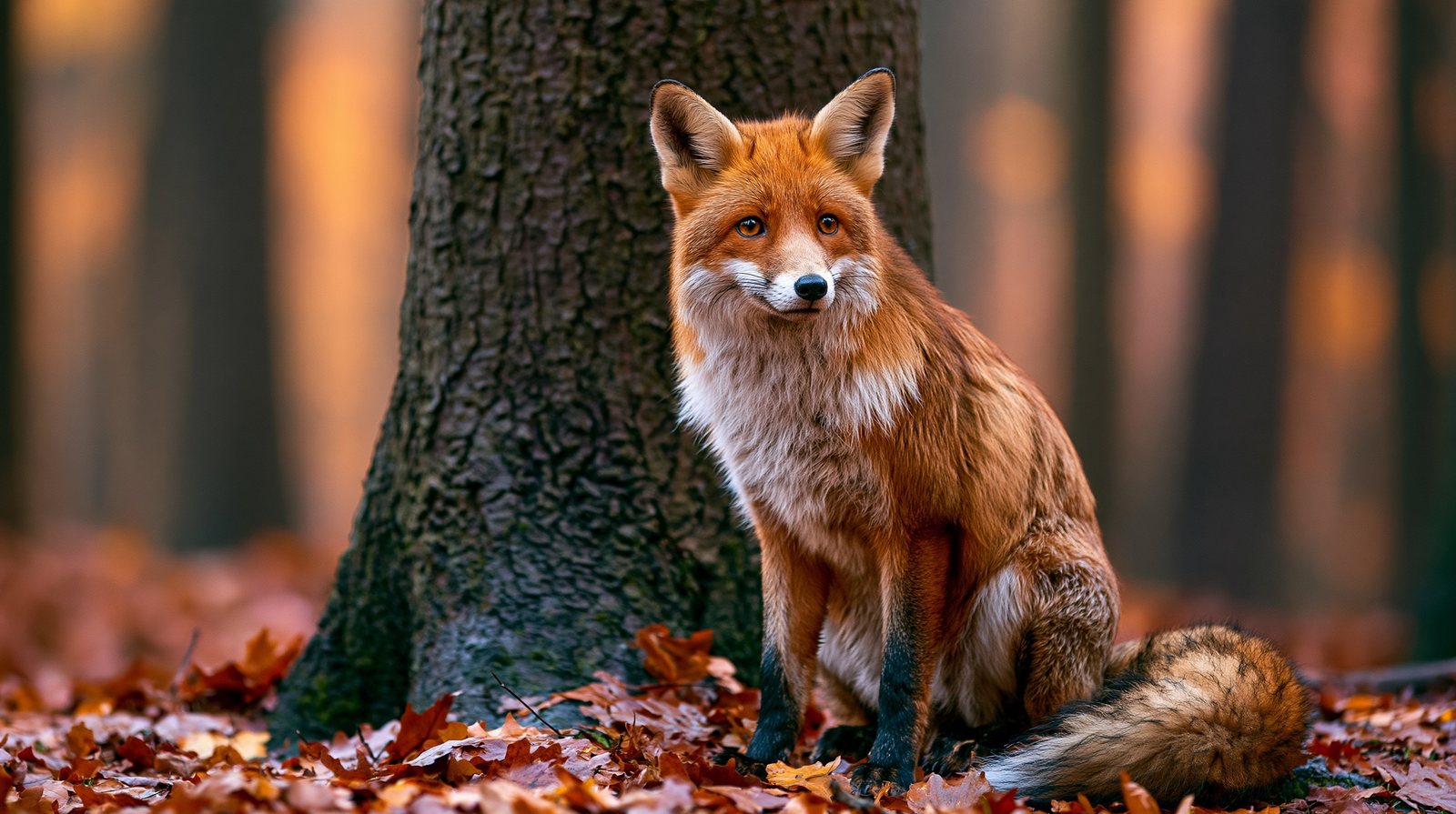
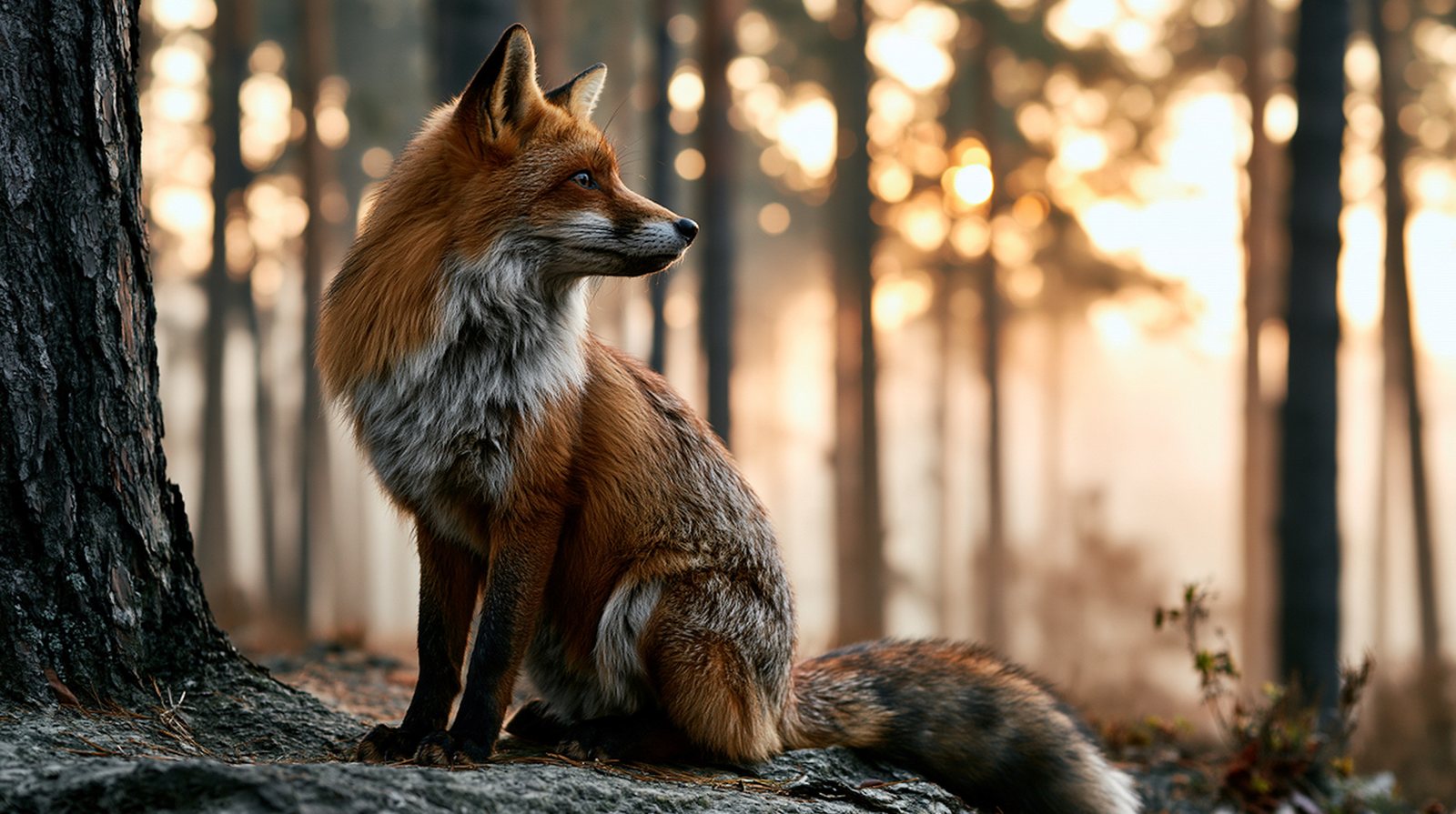
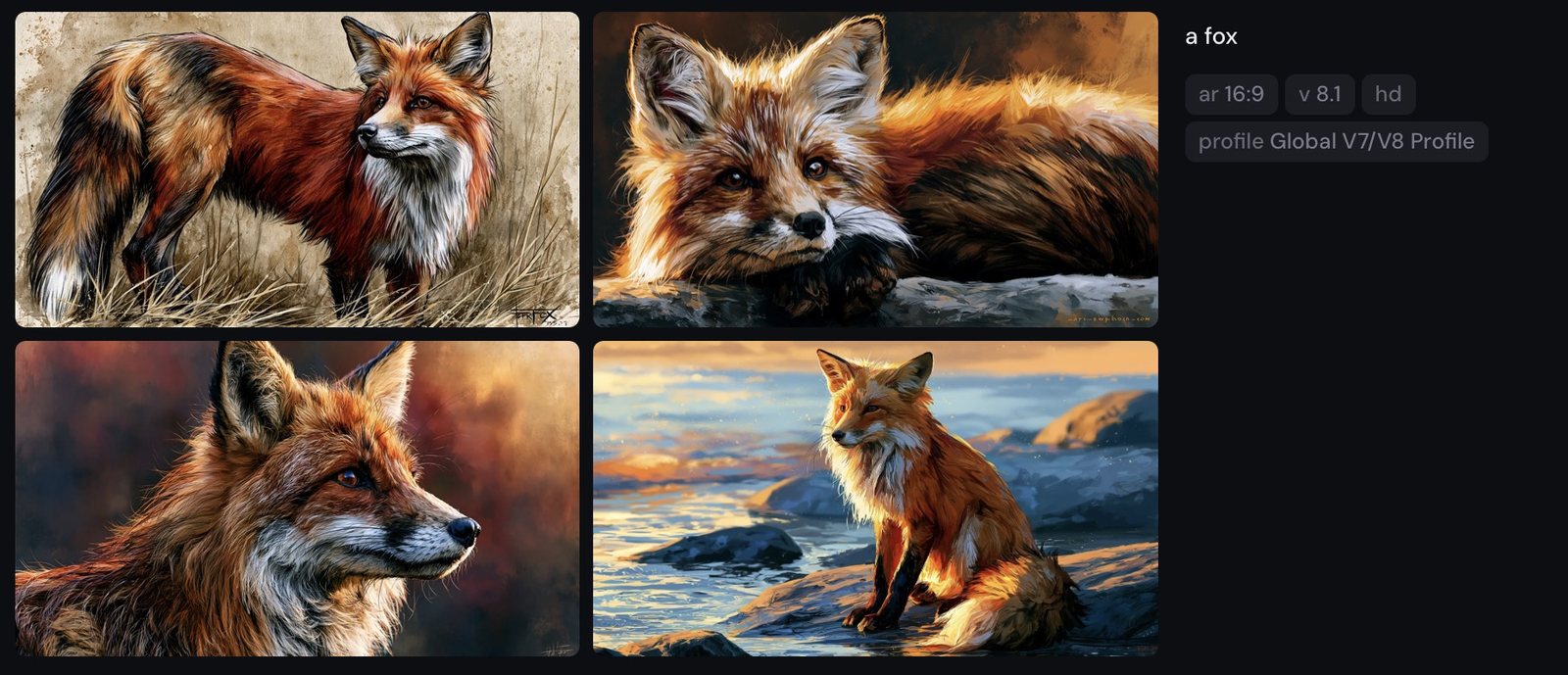
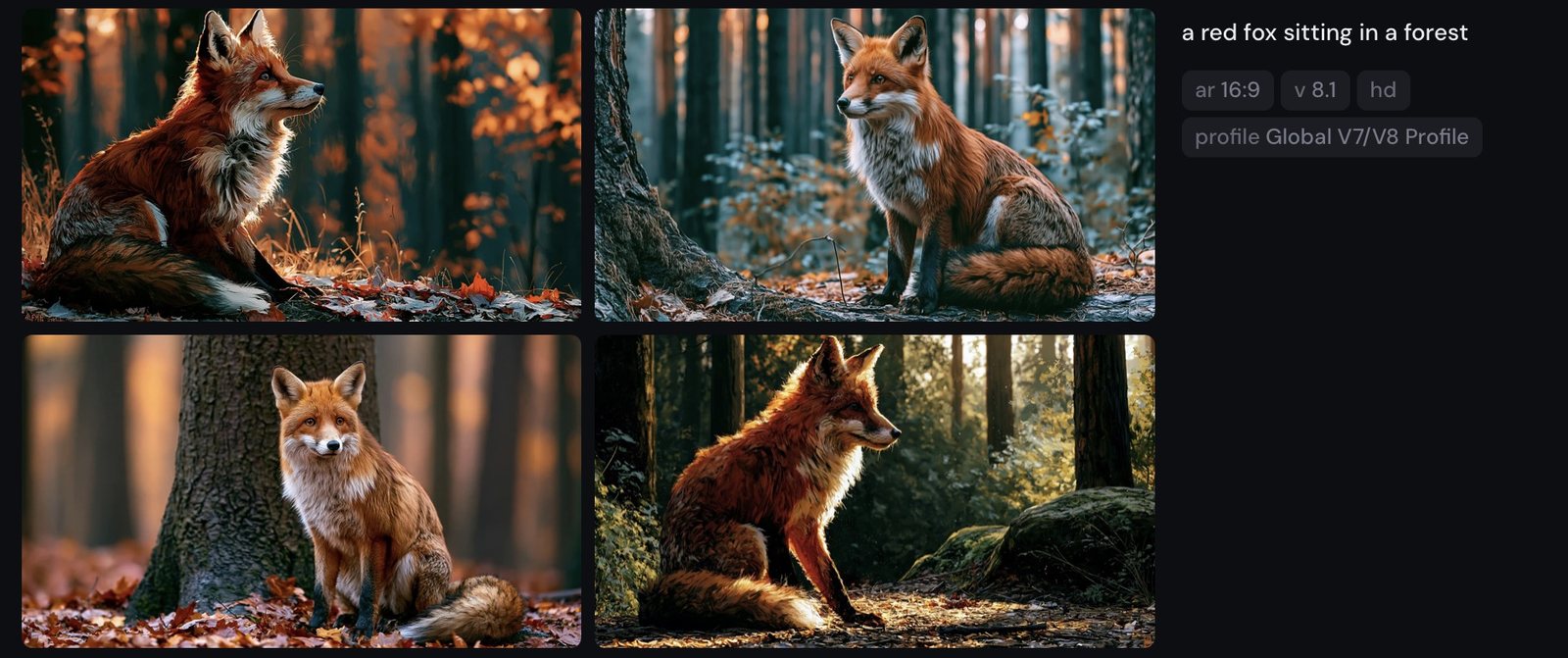
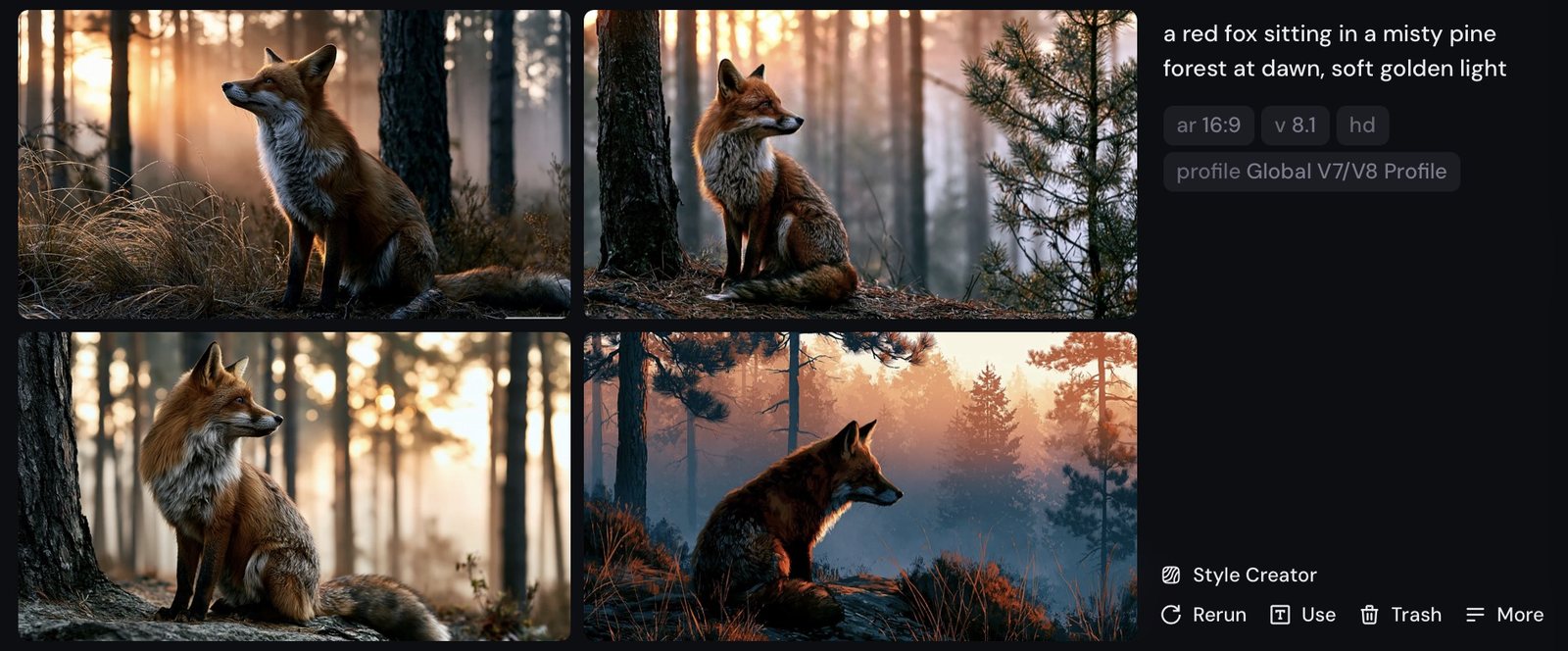
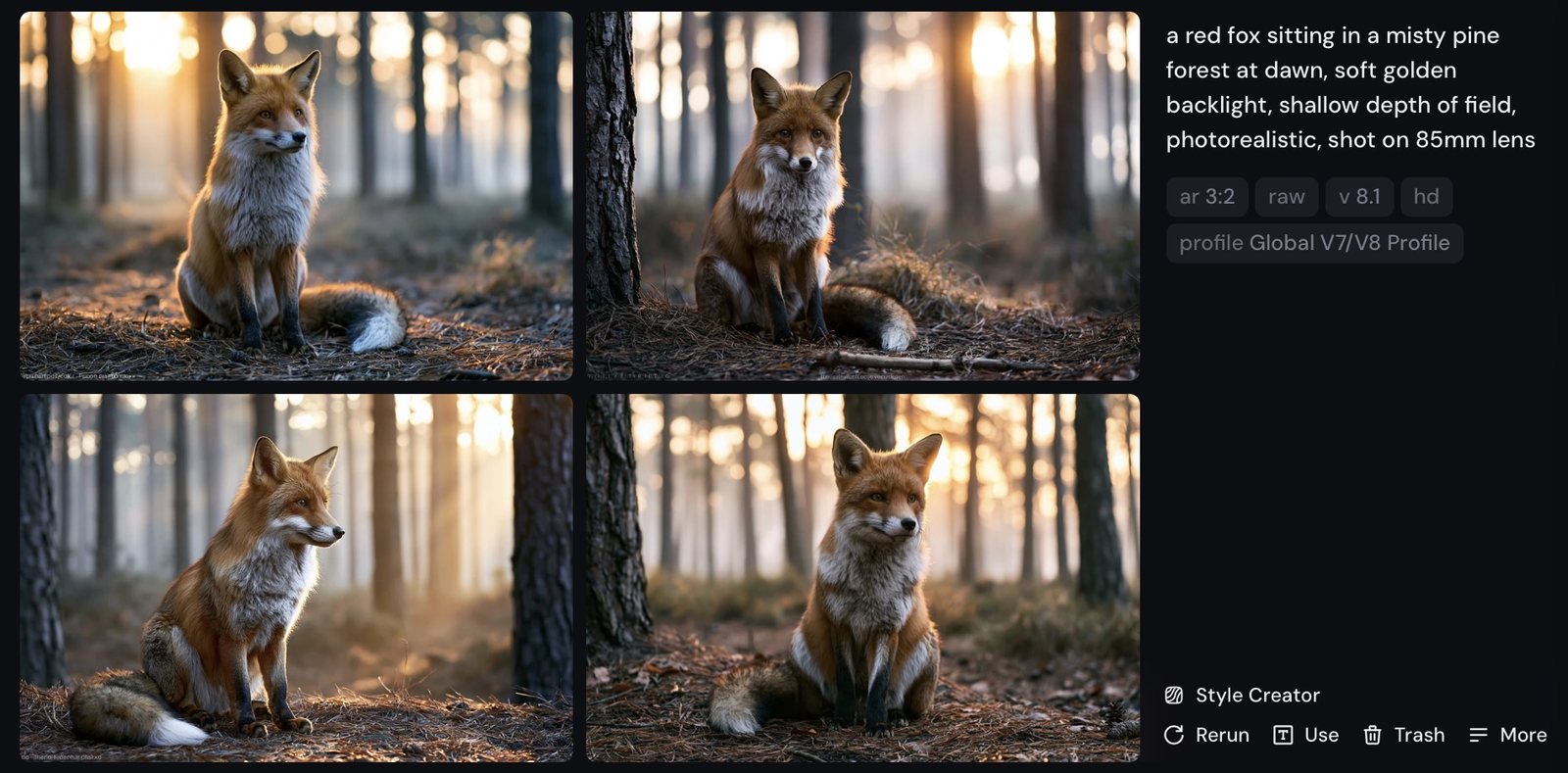
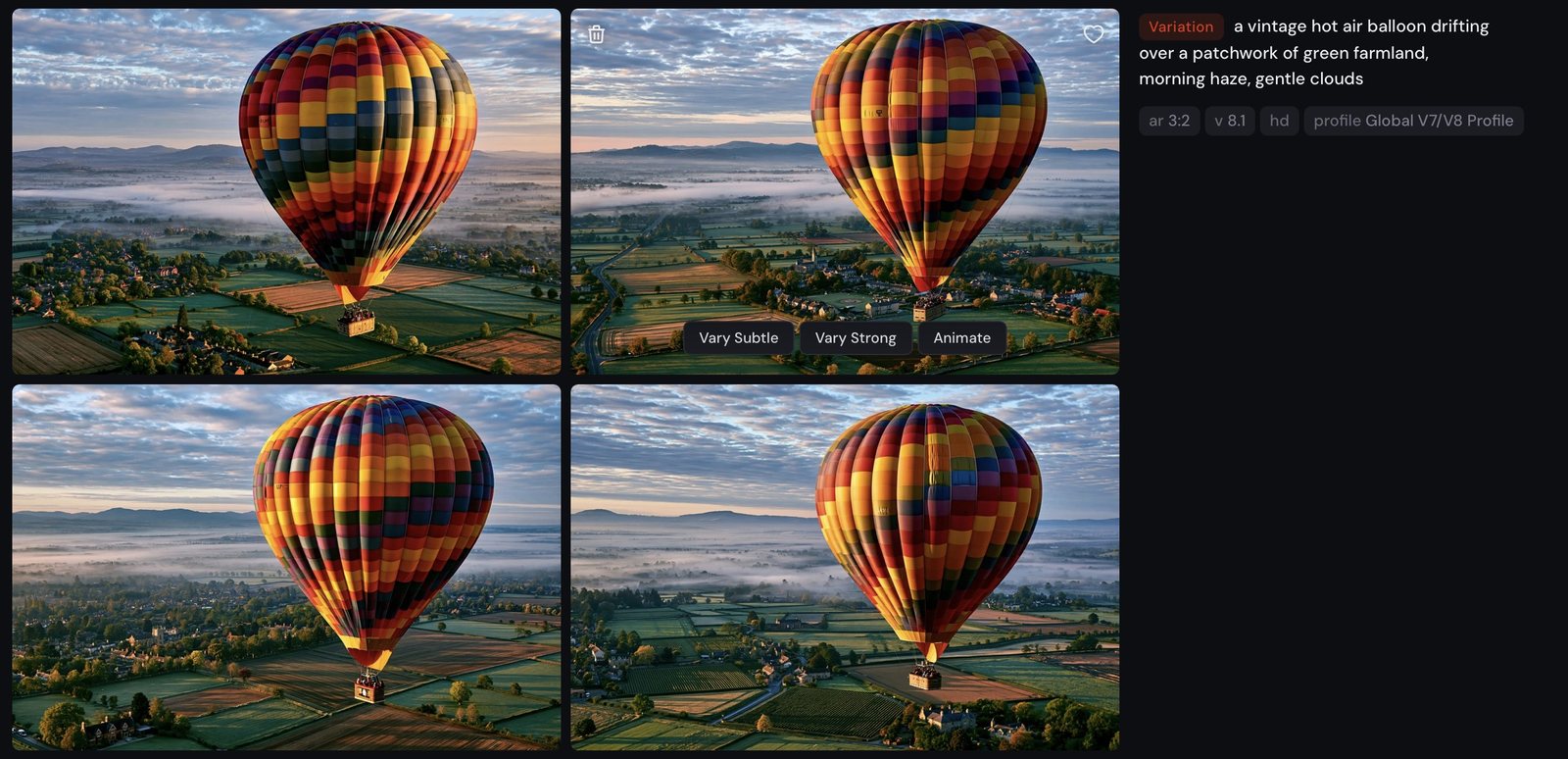
One prompt, four candidates — then a small row of verbs: Vary (Subtle/Strong), Rerun, Edit, Use (Image/Style/Prompt), Animate.
V8.1's action row is leaner than the classic Discord-era buttons. There is no standalone Upscale — images render at native HD (2K) — and no one-click Zoom Out or Pan; canvas work lives inside Edit. If you've seen U1–U4 / V1–V4 buttons in older tutorials, that's the Discord / V6-era interface.
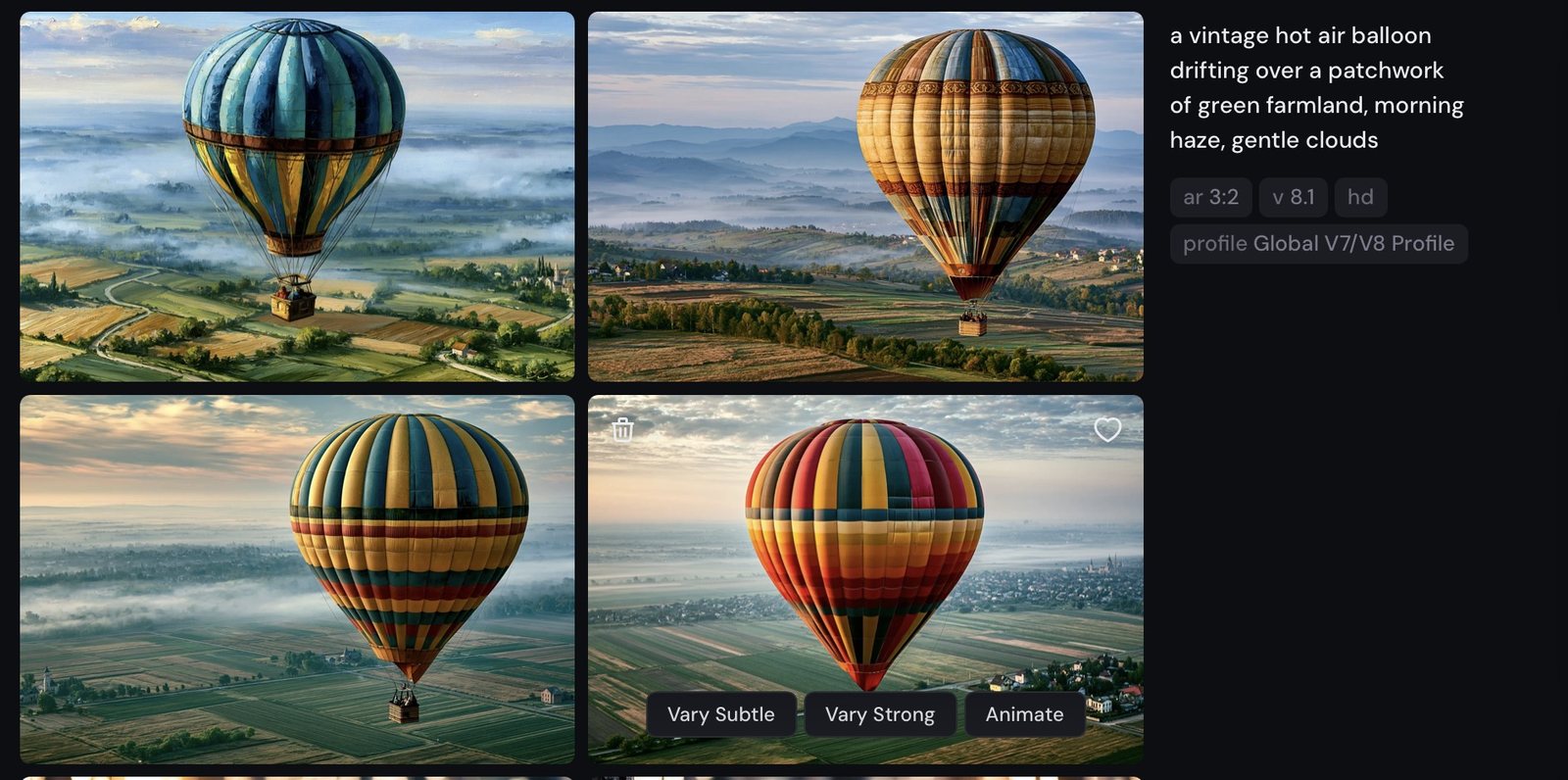
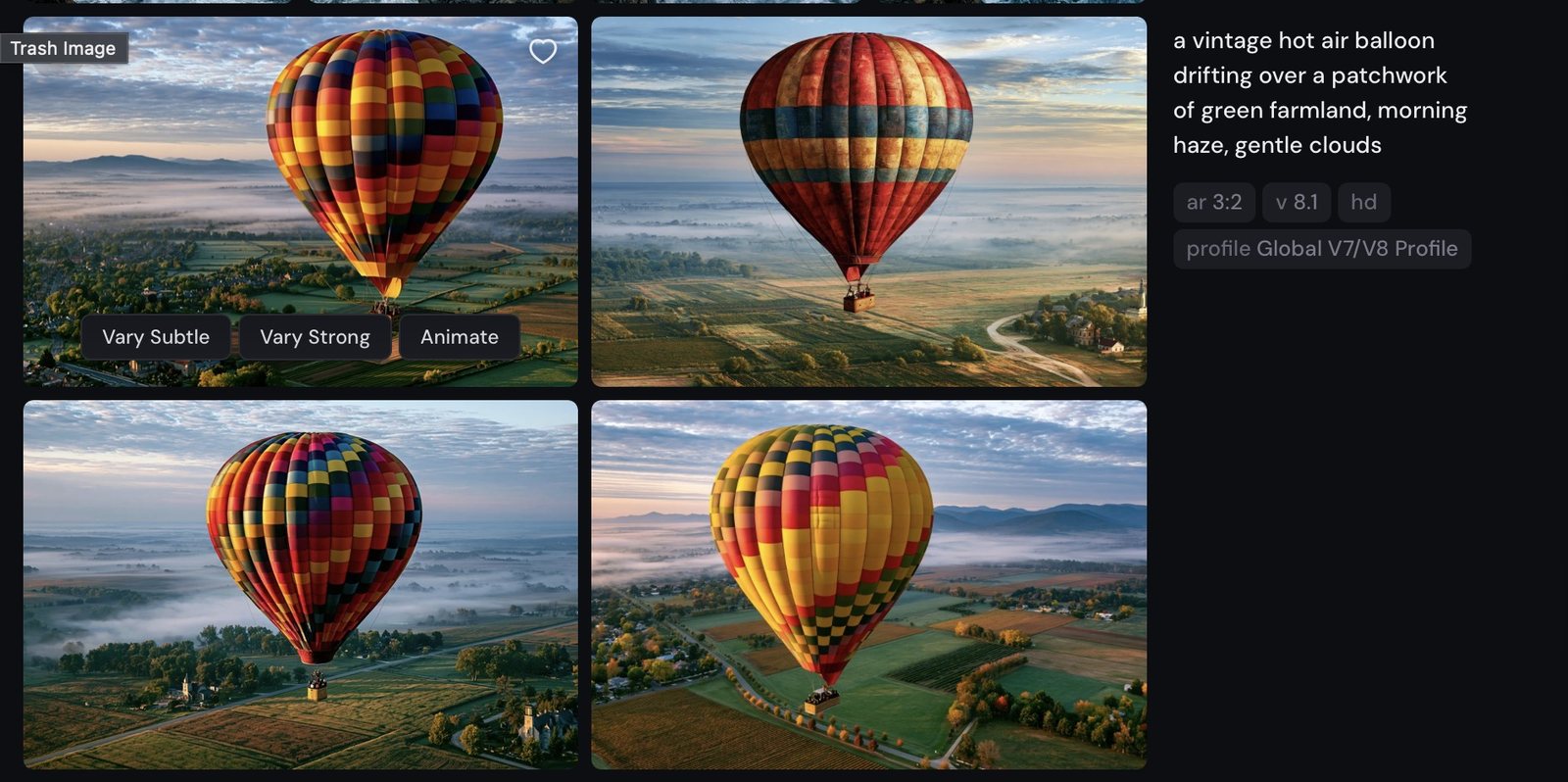
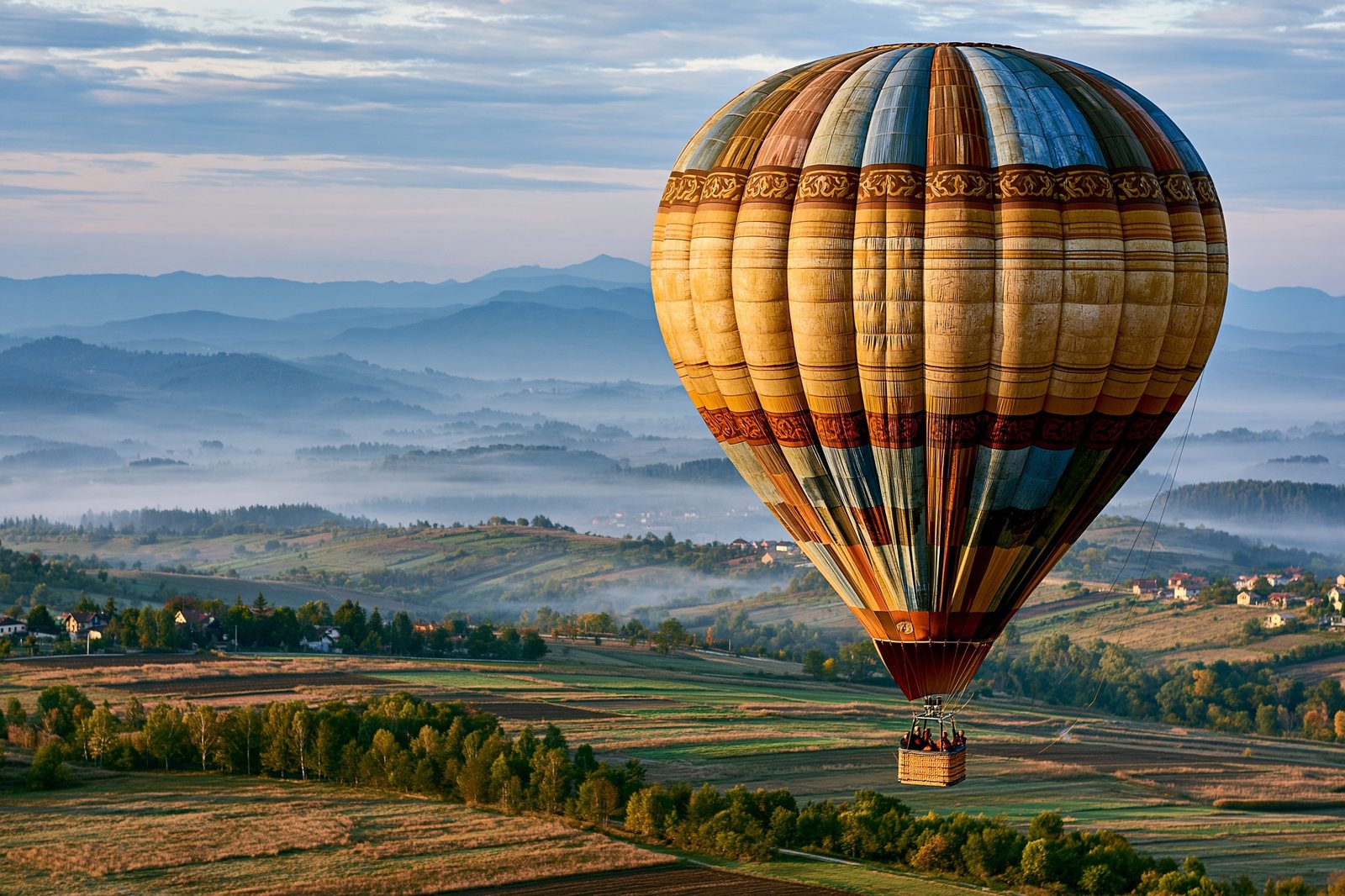
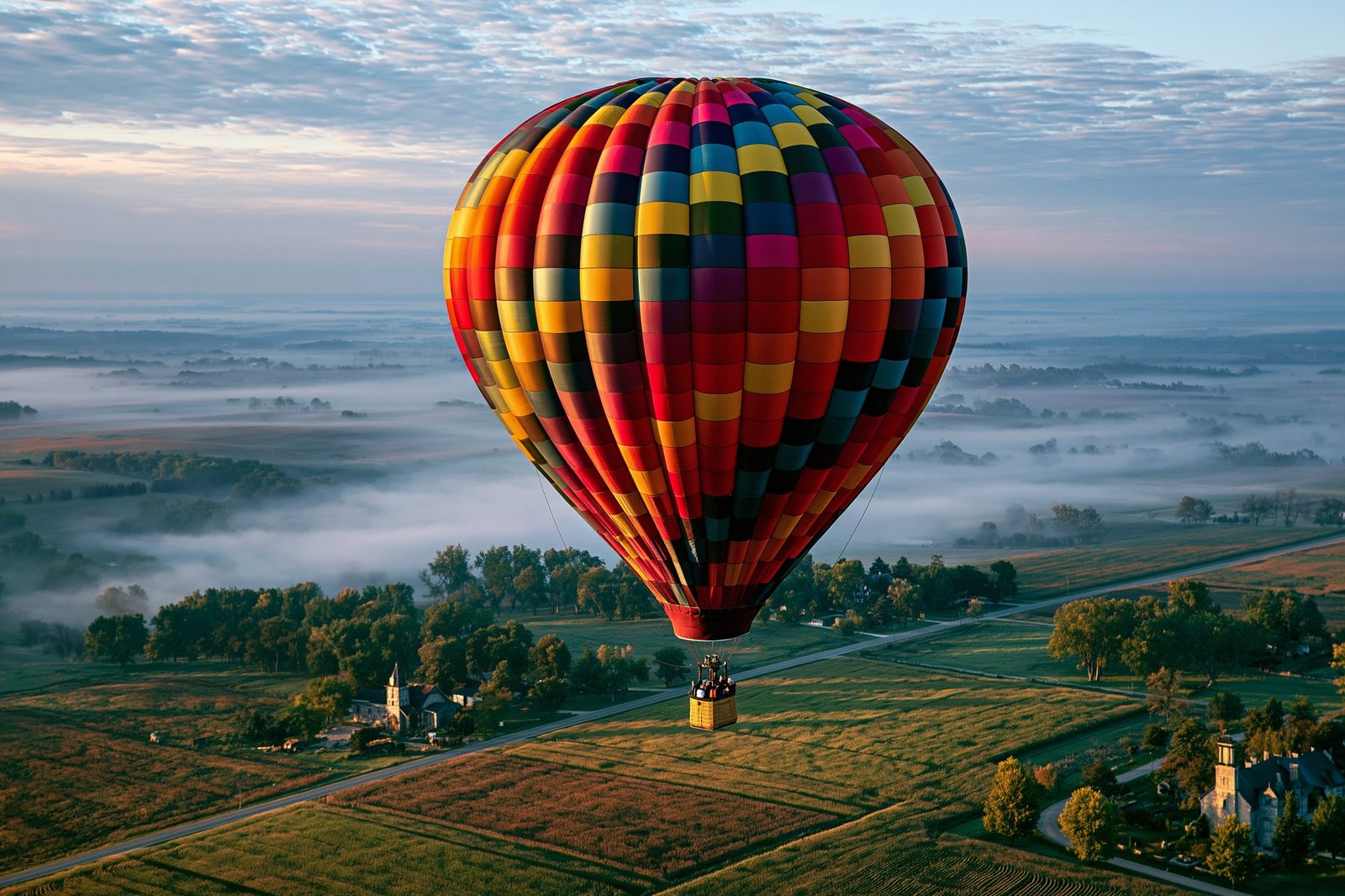

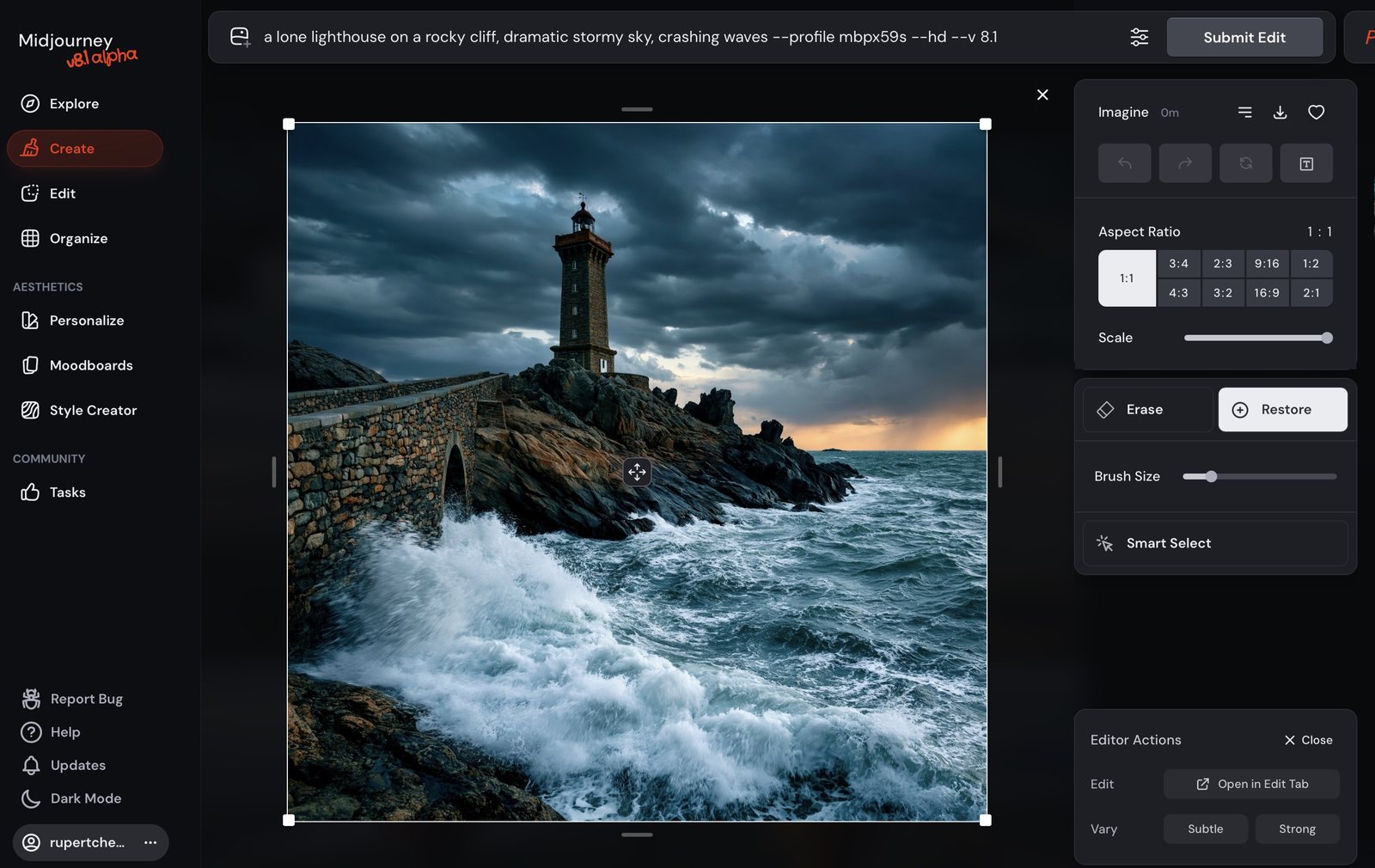
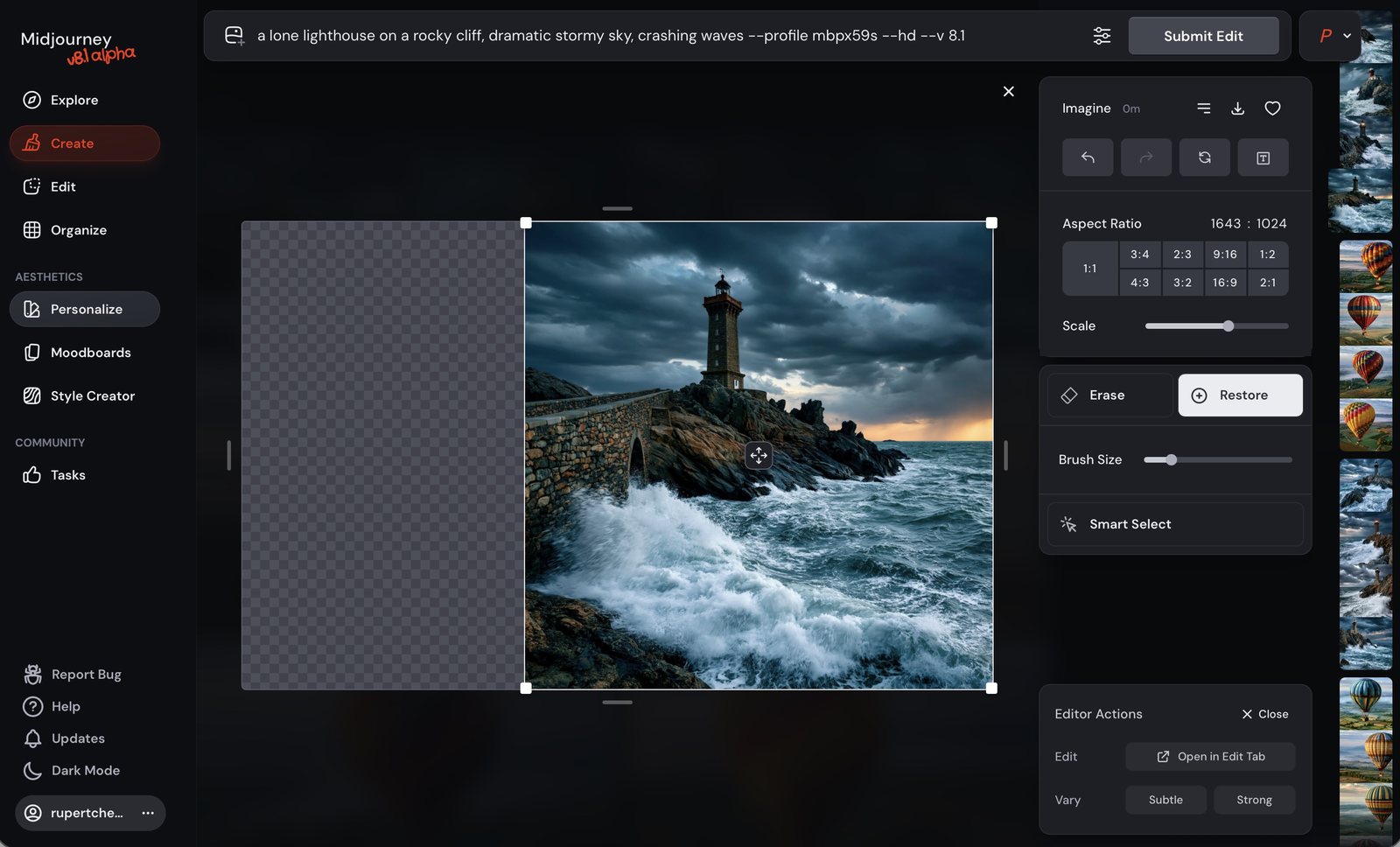
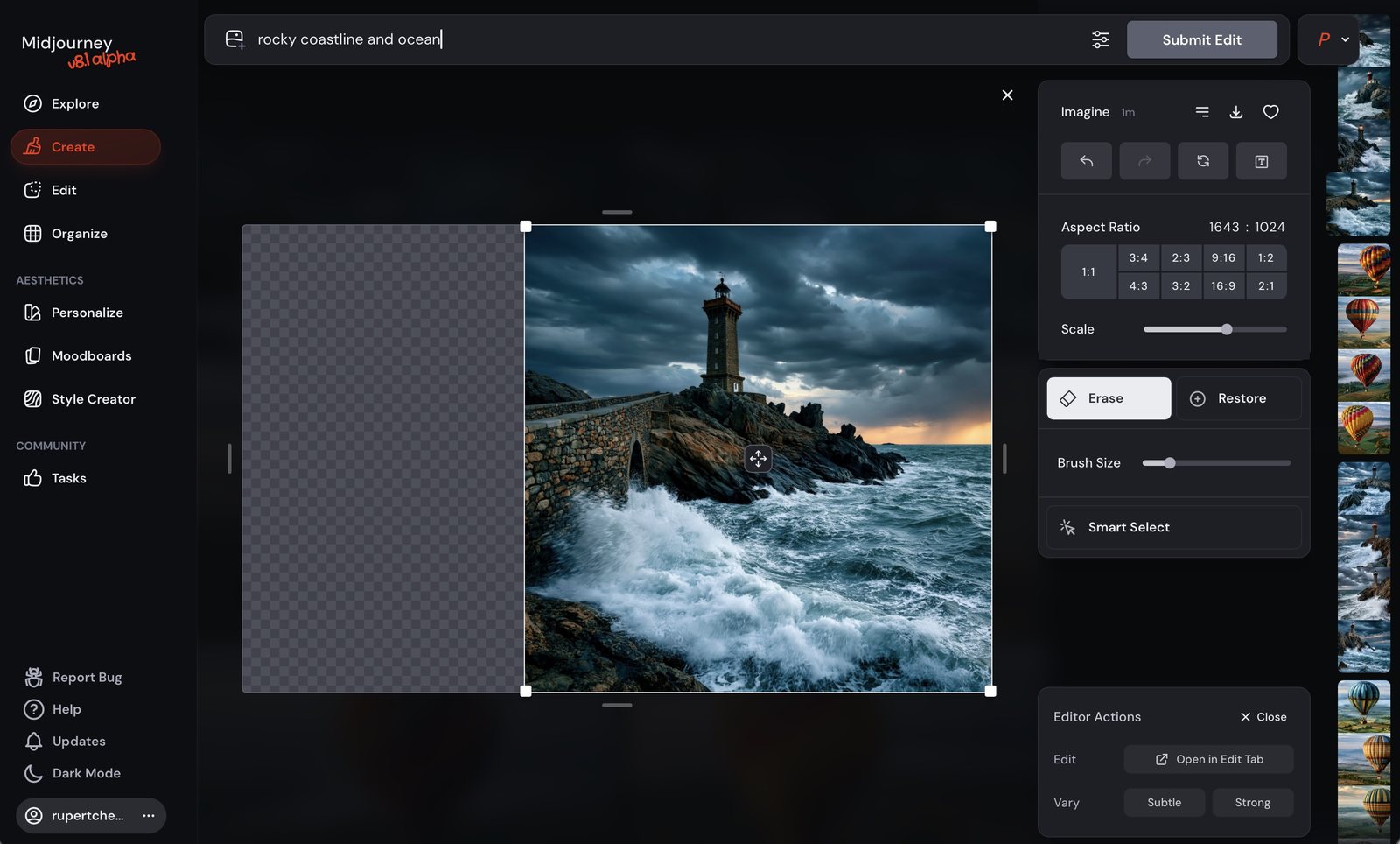
On V8.1, the canvas-expansion tools aren't buttons on the result — you open Edit, widen the frame, and generate into the empty space. The original pixels stay put.
Keep the added-region prompt short and literal — you're describing only what the new space should contain, not re-describing the whole picture.
Midjourney can run backwards: feed it an image, and Describe returns four prompts that would plausibly produce it. It is the fastest way to learn how the model "hears" pictures.

Part Two
Word order, specificity, and four dials — stylize, chaos, weird, and no — that decide how much of the picture is yours and how much is Midjourney's.
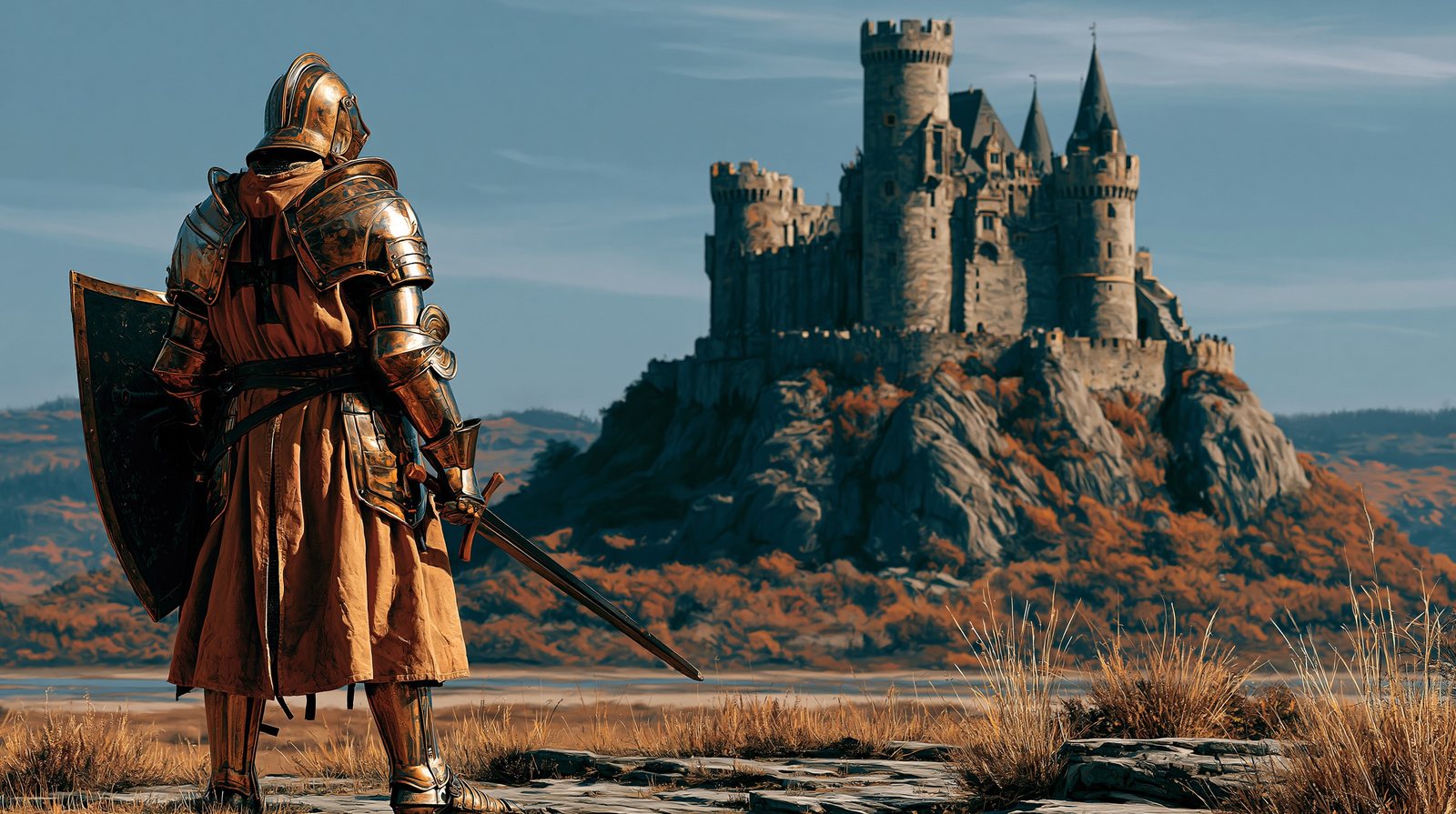
Midjourney weights earlier words more heavily. What you put first dominates the composition.



"Nice" and "good" are decisions you're asking the model to make. Concrete nouns — heather, storm clouds, a distant loch — are decisions you've already made.

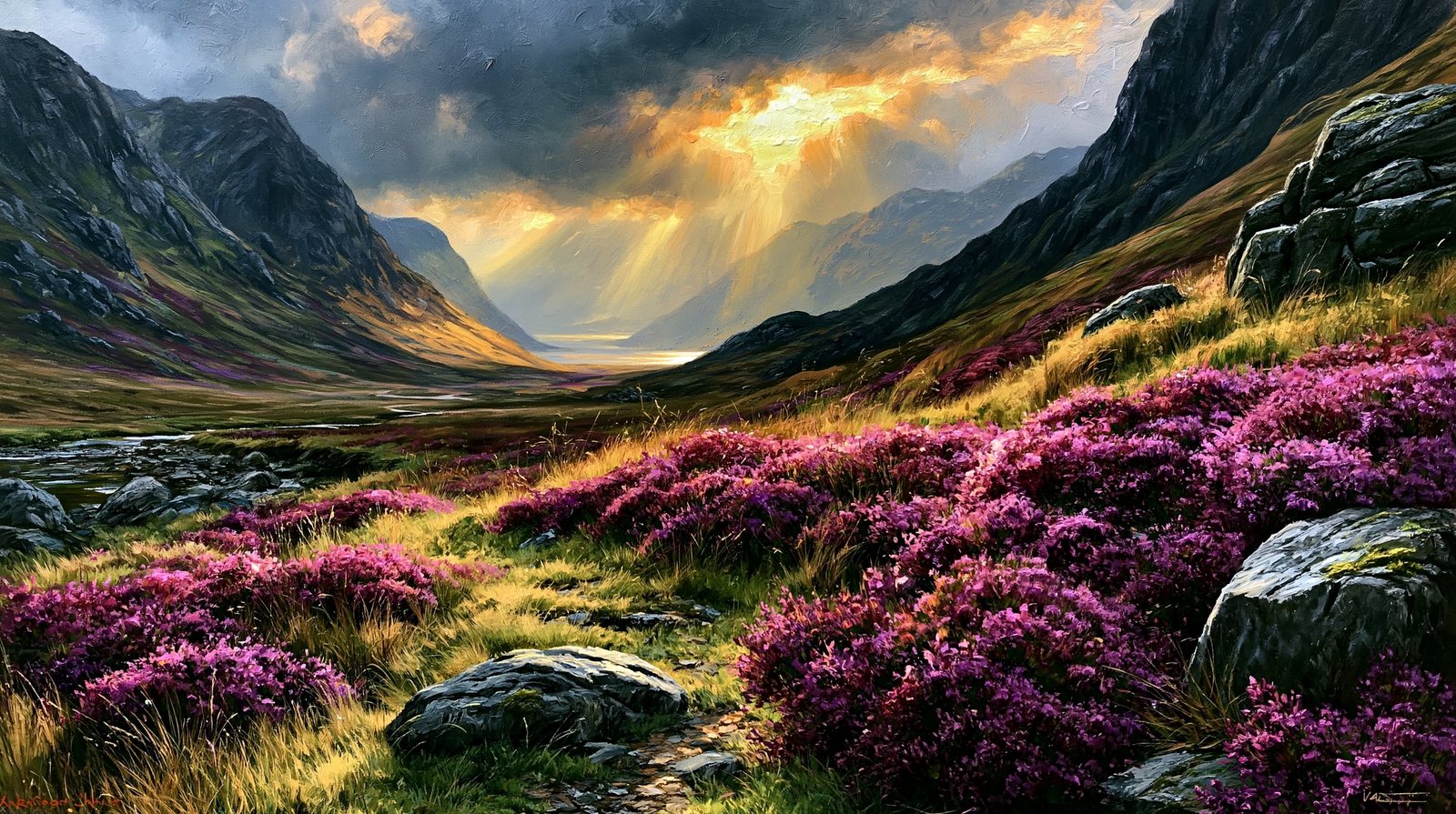
--s V8.1 · seed 2200Stylize controls how much of Midjourney's own lush aesthetic gets imposed on your prompt. 0 = literal and plain; 750 = the house style takes over. Default is 100.
This is the most important dial in the book. Identical prompt, identical seed — only --s changes. Watch the humble jug become an ornament.
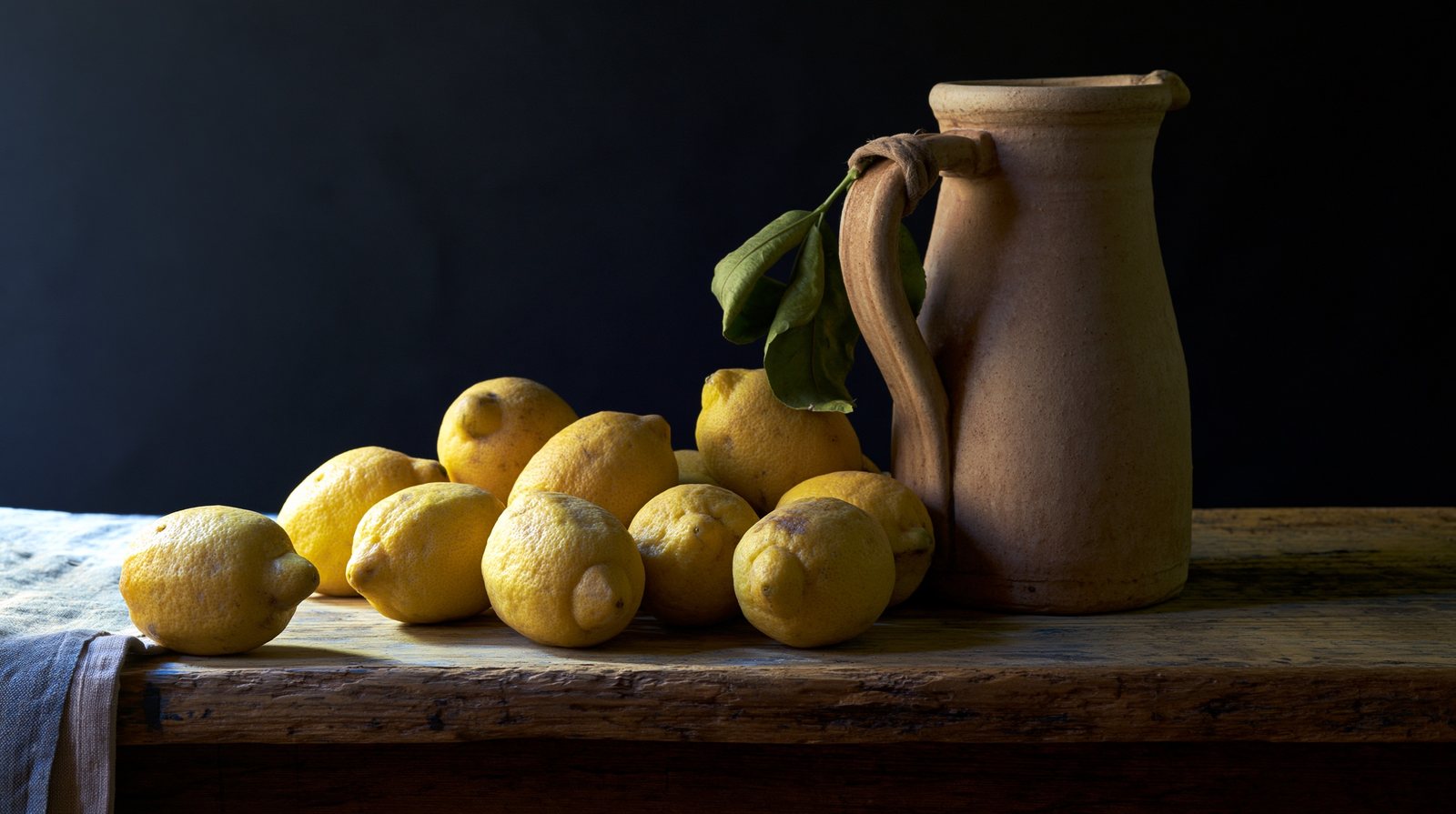
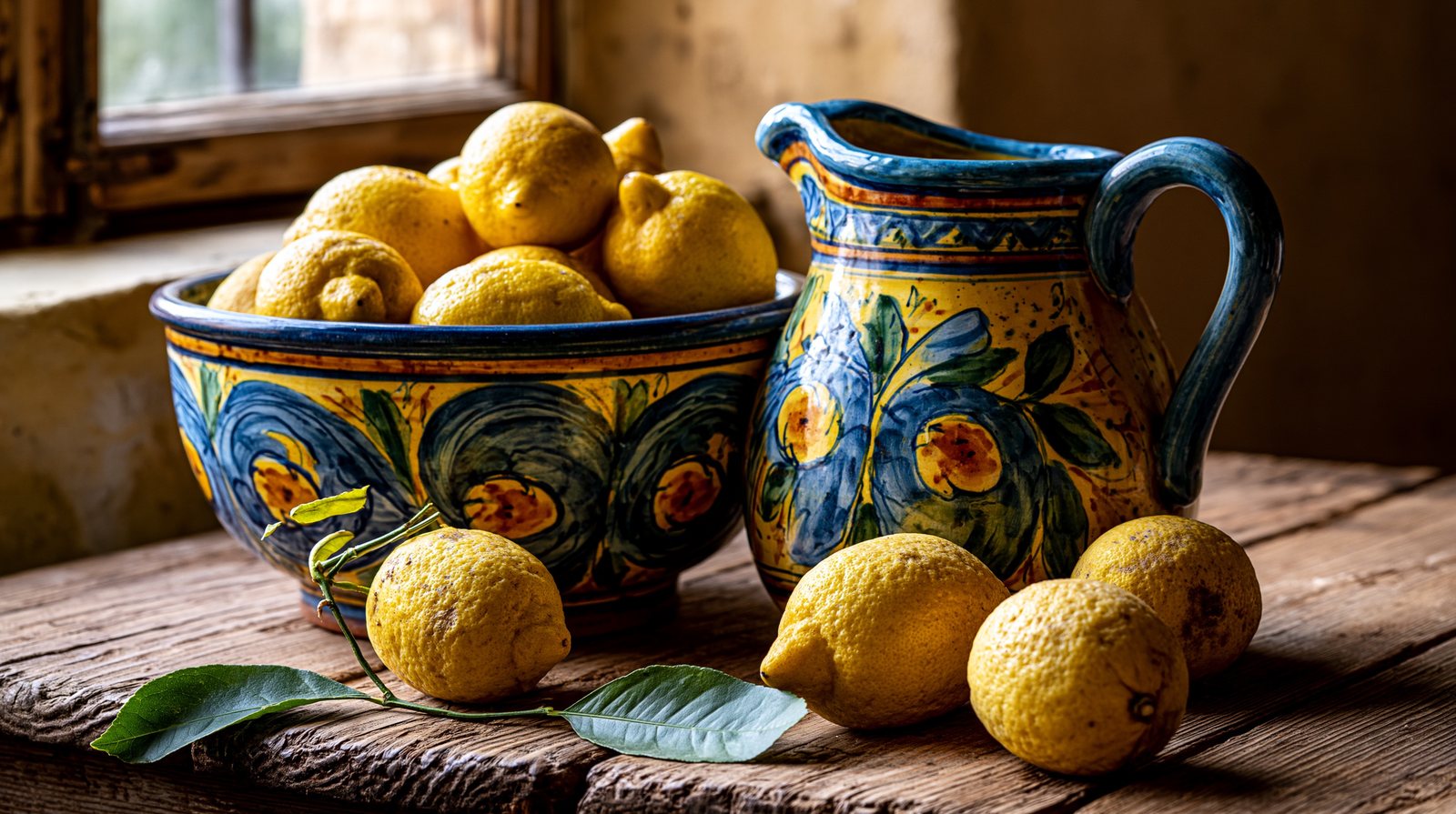
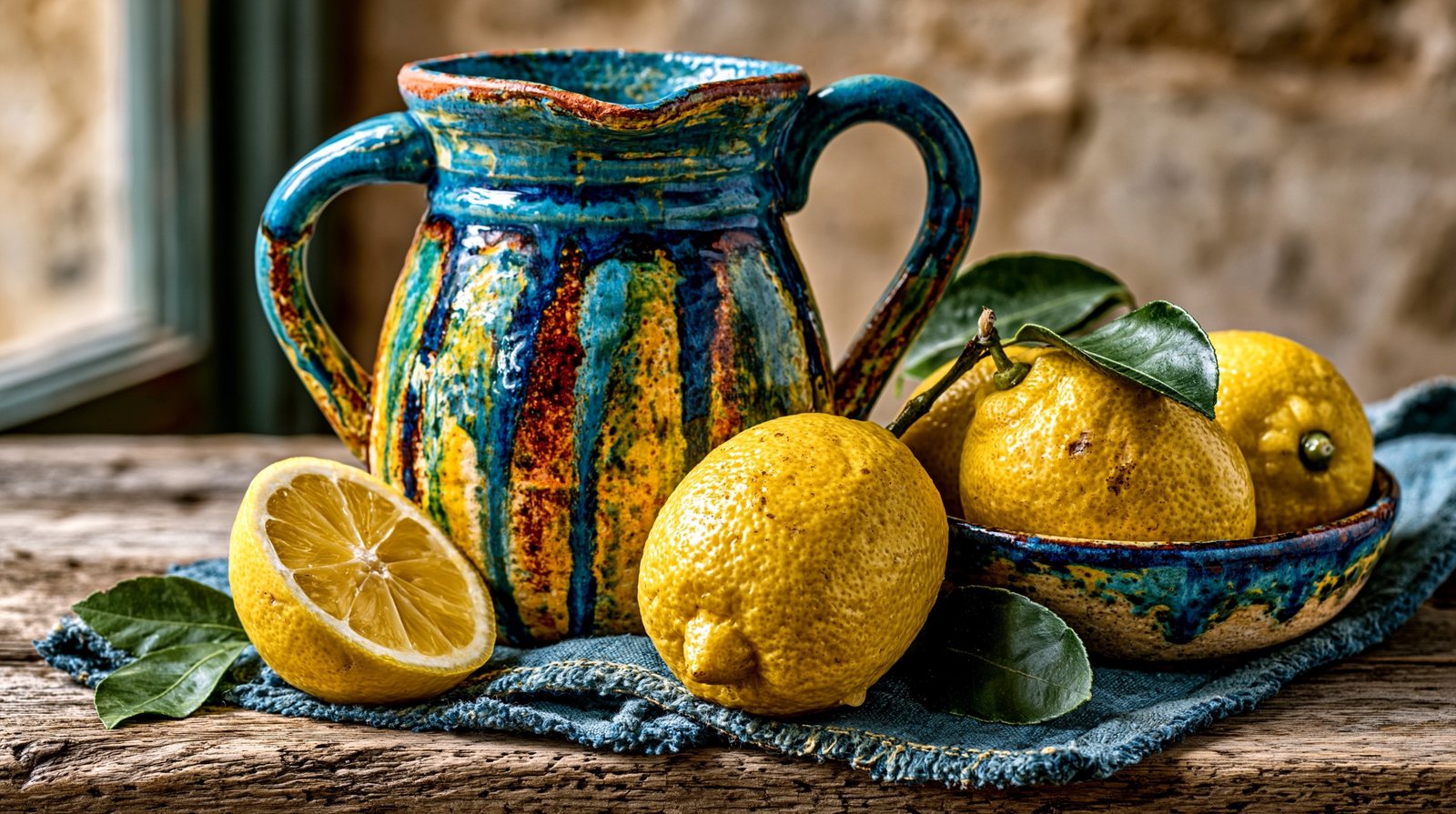

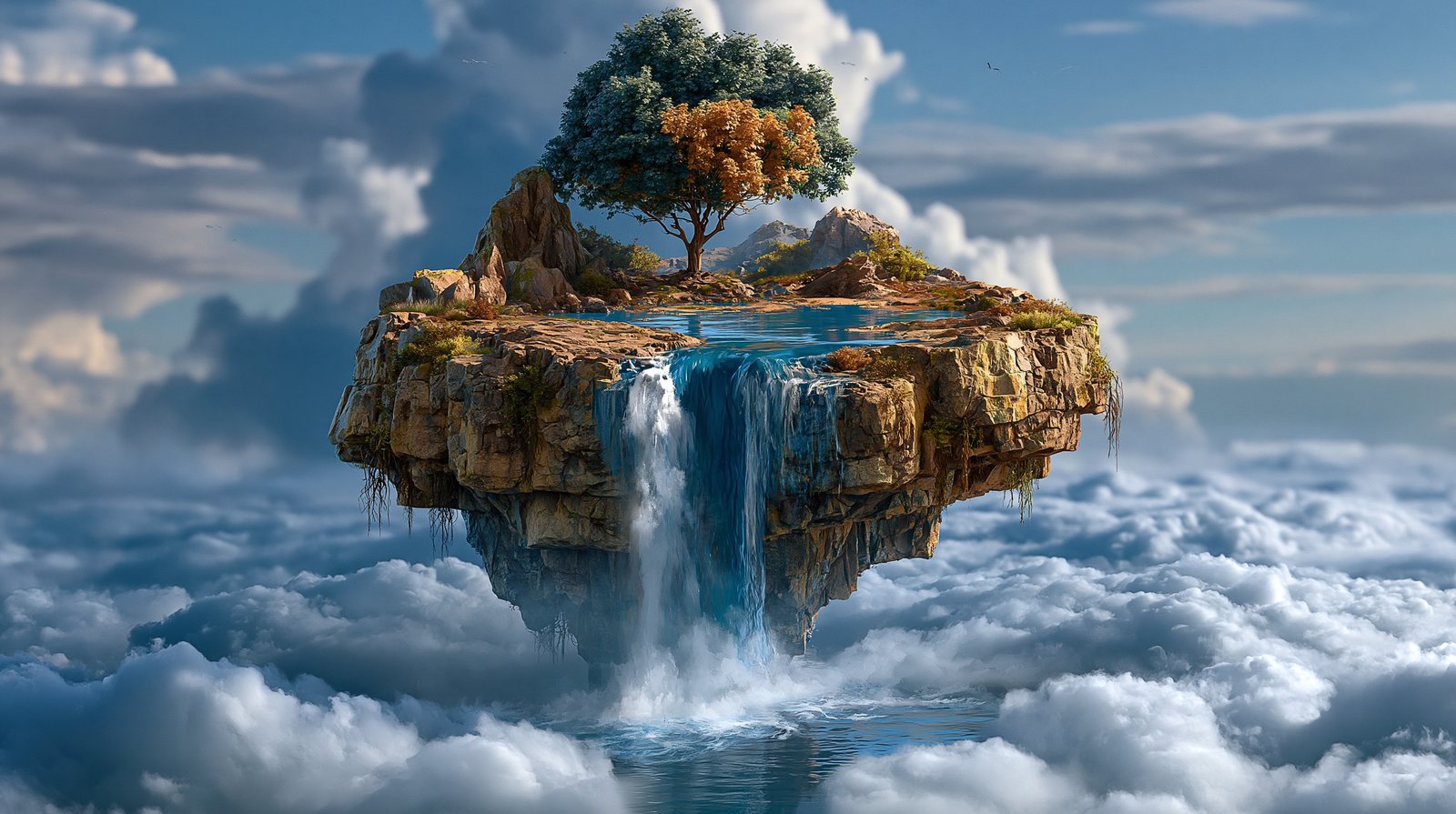
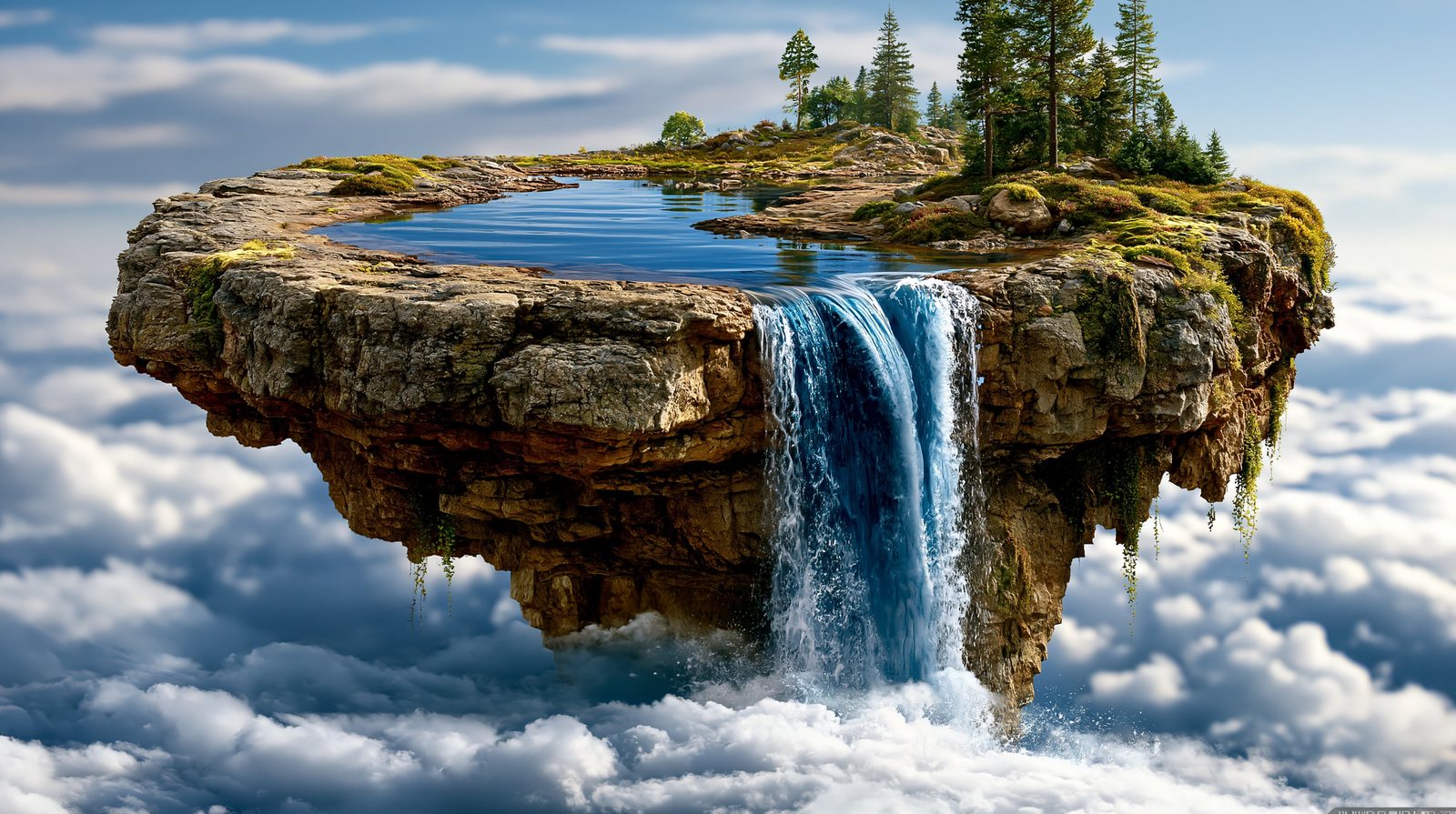
--c V8.1Chaos doesn't change one image — it changes how different the four grid candidates are from each other. Show the whole grid, every time.
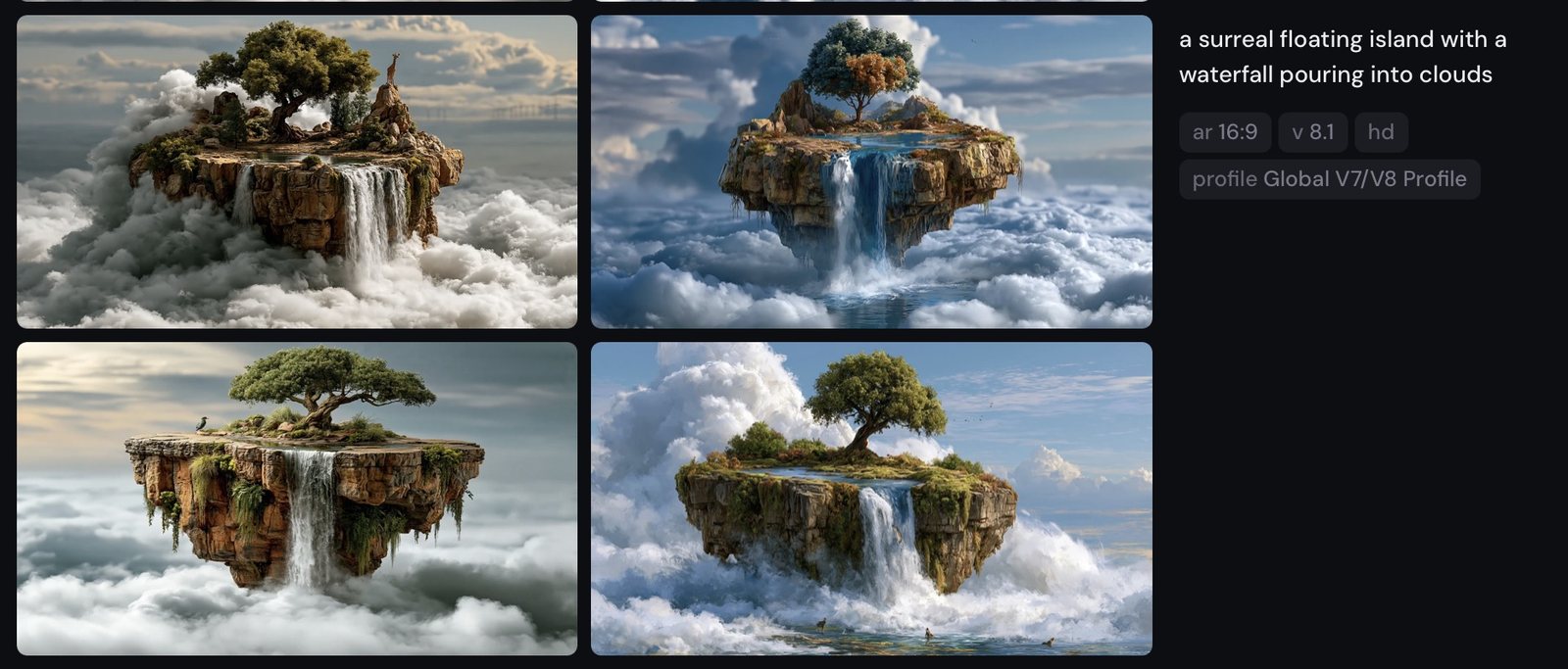
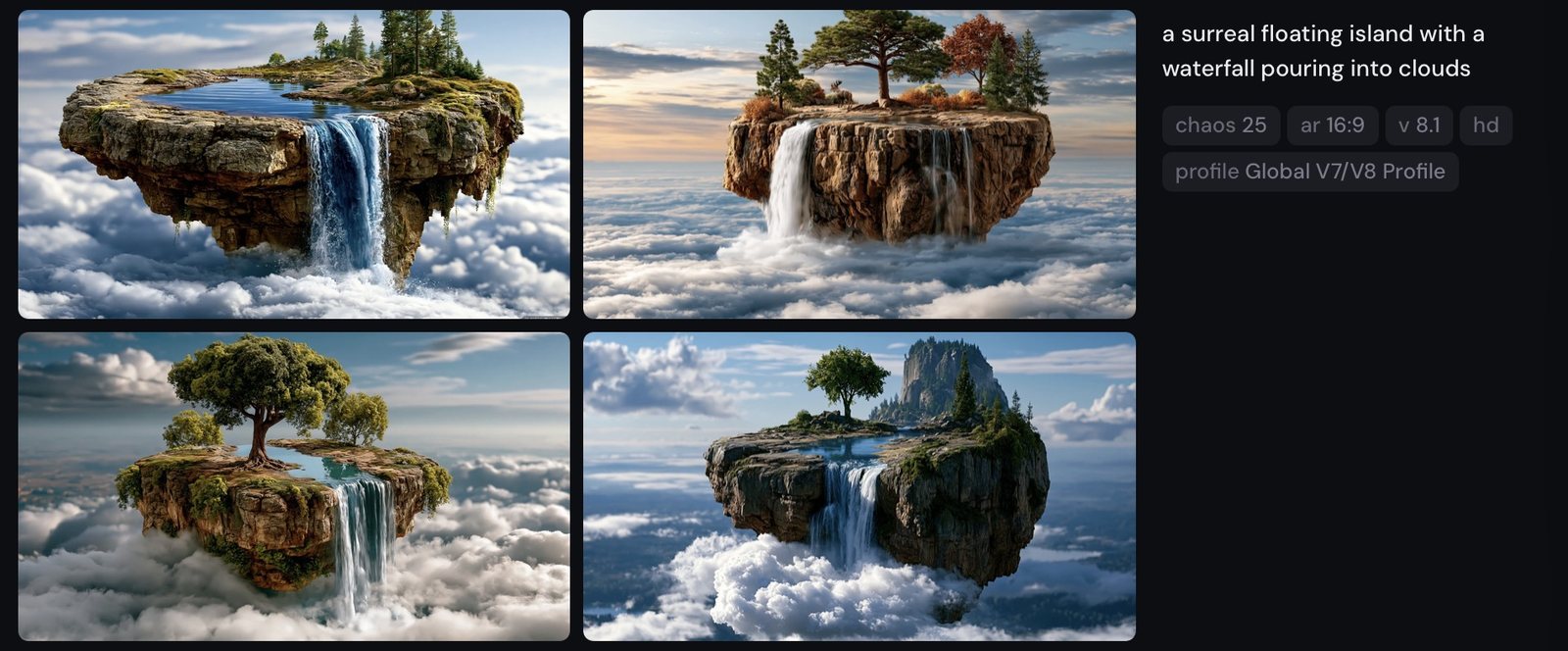

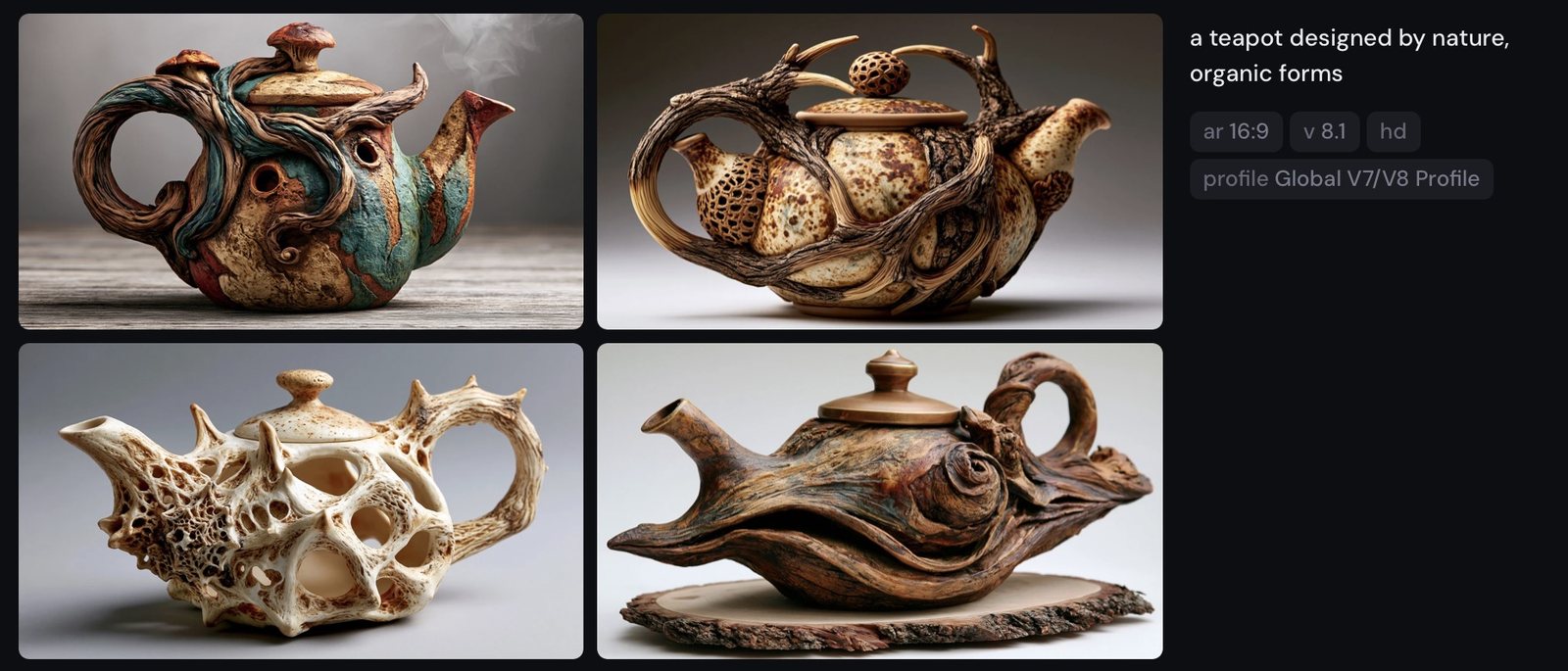
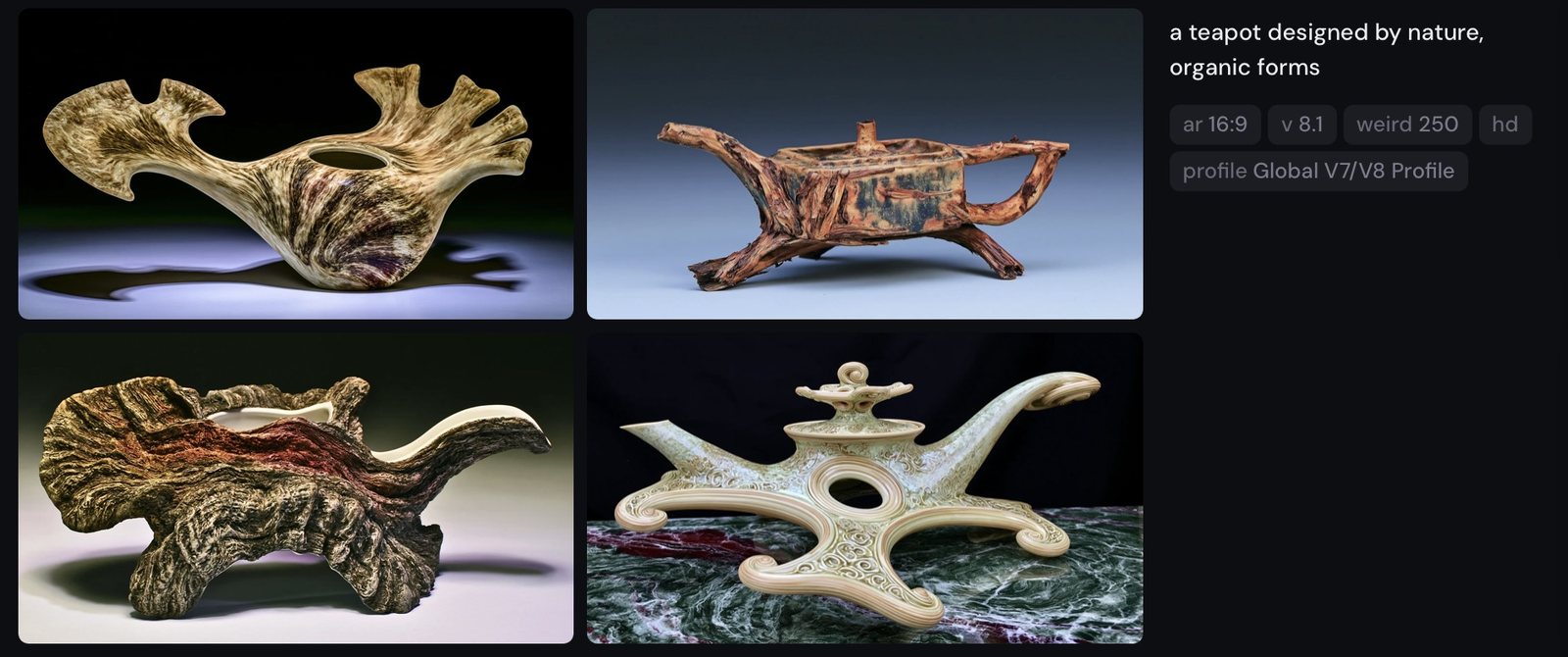
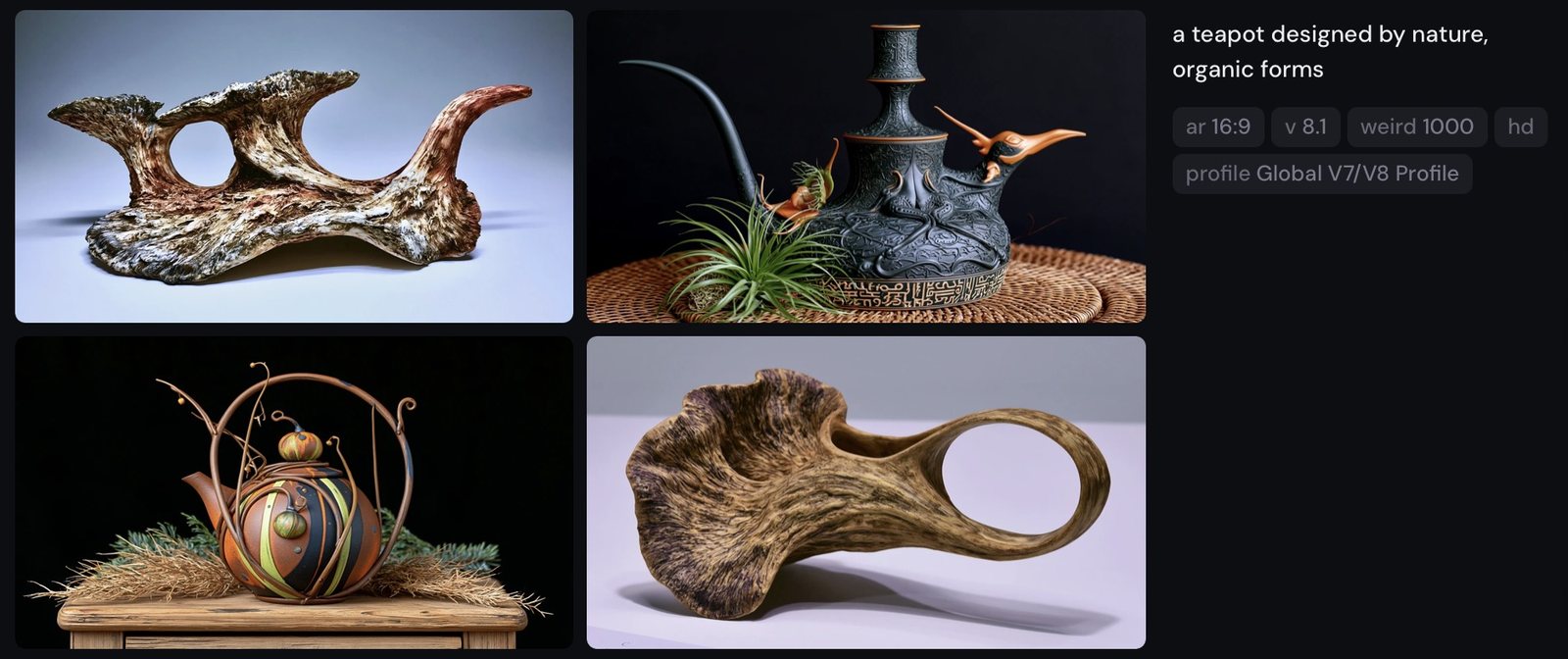
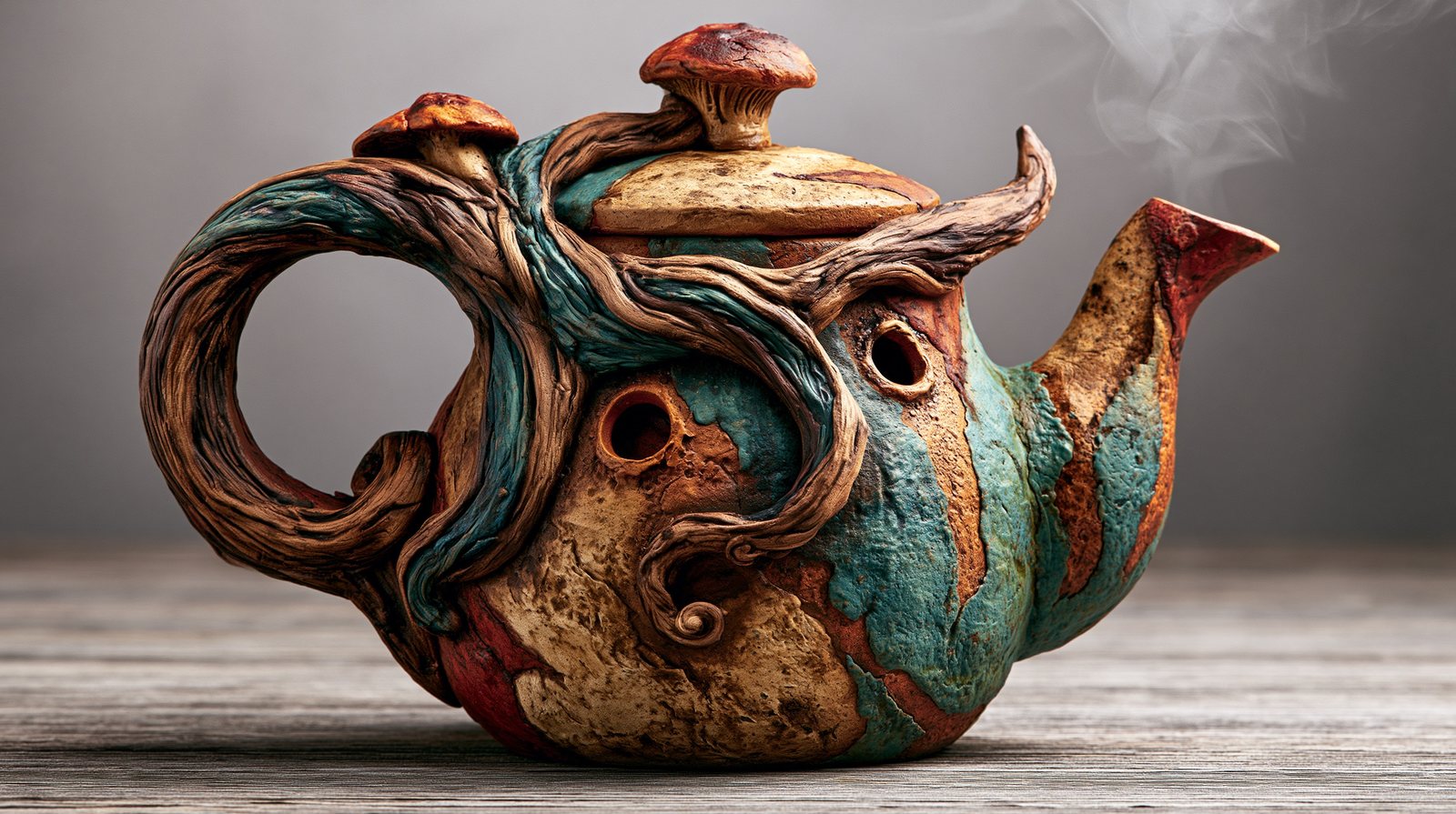
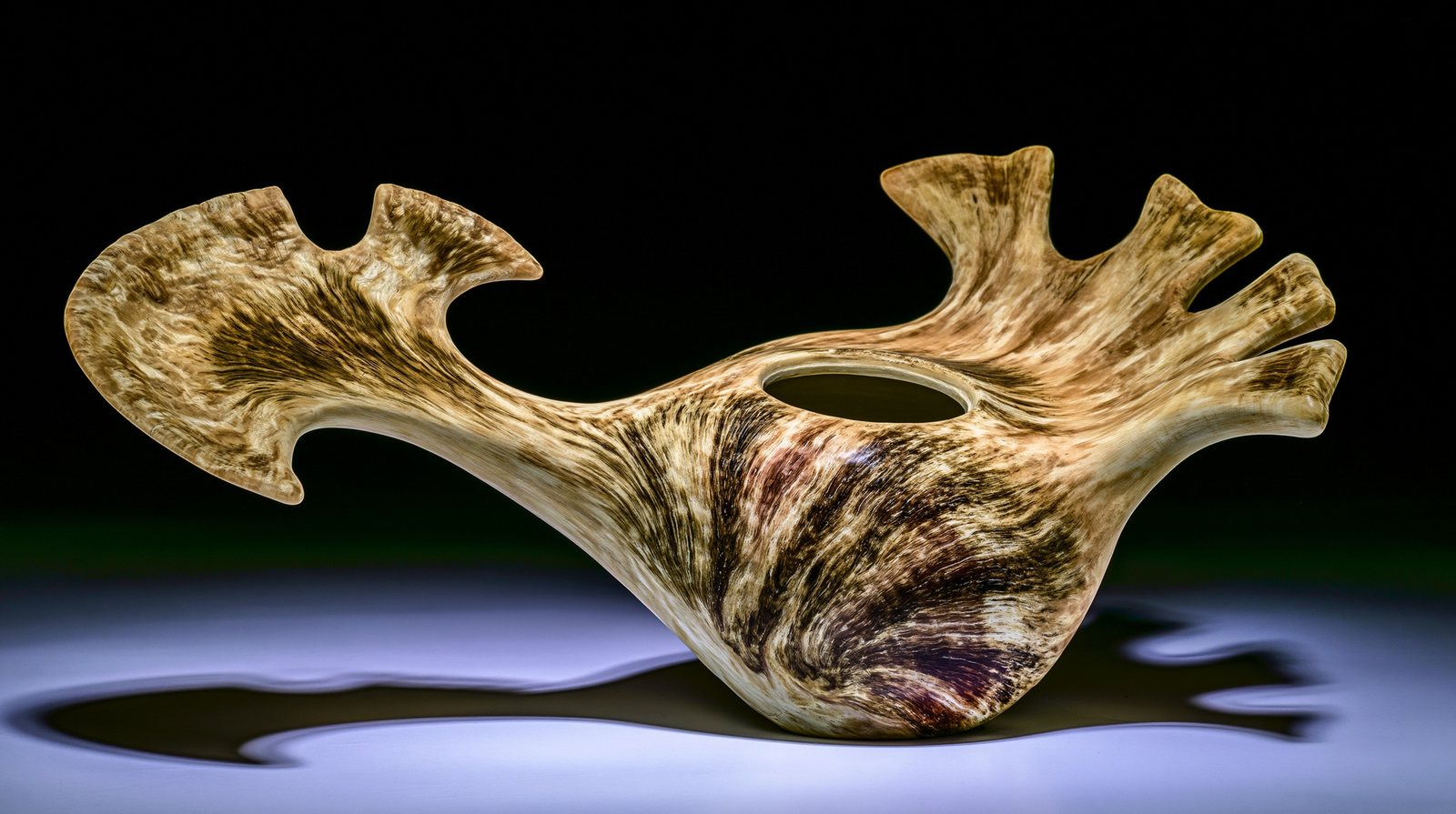
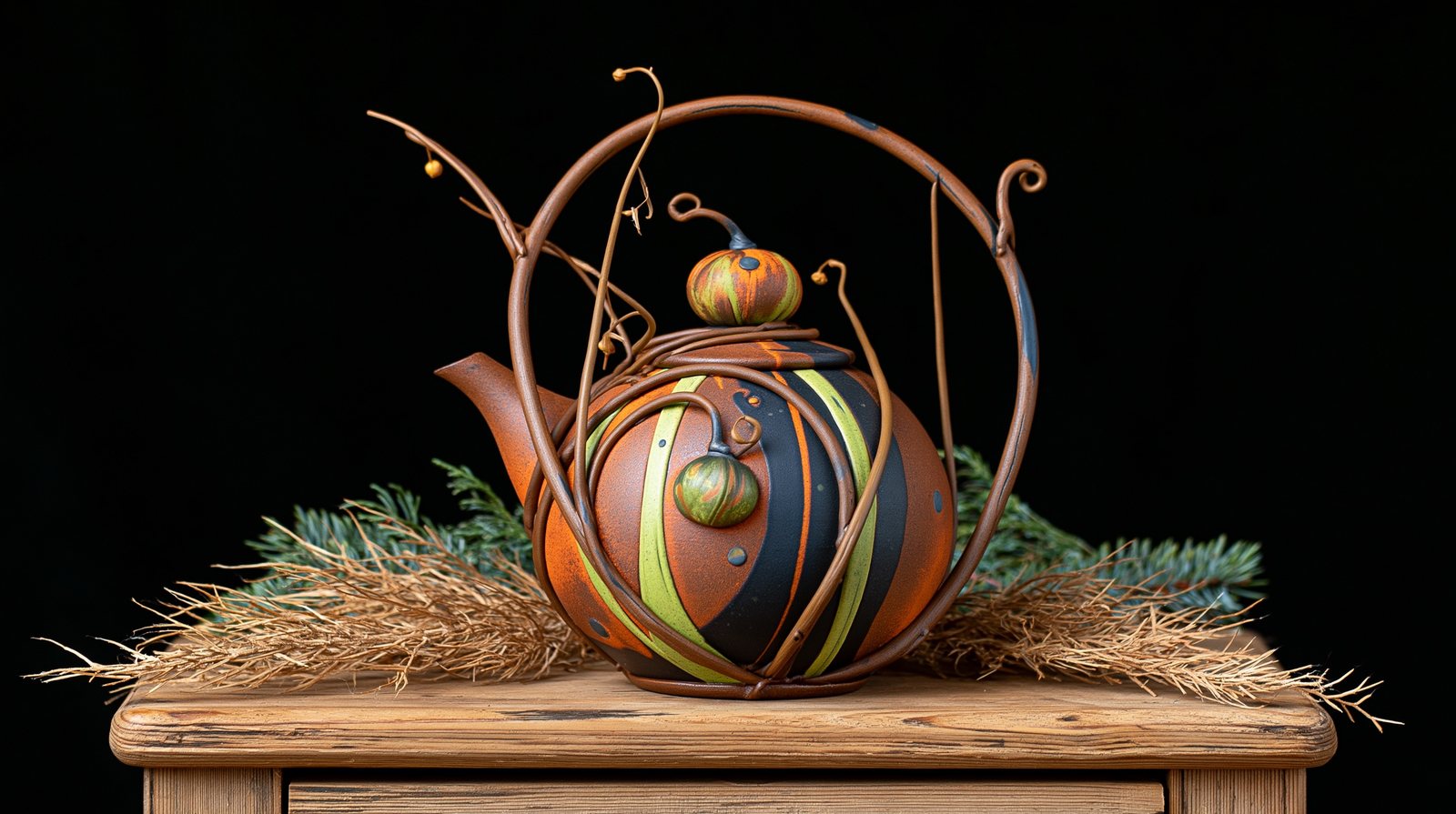
--w V8.1Where chaos varies the grid, weird bends each image itself away from convention. A teapot "designed by nature" is the perfect stress test.
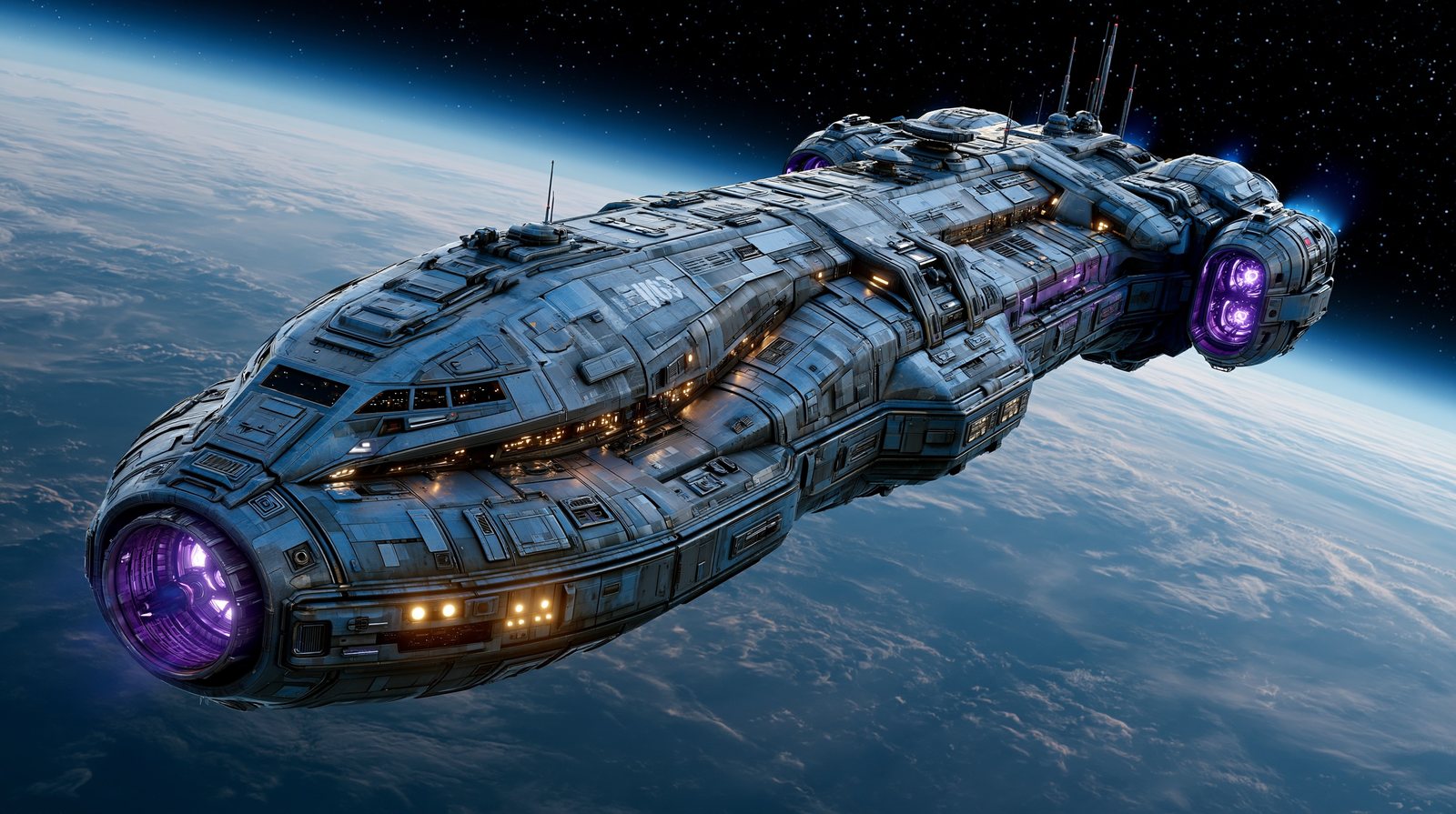
:: V6.1 · version-dependentThe double colon splits a prompt into separate concepts; numbers set their relative emphasis. space ship is one idea. space:: ship is two.
Officially supported in V6/V6.1 and version-dependent in V7/V8.1 — flag every multi-prompt figure with the model used.
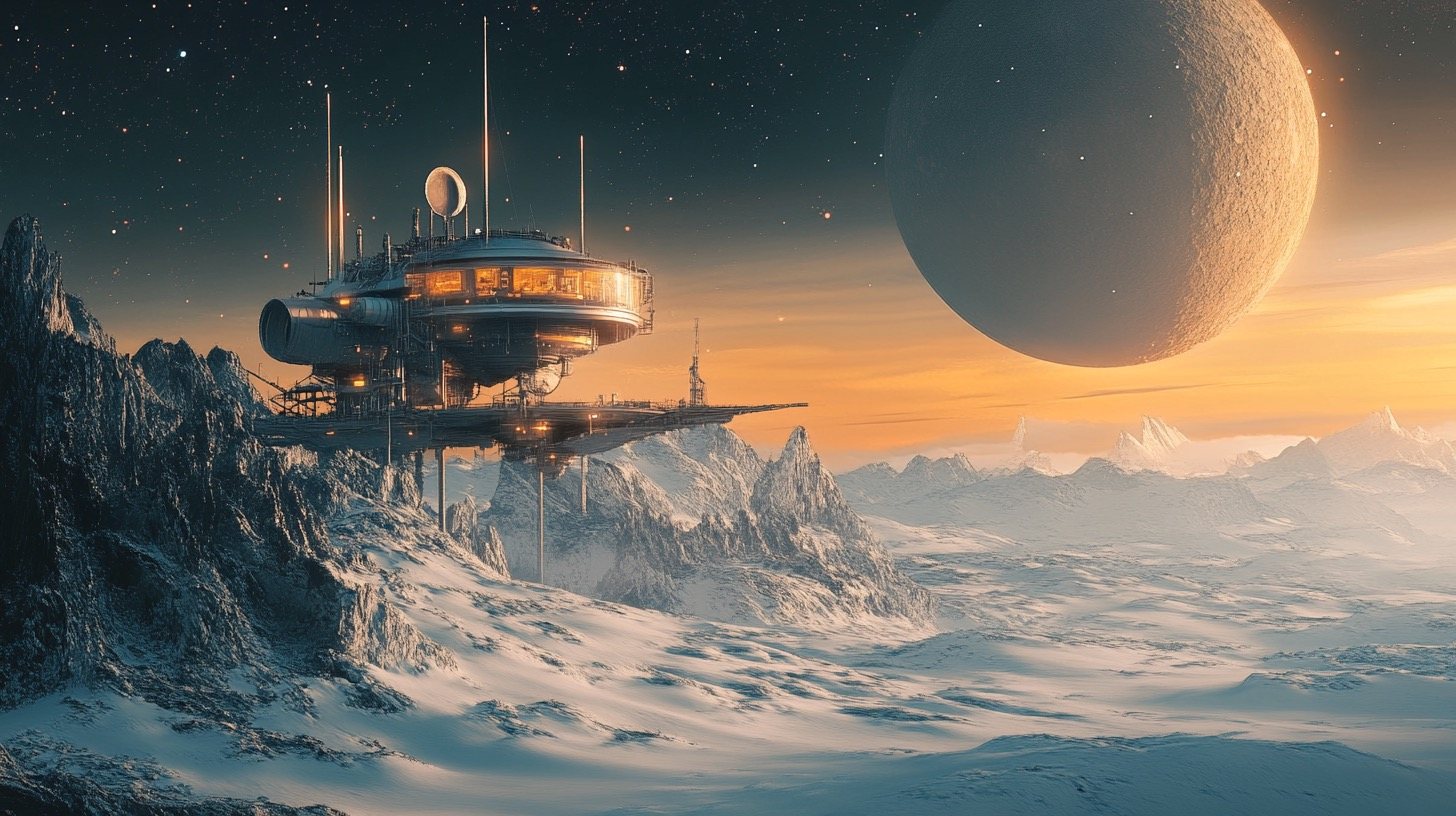
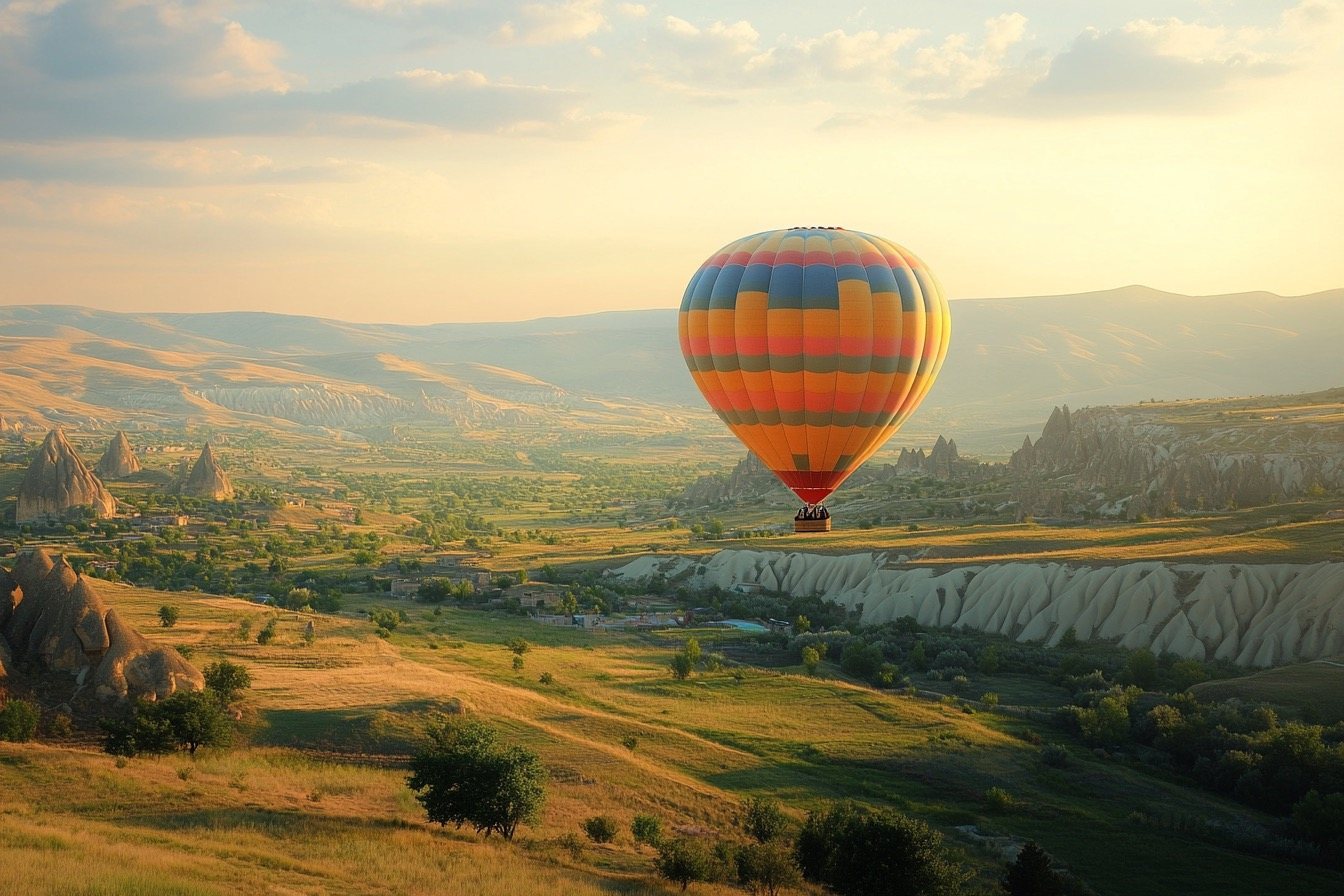
balloon::2 city::1 keeps the balloon the star and the city the supporting act.
space:: ship --ar 16:9 --v 6.1
hot air balloon::2 city below::1 --ar 3:2 --v 6.1
--no V8.1Telling Midjourney what to leave out. Imperfect, occasionally stubborn, but the simplest subtraction tool you have.
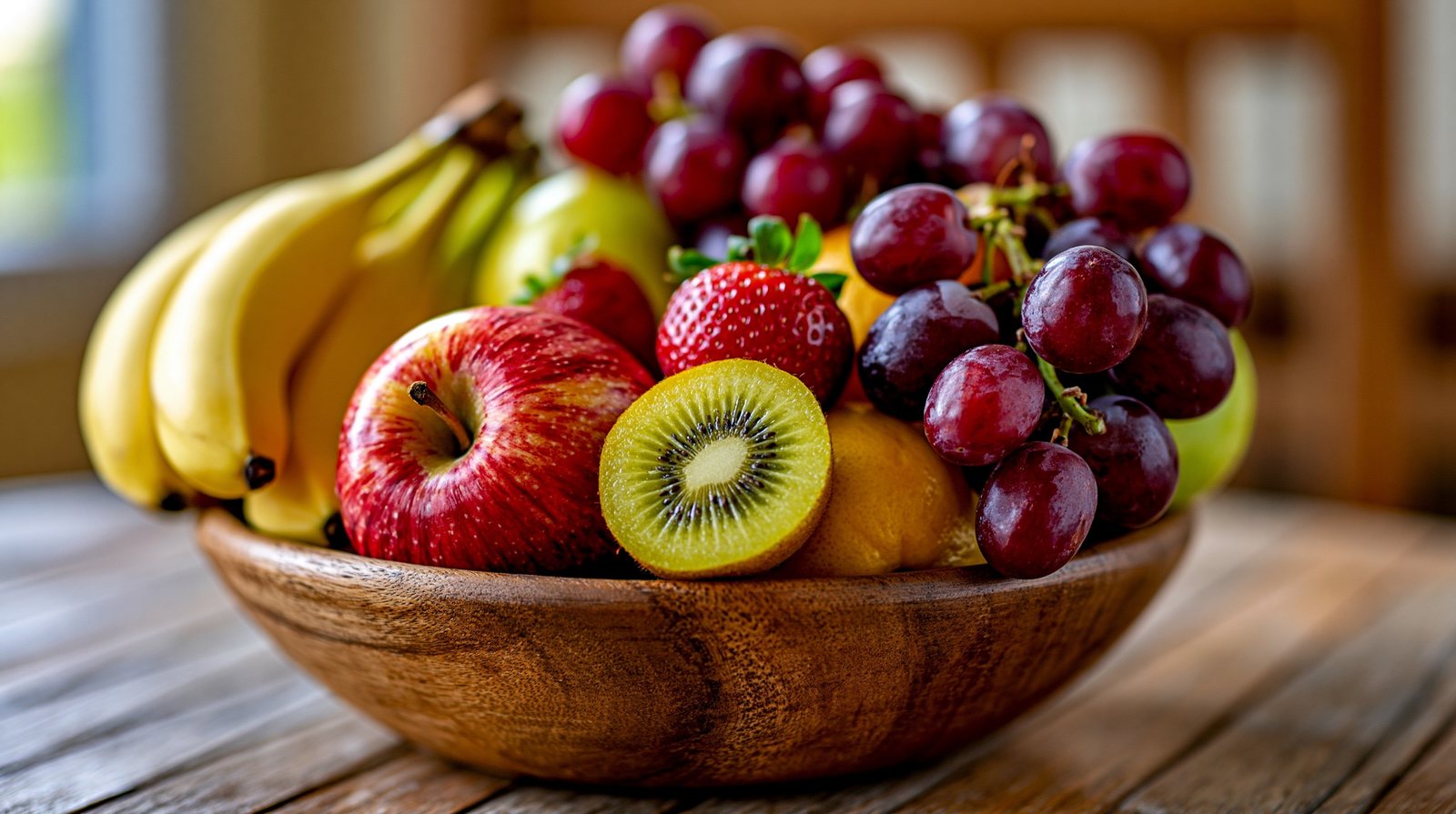

--no phrase parses poorly; keep it to simple nouns.
a bowl of mixed fruit on a table
a bowl of mixed fruit on a table --no bananas
{ } V8.1 · Fast/Turbo onlyCurly braces turn one line into a batch: one prompt, three jobs, each consuming GPU time. The cleanest way to run a controlled material study.
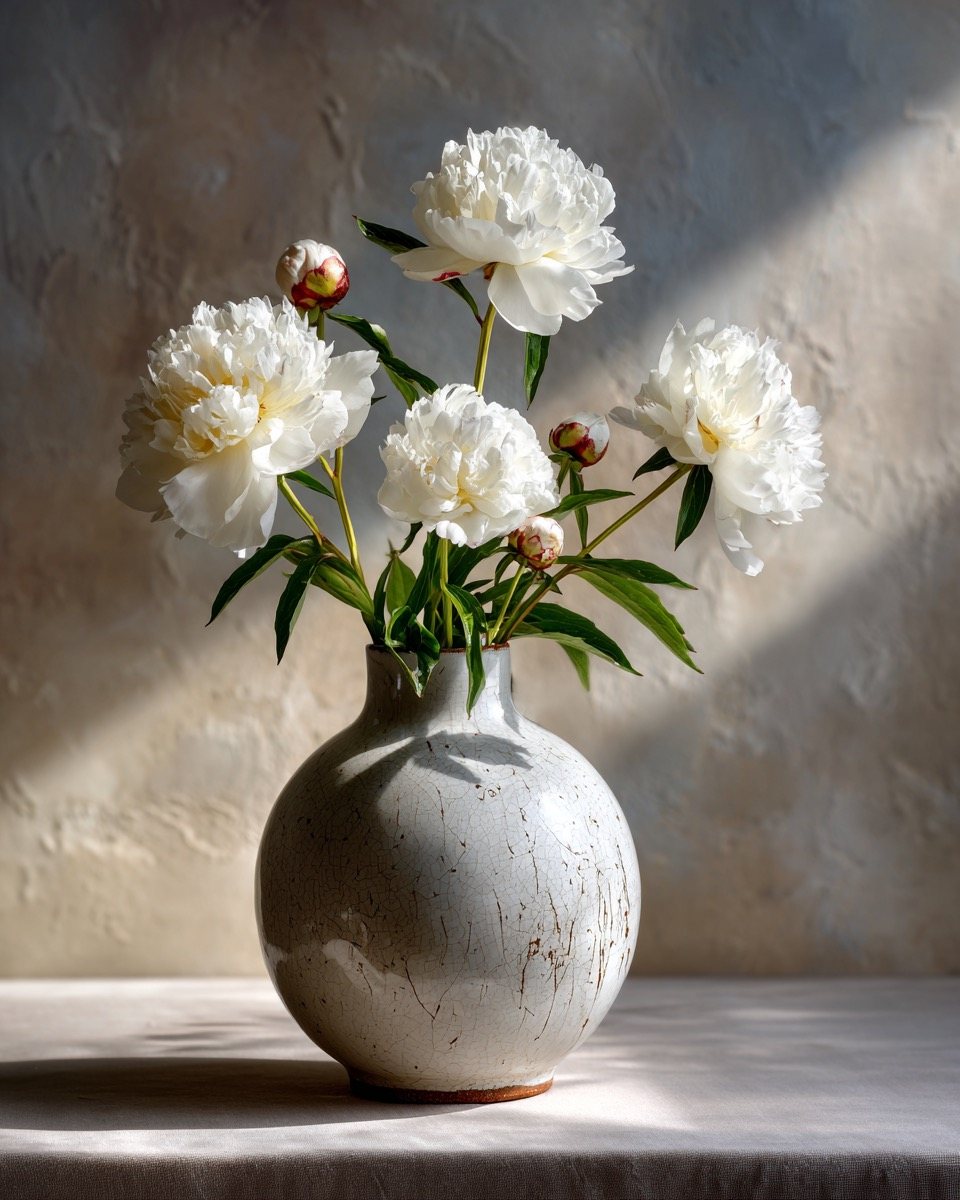

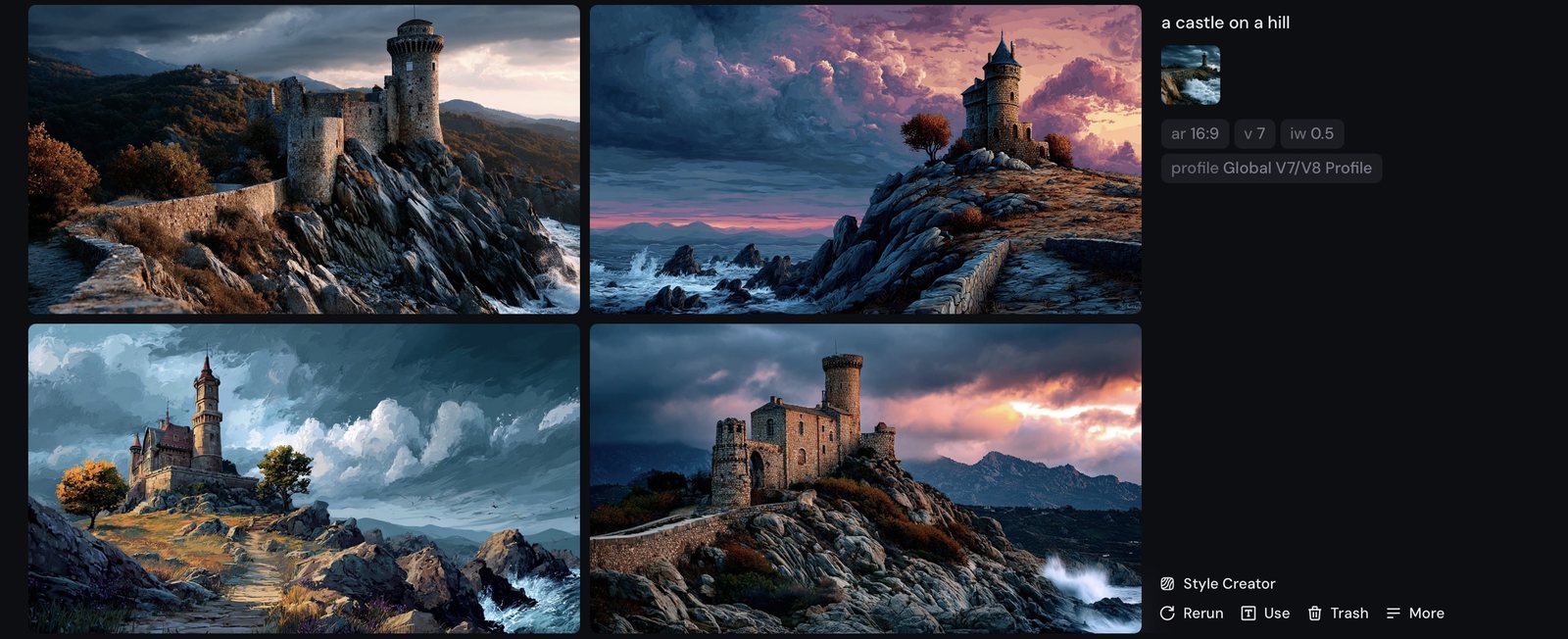
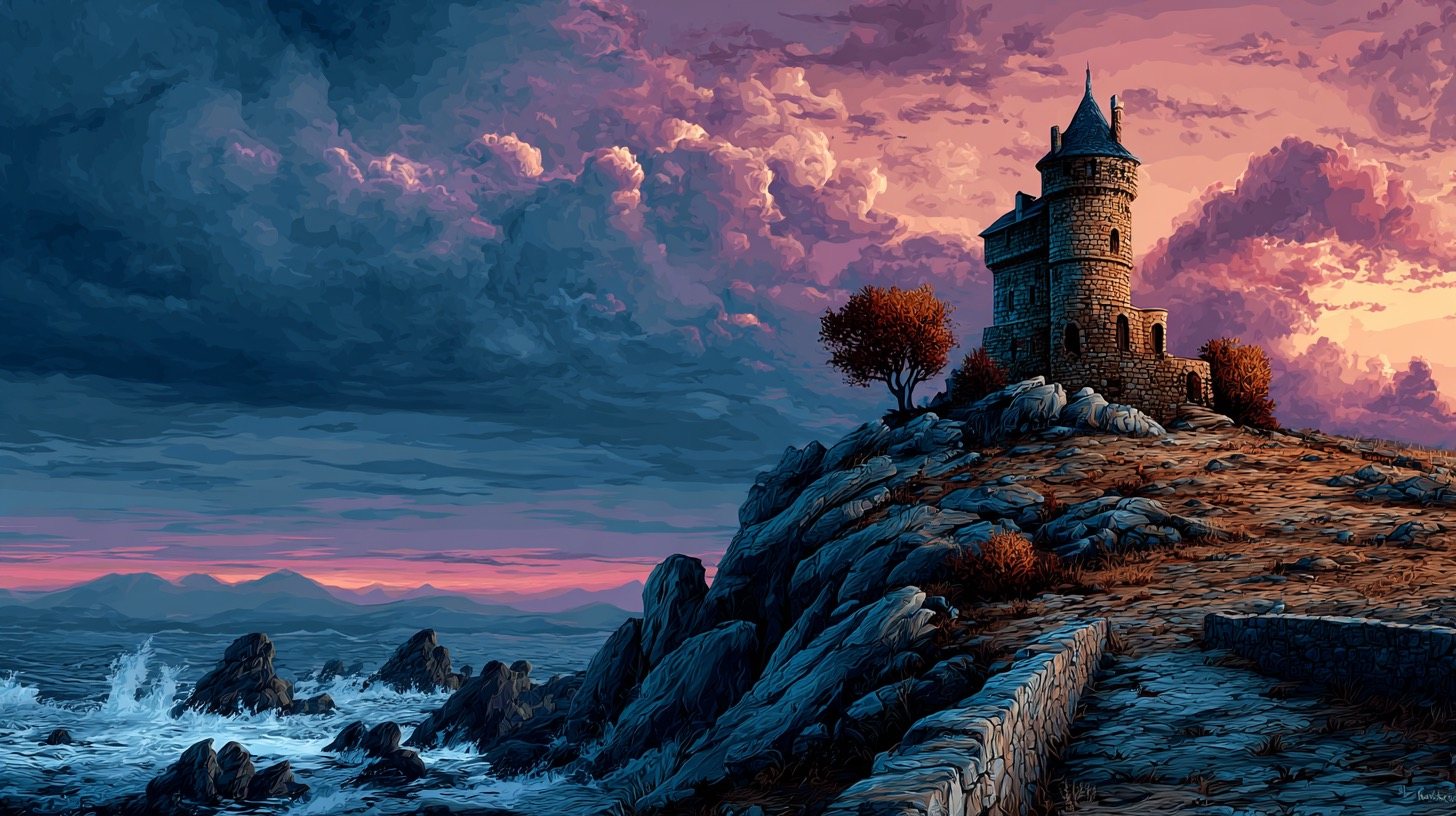
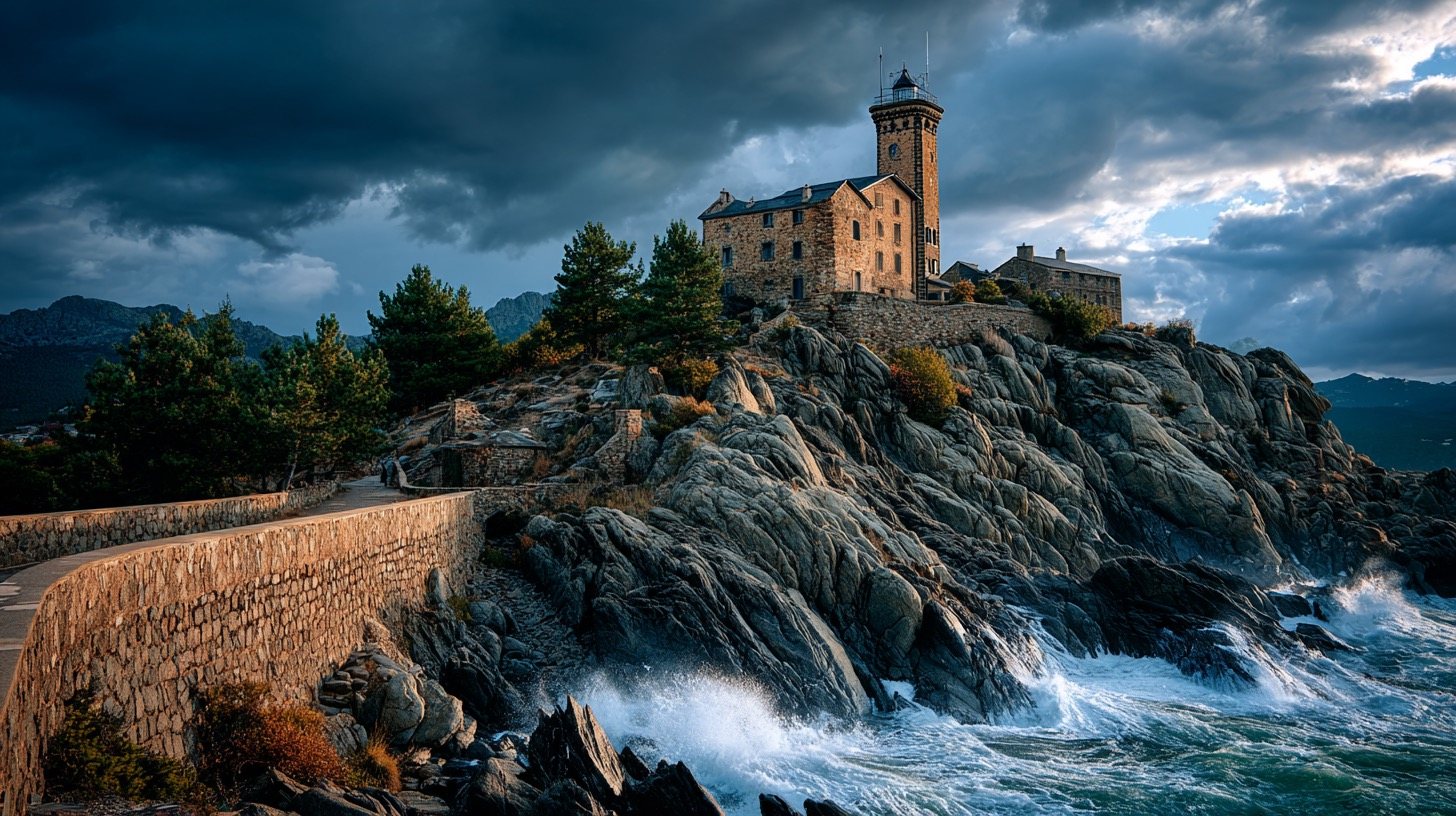
--iw V7When a prompt contains a reference image, --iw decides who wins: low = the text; high = the picture.
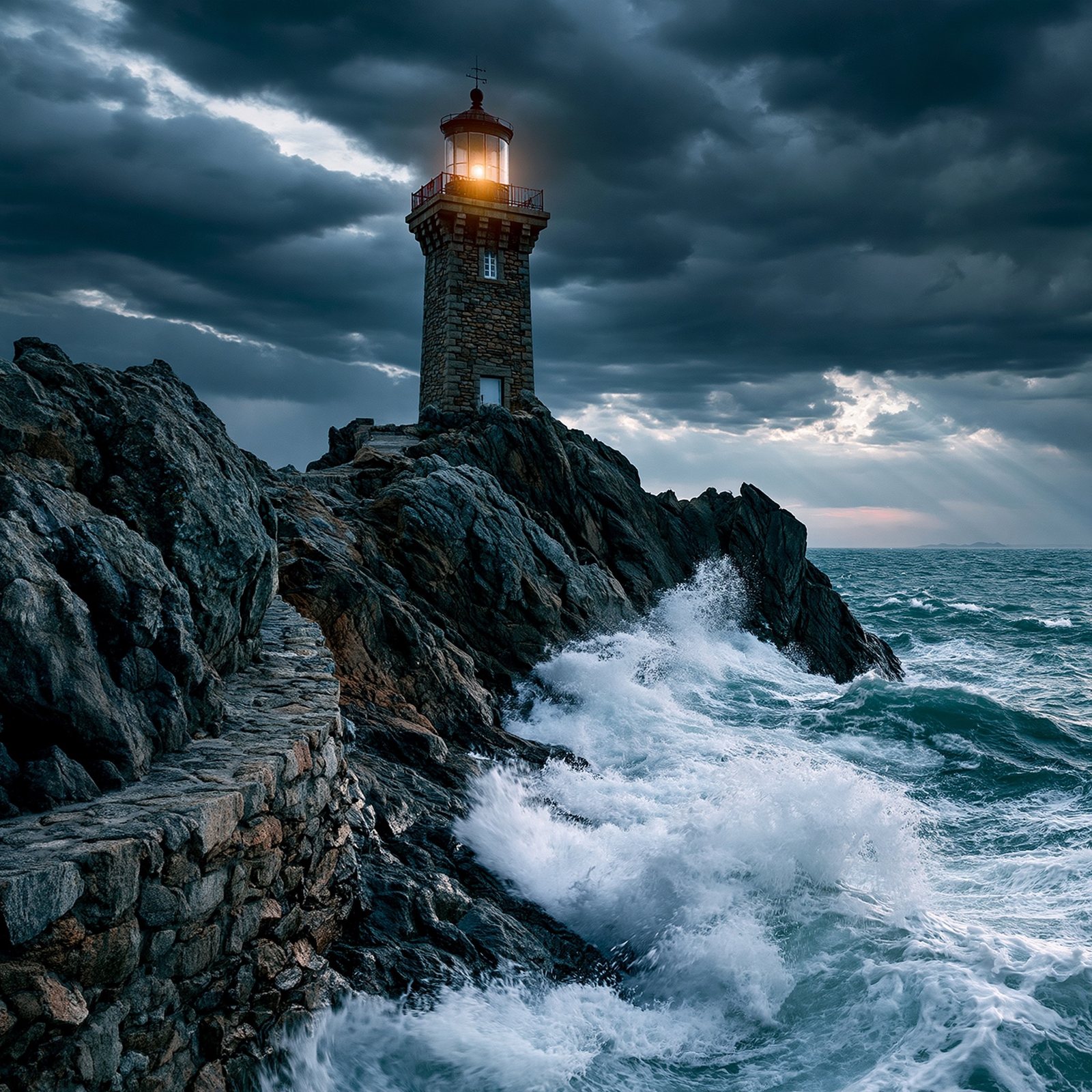
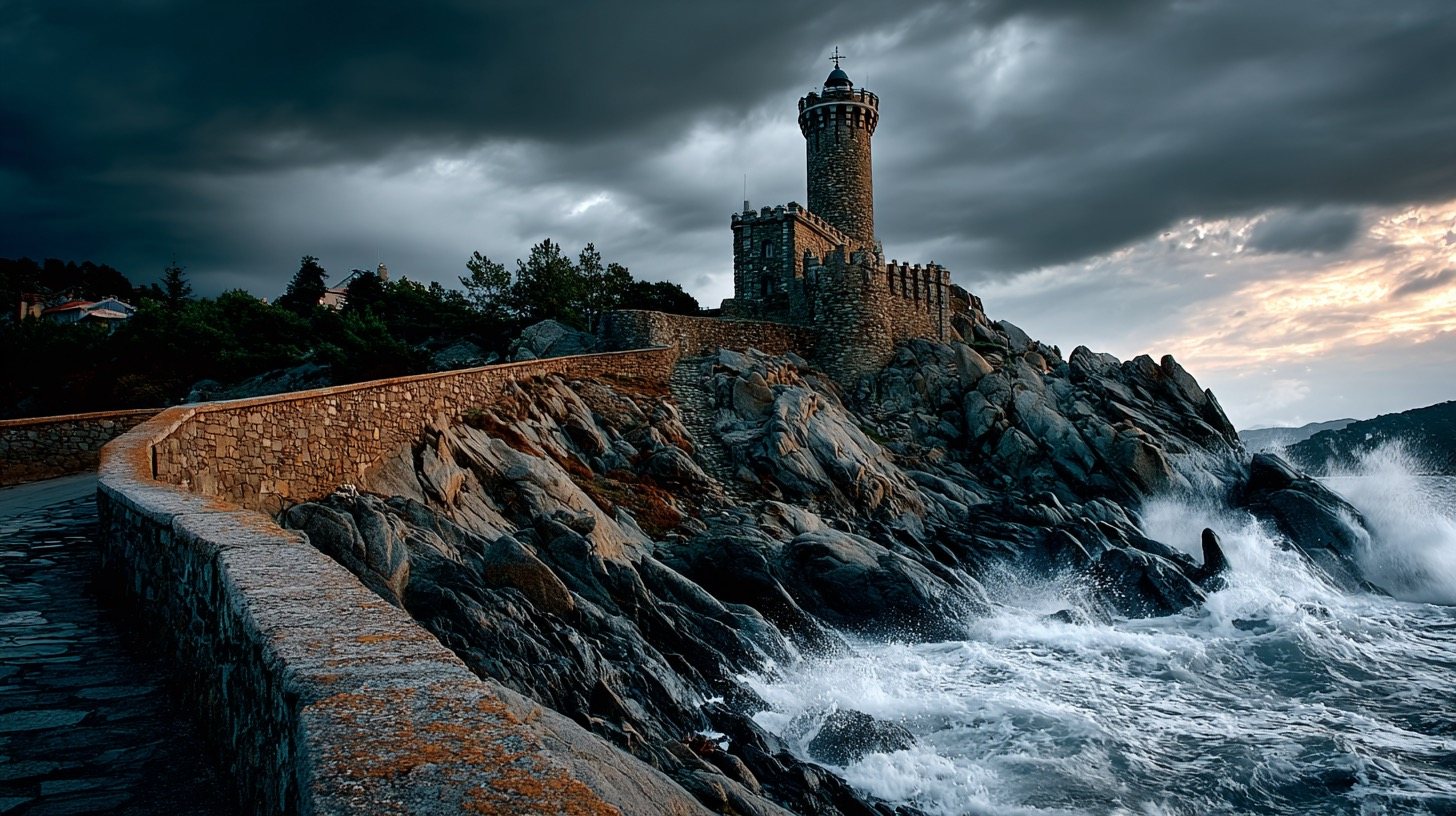
The reference here is this book's own lighthouse (Fig 1.3). The text asks for a castle on a hill — watch the lighthouse's storm, cliff and mood take over as --iw rises.


Part Three
Midjourney's real differentiation: borrow a look with --sref, average a taste with moodboards, and put the same character in any scene with Omni Reference. The spine of the advanced half of this book.
--sref V7The subject stays constant; the look is borrowed from a numeric style code. Use --sref random to discover codes, then lock the keepers.
A style code is a coordinate in Midjourney's space of aesthetics — pure look, no content. The same rainy café below is rendered three times; only the code changes, and with it the entire visual language: warm storybook paint, lantern-lit old-world atmosphere, hard-edged flat colour.
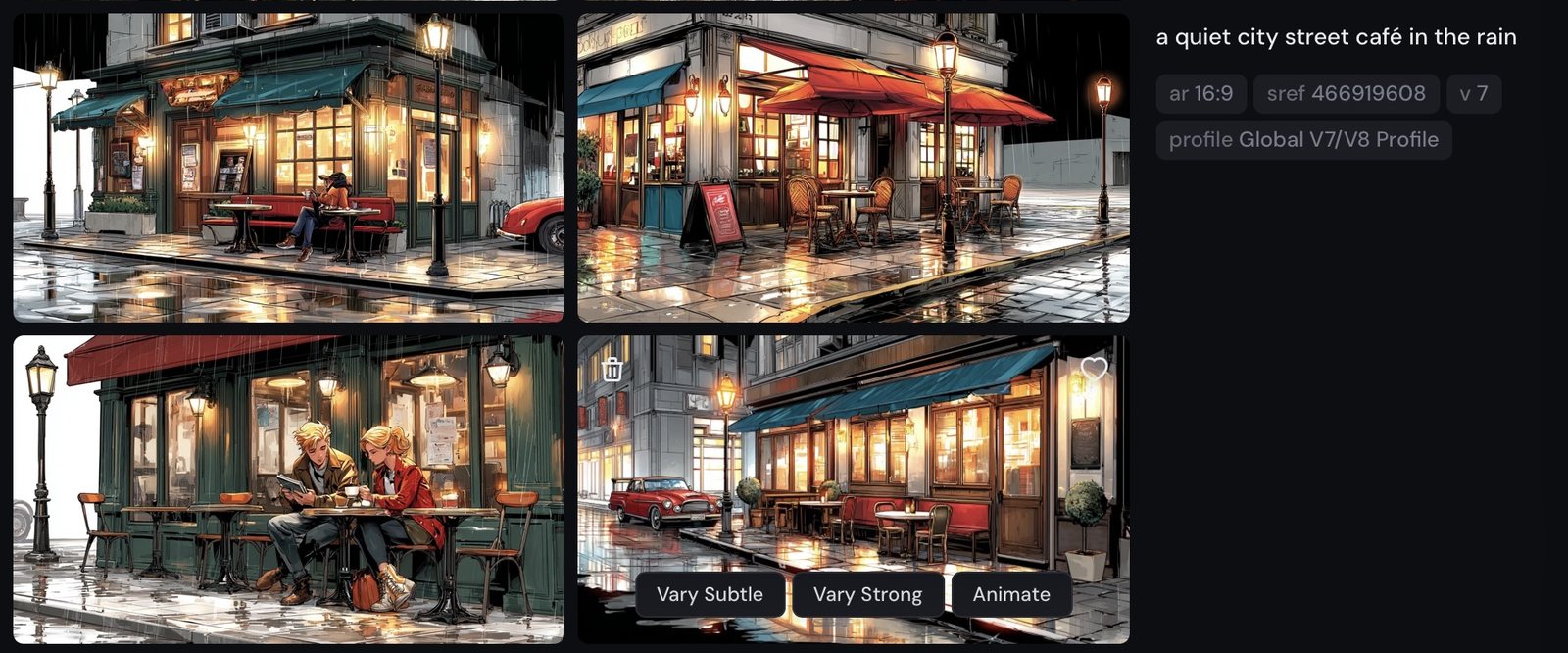
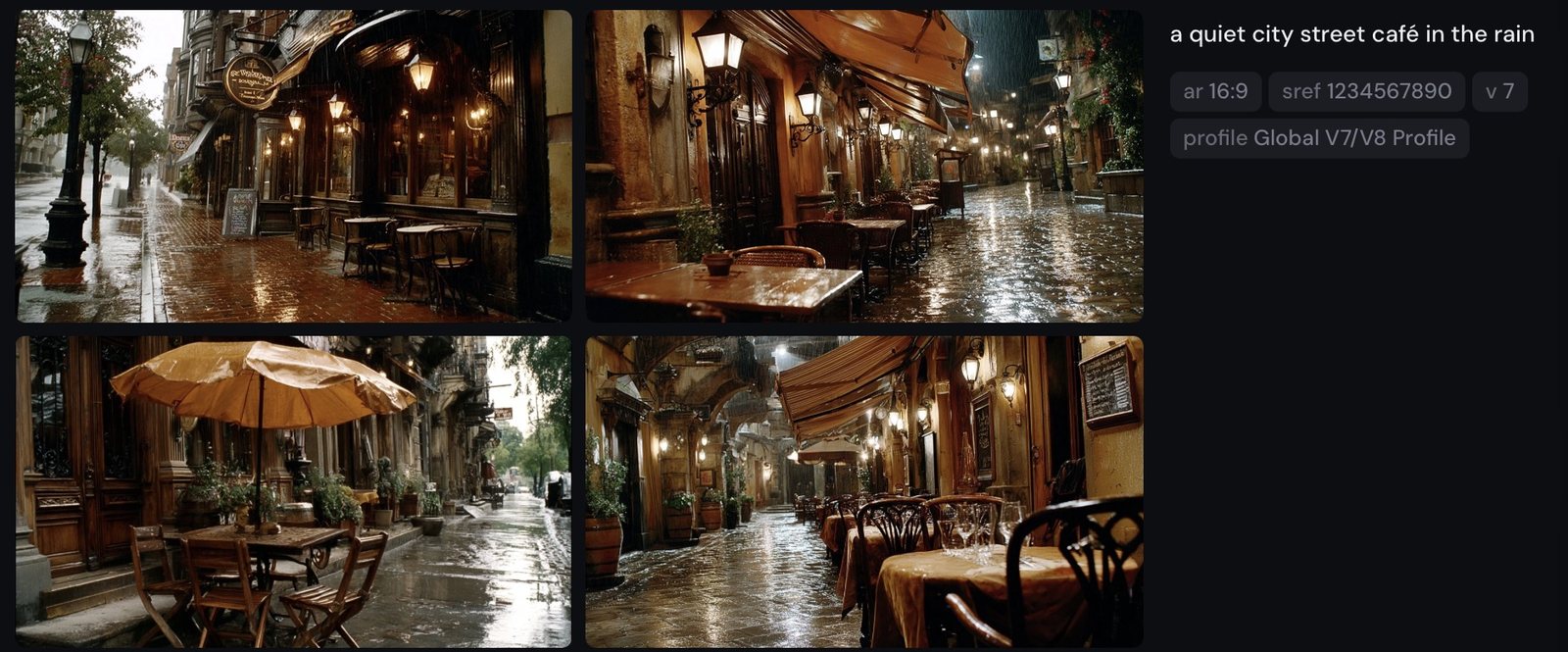
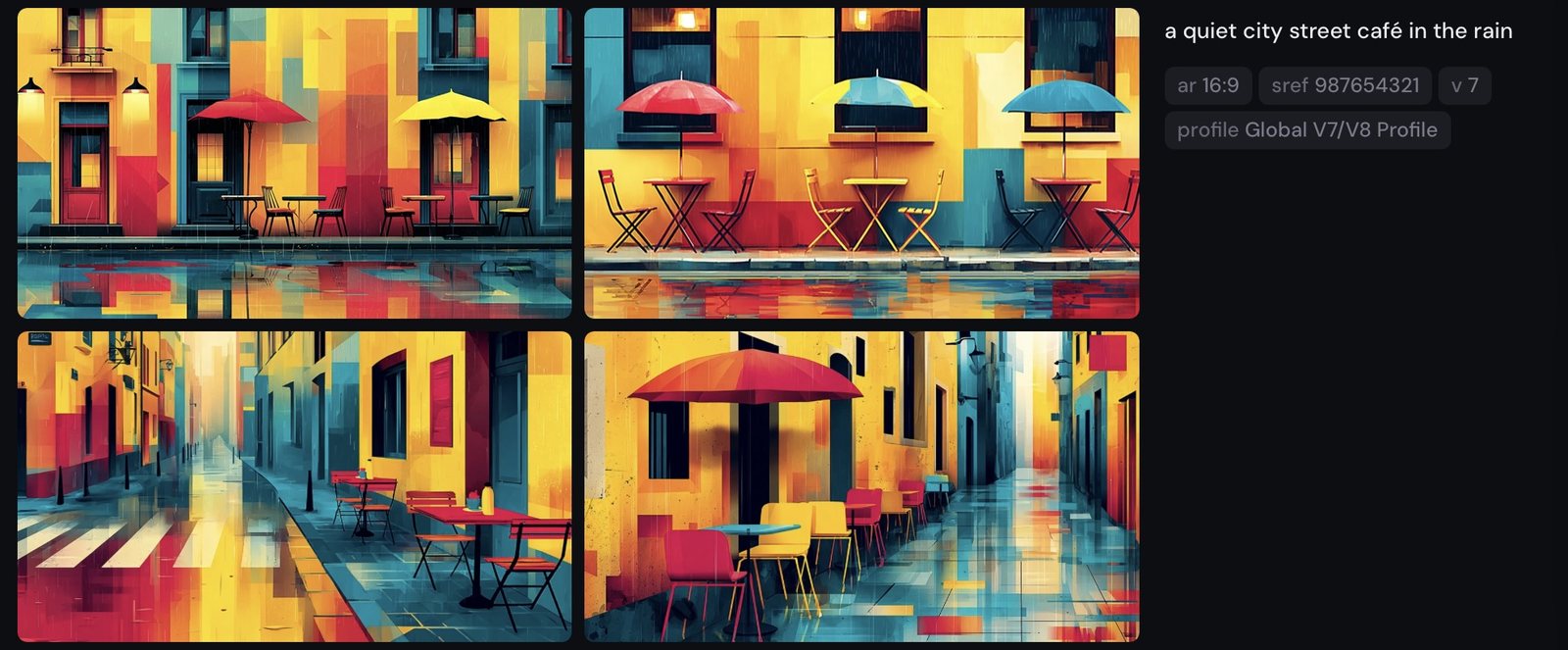
--sref random.)
a quiet city street café in the rain --sref 466919608 · then --sref 1234567890 · --sref 987654321
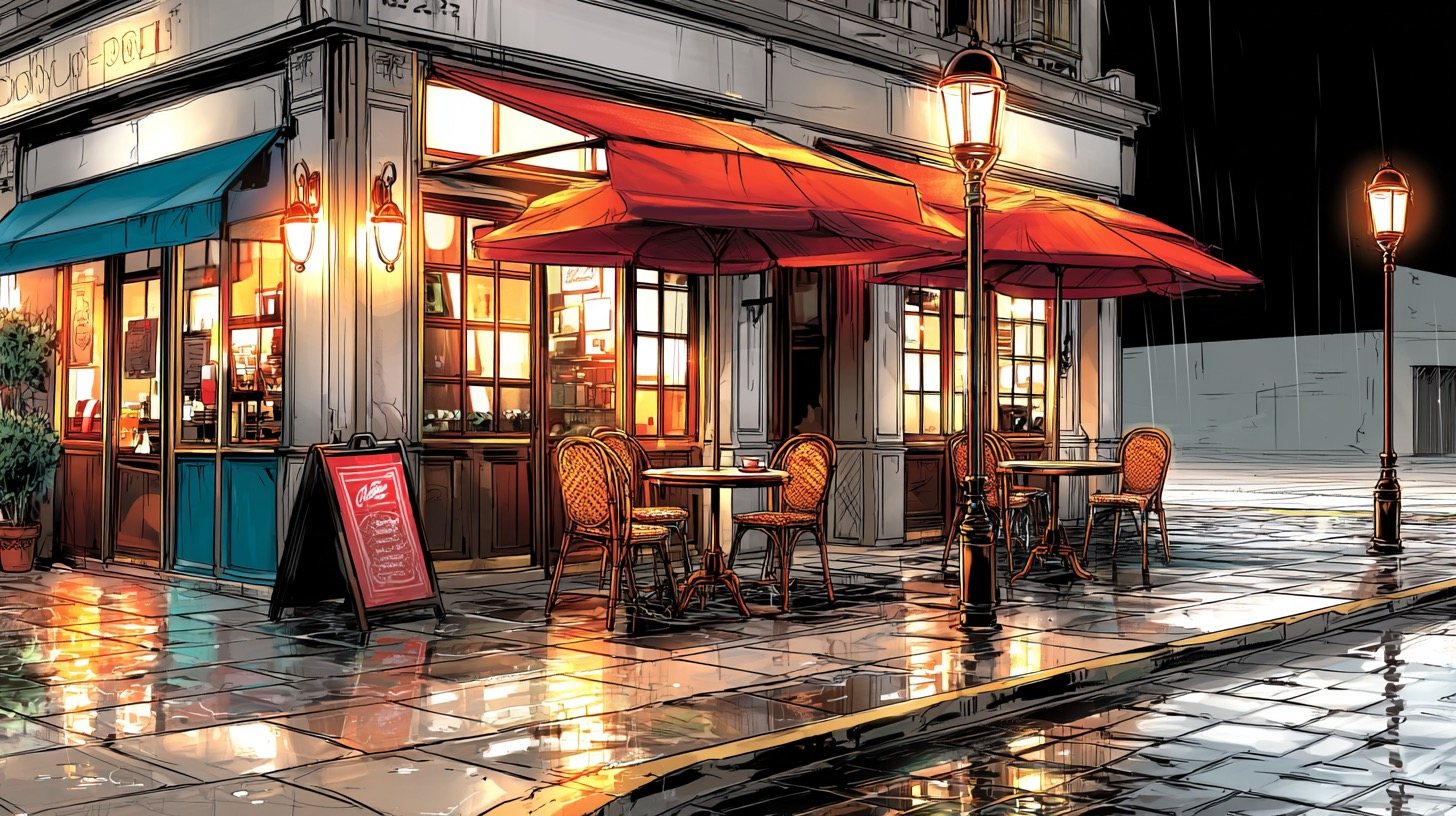
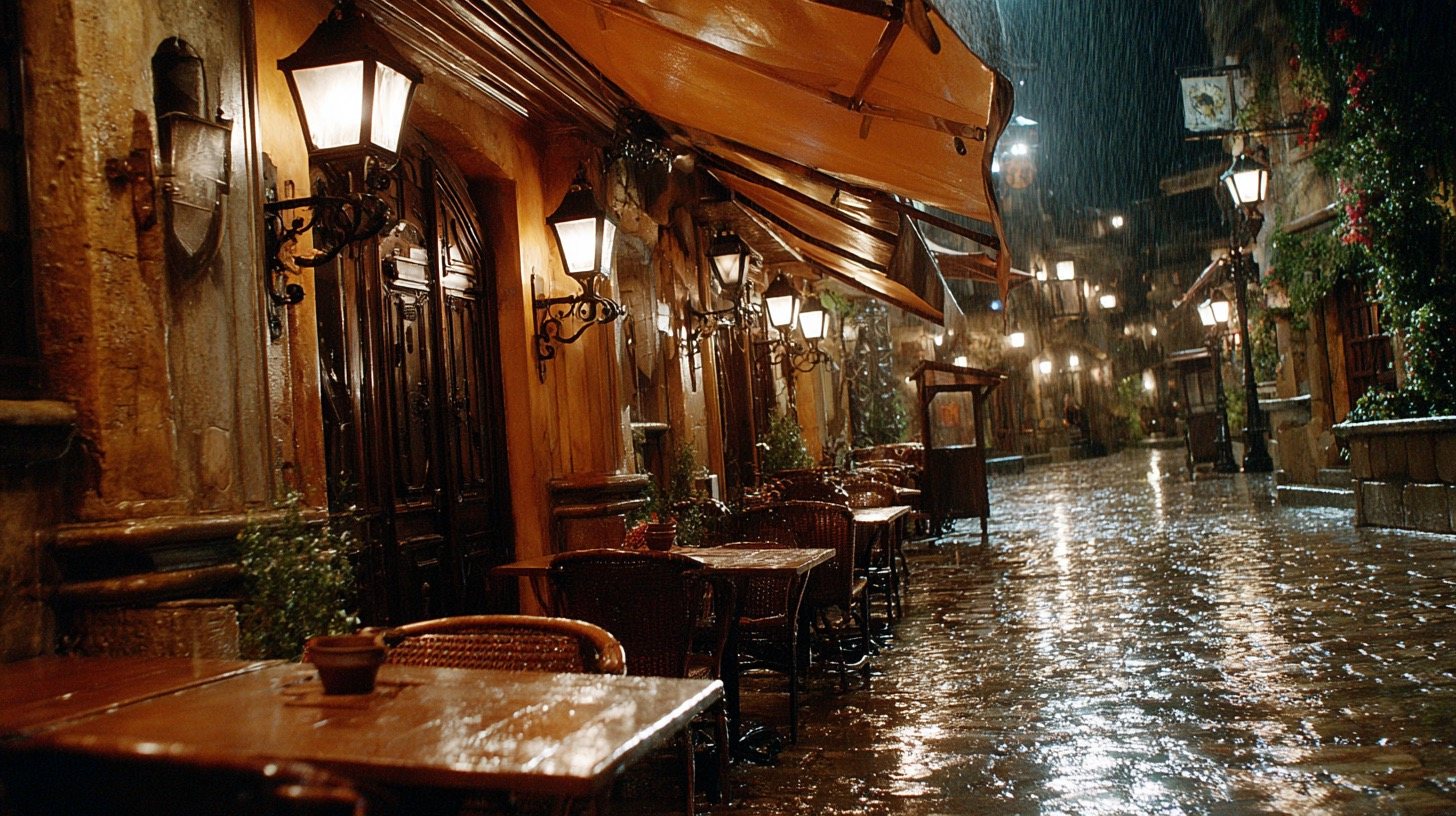
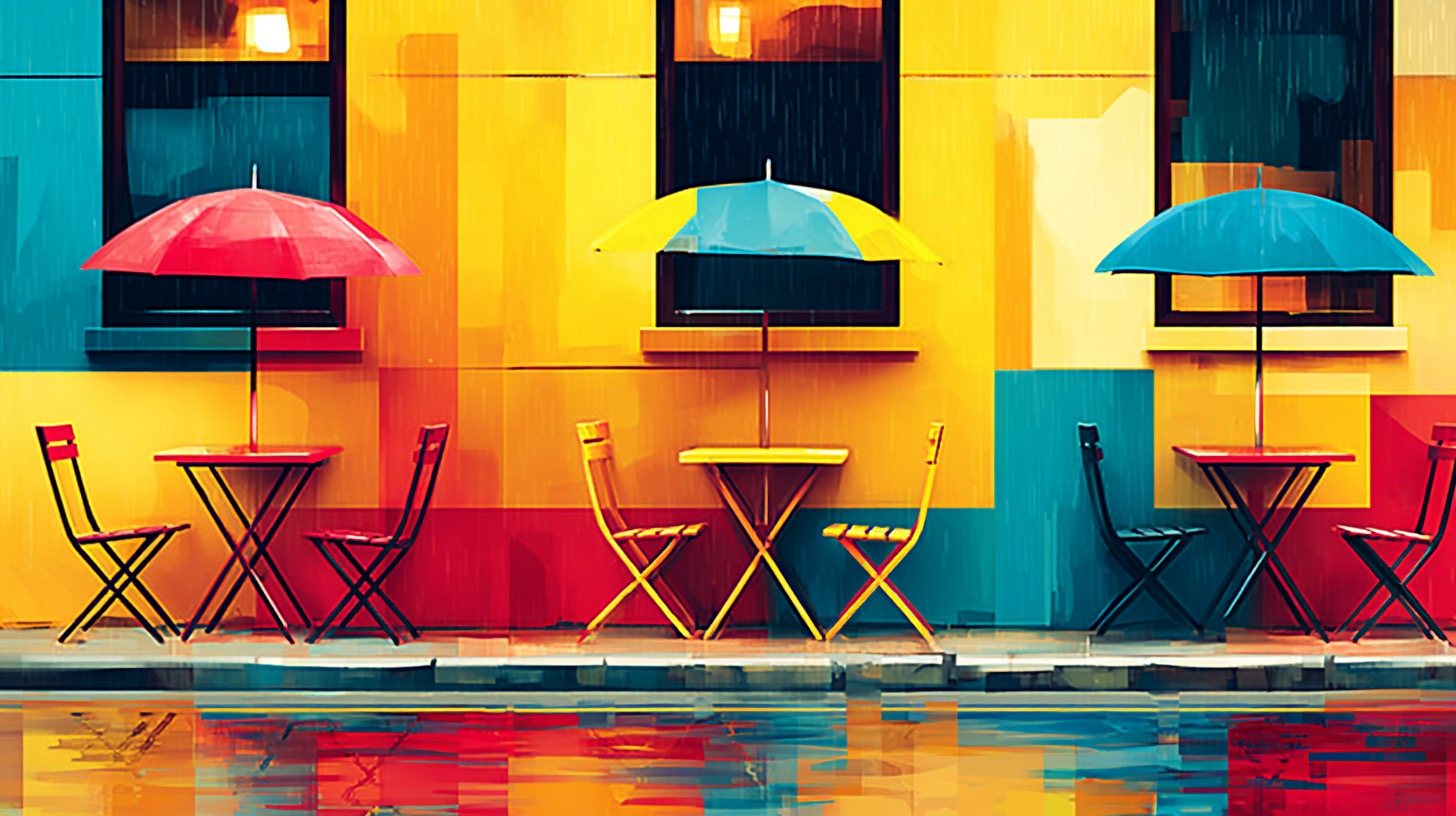
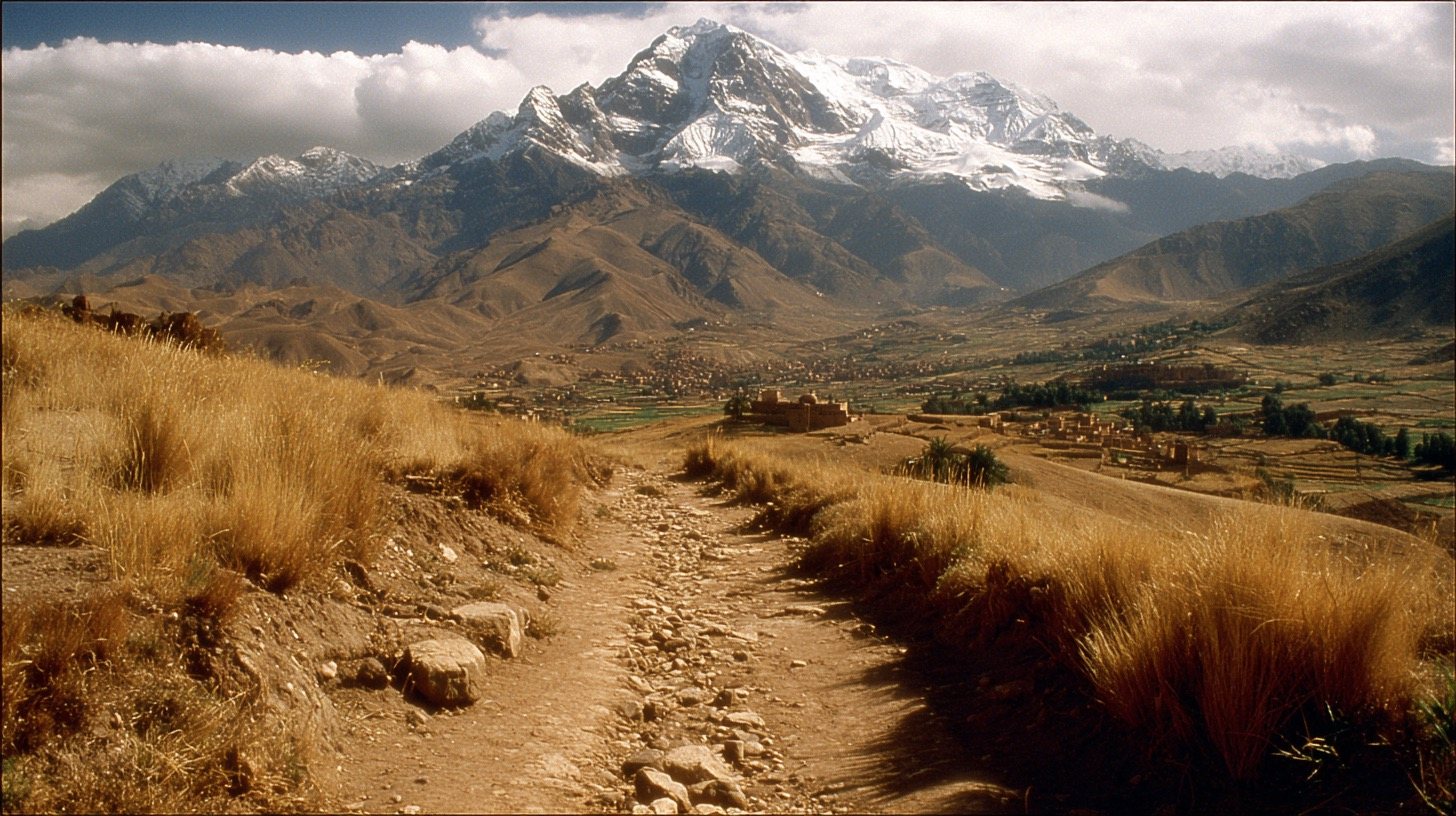
--sw V7 · sref 1234567890How hard the borrowed style is pushed. 0–1000, default 100 — at 50 the code whispers; at 400 it shouts.
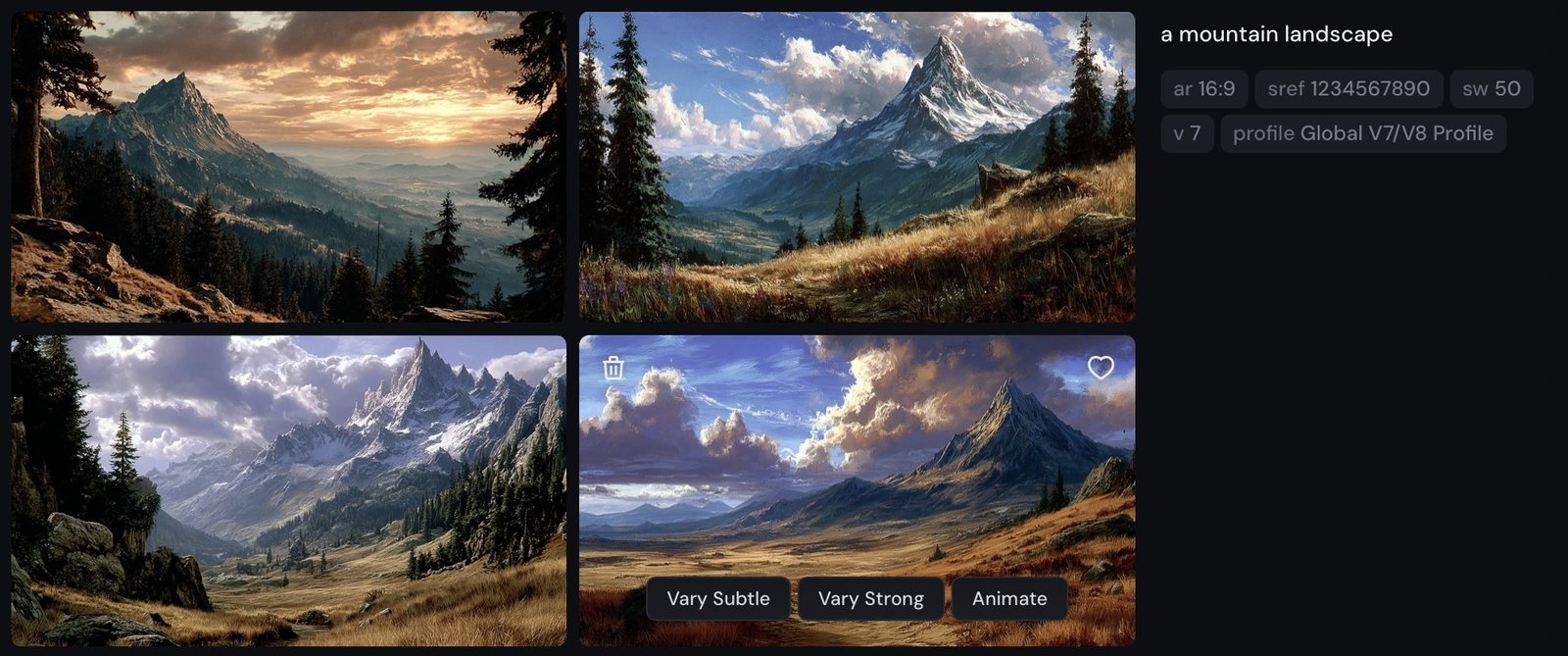

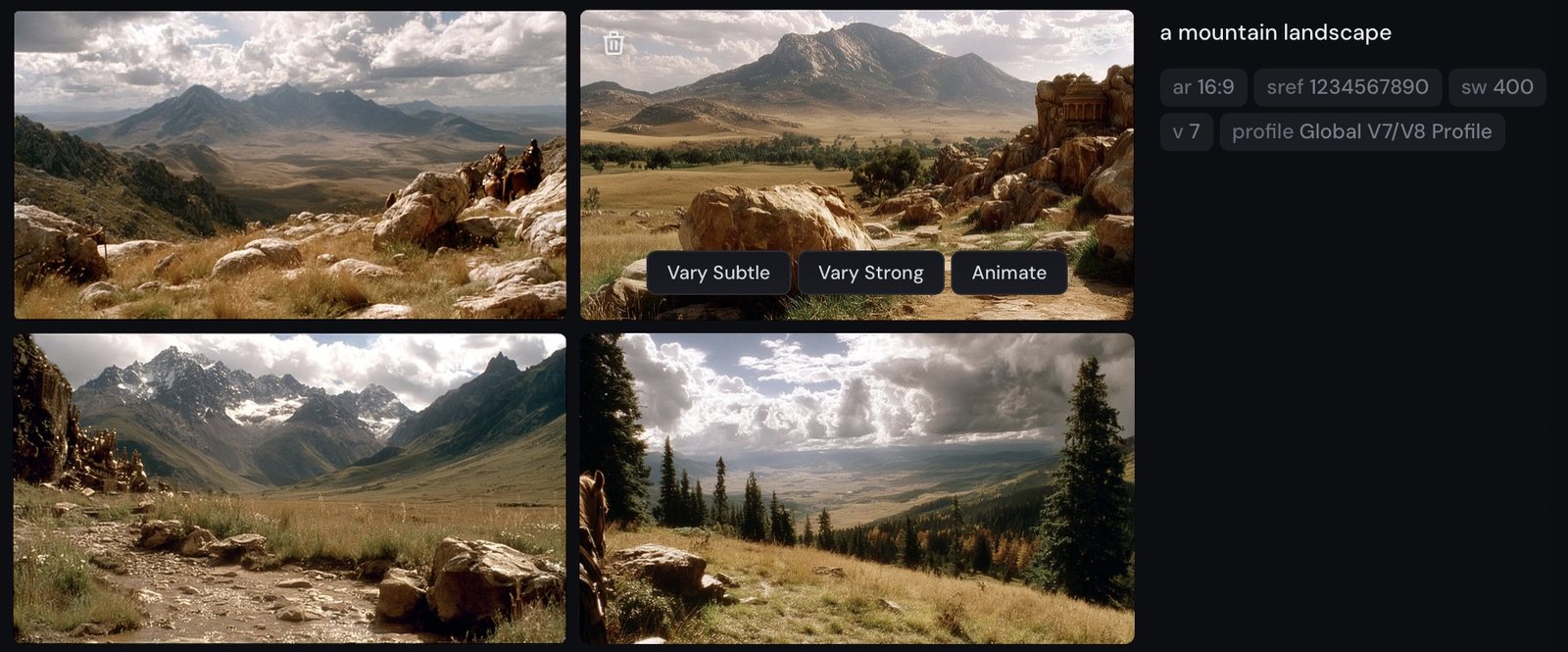
--sw climbs.
a mountain landscape --sref 1234567890 --sw 50 · then --sw 100 · --sw 400


--no animals version — the original run smuggled a mountain lion onto its rock (kept in Pics/ as a souvenir of Midjourney filling gaps the prompt left open).Stack space-separated codes to fuse aesthetics. One code is a borrowed look; two codes are a negotiation.
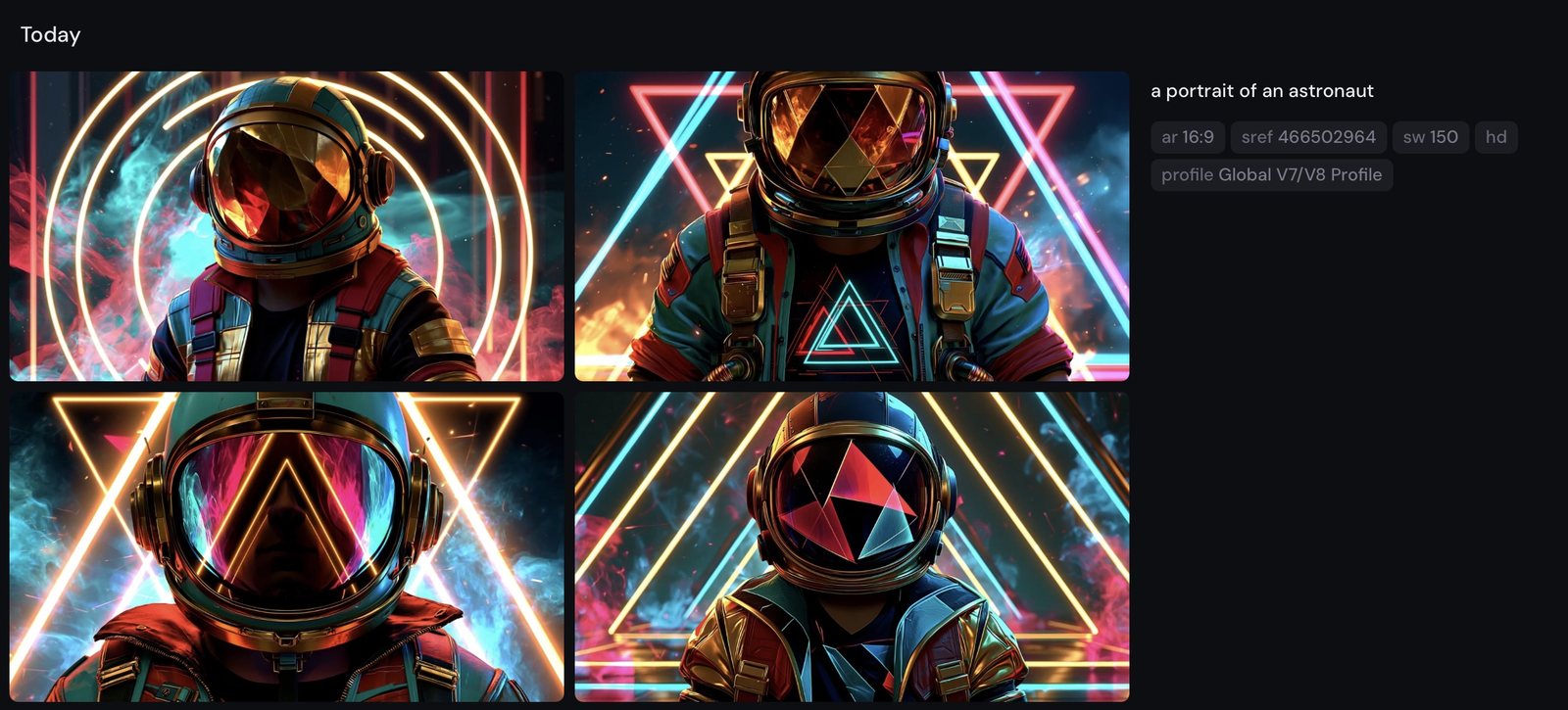
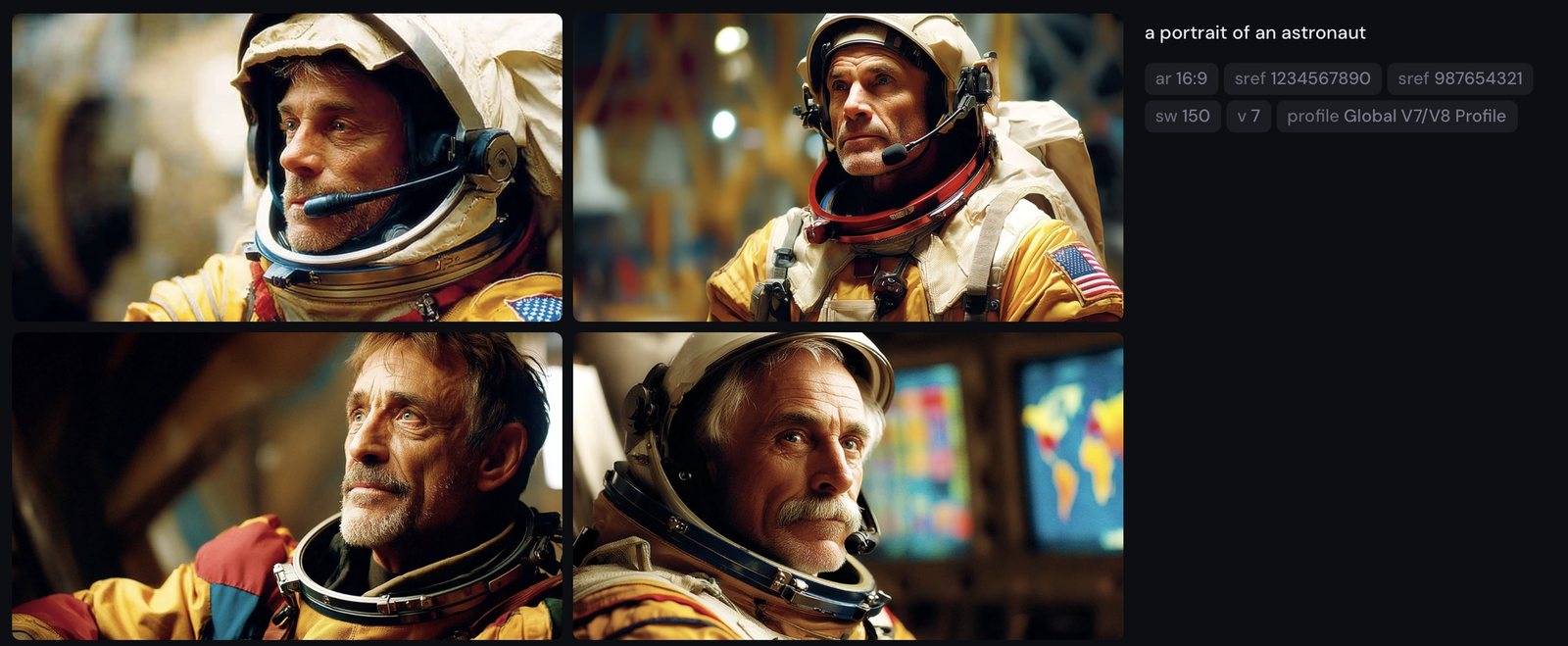

--sref flags parse differently (we have the failed attempts to prove it).One reference image, four scenes, one recognisable explorer. This is the technique the identity-drift warnings in Parts 2 and 6 have been pointing at.
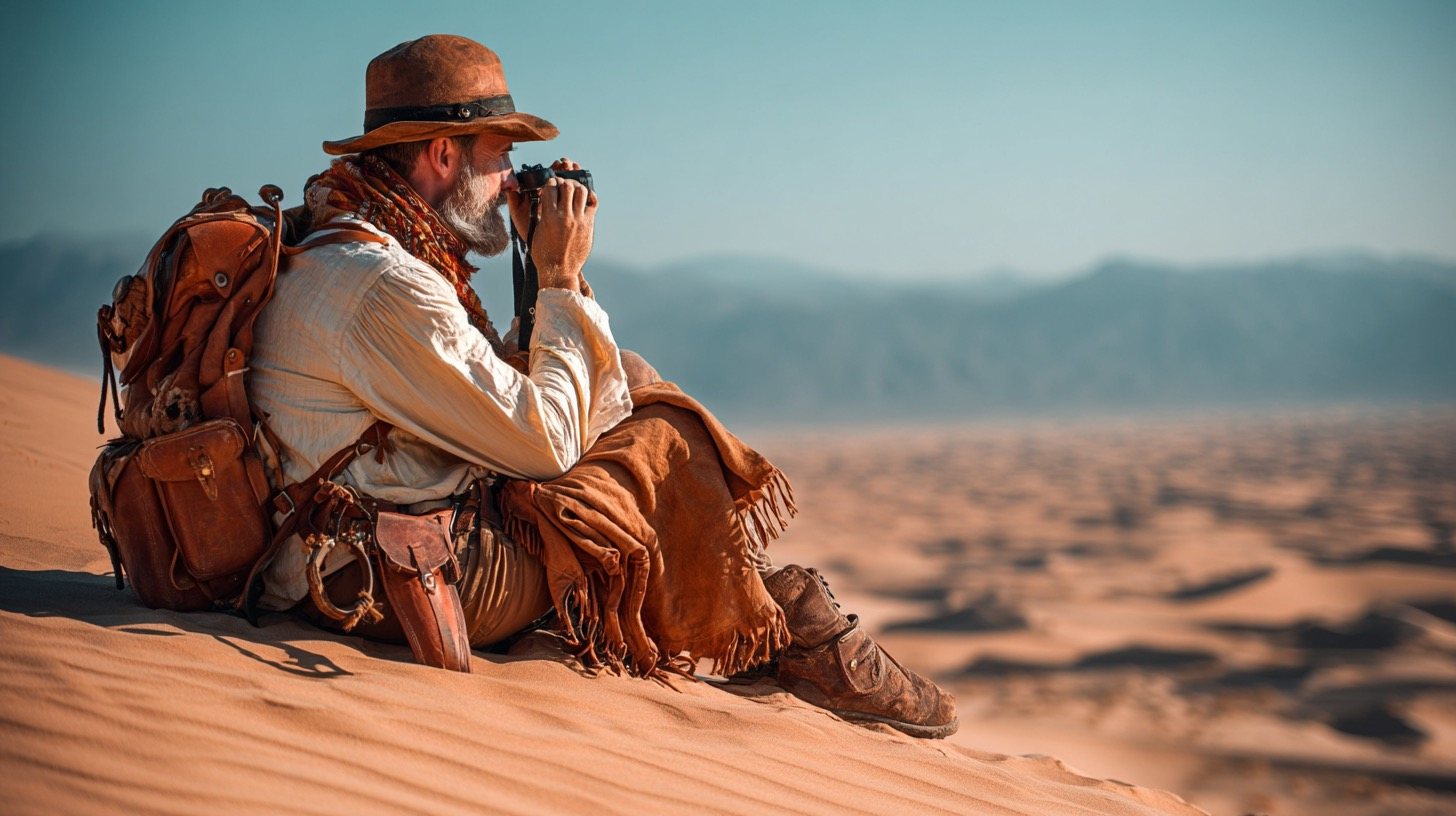
Market, ridge, tent, campfire — different light, different weather, different framing, same red scarf and same face. Keep --ow ≤ 400 so the reference doesn't override the scene, and budget 2× GPU per job. Not yet in V8.1.
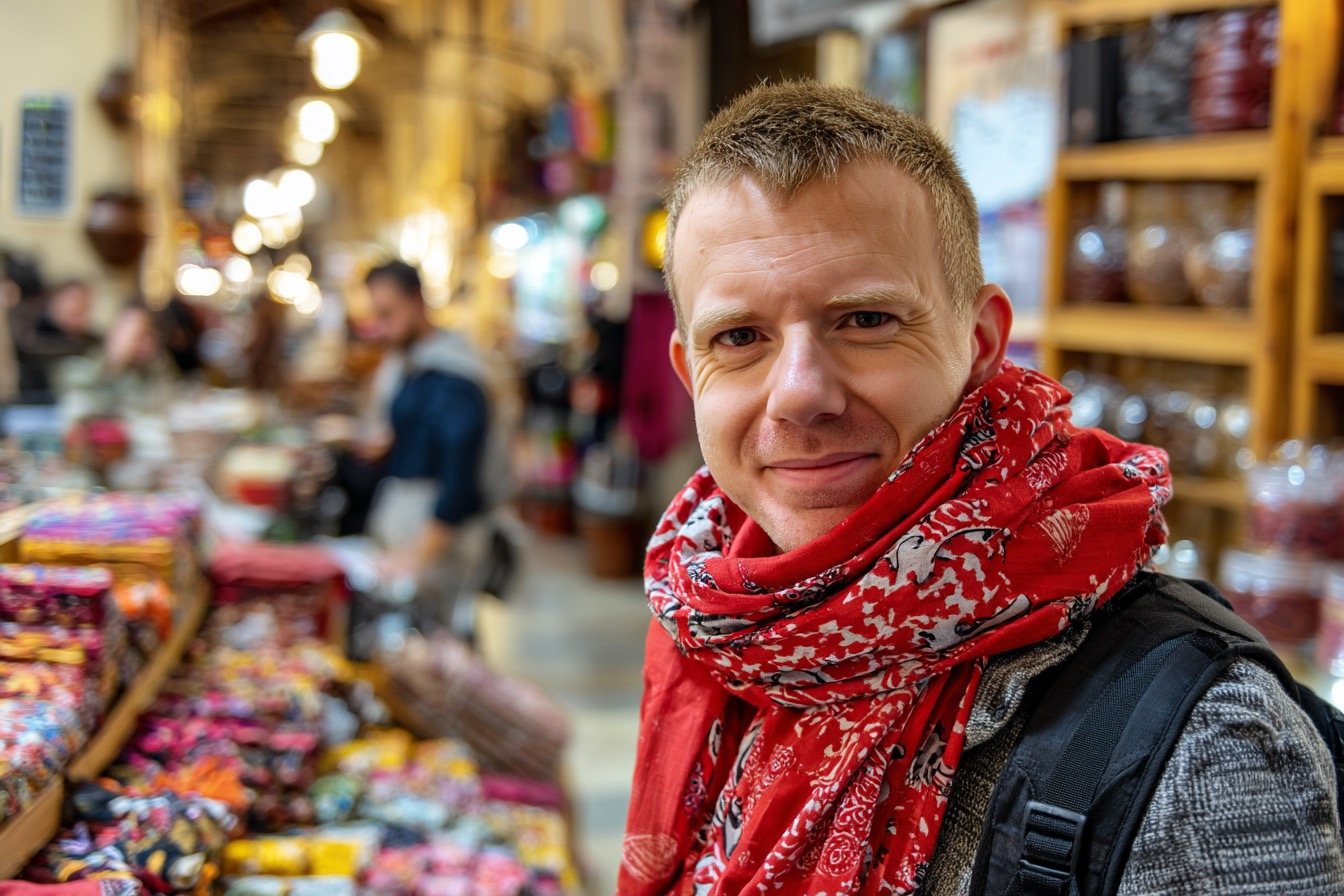


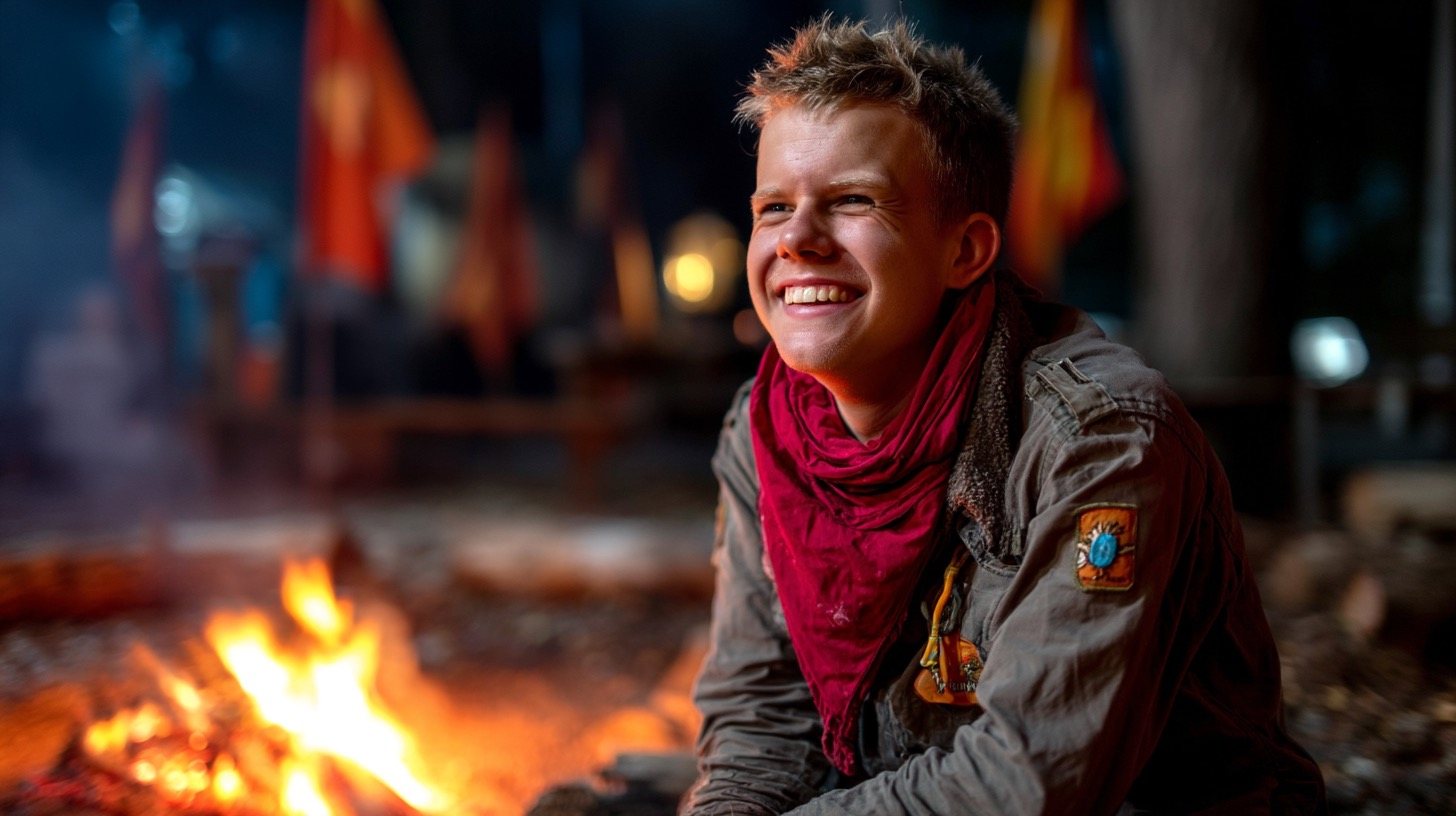
--ow 200 throughout.
a young explorer with a red scarf standing in a bustling market --oref [reference] --ow 200 --ar 3:2 --v 7 · climbing a snowy ridge · reading a map by lantern light in a tent · laughing at a campfire, night

--ow V7With an Omni Reference attached, --ow decides how much the reference image rules. At 50 the character dissolves into the prompt; at 400 he's unmistakably the same man in every frame.
This is the dial behind consistent characters. Low weight treats the reference as a loose suggestion — the grids invent new faces, wardrobes, even whole genres. By 200 the face locks; by 400 the wardrobe and kit lock too. Keep --ow ≤ 400 so the reference doesn't fight the scene, and budget for it: Omni Reference costs 2× GPU.

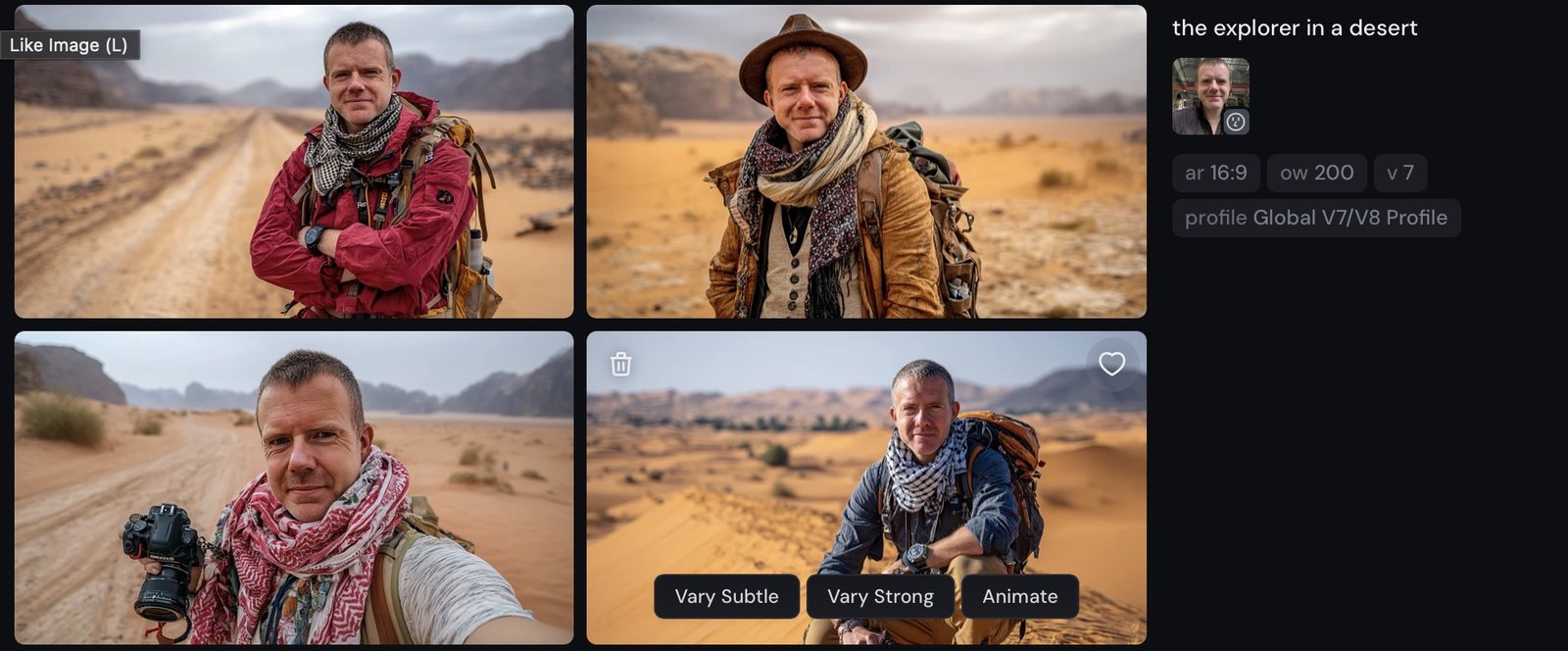

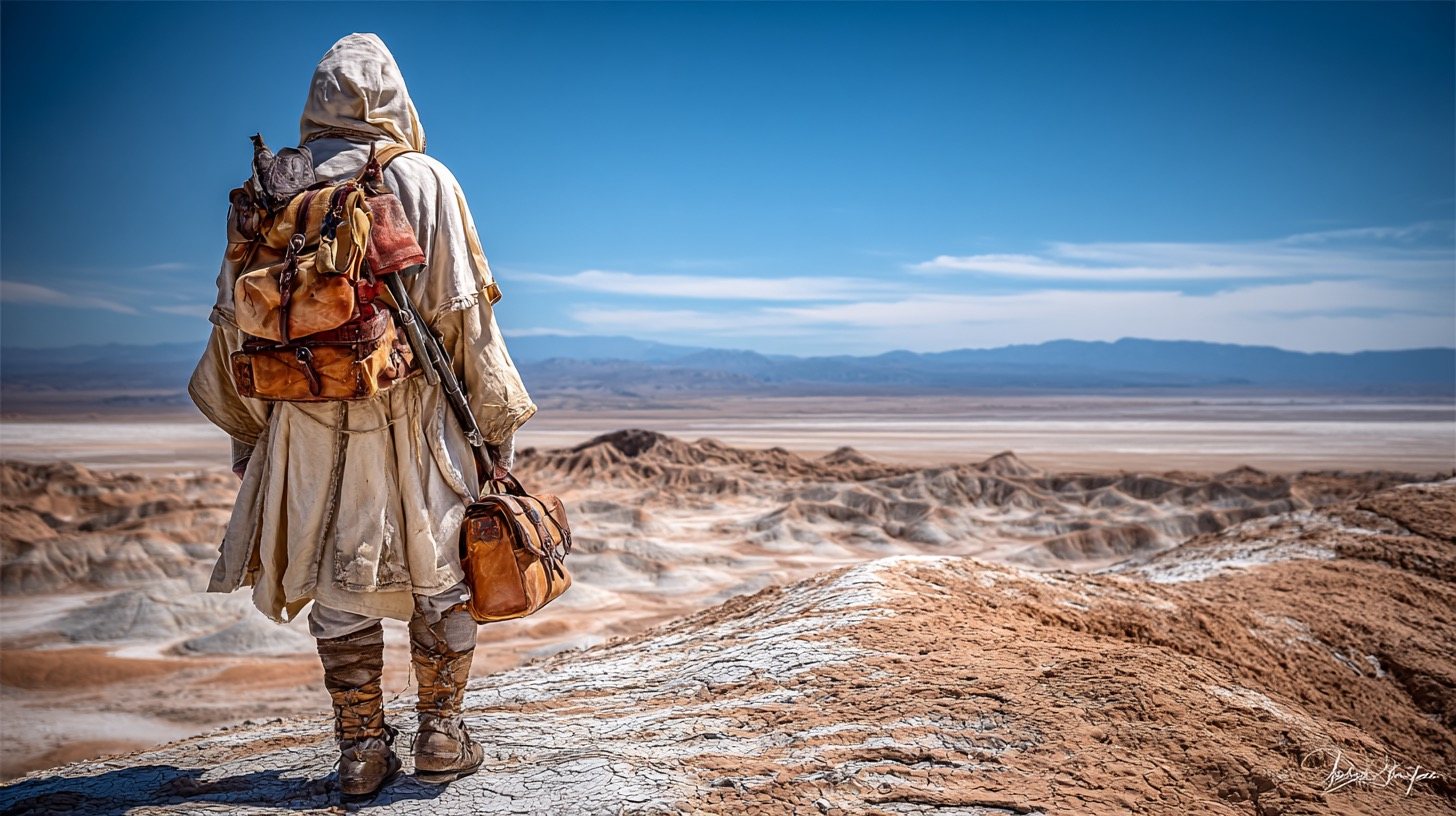


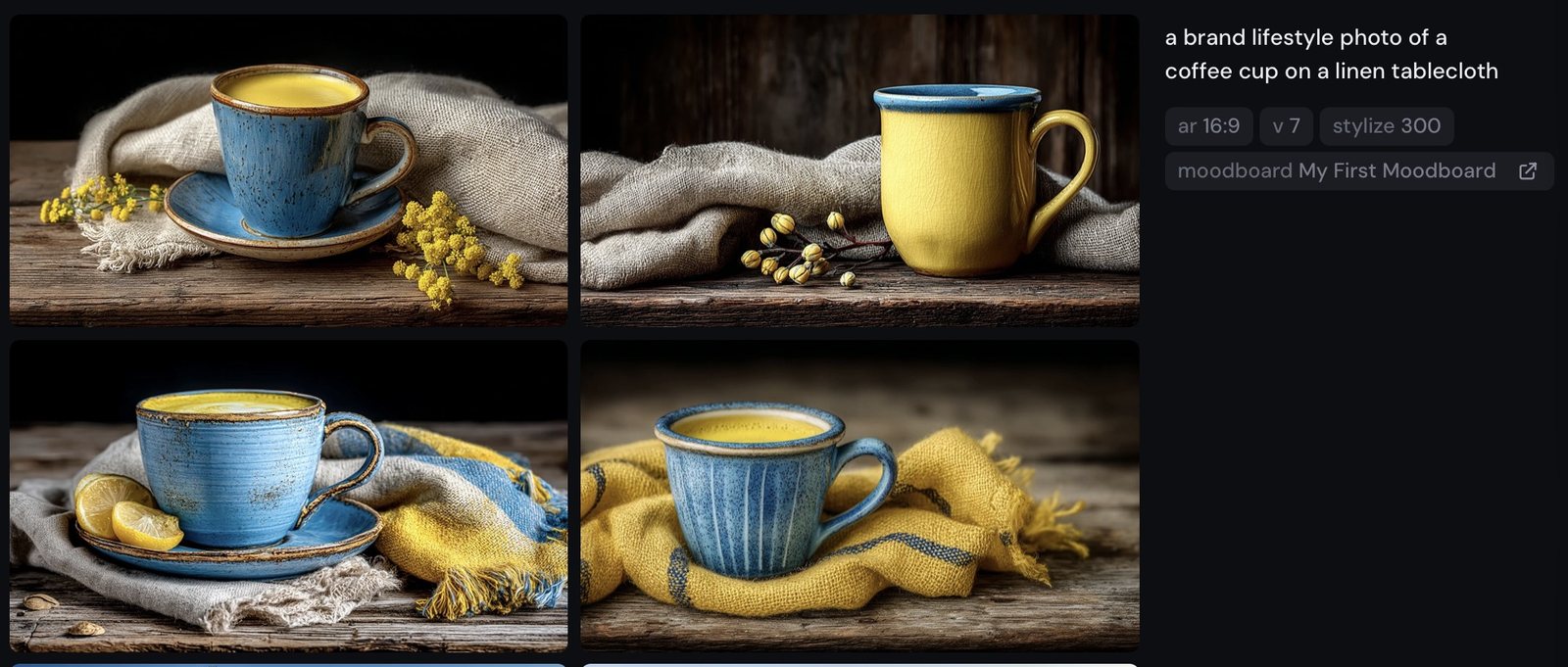
--p V7A curated 5–10 image moodboard averaged into a reusable house style. Strength is driven by --s, not --sw.
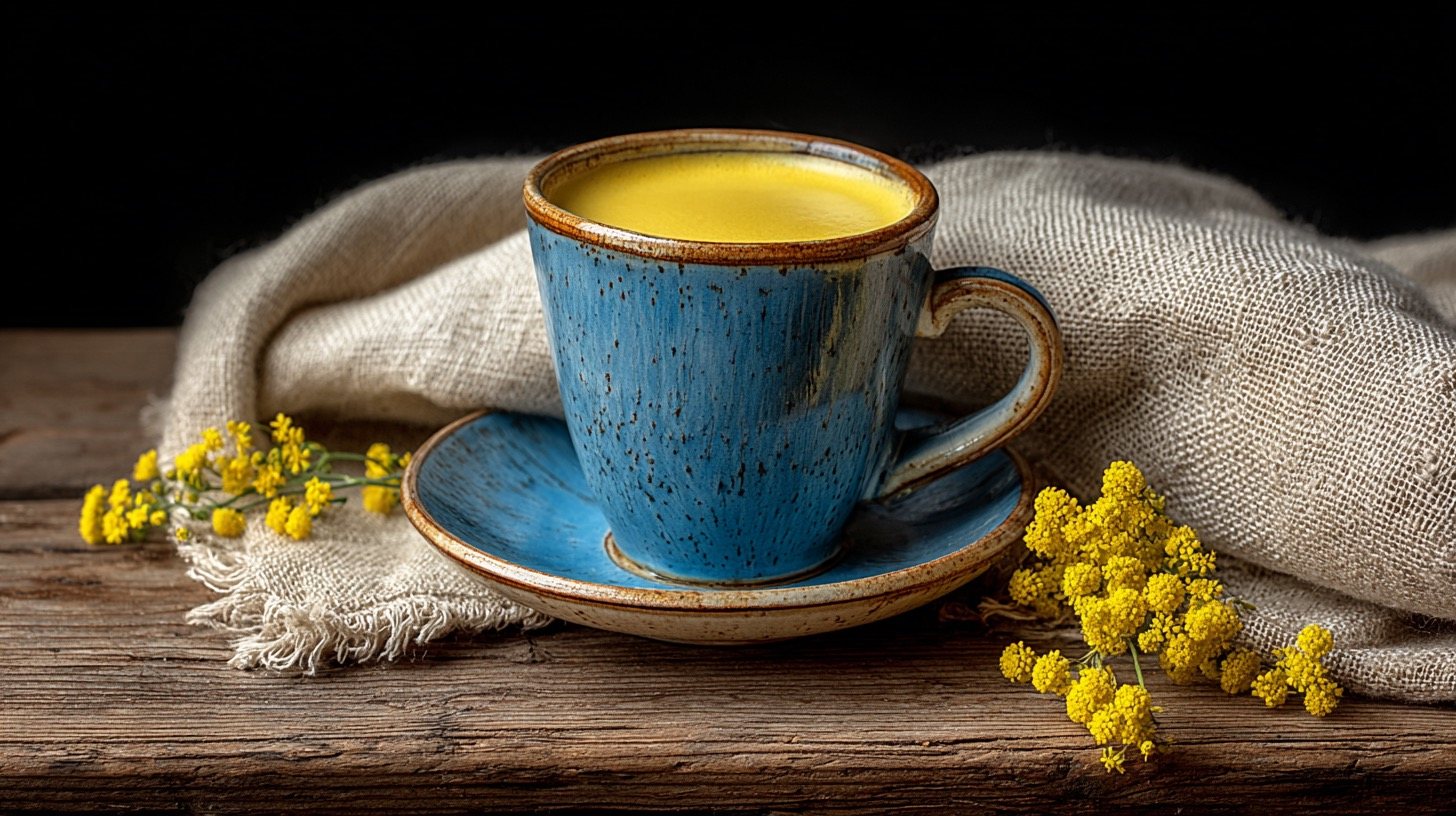
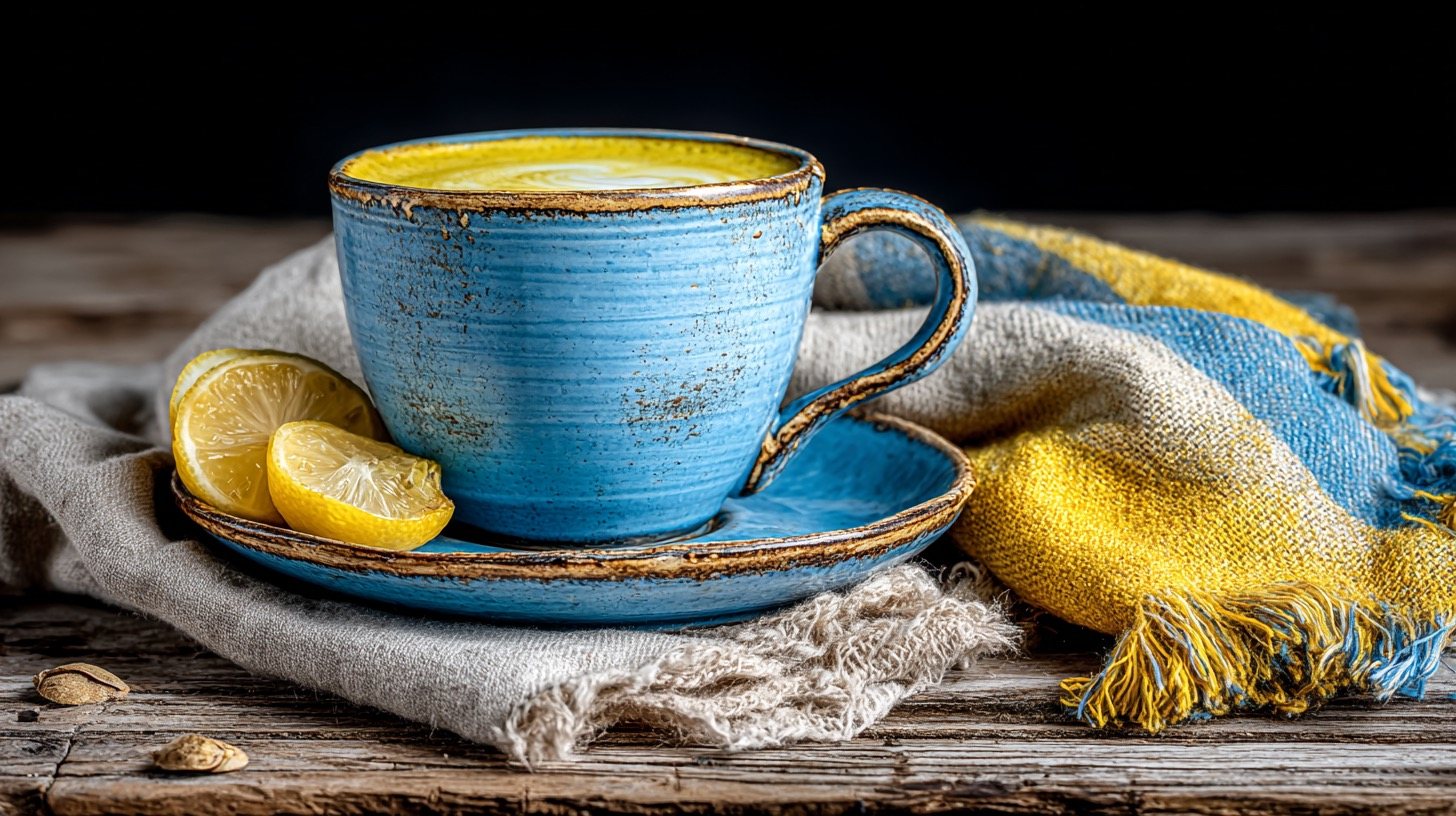
Where a style code borrows one look, a moodboard distils your taste — feed it a handful of images you love and reference it by ID. The cups below carry the board's palette and mood without copying any single source image.
Part Four
Raw strips Midjourney's beautifying hand for a more literal, documentary result — the foundation of every realism recipe in this book.
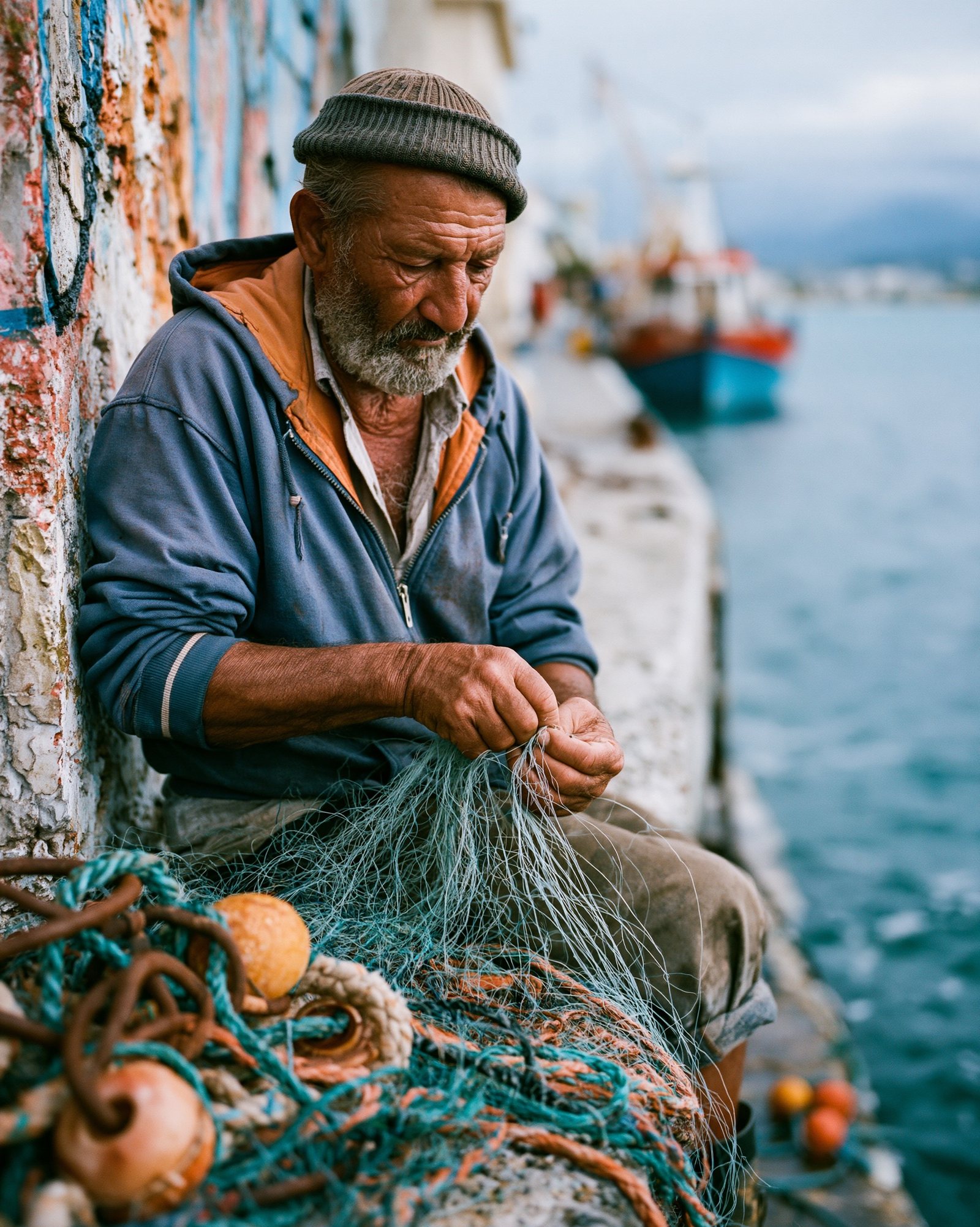
Same prompt, same seed; only --style raw added. Default applies Midjourney's signature beautifying hand — Raw strips it for a more literal, documentary result.
Look at what changes and what doesn't. The bakery, the flour, the morning light all survive. What Raw removes is the cinema: the default grid leans into moody shadows and hero lighting, while Raw settles for a man at work who happens to be photographed well. For realism recipes, Raw is the foundation everything else builds on.
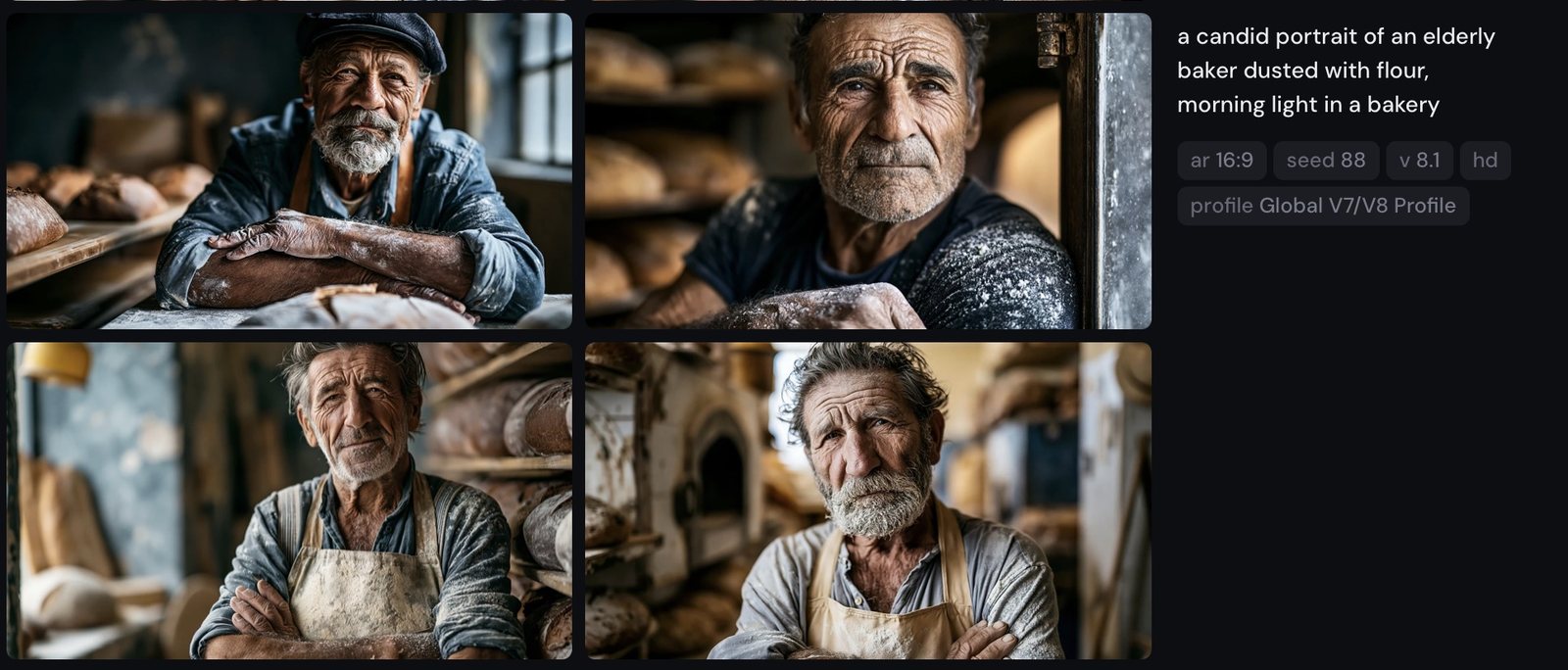
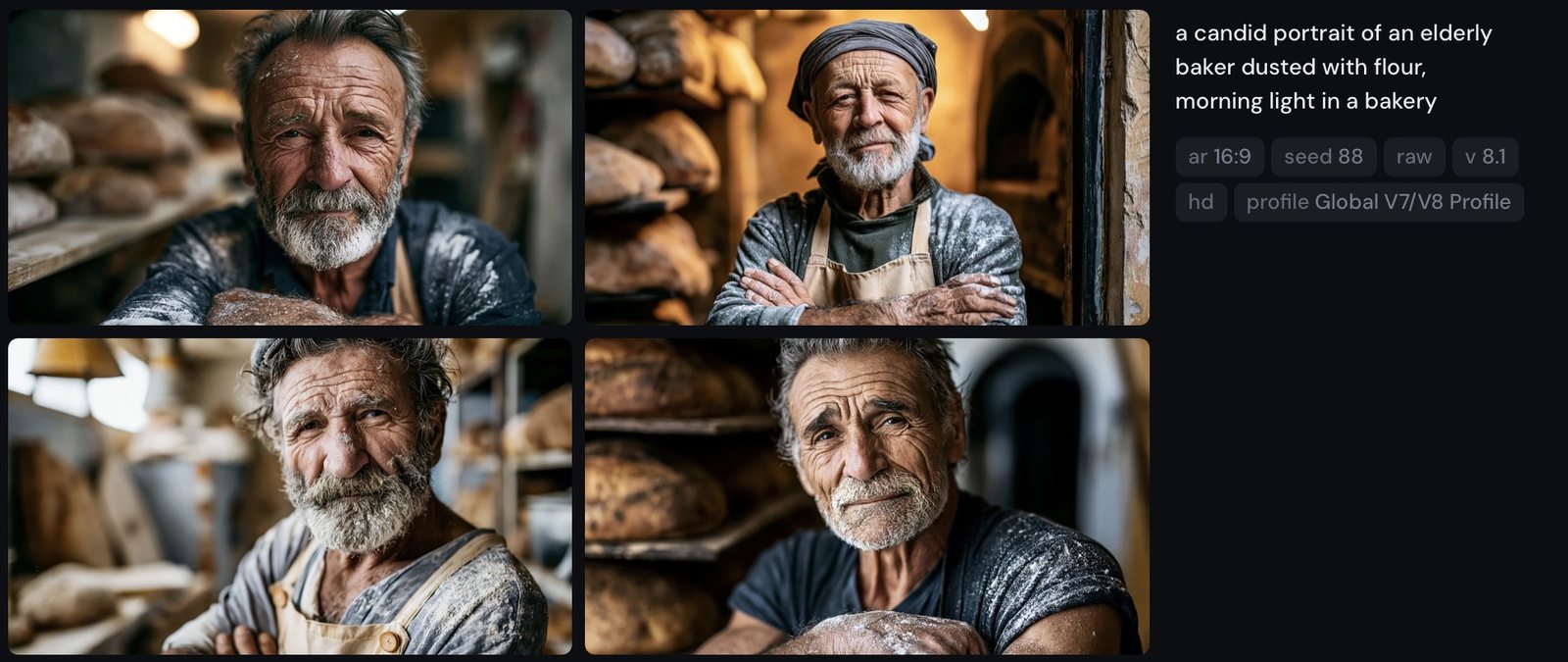
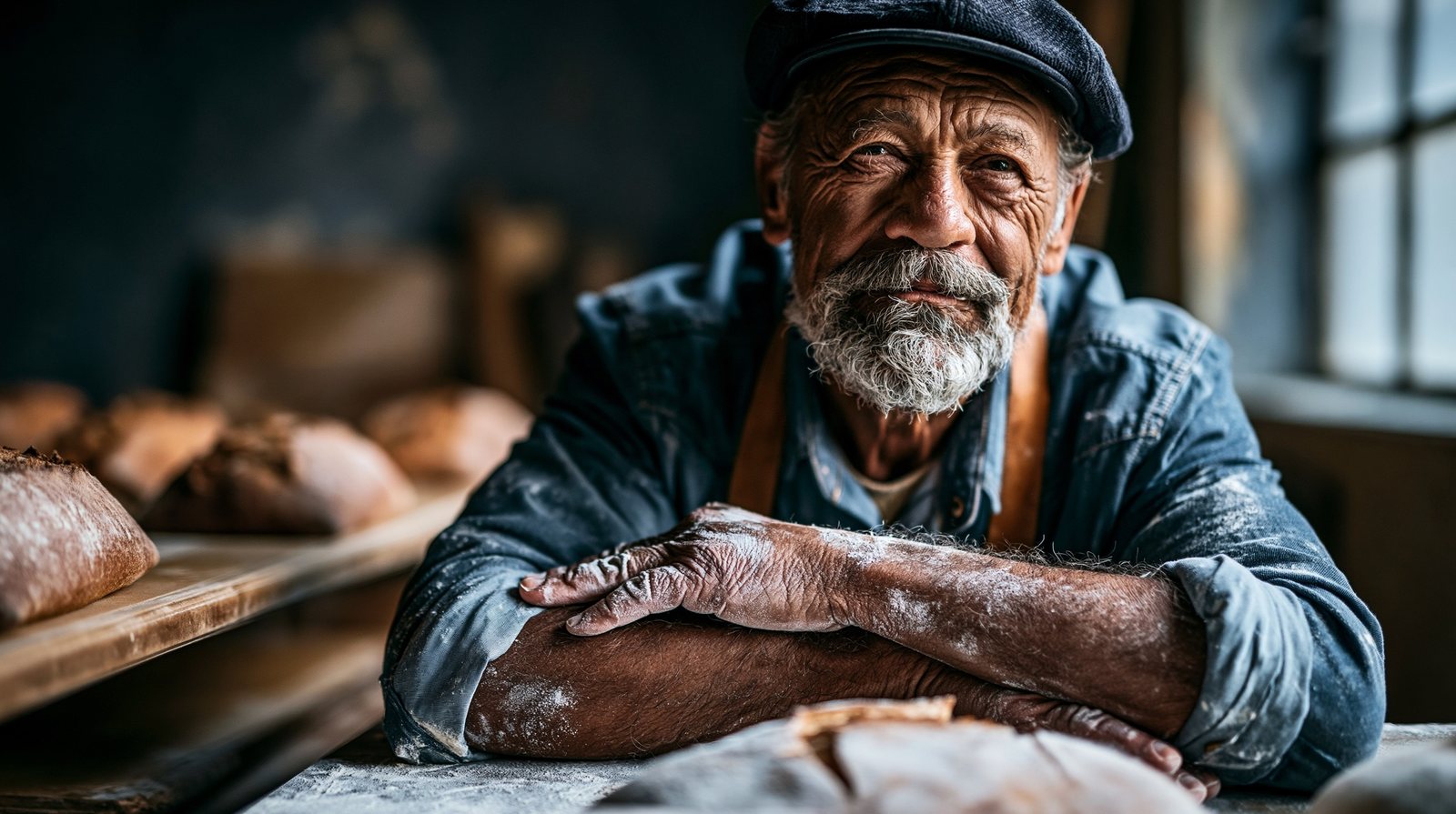
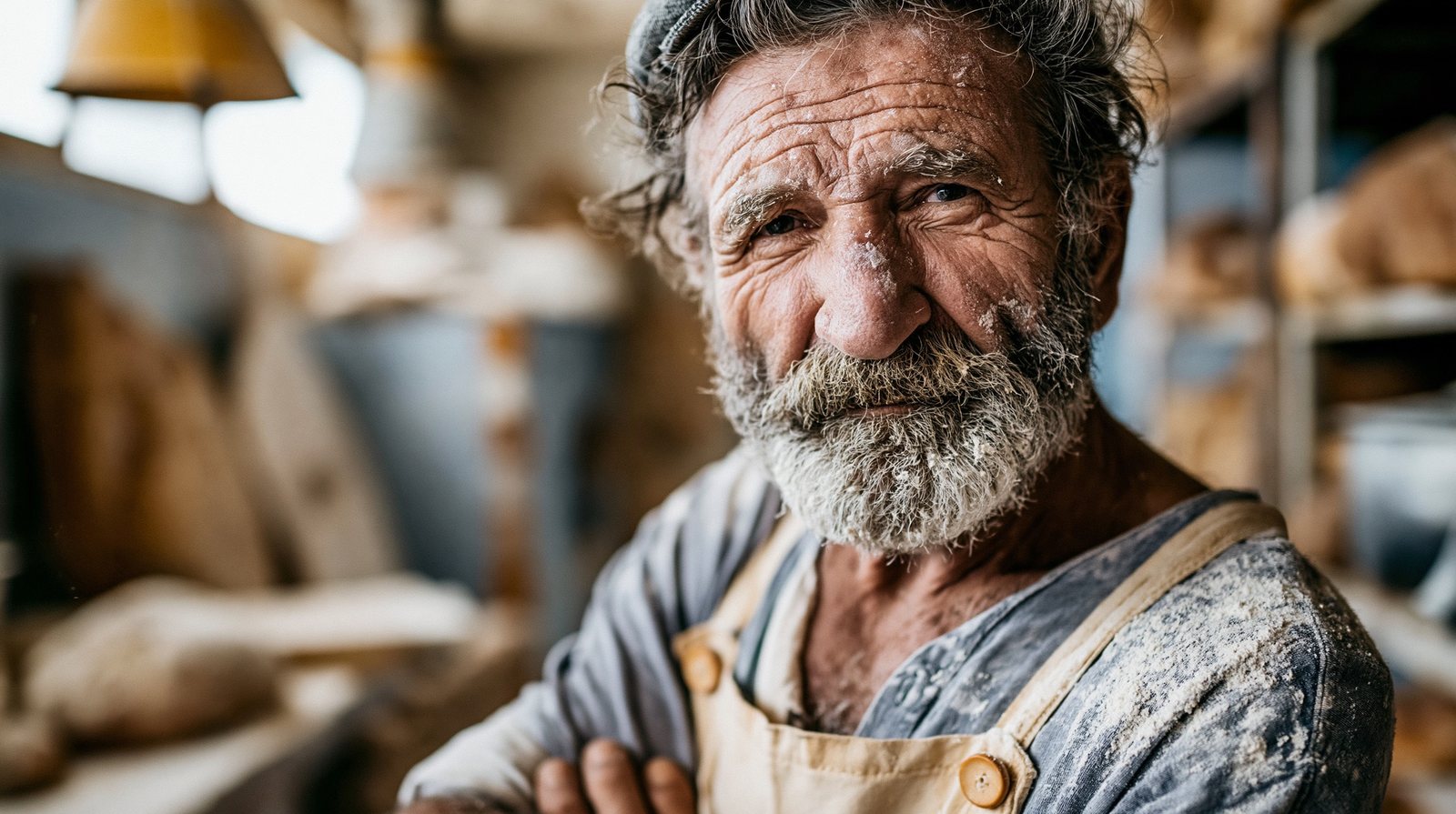
Pair --style raw with a modest stylize value (100–250) and documentary language, and Midjourney stops painting and starts reporting.

Part Five
Name the medium, the technique, and the era — specificity beats adjectives. One recurring control subject (“a single ripe pear on a wooden table”) rendered across a dozen media makes the gallery-wall spread of the book.
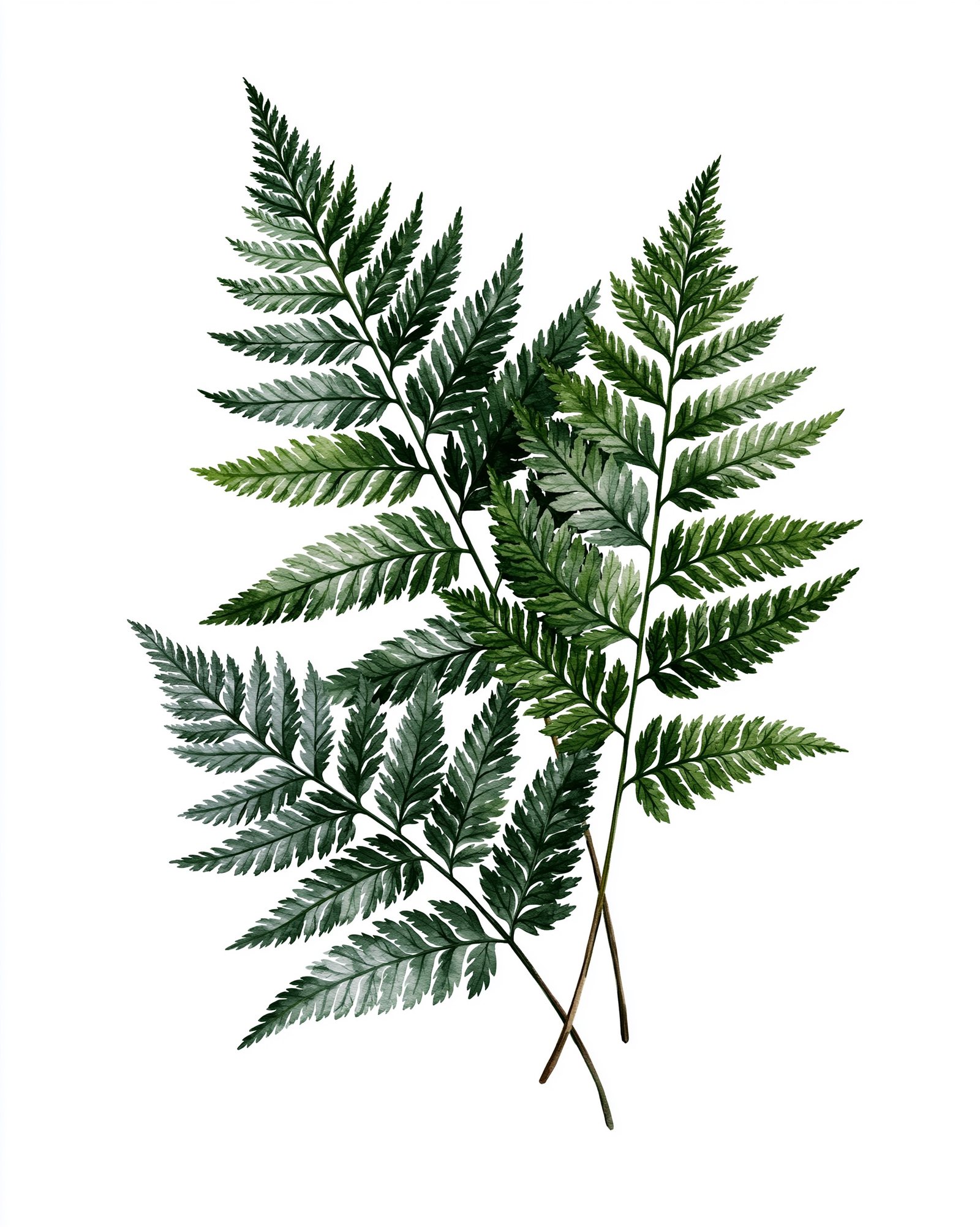
One subject, one sentence, twelve mediums. Naming the medium and its technique — “wet-on-wet washes,” “heavy impasto,” “lead lines, glowing backlight” — is the most powerful style lever in plain language.
This is the gallery-wall spread of the book. Read it like a museum room: the fruit never changes, only the hand that made it. Notice how the technique words do the real work — “cross-hatching” builds the graphite, “subsurface scattering” lights the 3D render from inside.
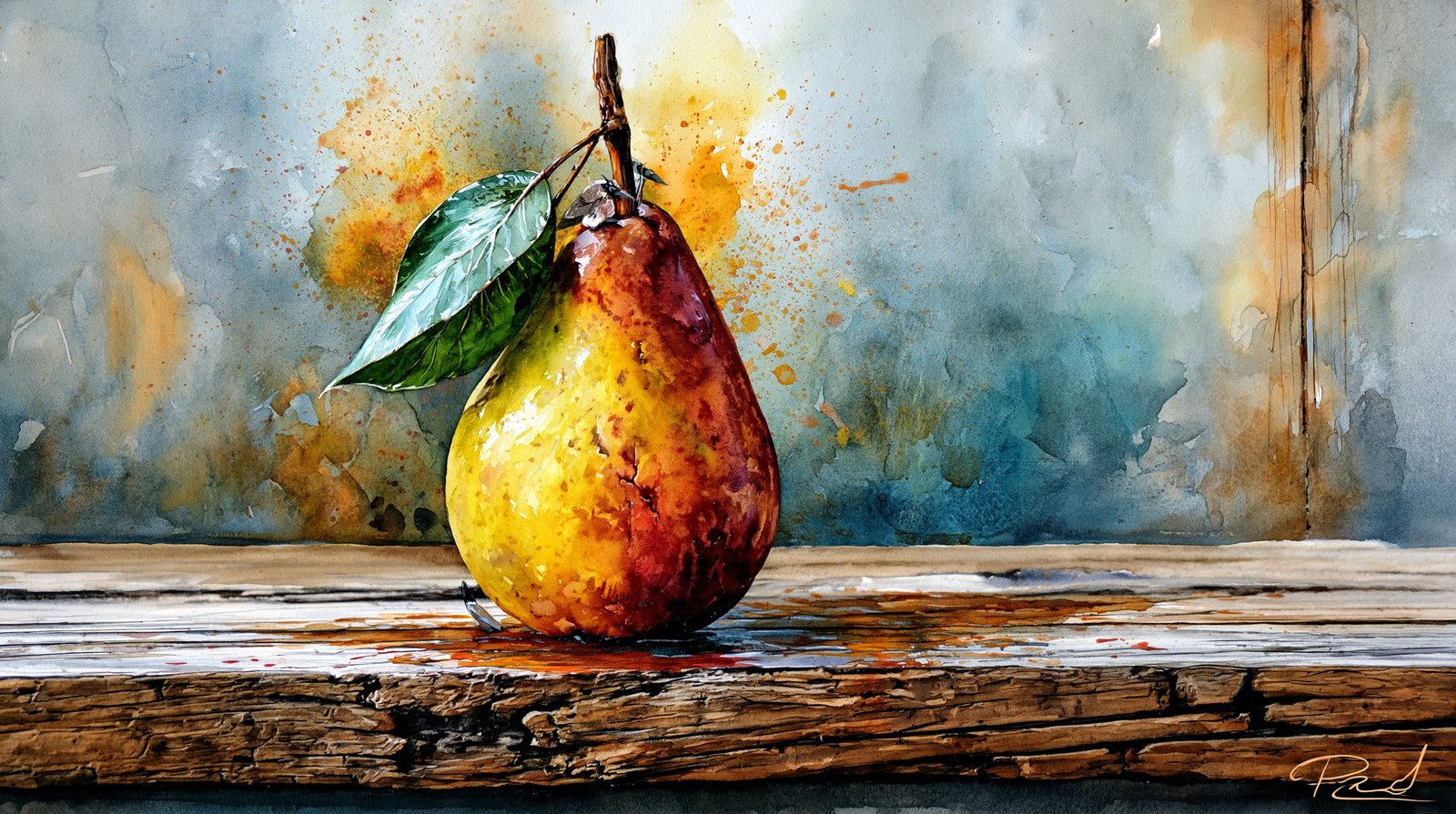

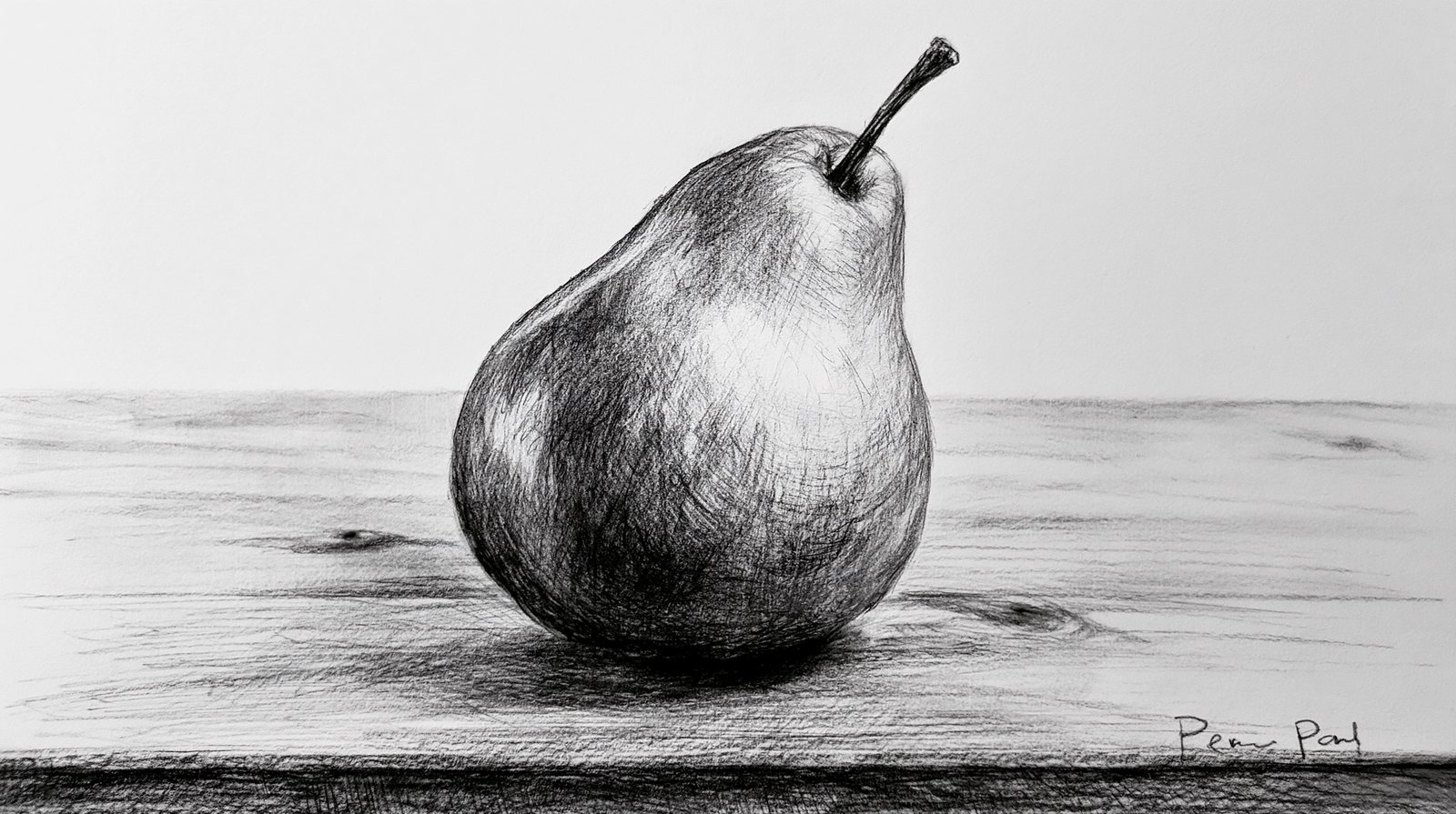


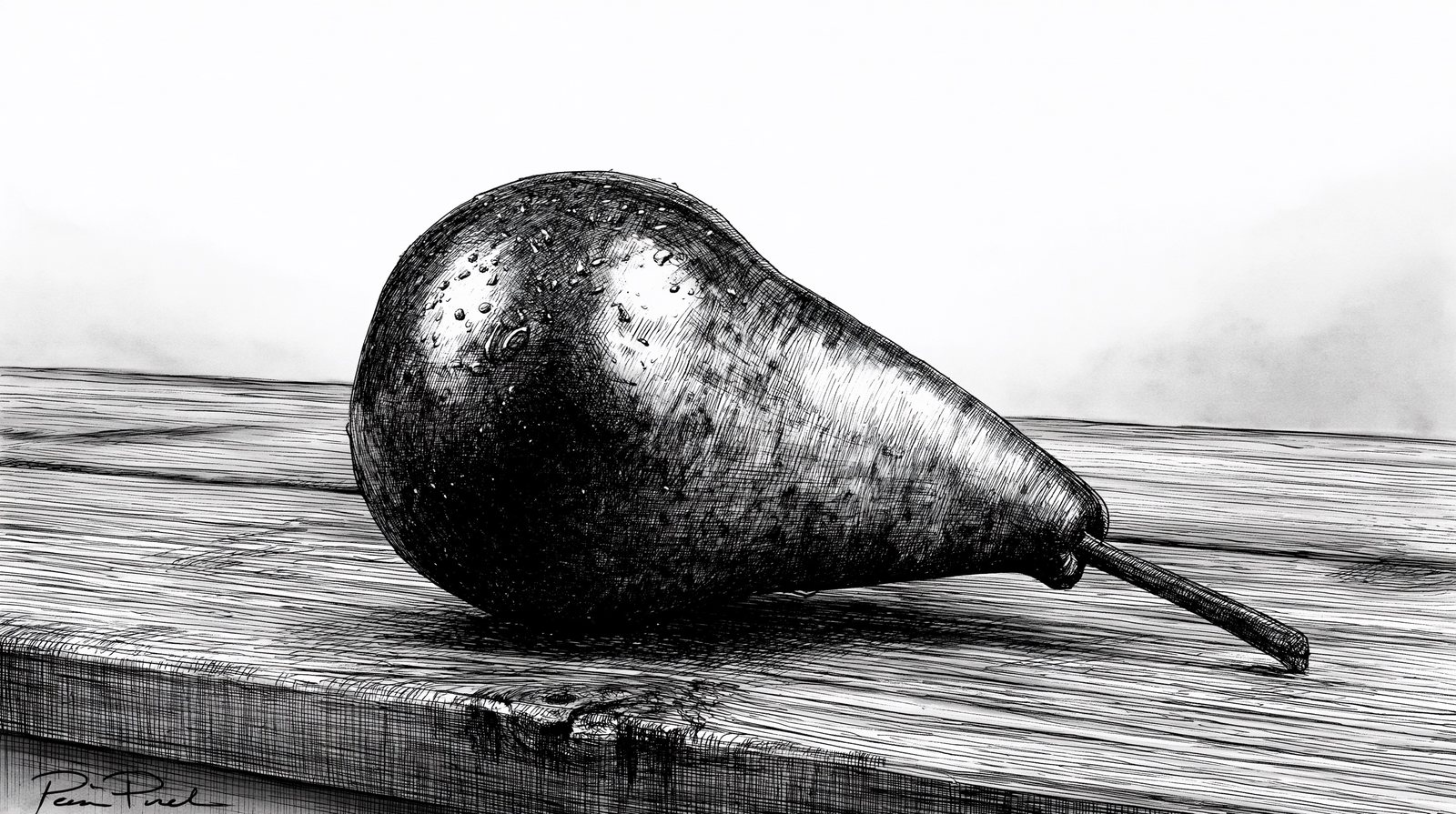
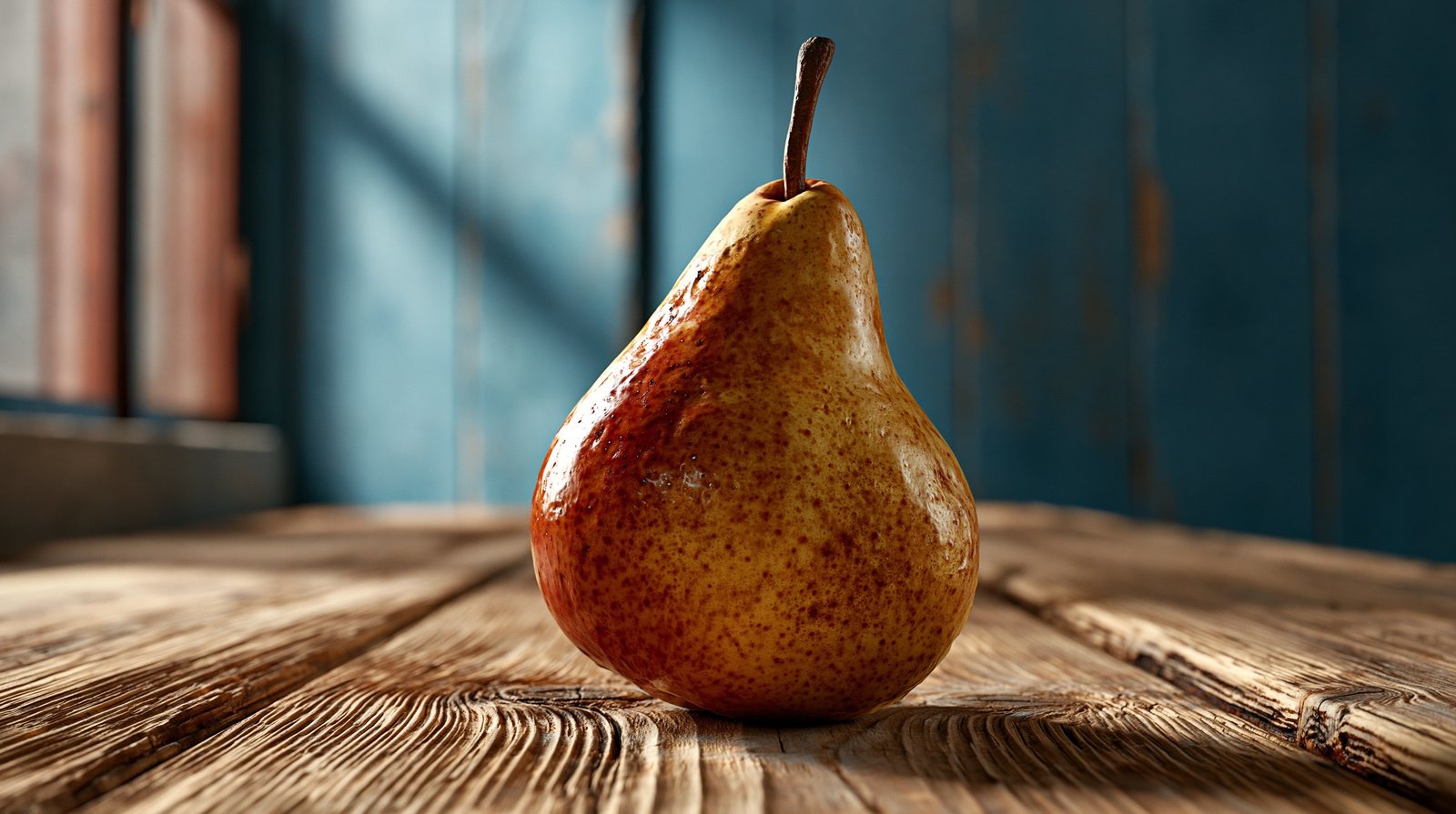
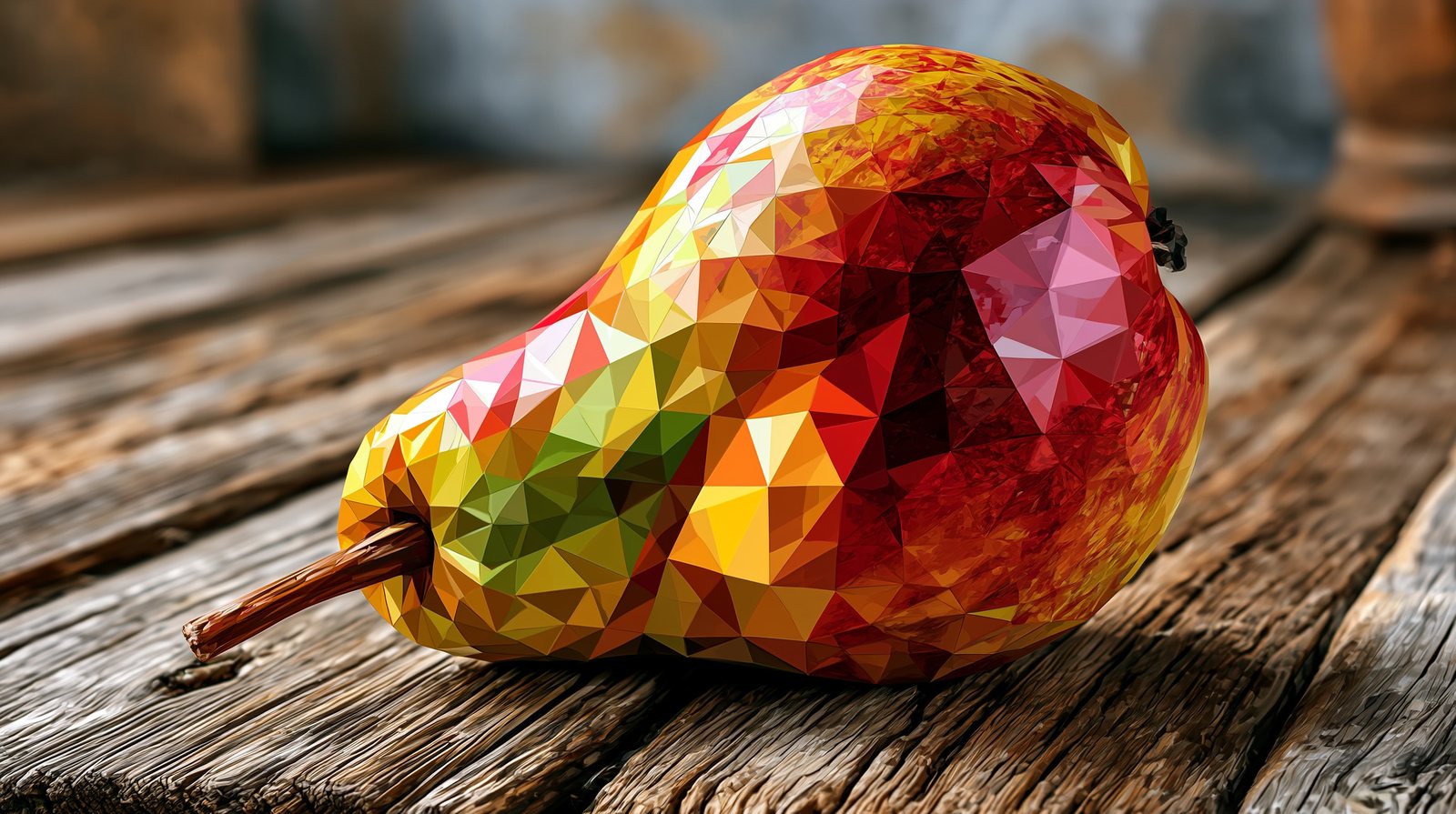

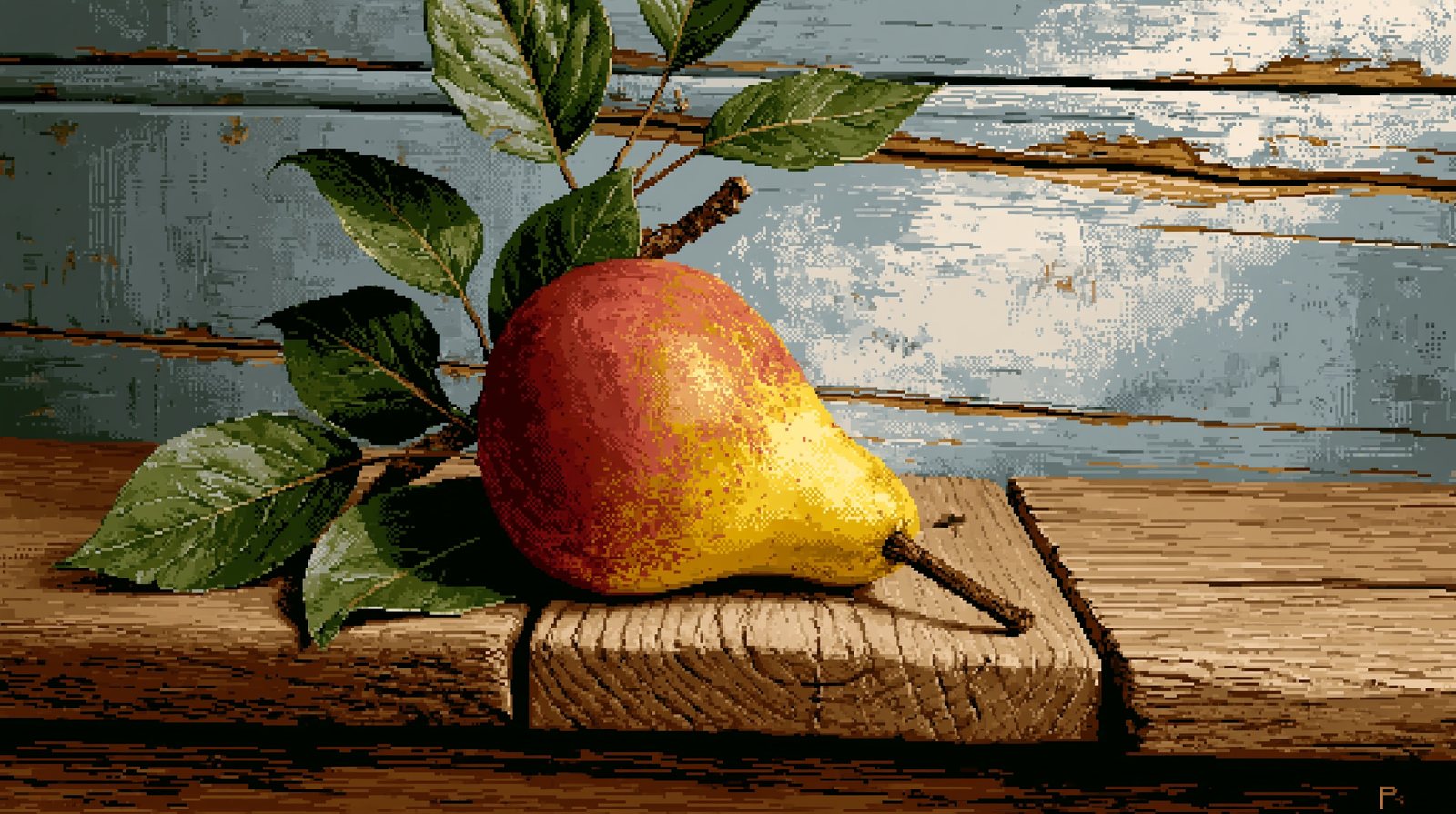

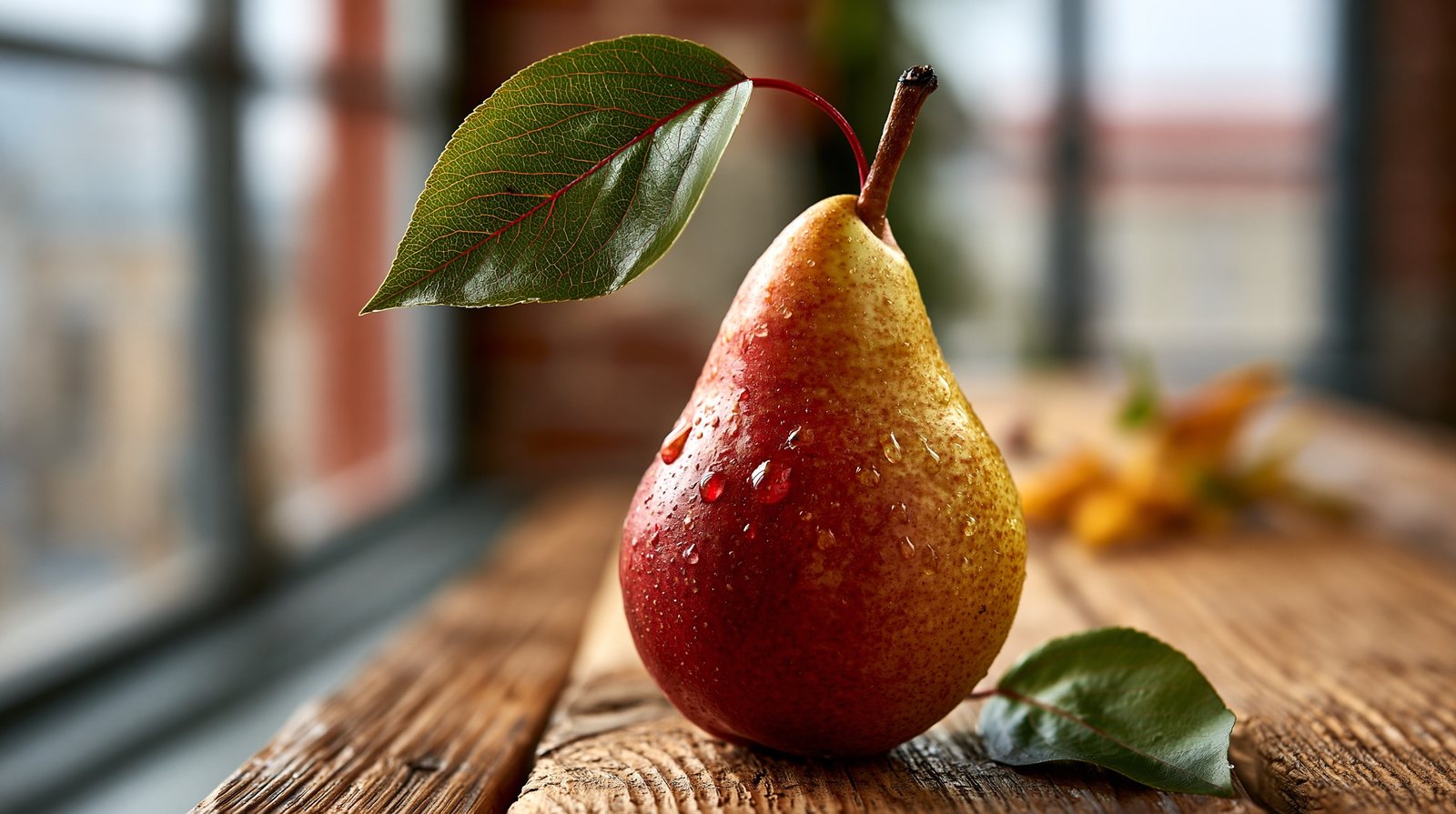
One medium, three temperaments: loose and bleeding, light and architectural, precise and scientific. The technique words steer it.
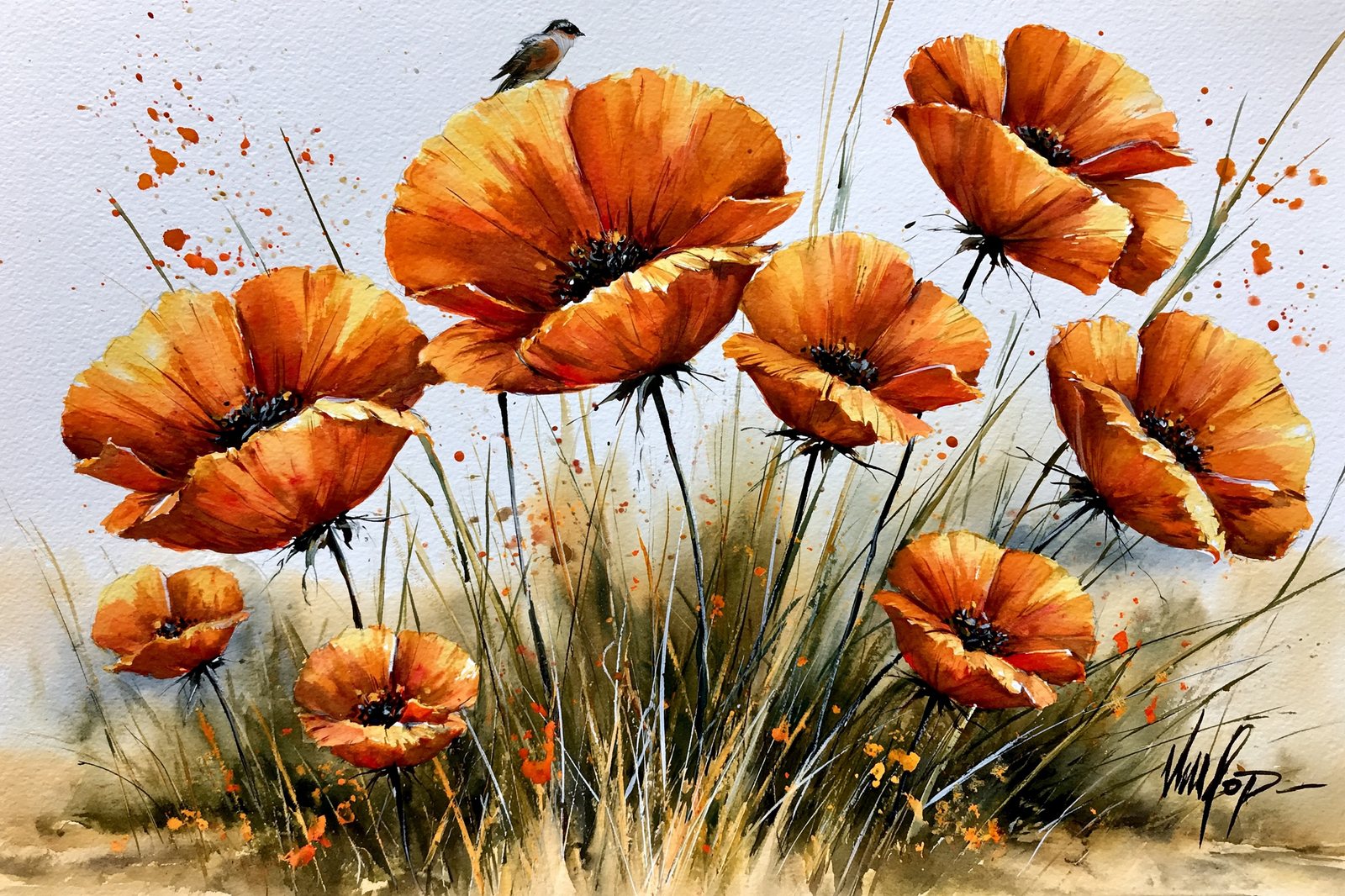
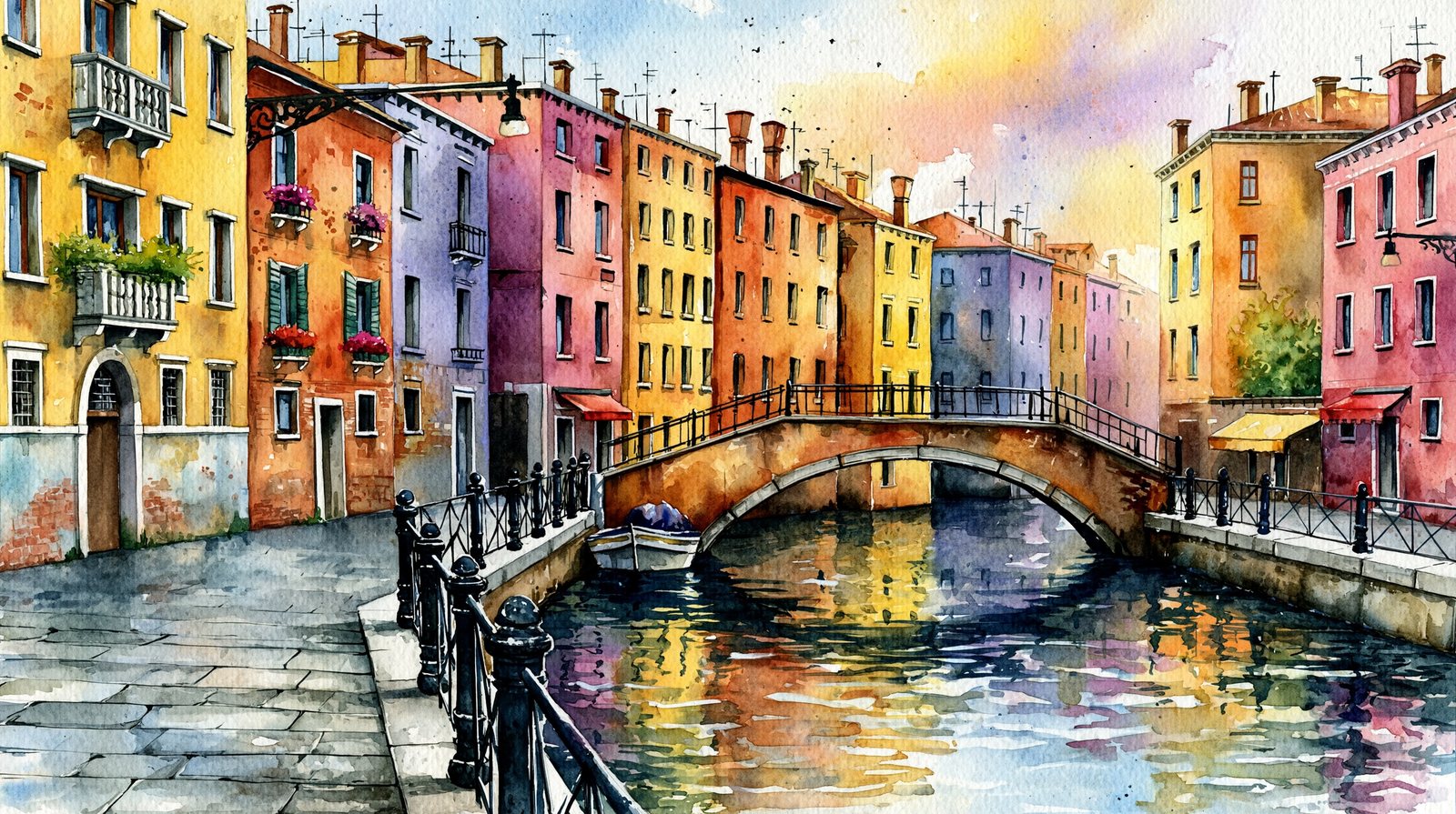
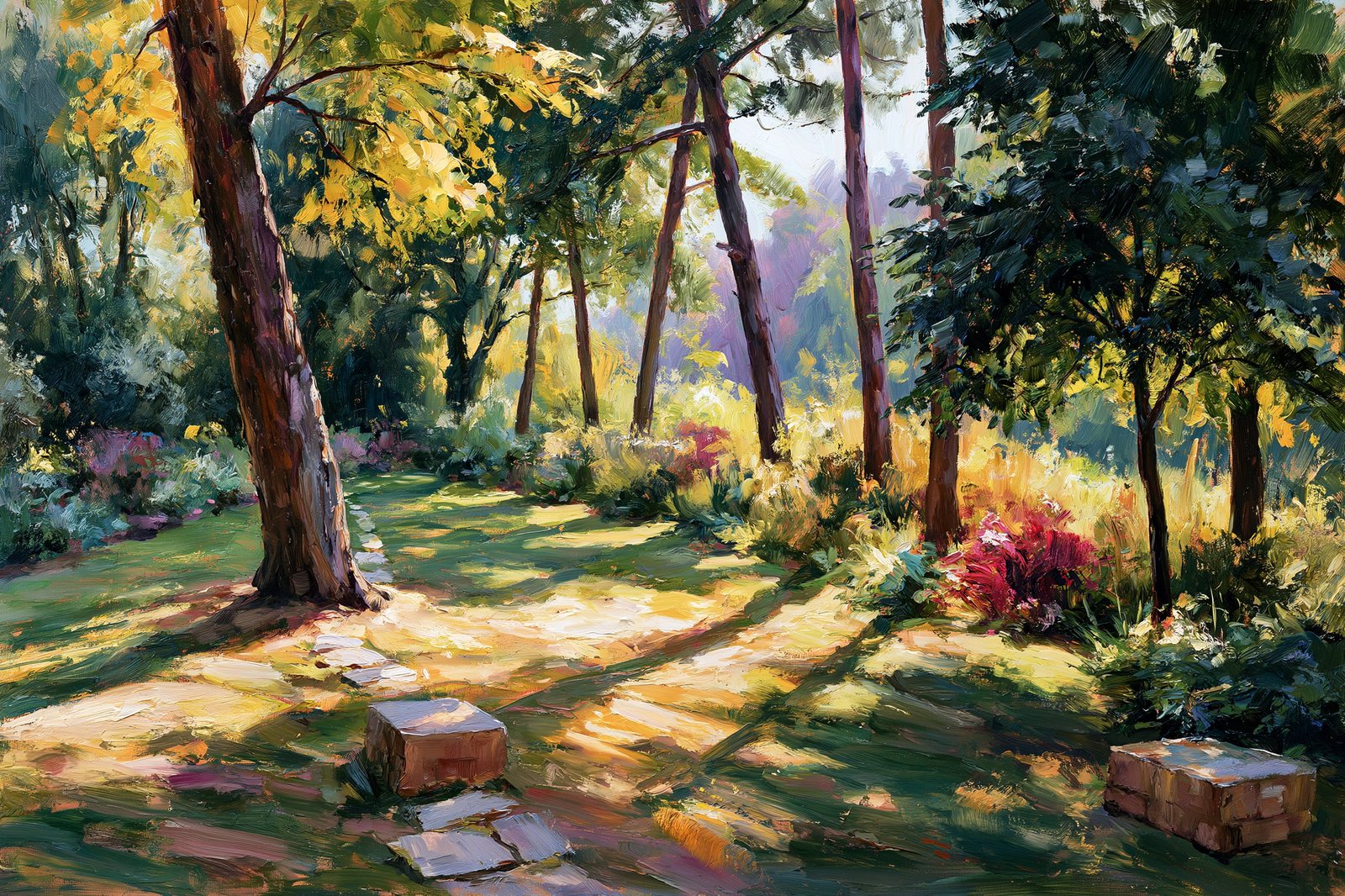
Impasto, Old Master, Impressionist — three centuries of oil in three prompts. Era language is style language.
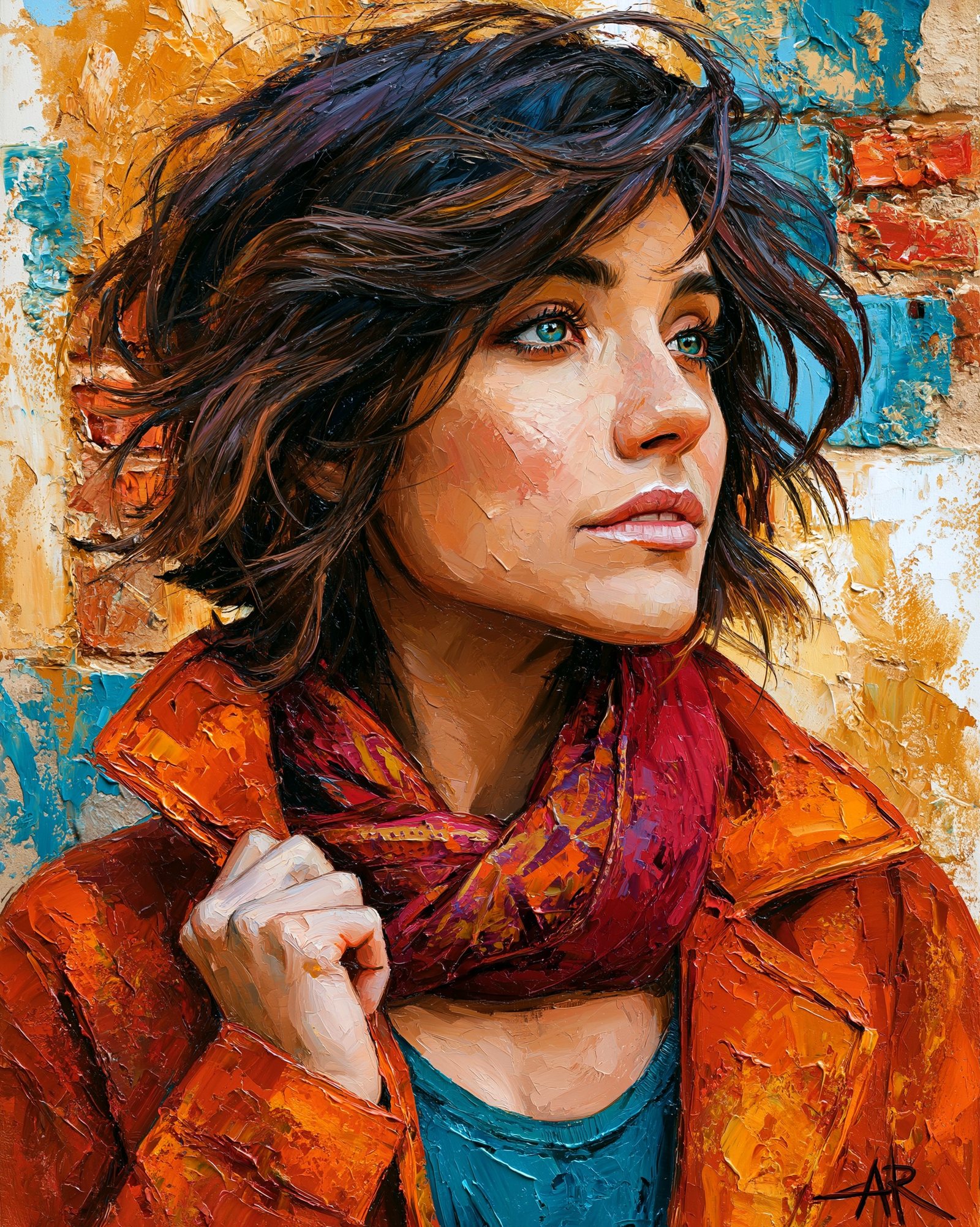

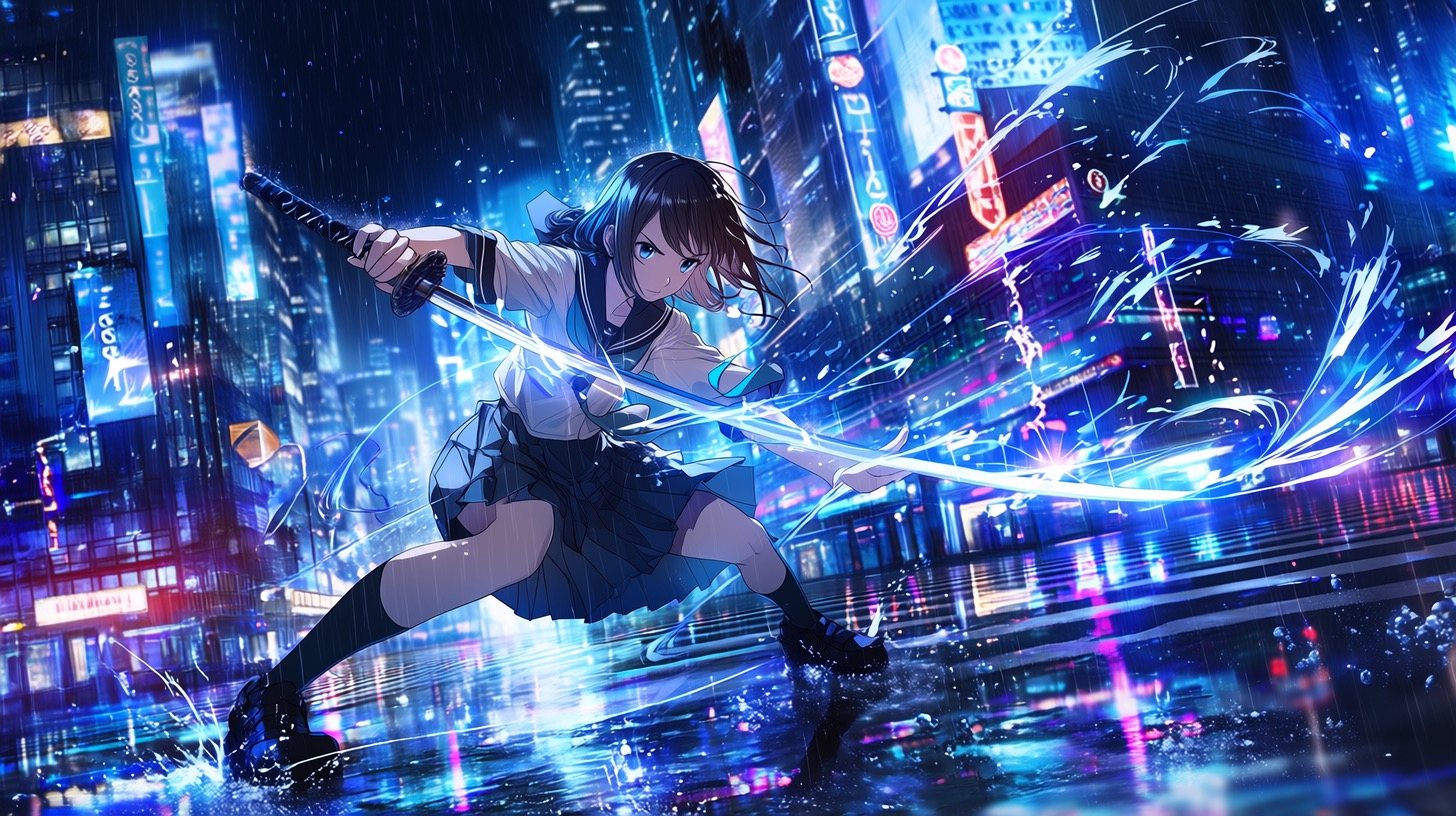
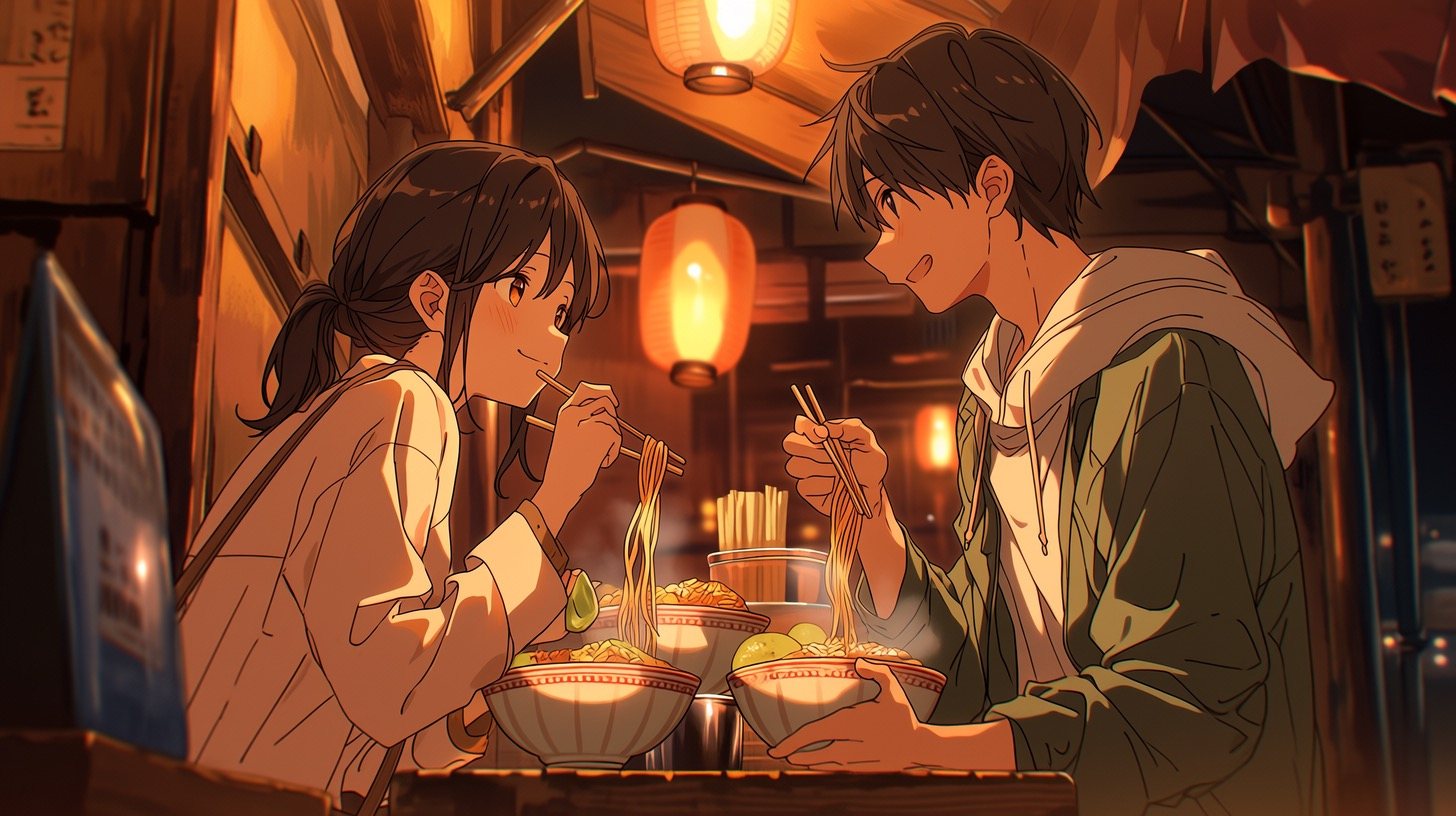
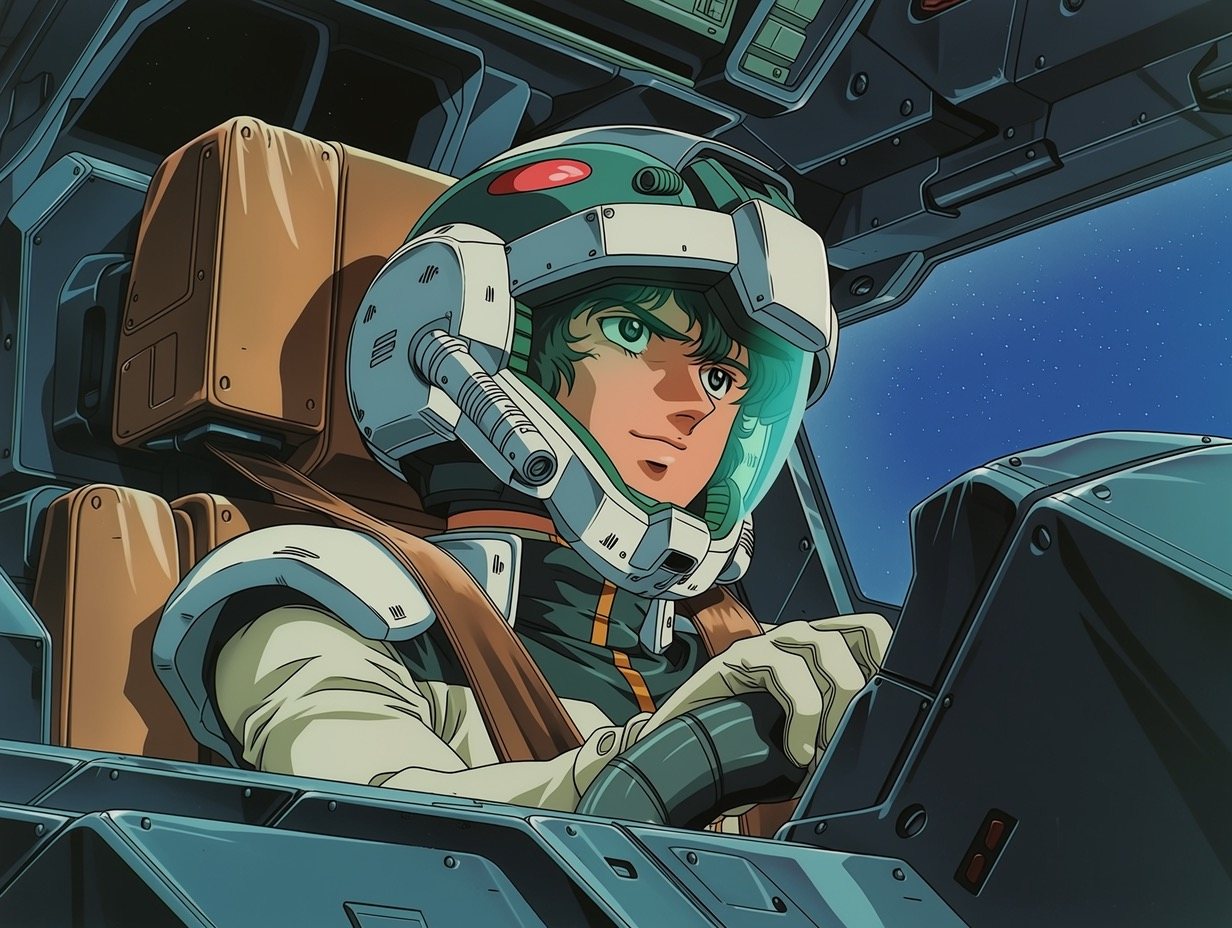
Niji 7 uses “precision prompting” — it renders what you specify and invents little, the opposite of V7's gap-filling. Describe the type of character; never name a copyrighted one.

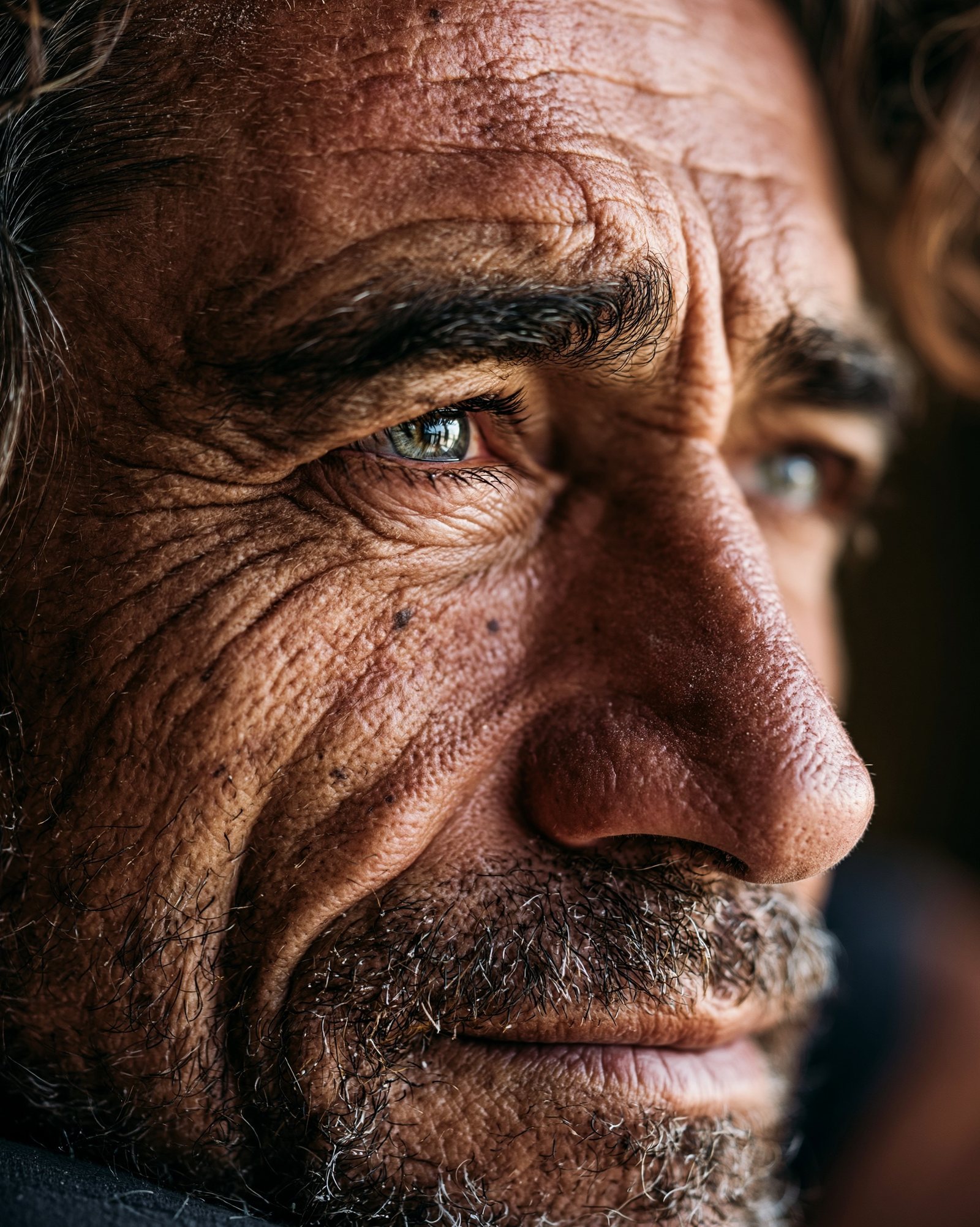
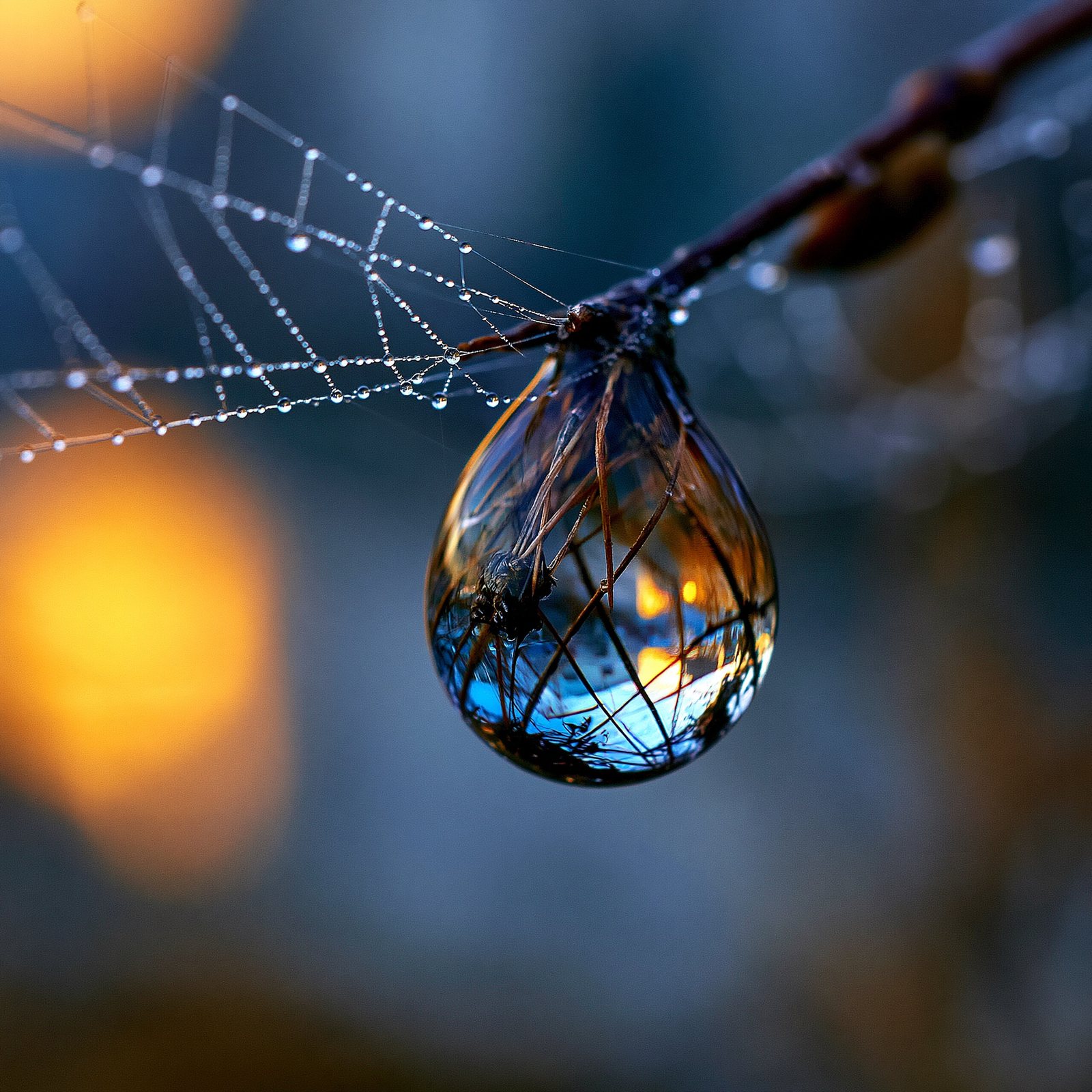
Material realism: skin pores, refracted dew, condensation. Texture language plus --style raw — camera grammar gets all of Part 6.

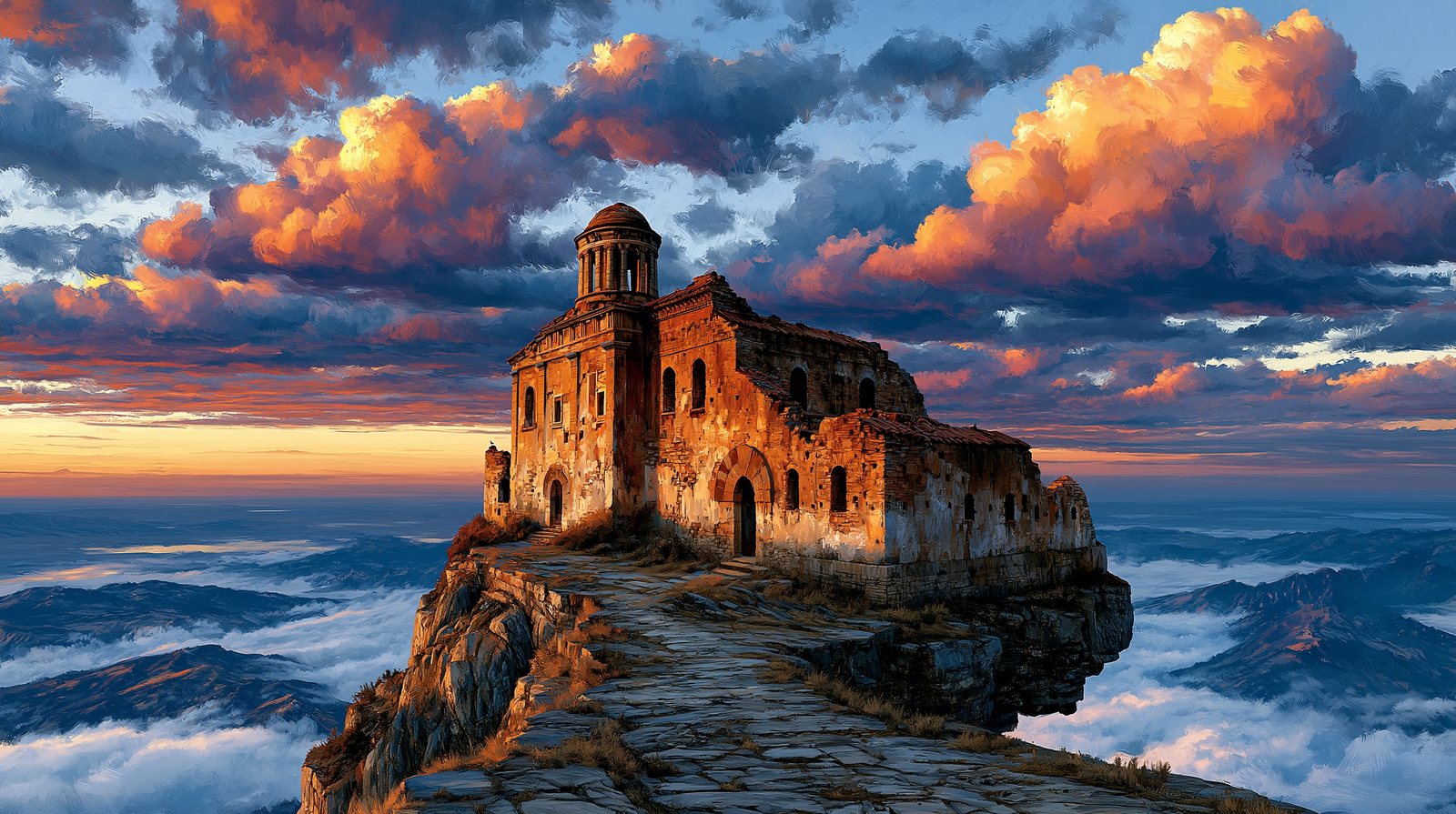
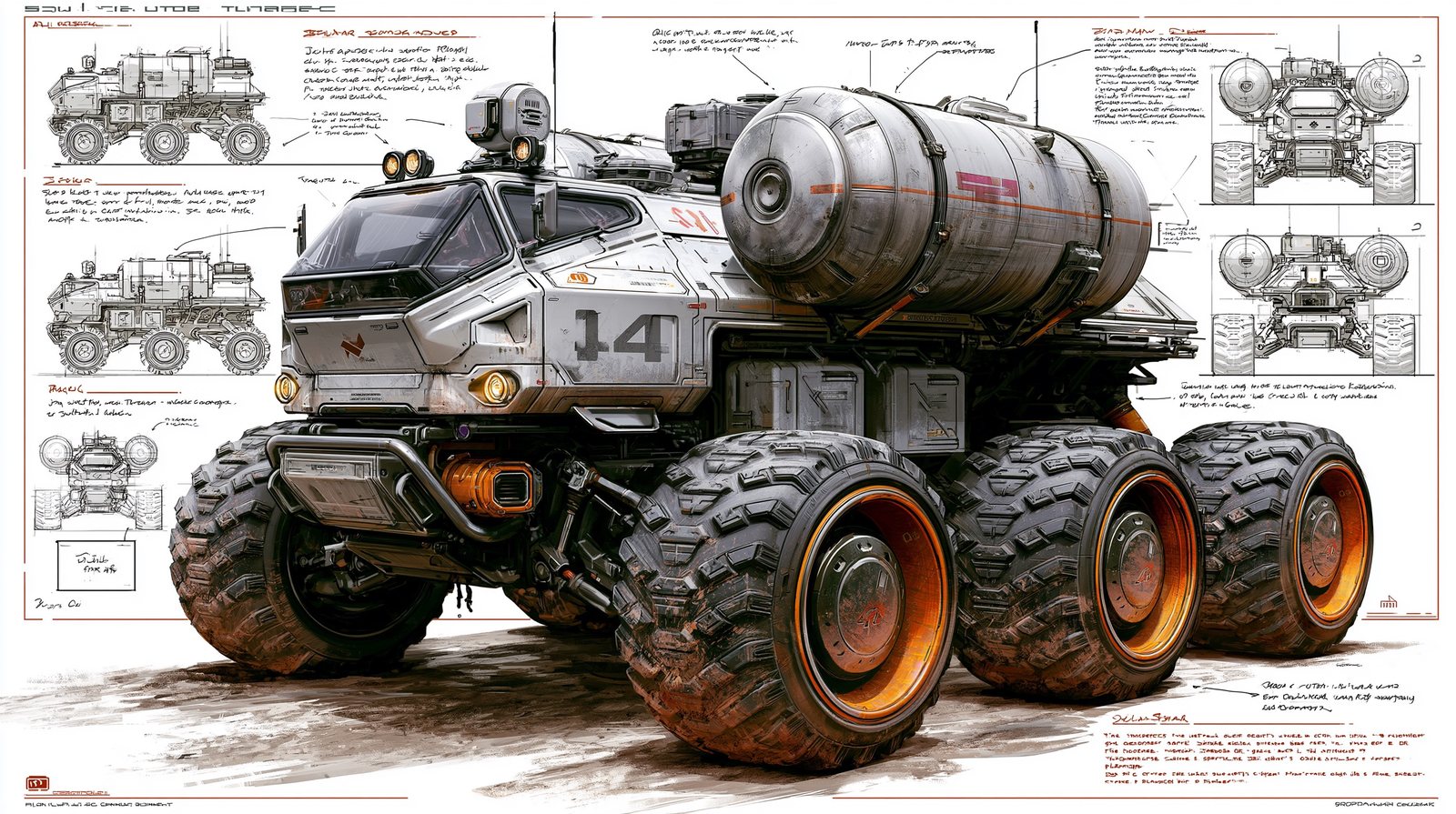
Three professional registers: cinematic environment, industrial design sheet, picture-book warmth.
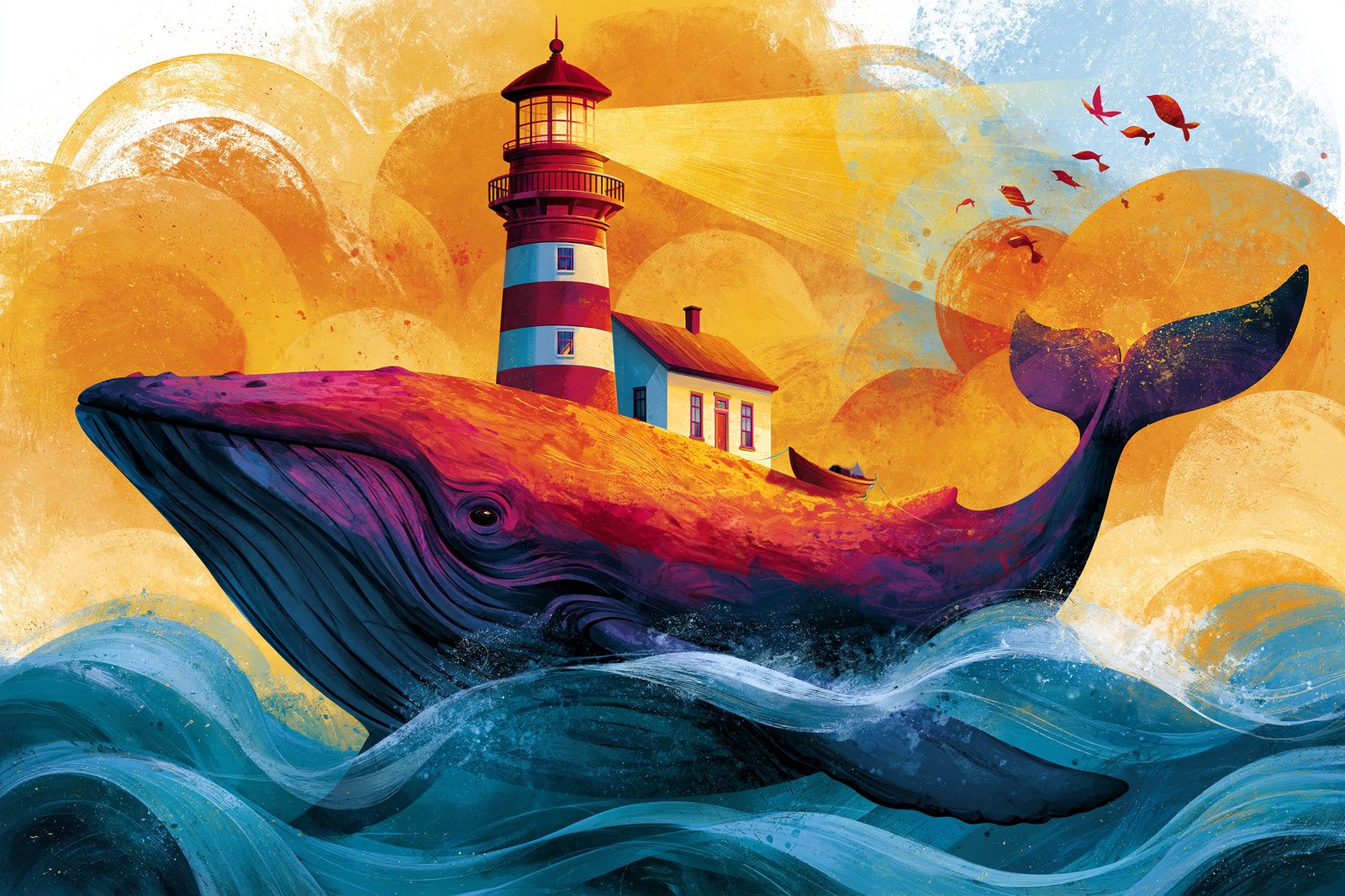
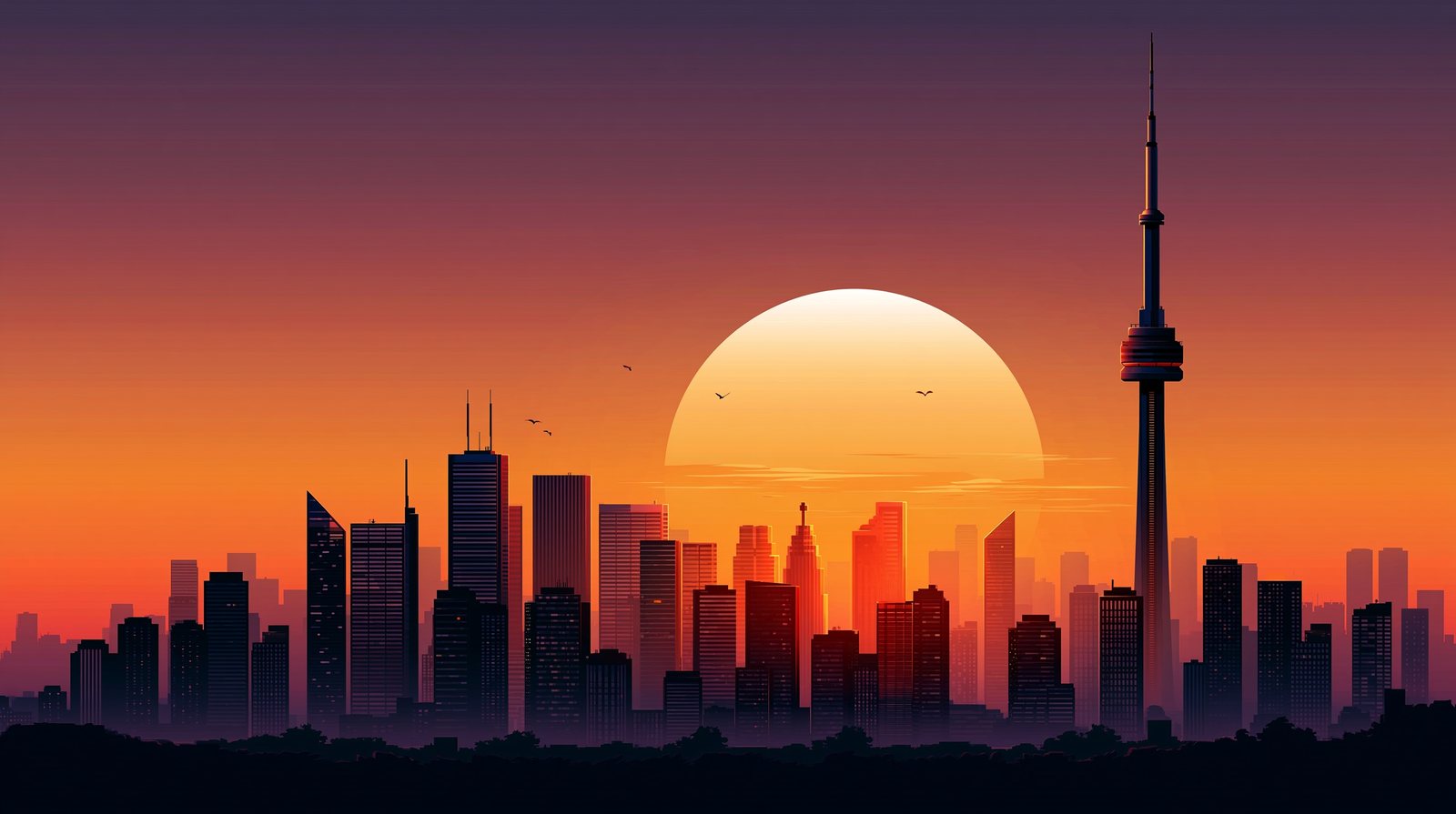
Flat colour, overprint grain, isometric miniatures — graphic-design looks respond to print-trade vocabulary.


Part Six
Midjourney was trained on millions of captioned photographs — gear names carry looks. The richest set of comparison figures in the book lives here.
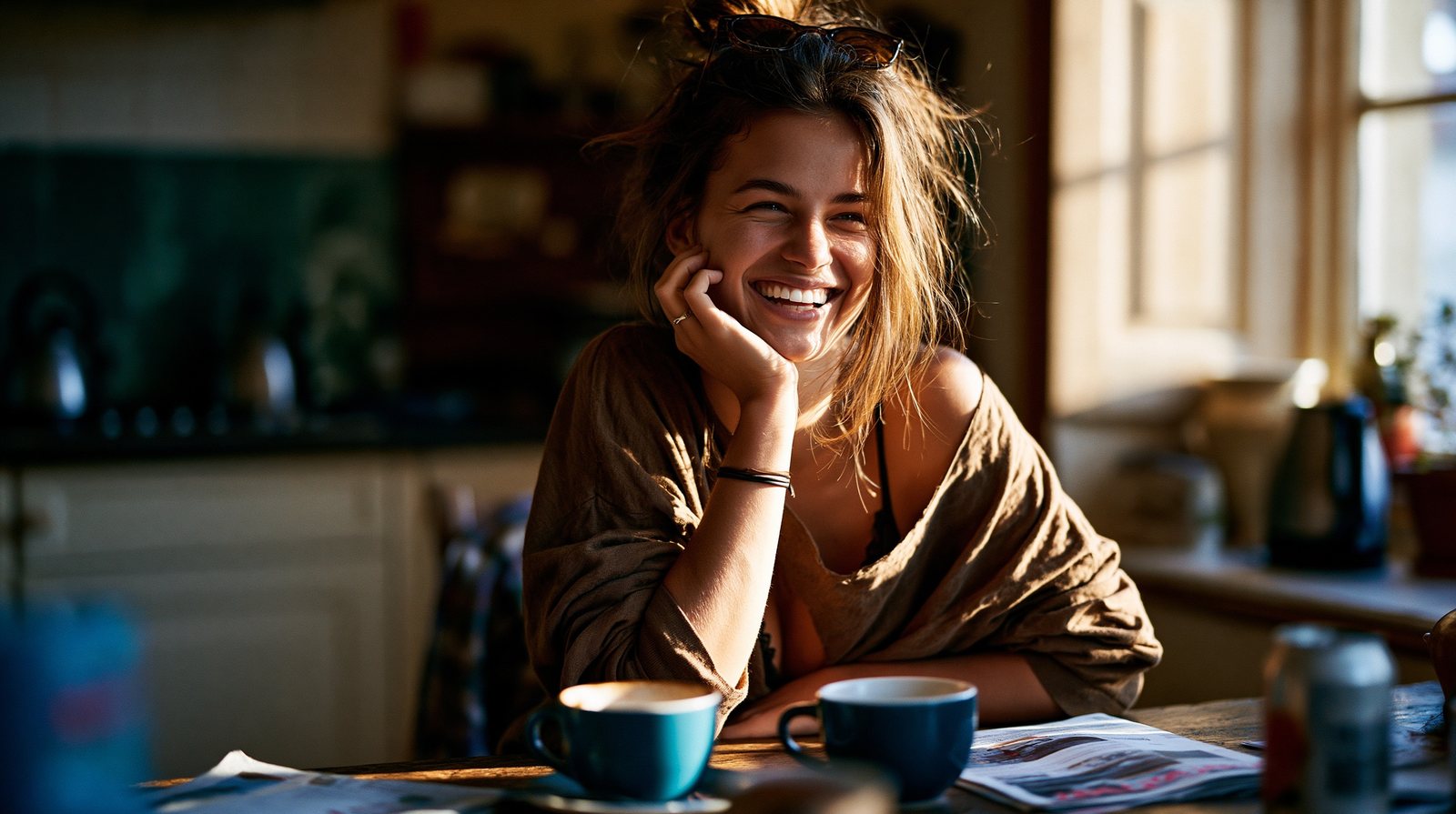
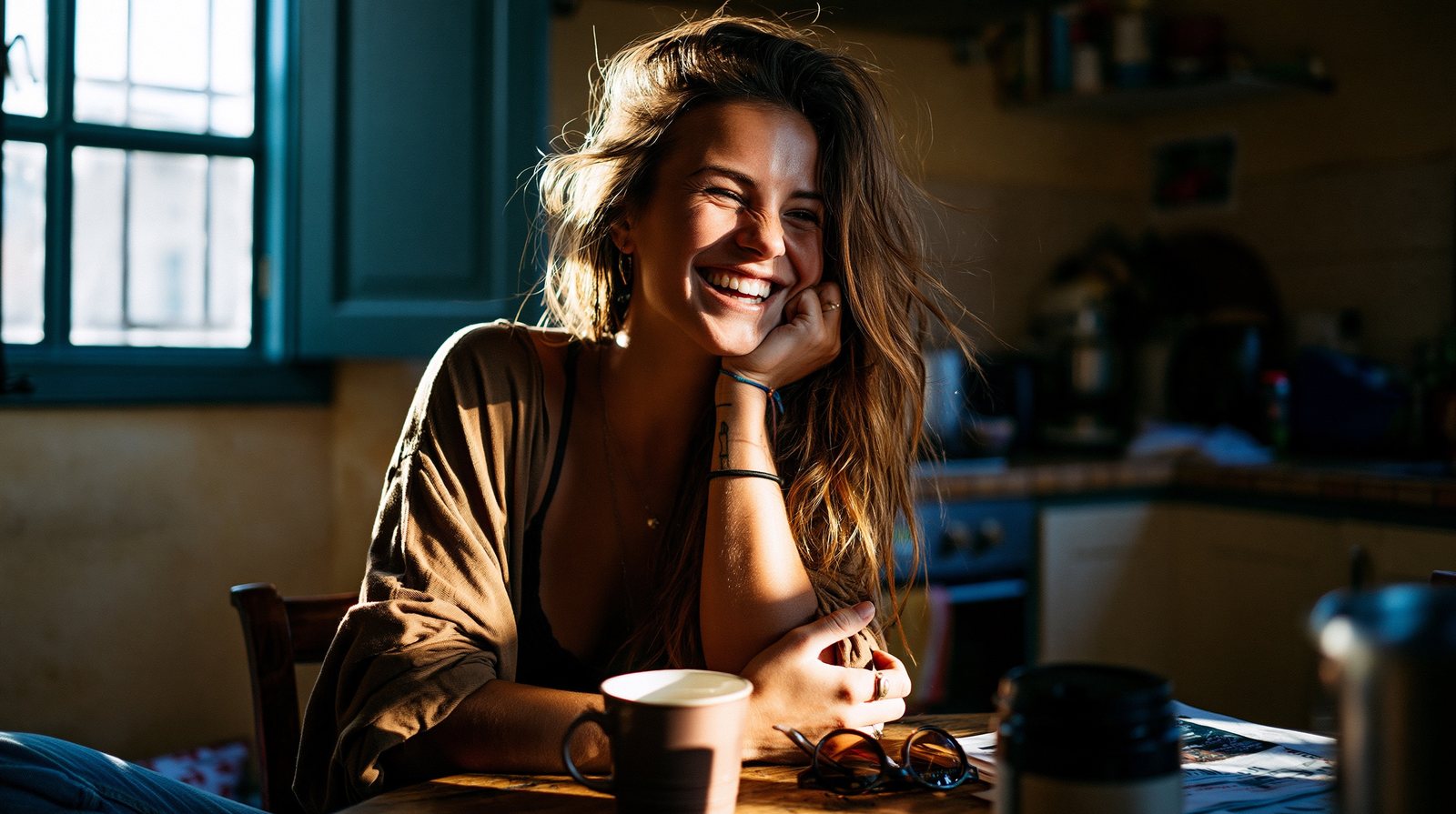
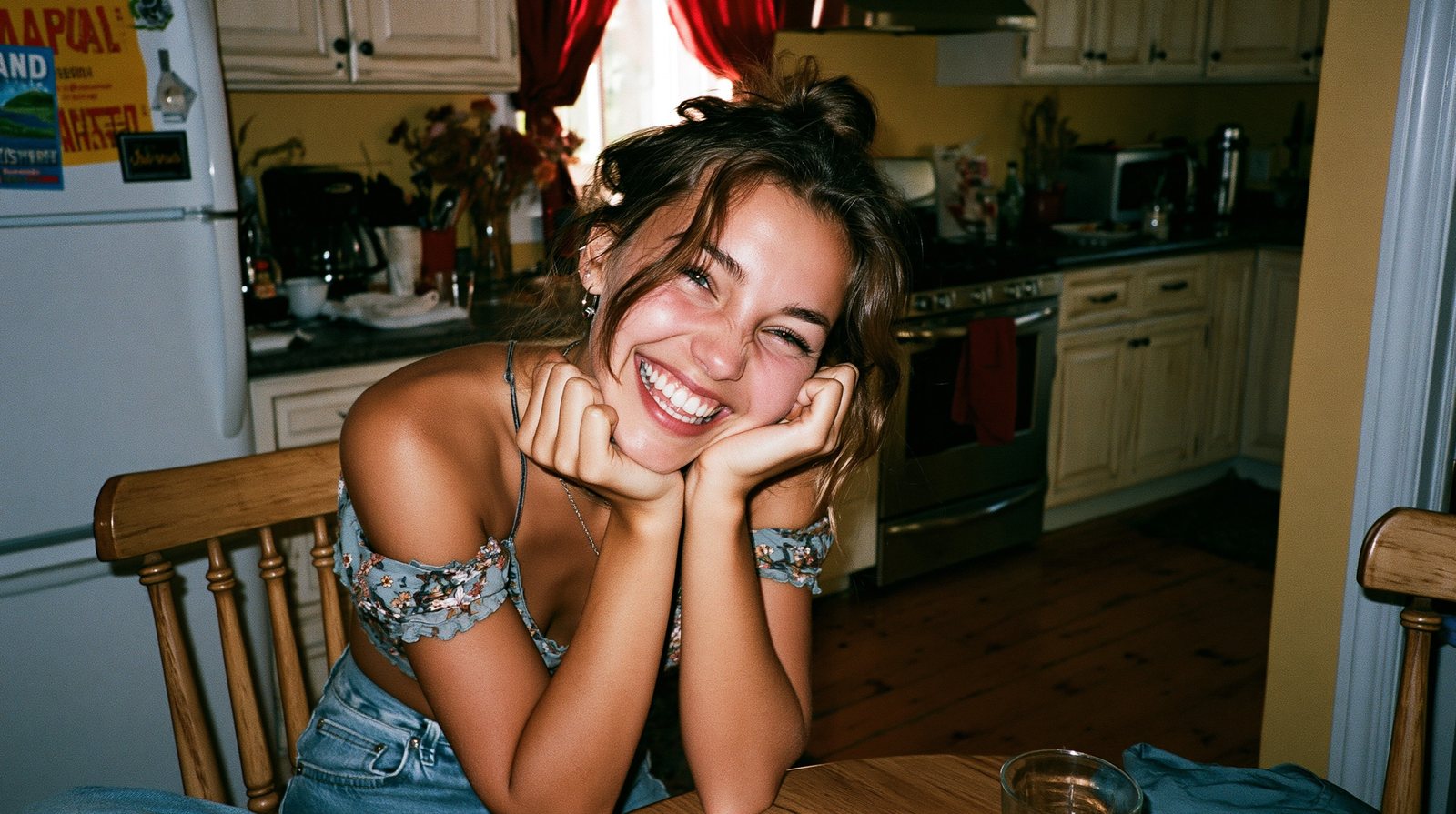
Midjourney was trained on millions of captioned photographs, so a camera's name carries its whole visual culture. Same woman, same kitchen, same morning — three cameras.
“Hasselblad X2D, medium format” summons editorial polish: controlled light, perfect falloff. “Shot on an iPhone” loosens everything — wider, brighter, casual. “Disposable film camera, direct flash” drags the scene twenty years backwards into snapshot nostalgia. None of these cameras exist in the image; only their reputations do.
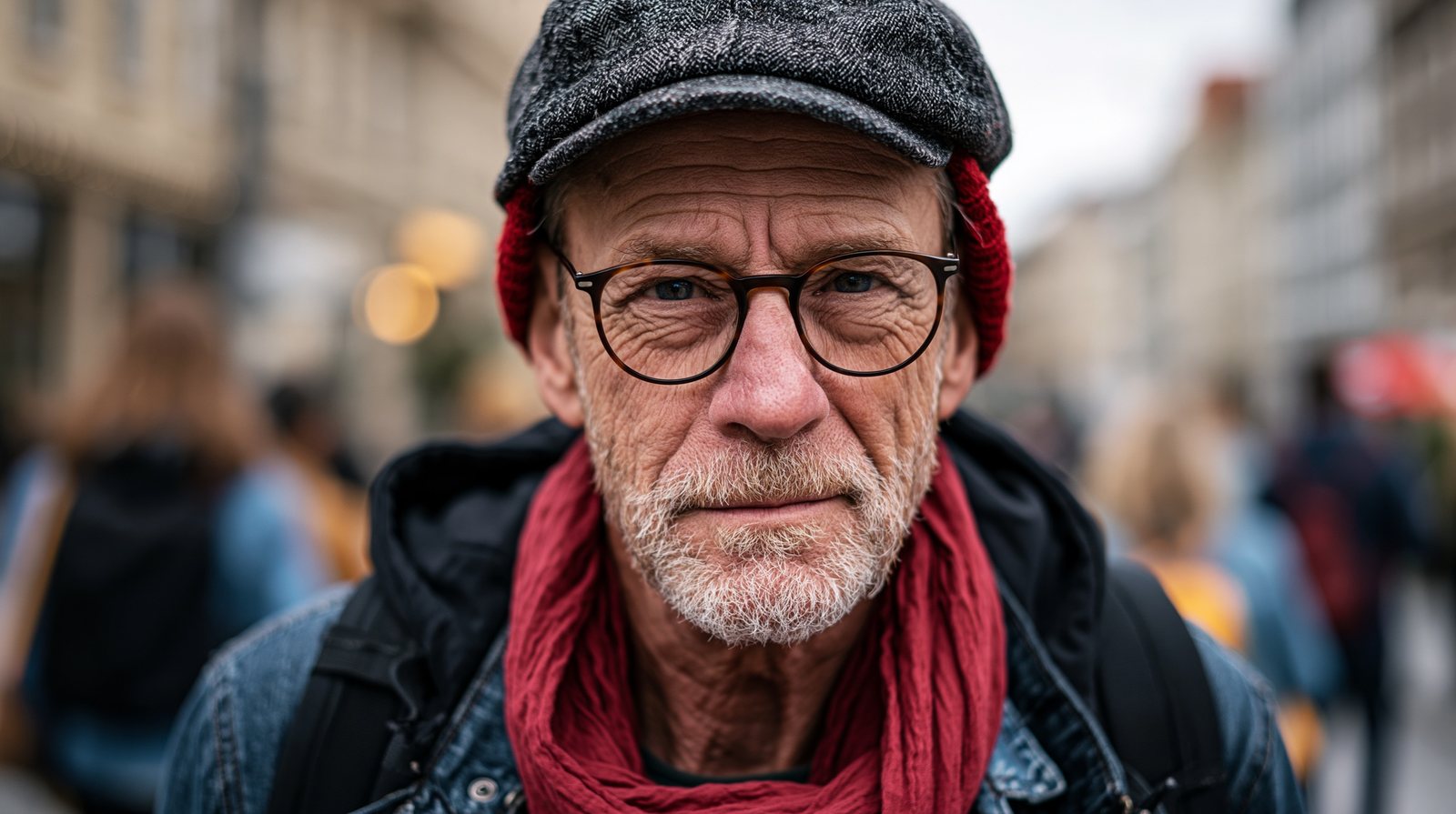
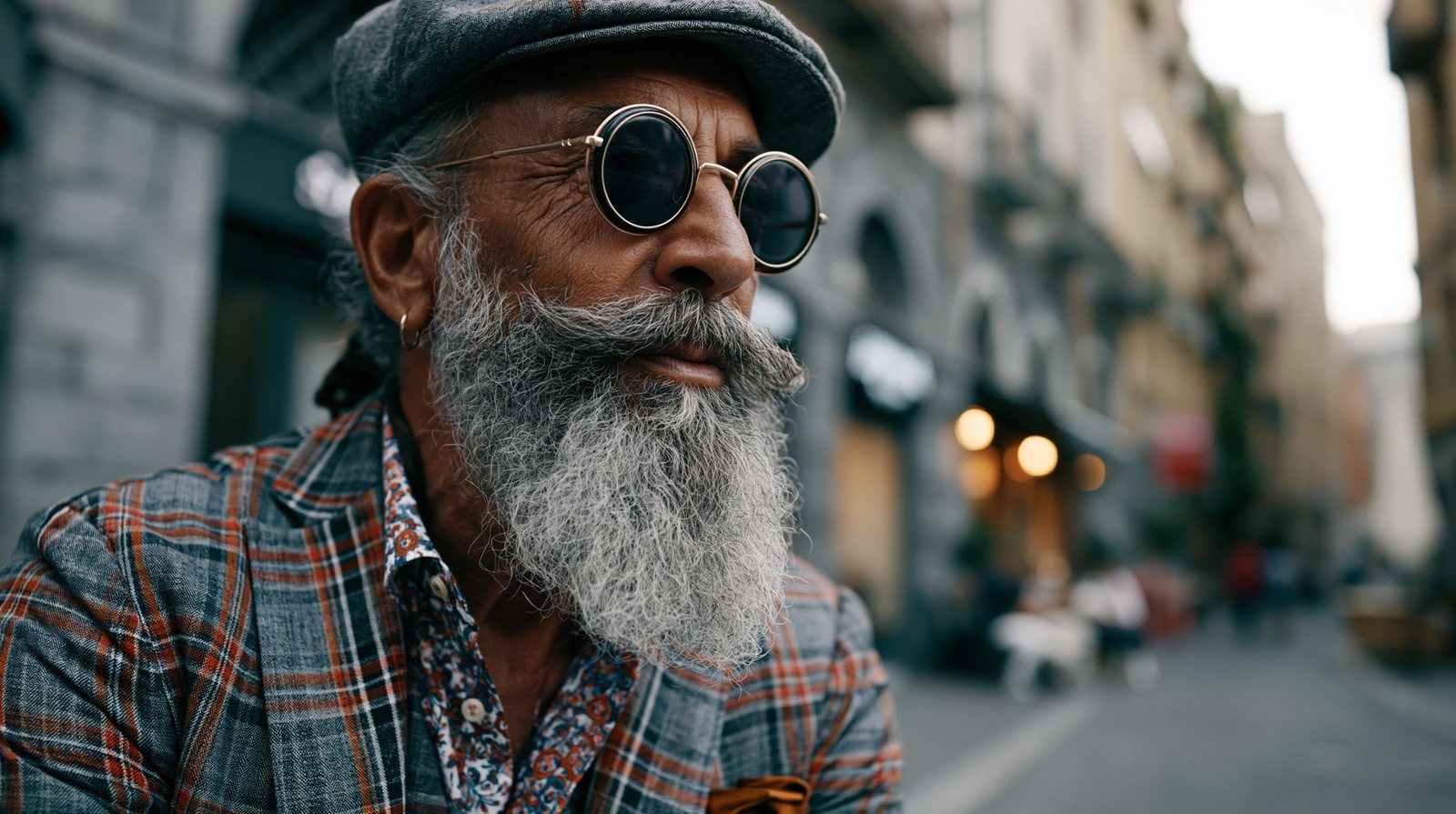
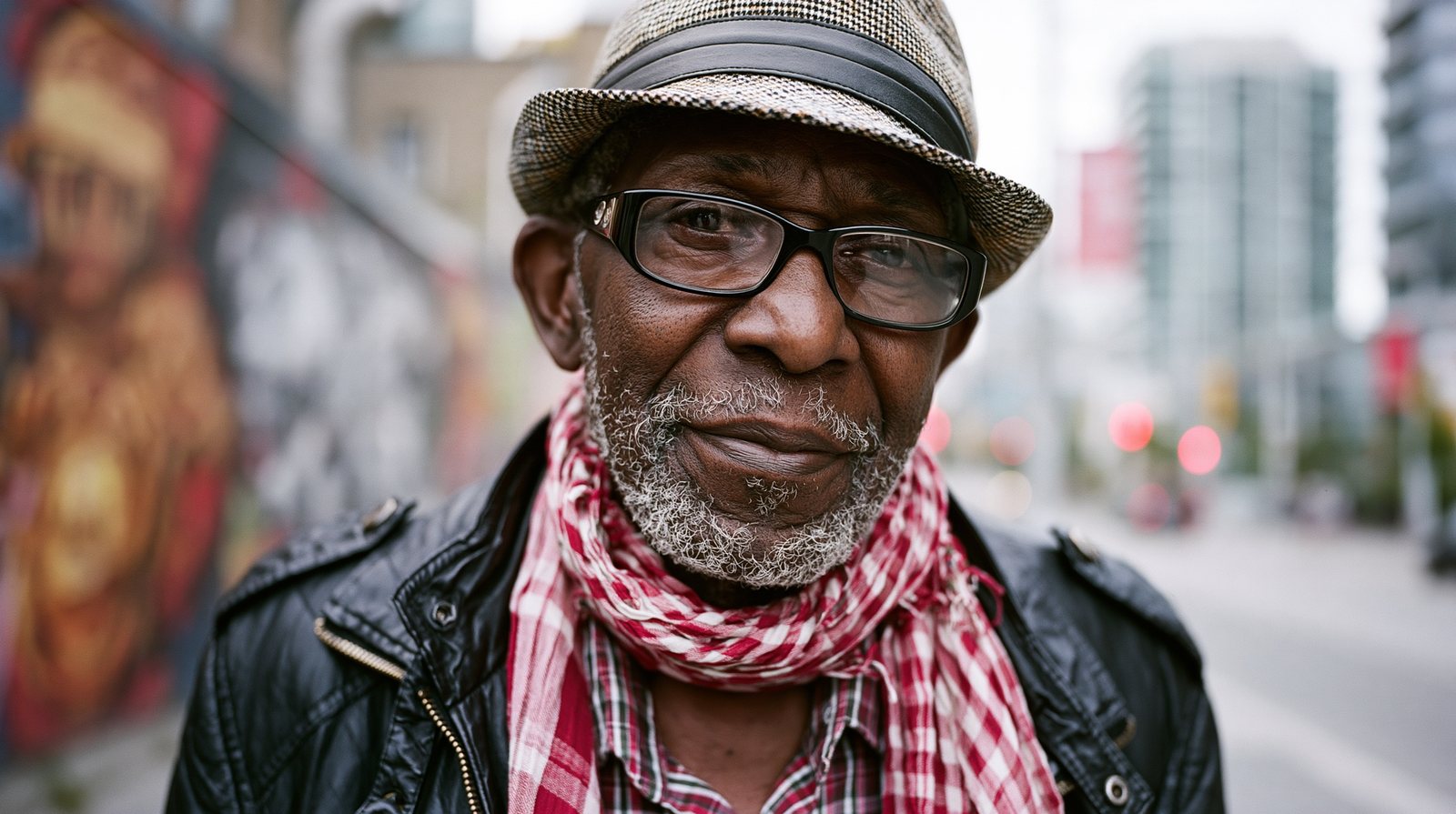
One stylish older man, six cameras. Each body name nudges colour, contrast, and grain toward the photographers who famously used it.
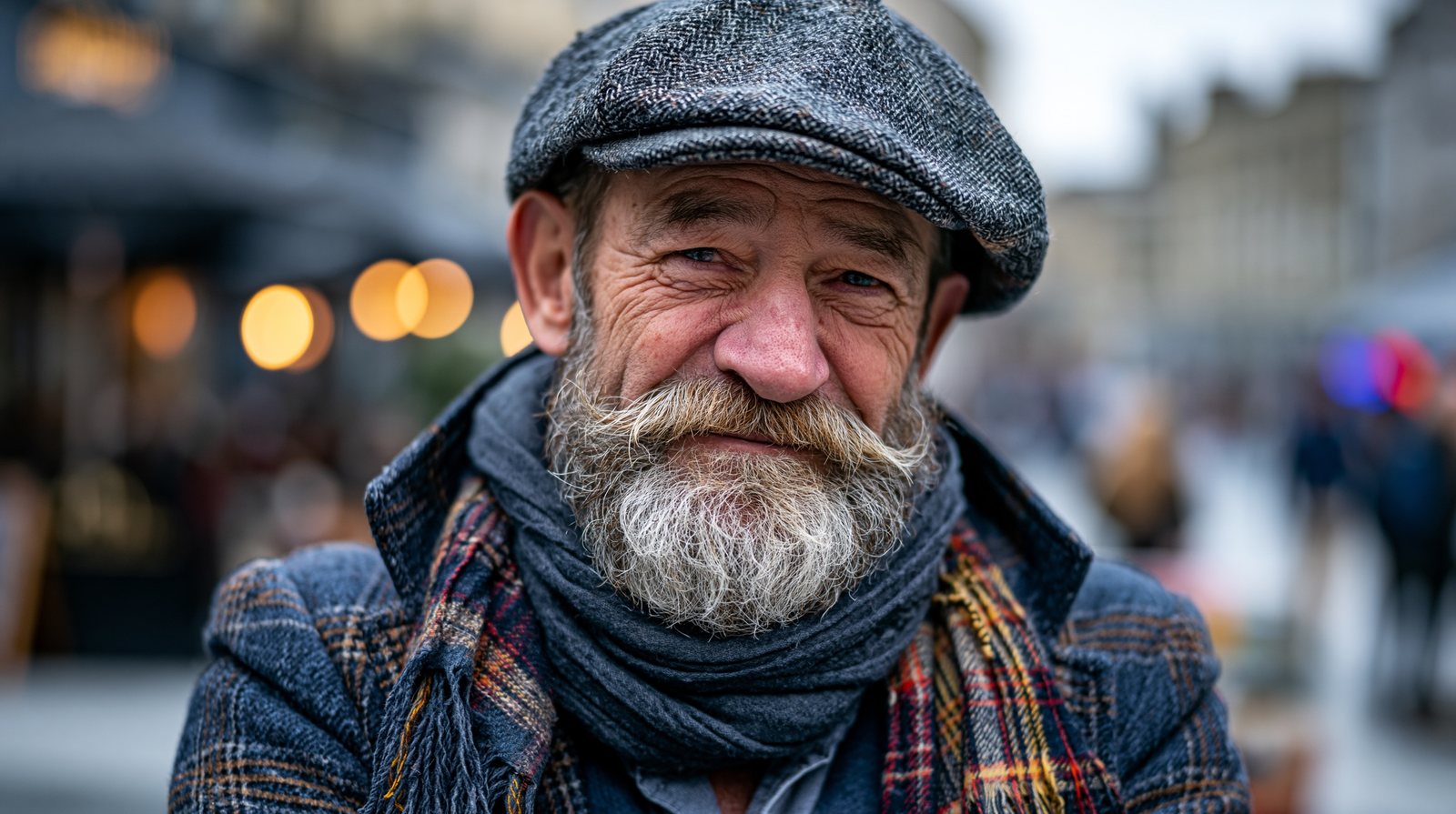
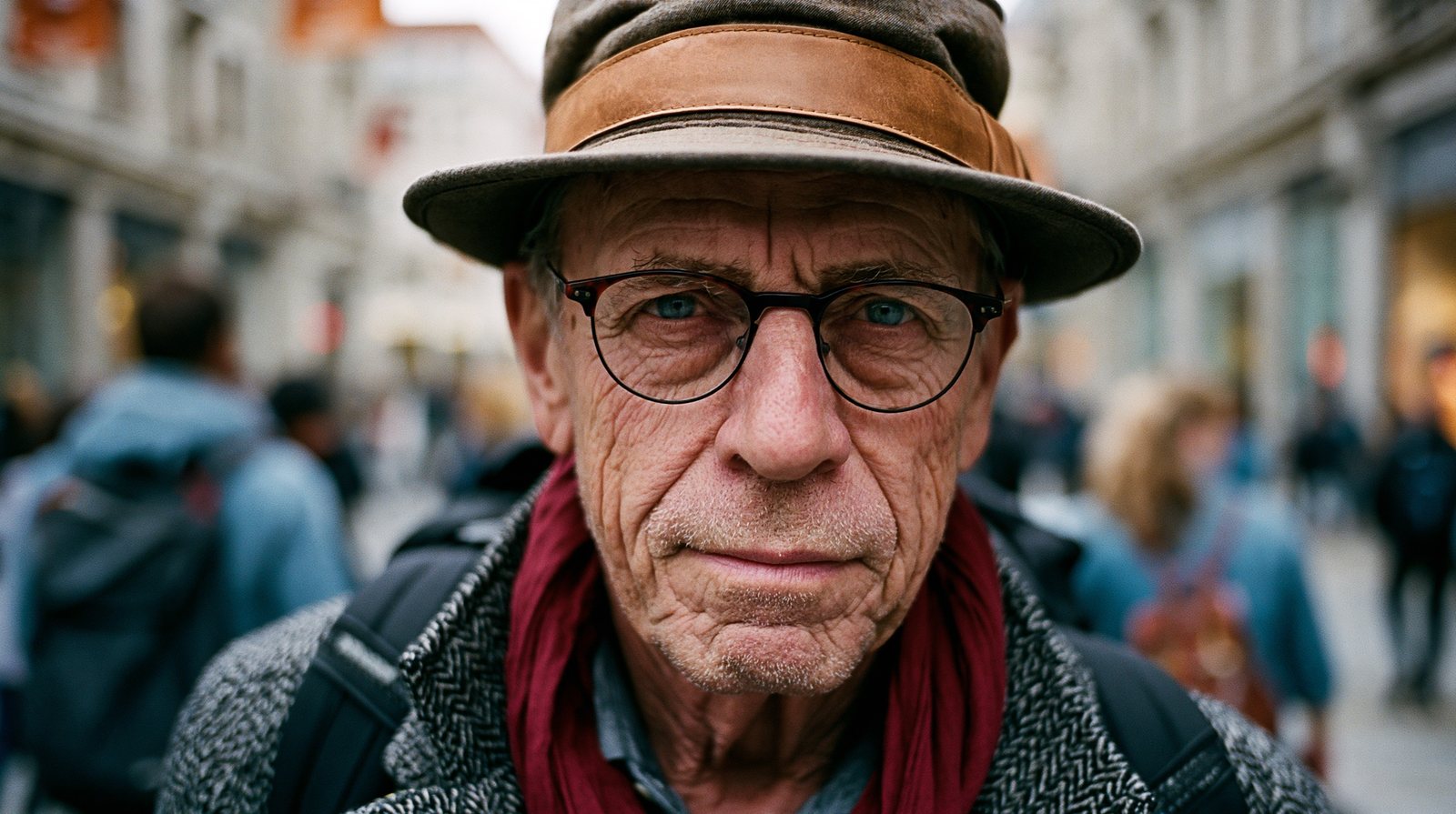
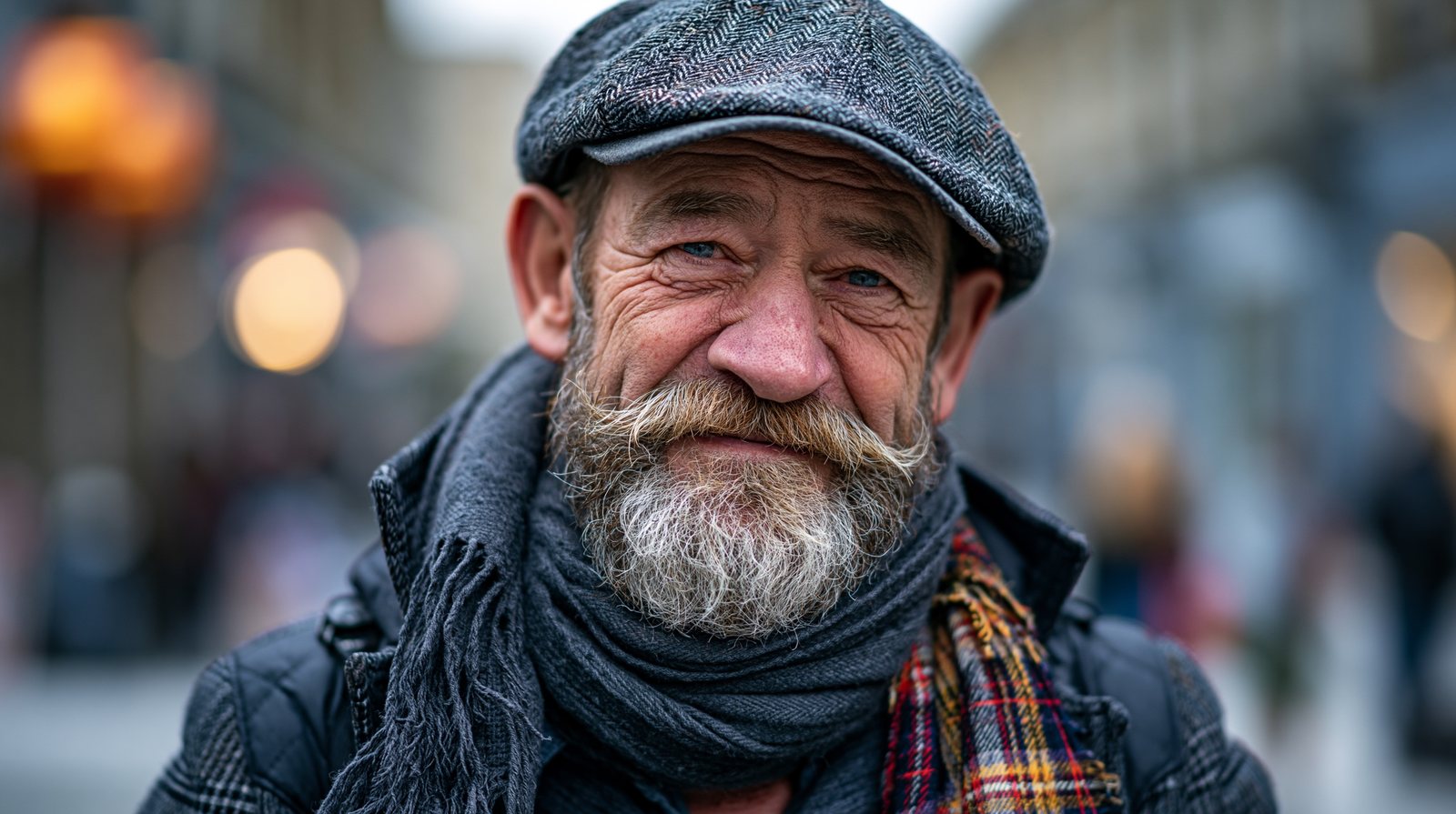
From 24mm to 200mm, the camera “walks away” while the lens pulls back in. Watch the background compress from sprawling plaza to wall of bokeh.

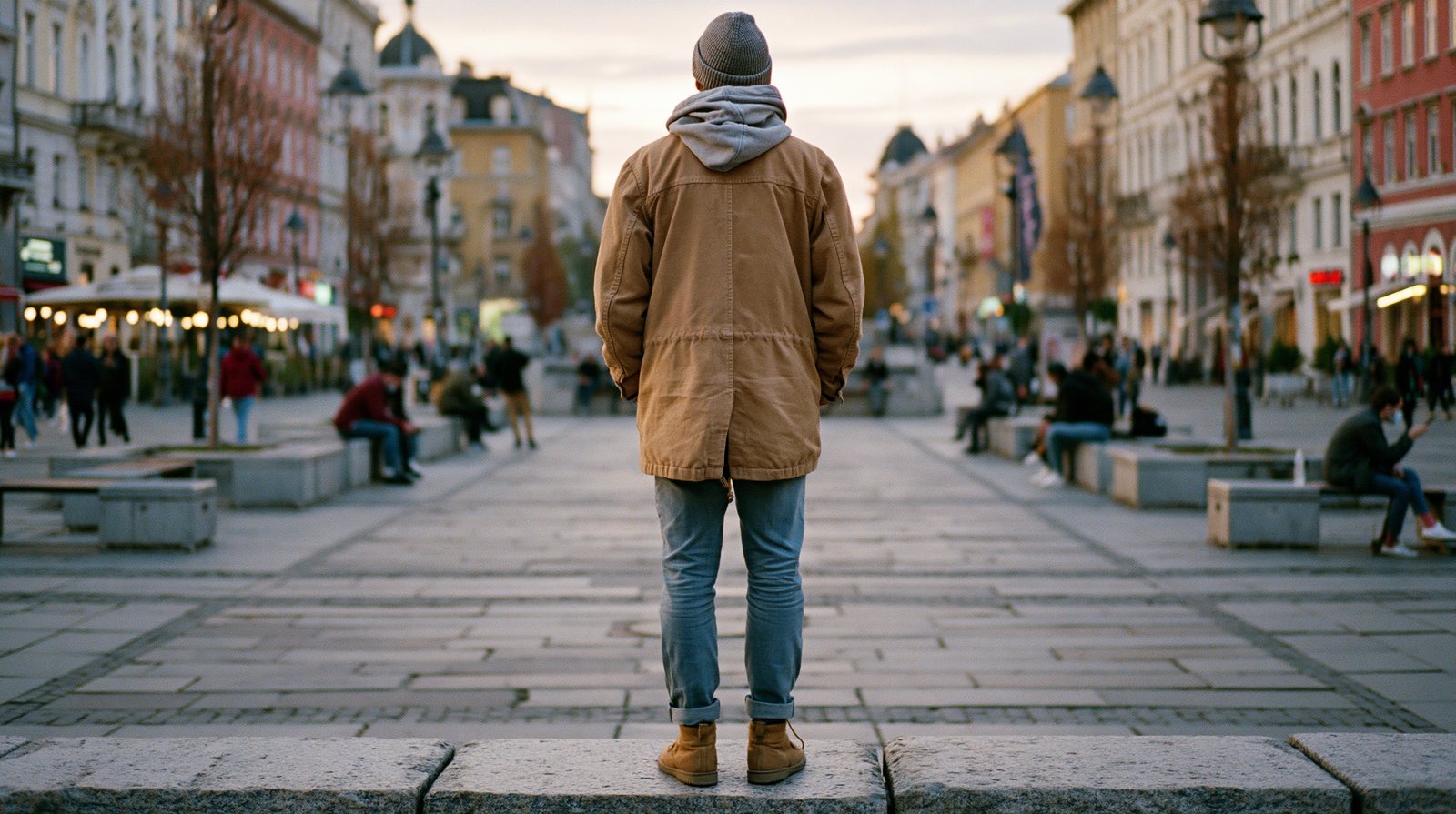

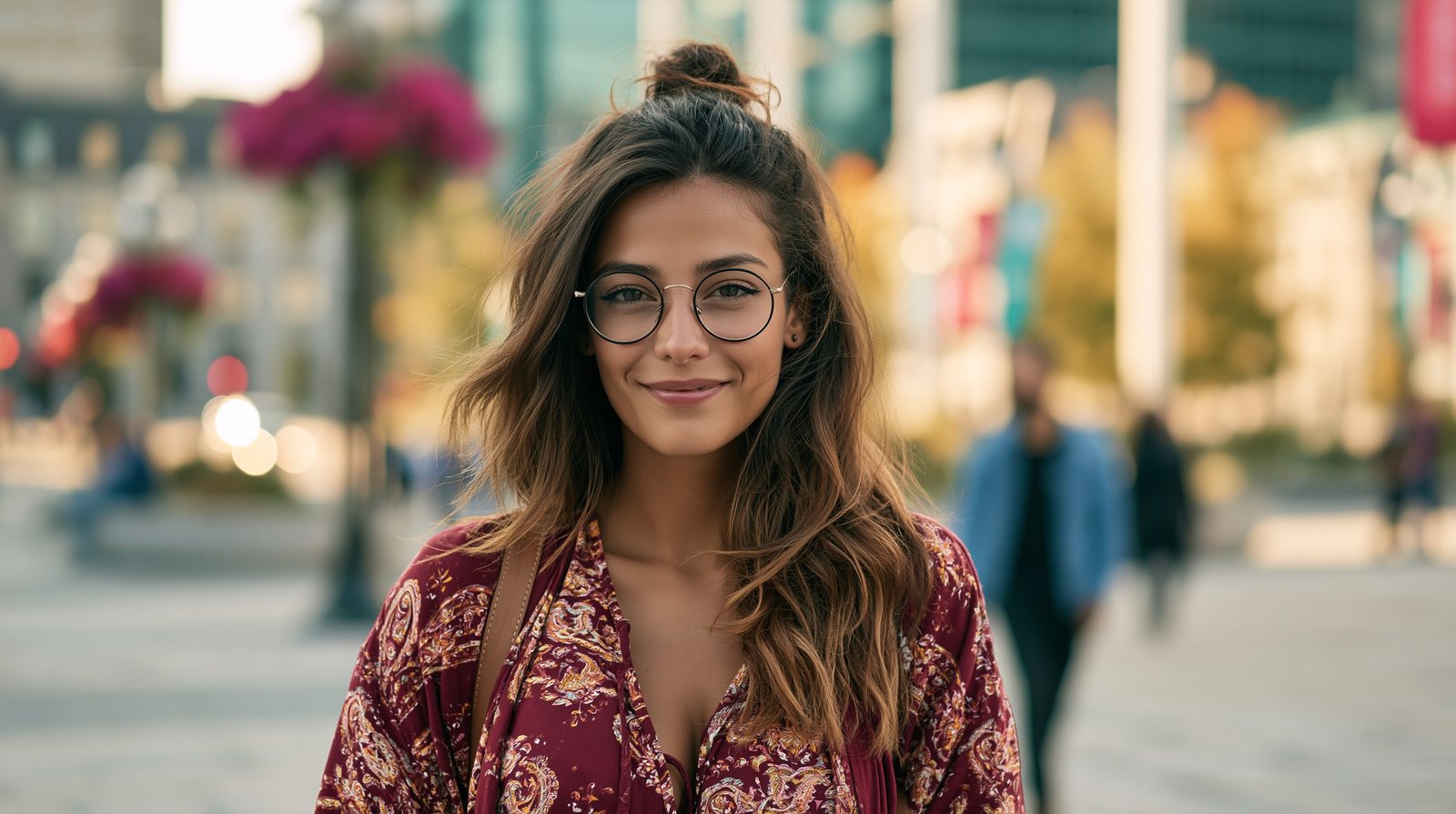
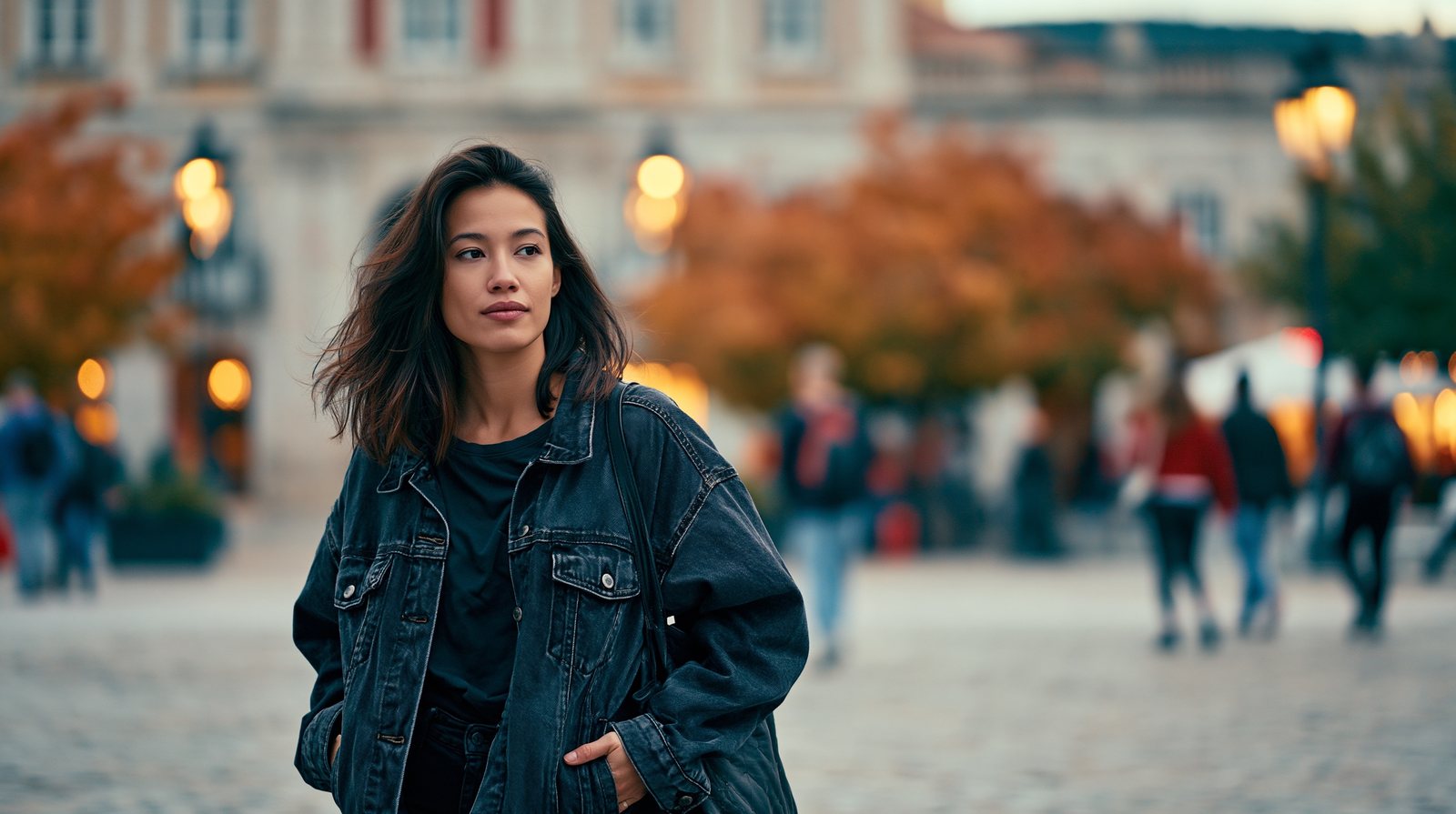

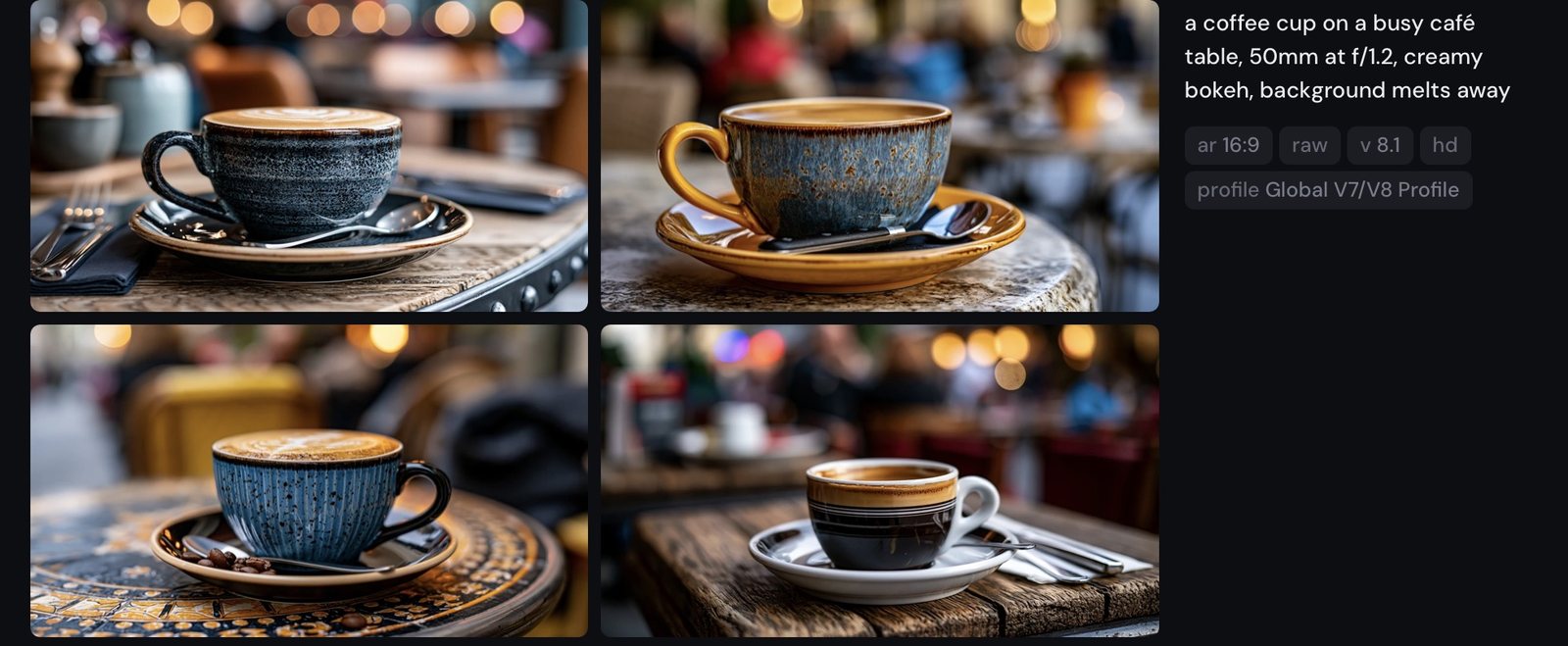
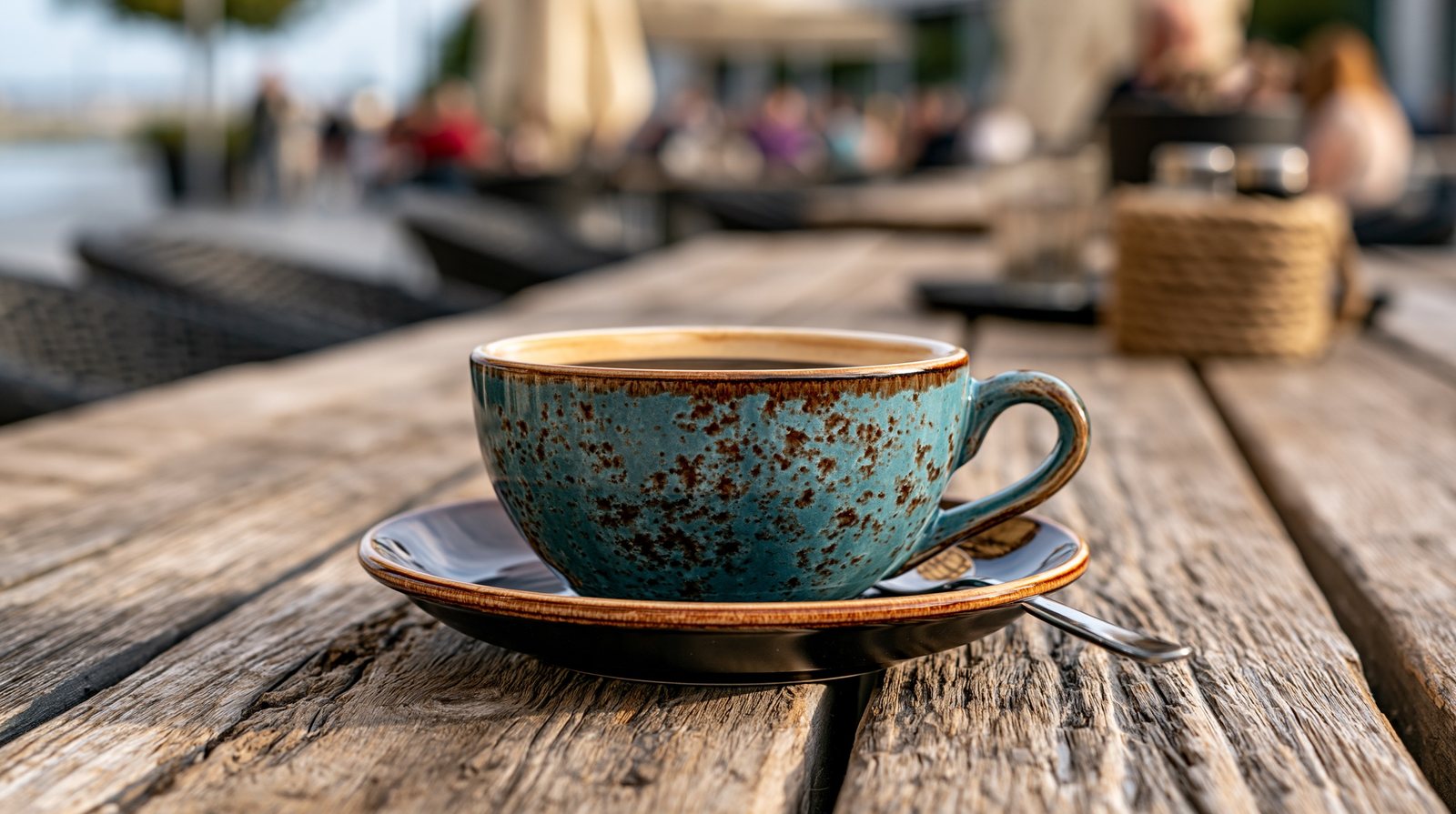
One number decides whether the world behind your subject exists.


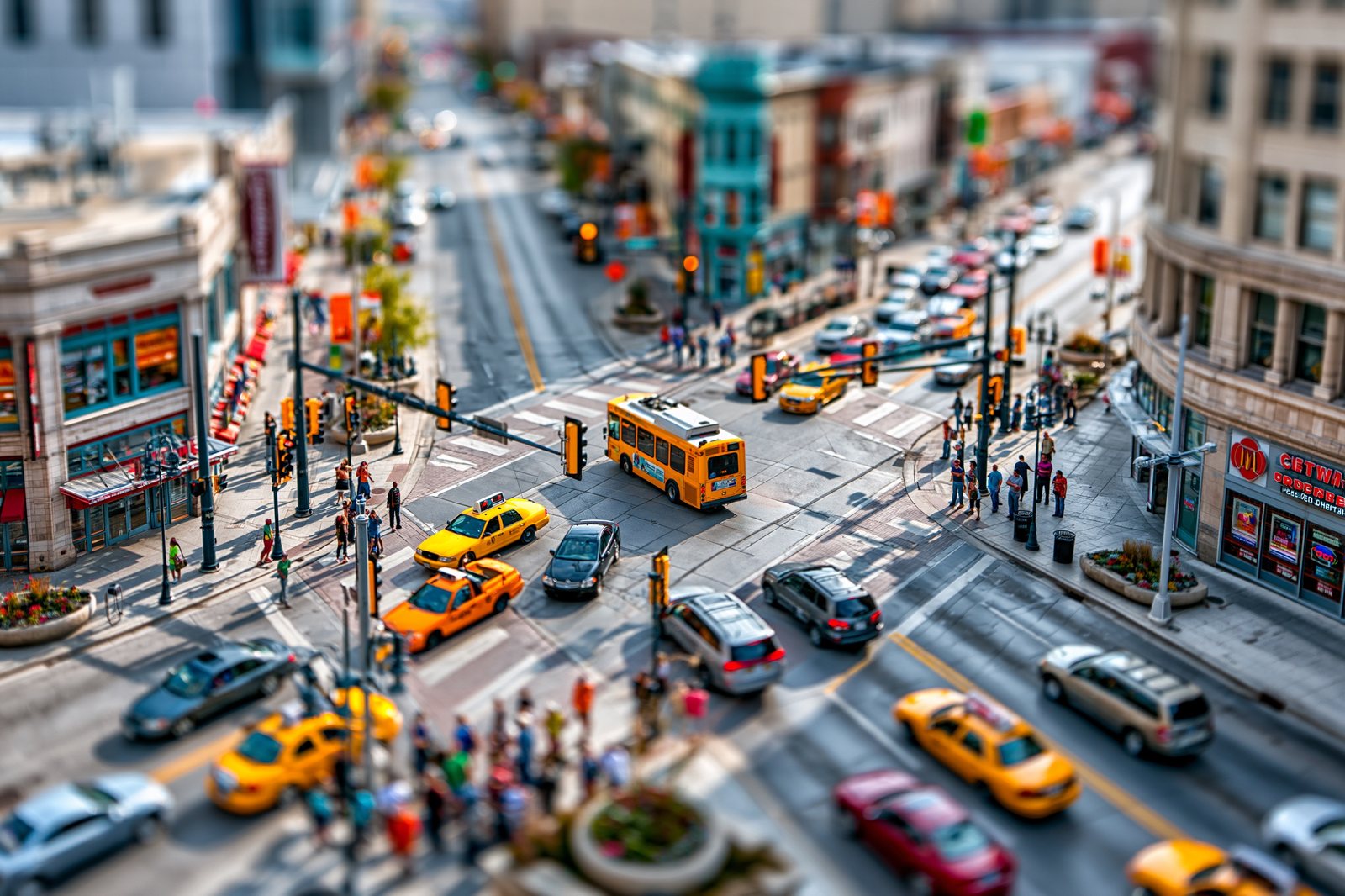
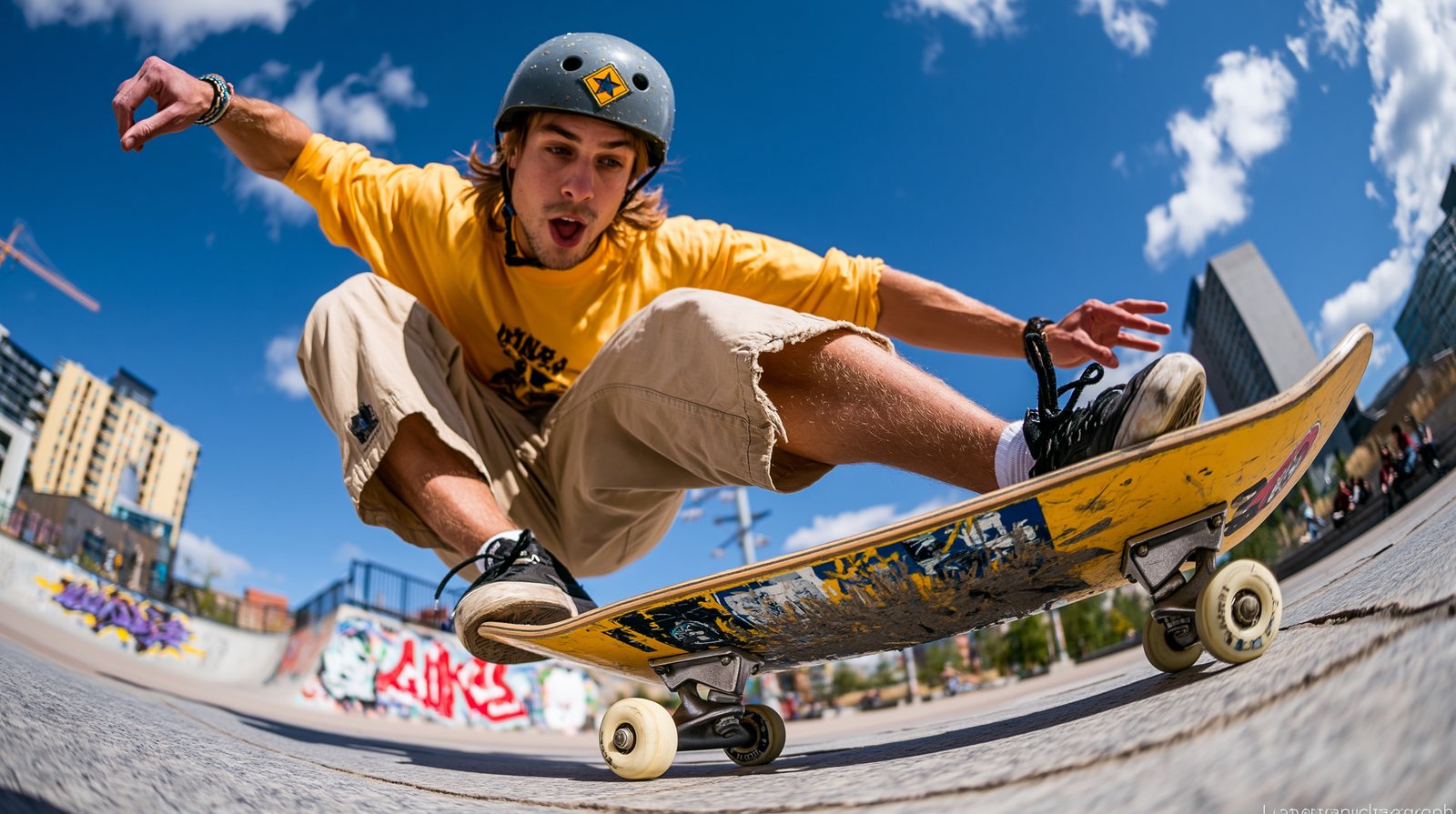
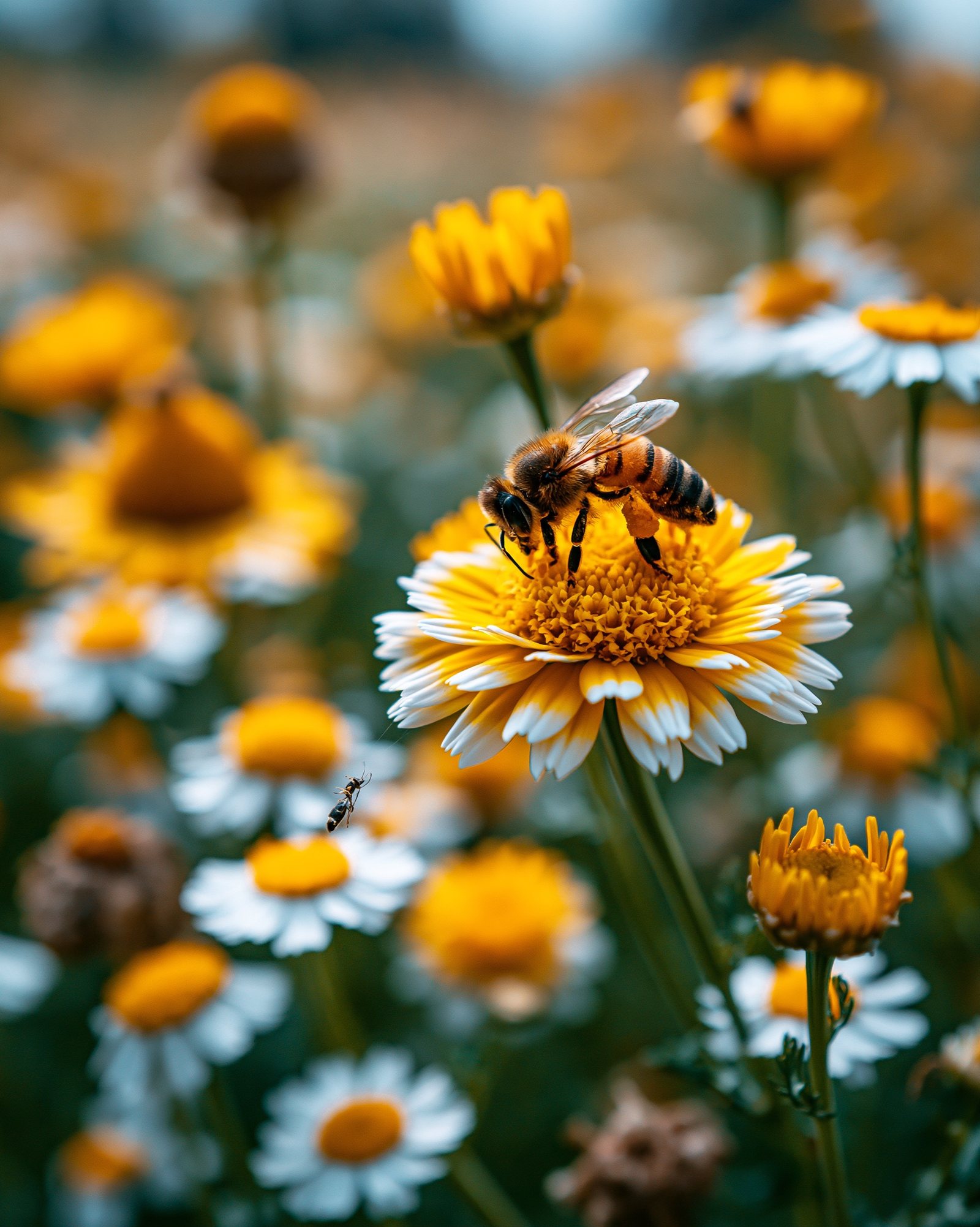
Tilt-shift miniaturises a city; fisheye bends a trick into a bubble; a macro lens turns a wildflower field into a single bee's world.
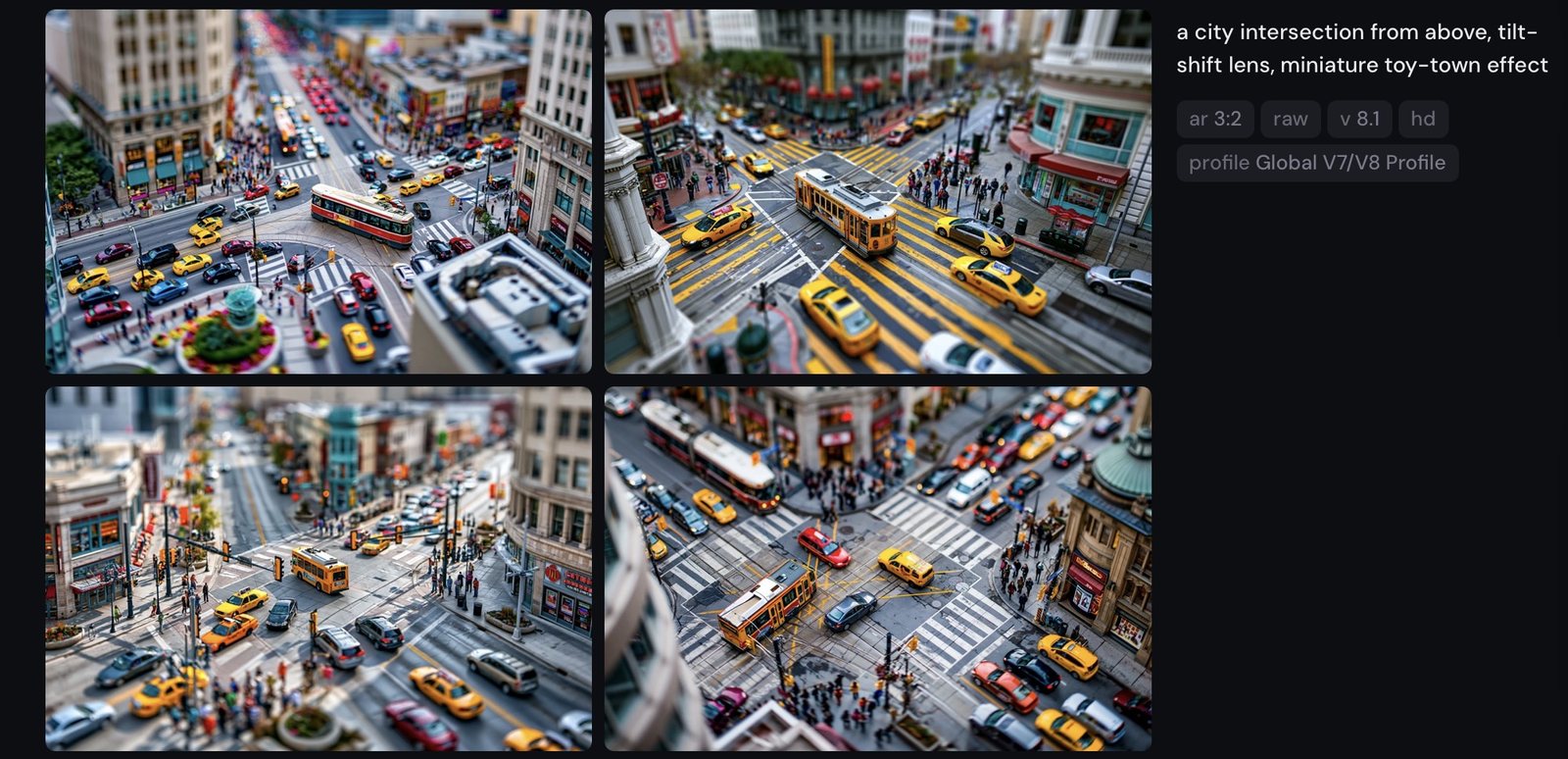
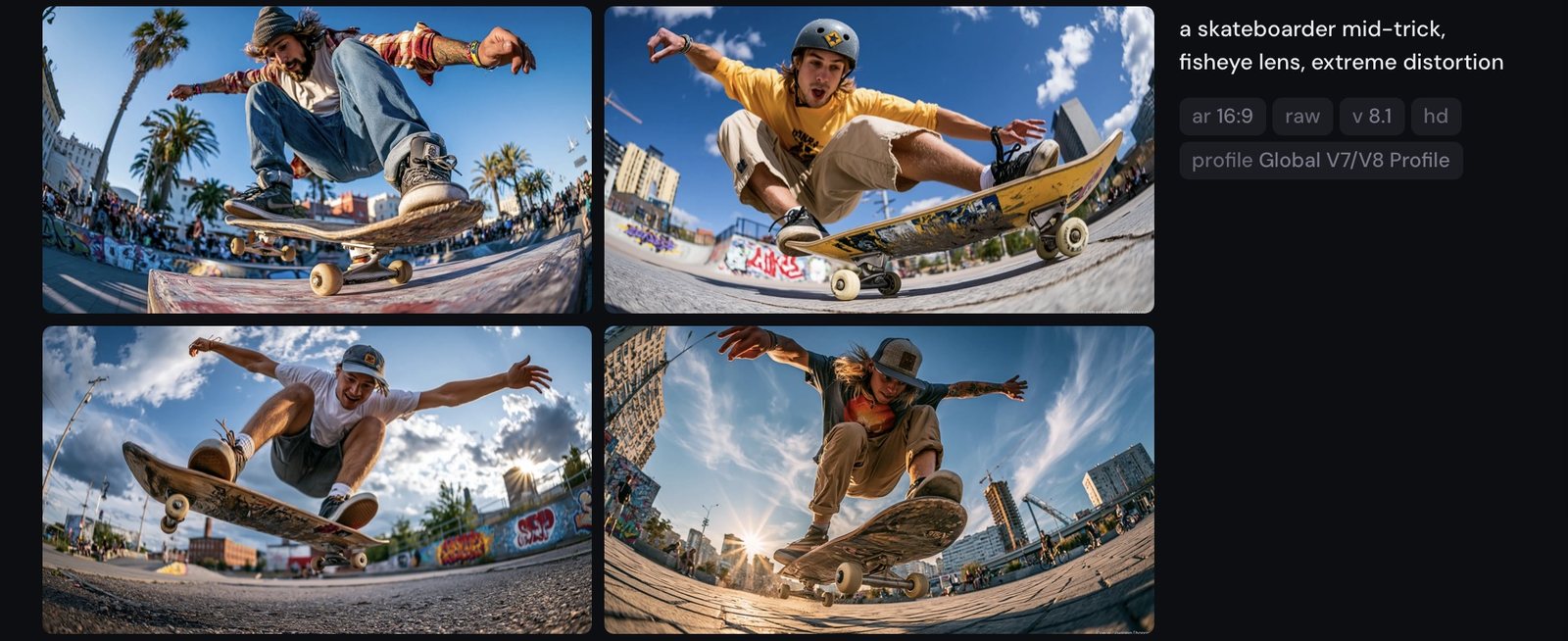
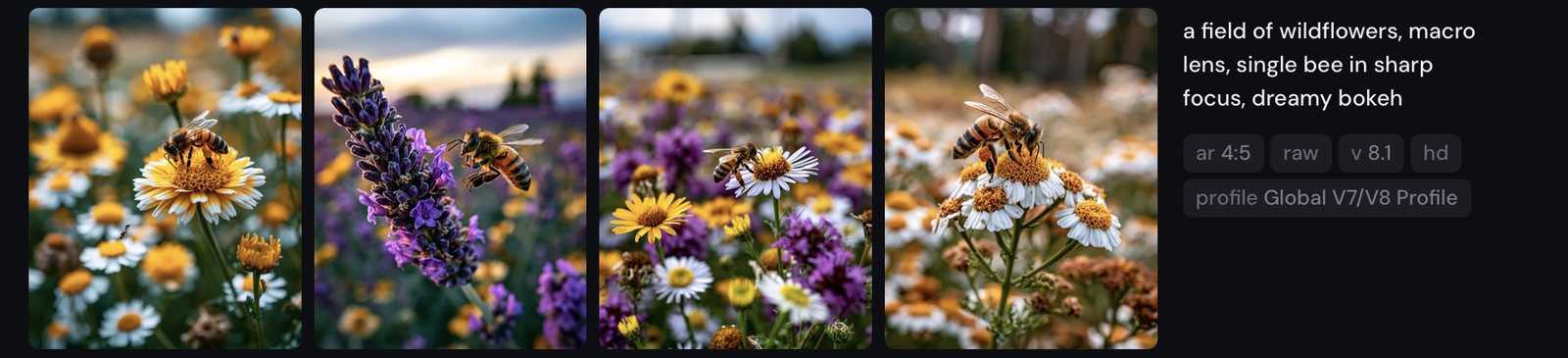
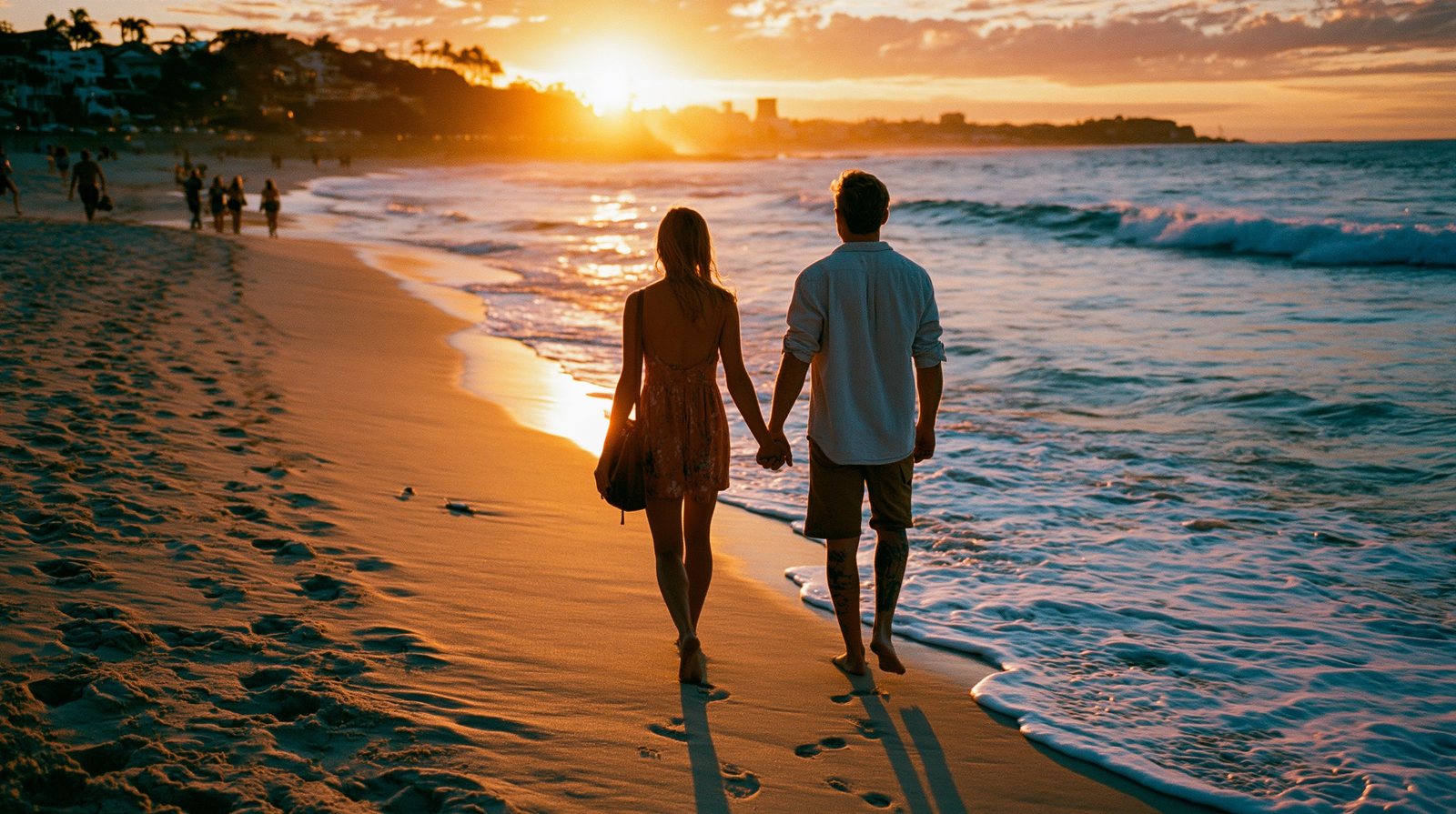
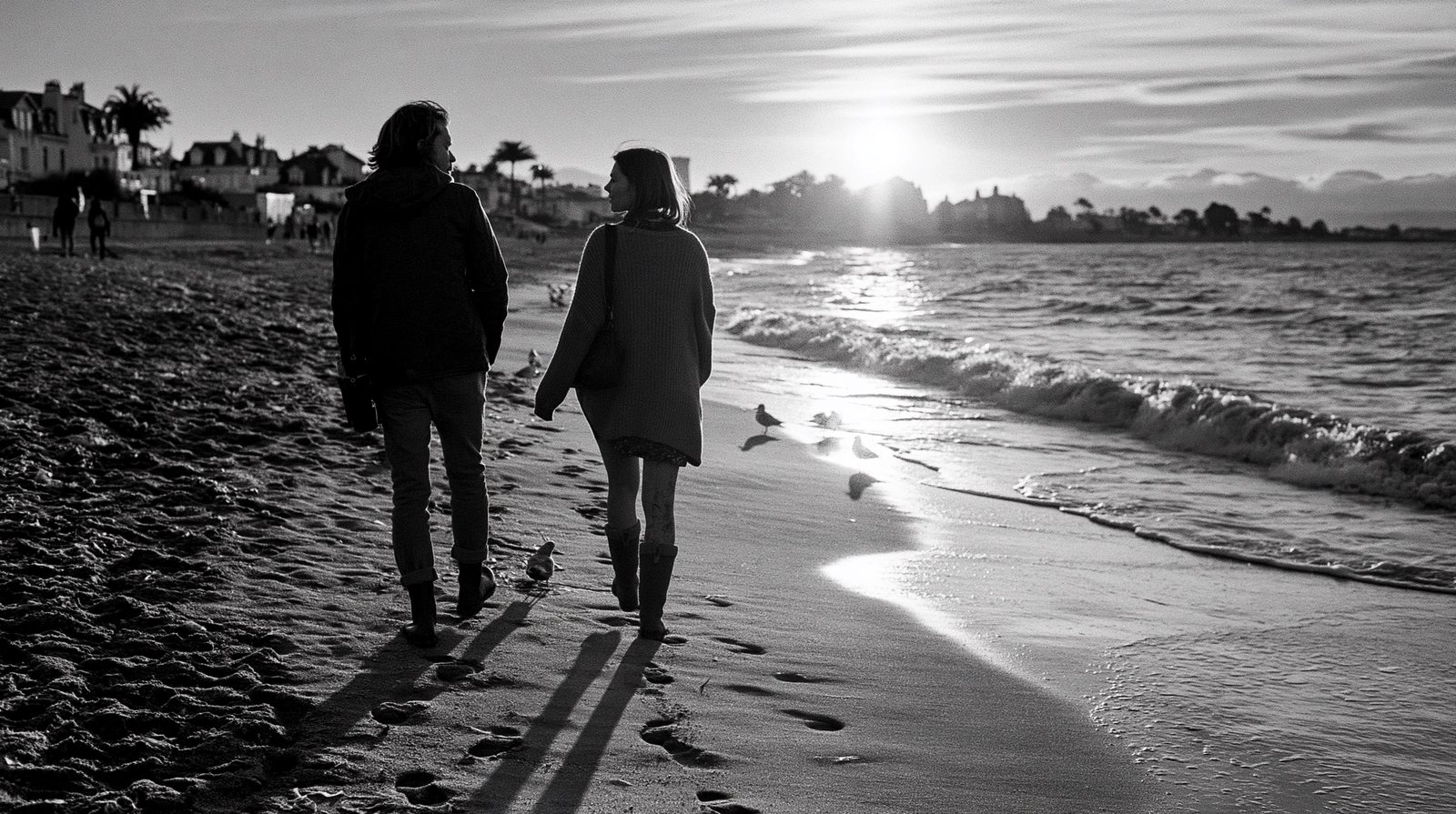
Four emulsions, one couple, one sunset. Film-stock names are colour-grading presets hiding in plain language.


Six lighting names, one studio portrait. This spread is the page readers will dog-ear.
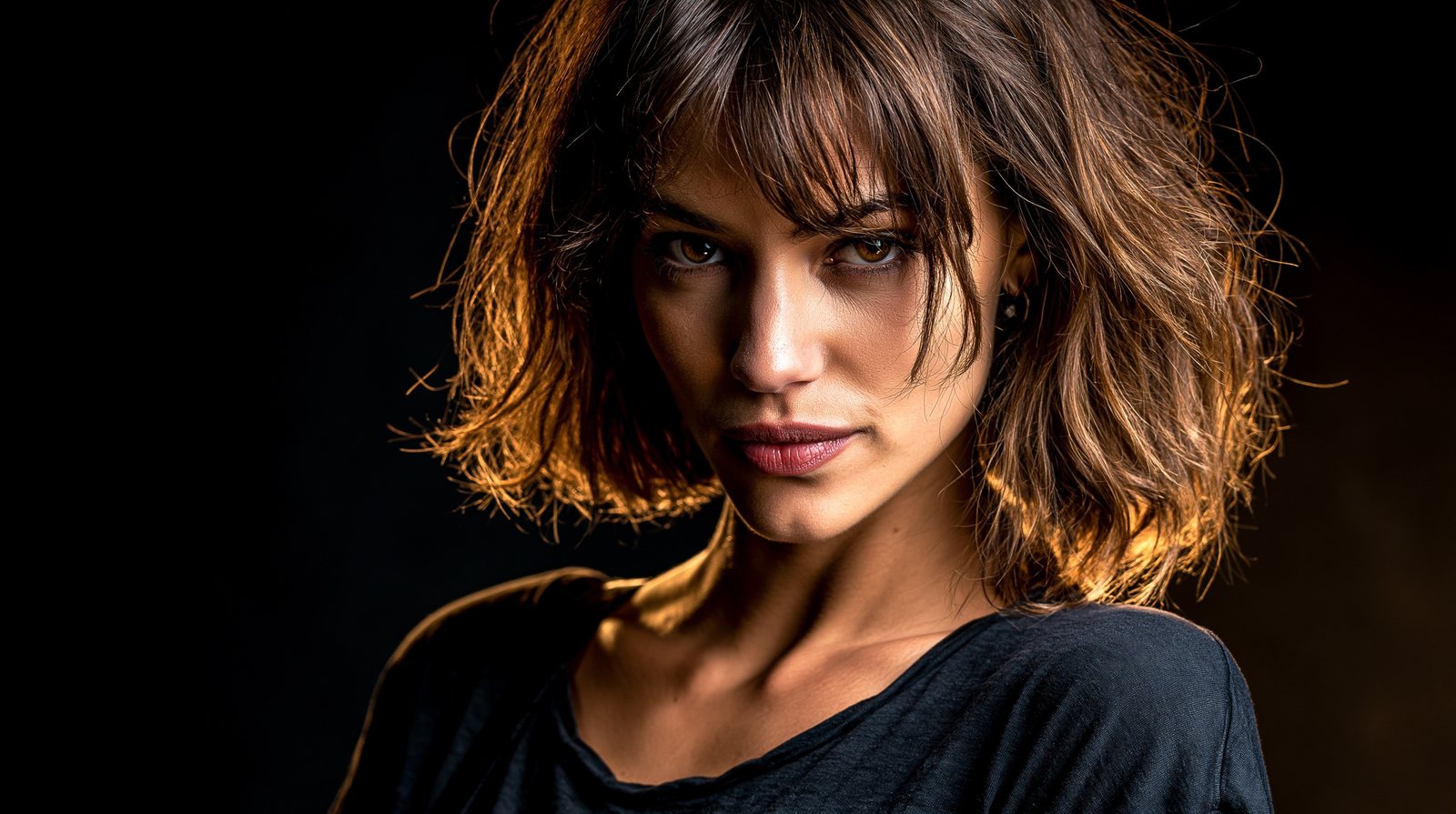


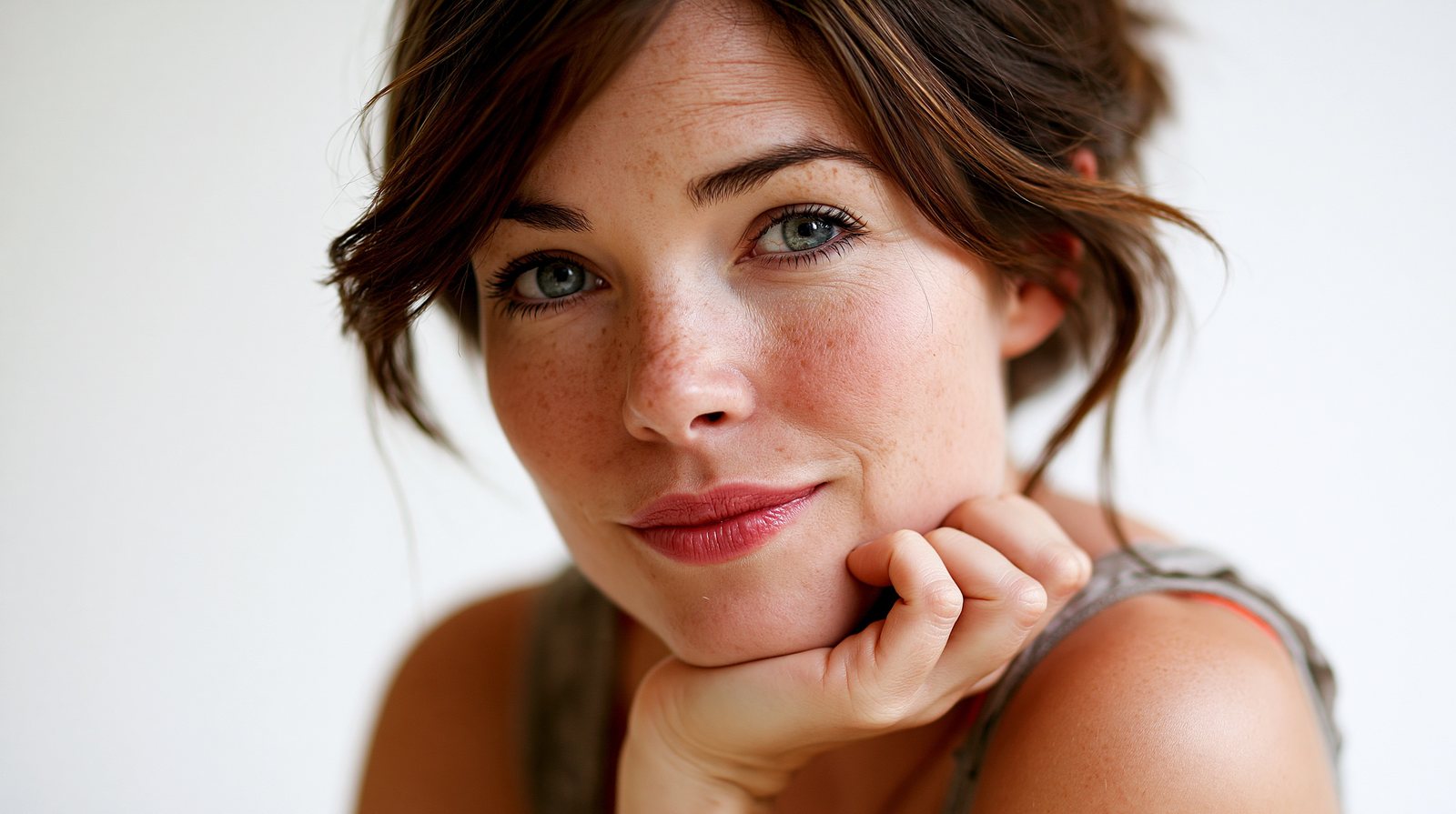
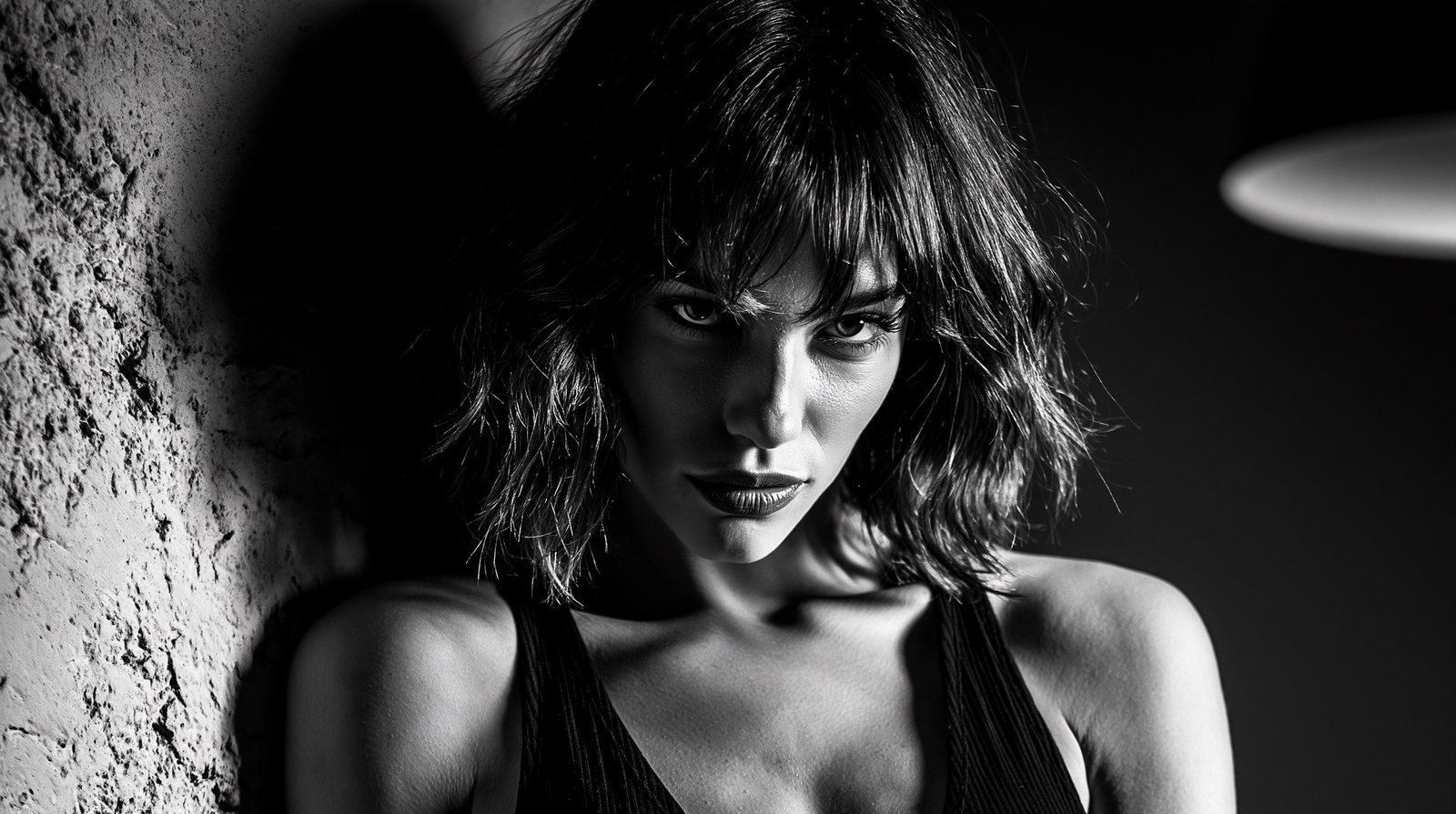
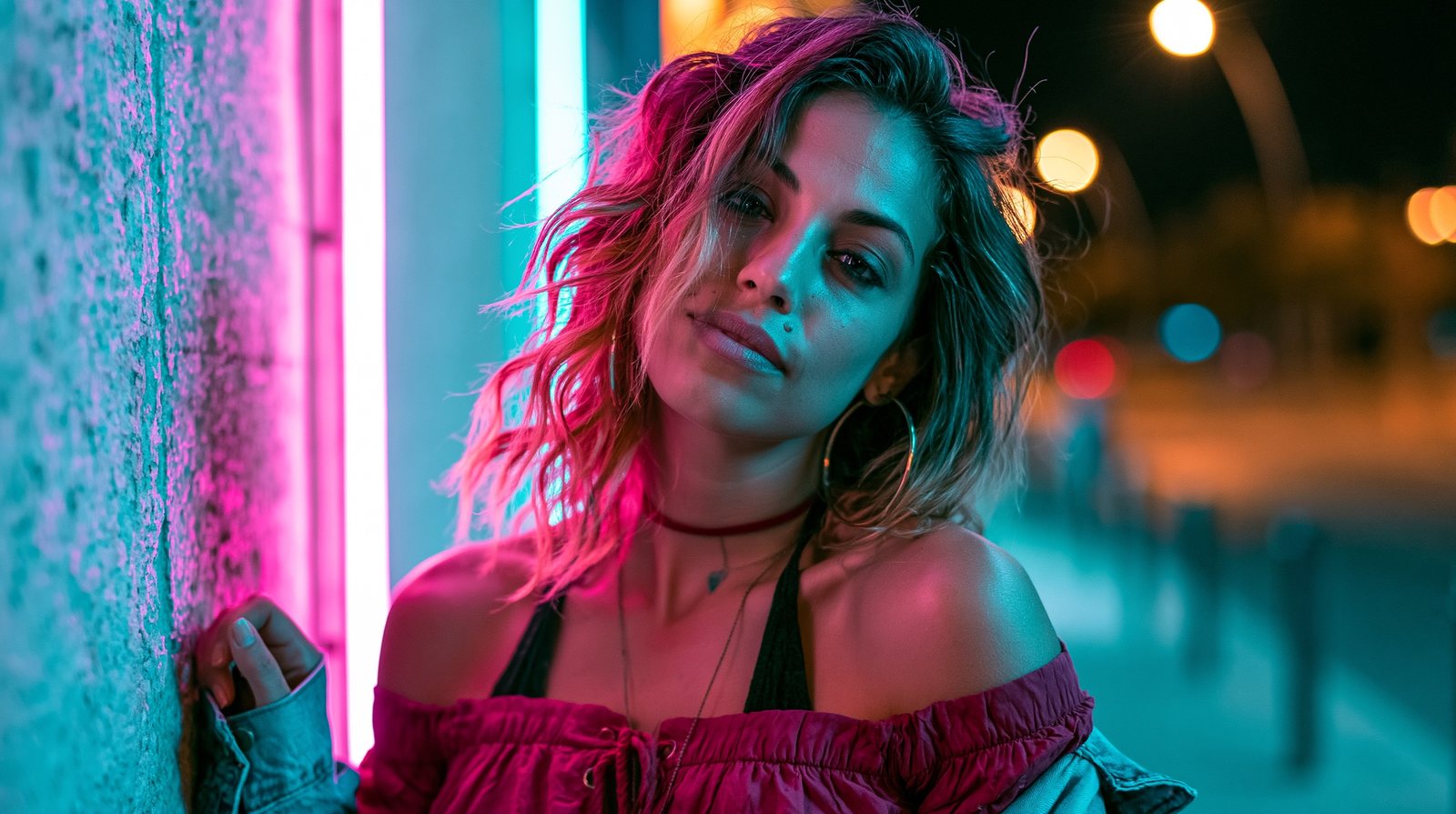
One climber, six framings — from the determination in her eyes to a speck on a glacier. Framing words are directing words.
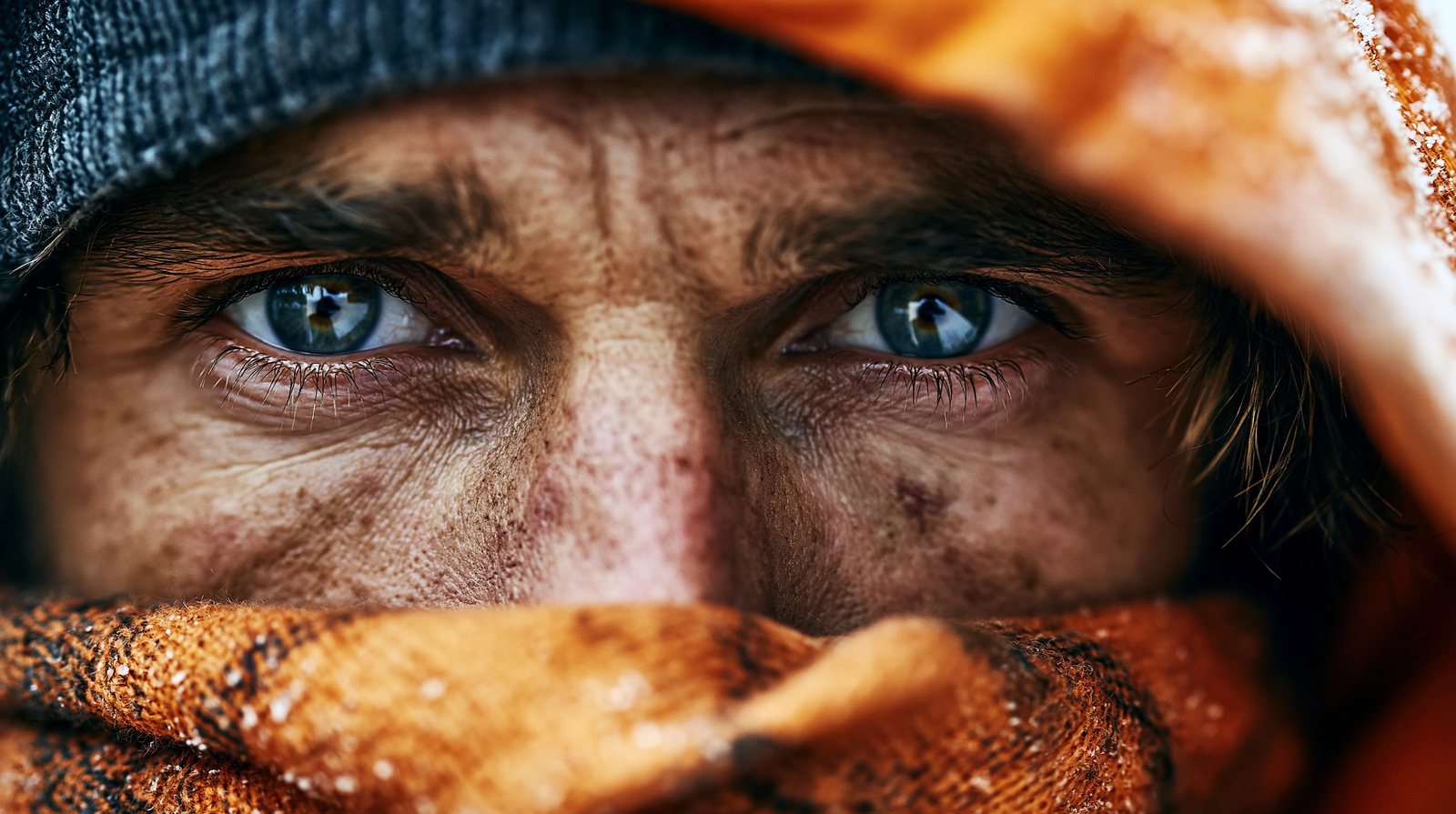
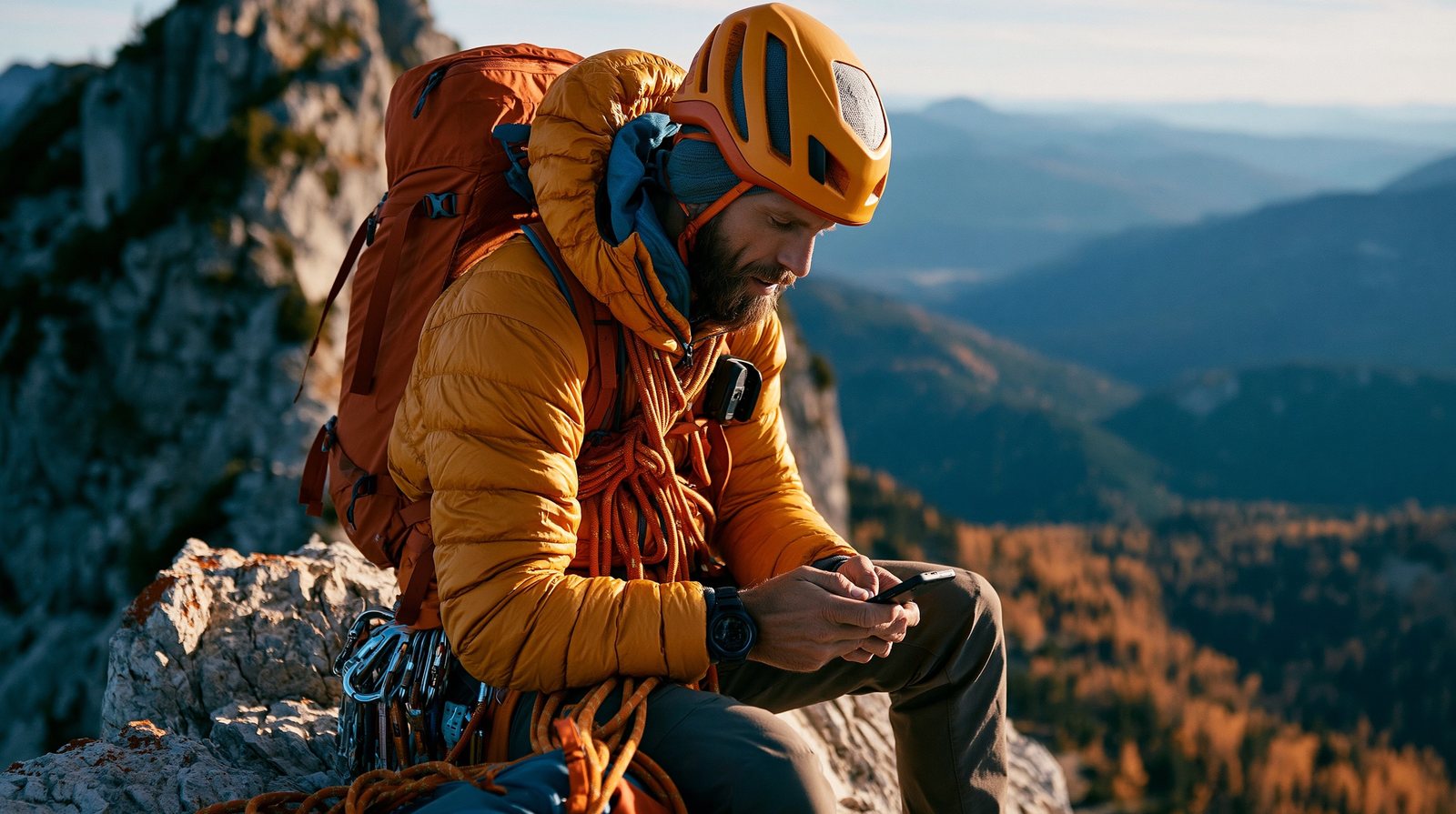

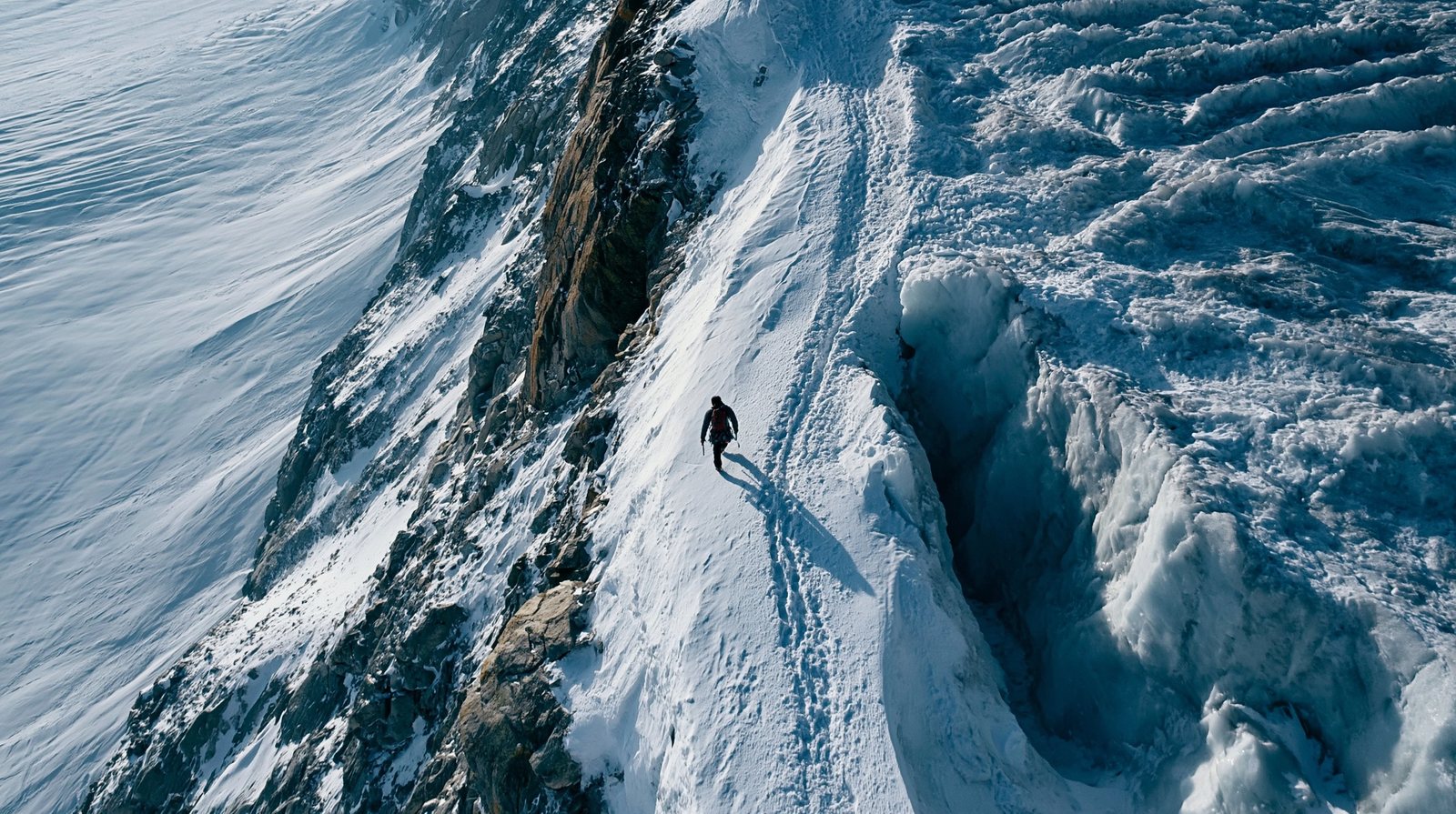
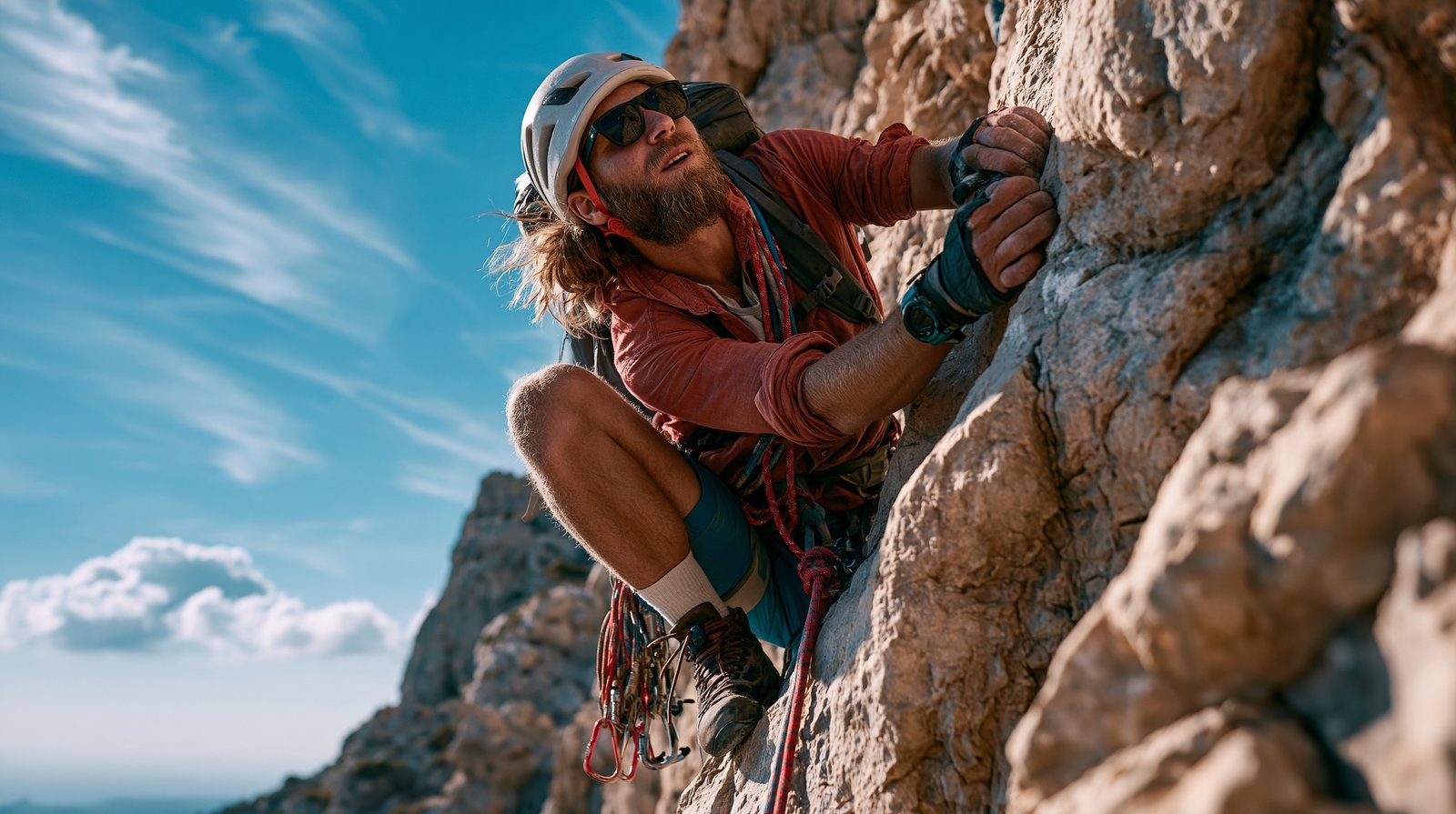
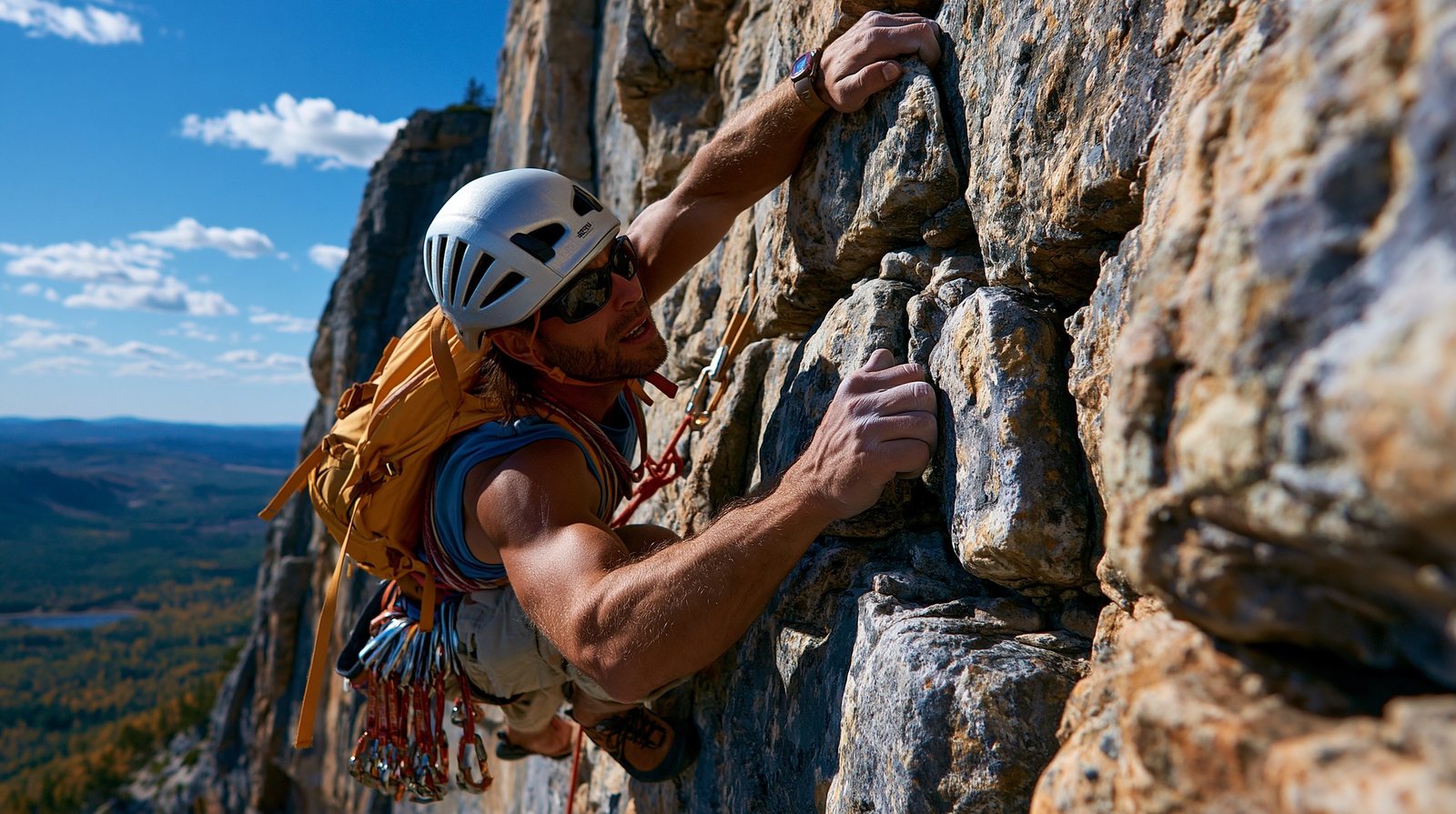
Everything in this part, assembled into one sentence: scene, camera, lens, aperture, film stock, light, composition.
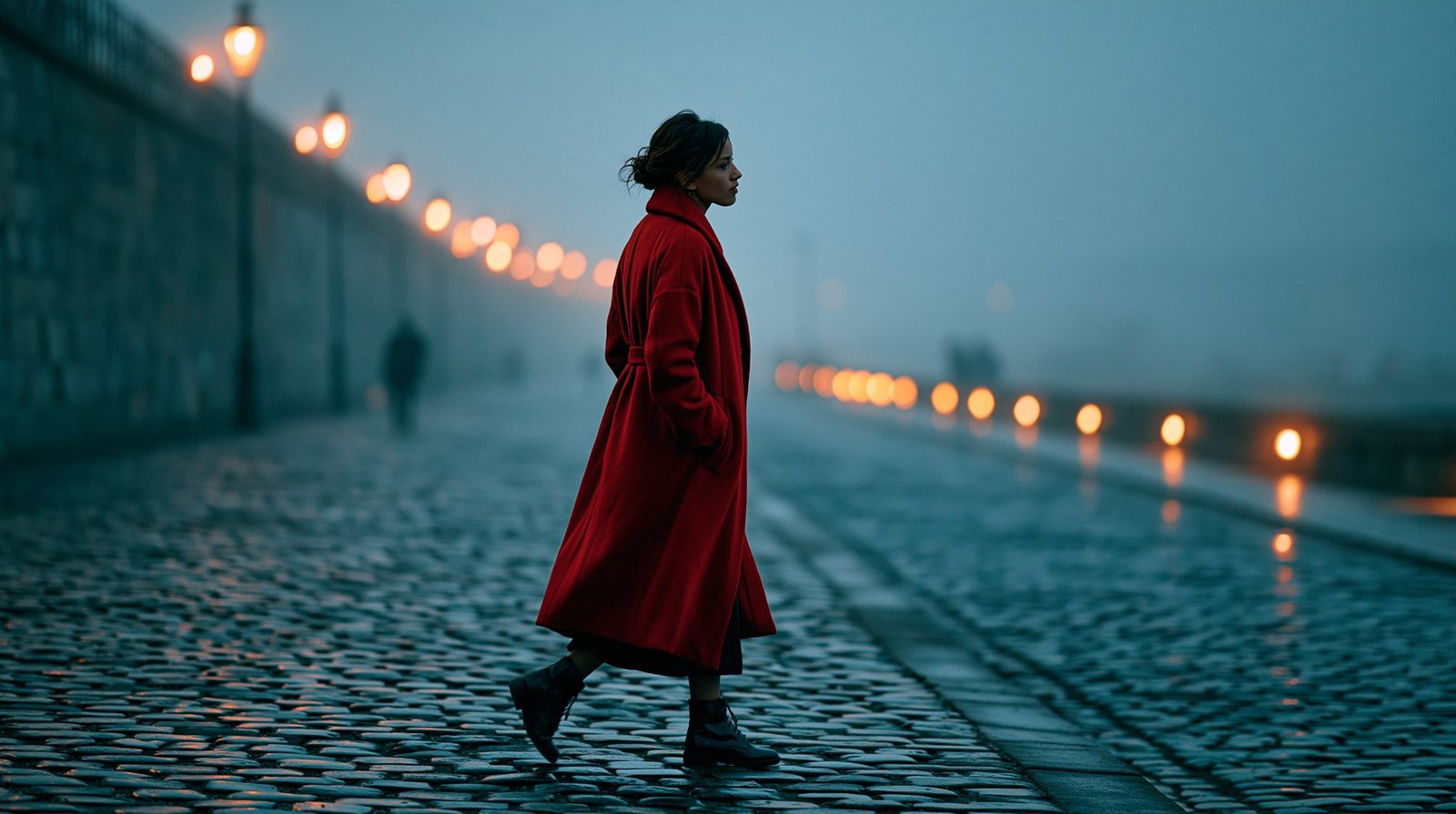
Part Seven · to generate
Repainting regions, retexturing whole images, growing stories at the edge of the frame, seamless patterns — and pressing Animate.
Mask a region, re-prompt only that region. The rest of the image is never touched. Best on 20–50% of the frame.


Retexture regenerates the whole image in a new style while keeping its structure — composition, geometry and pose survive; the surface changes.
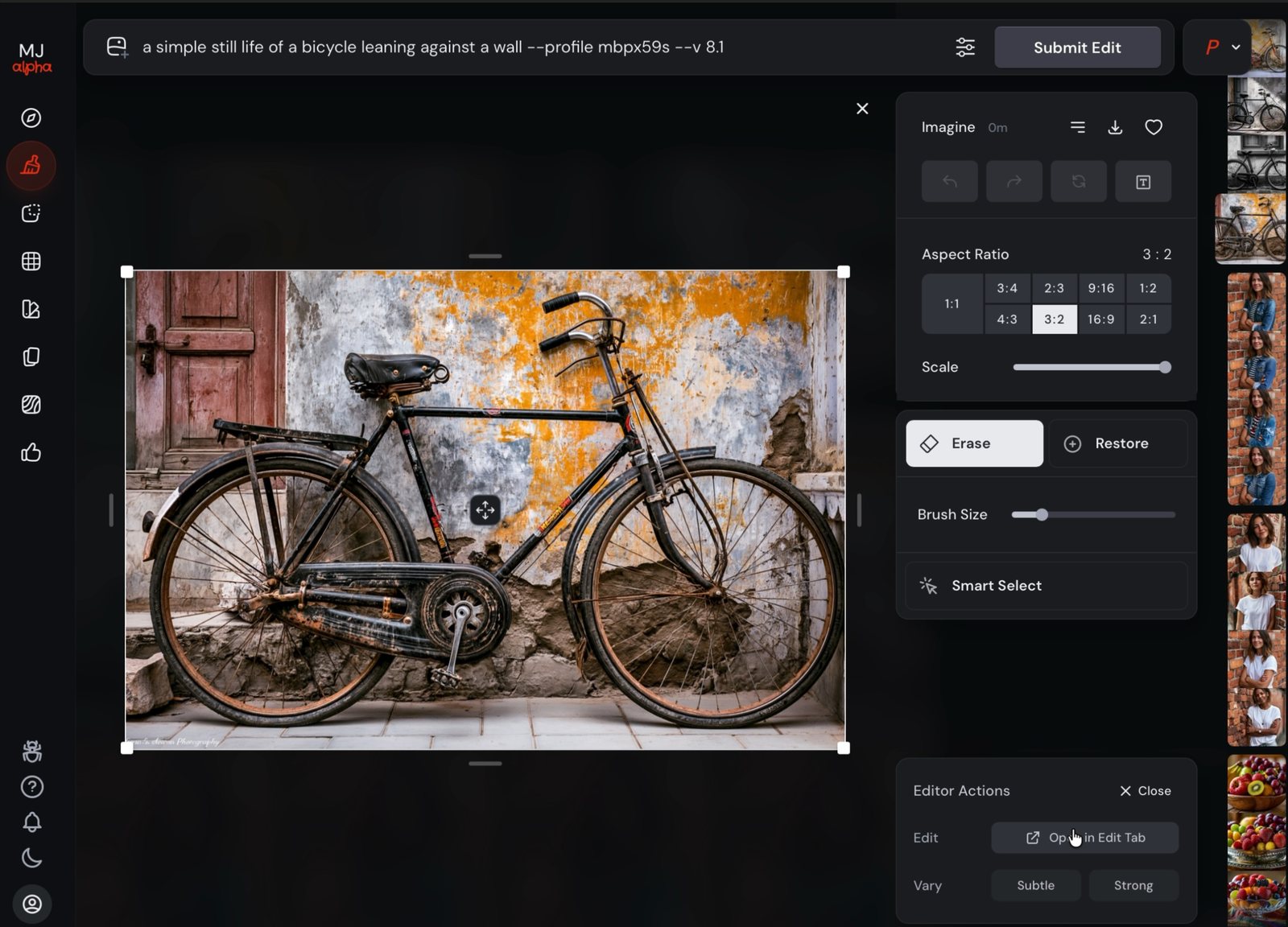
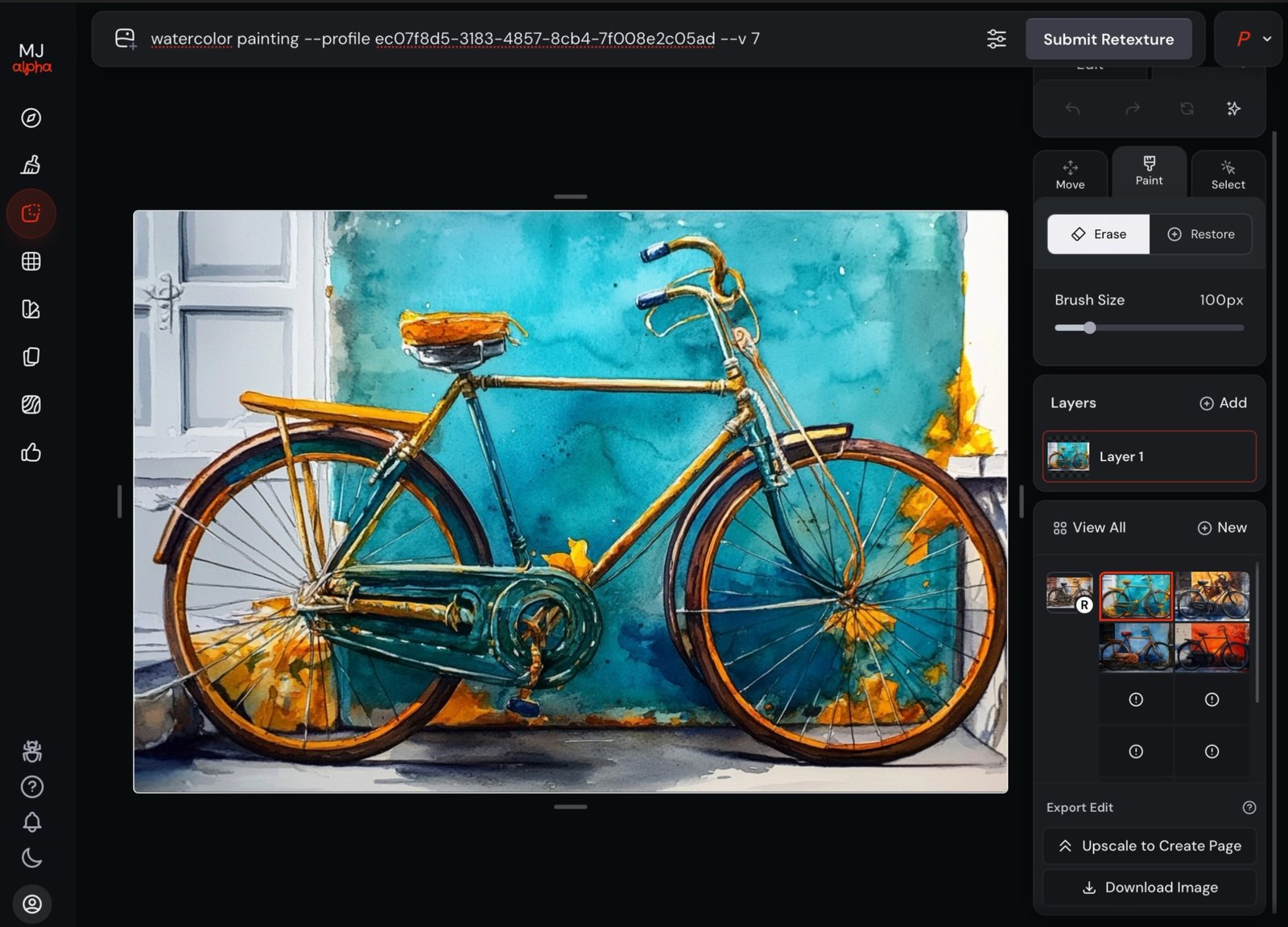
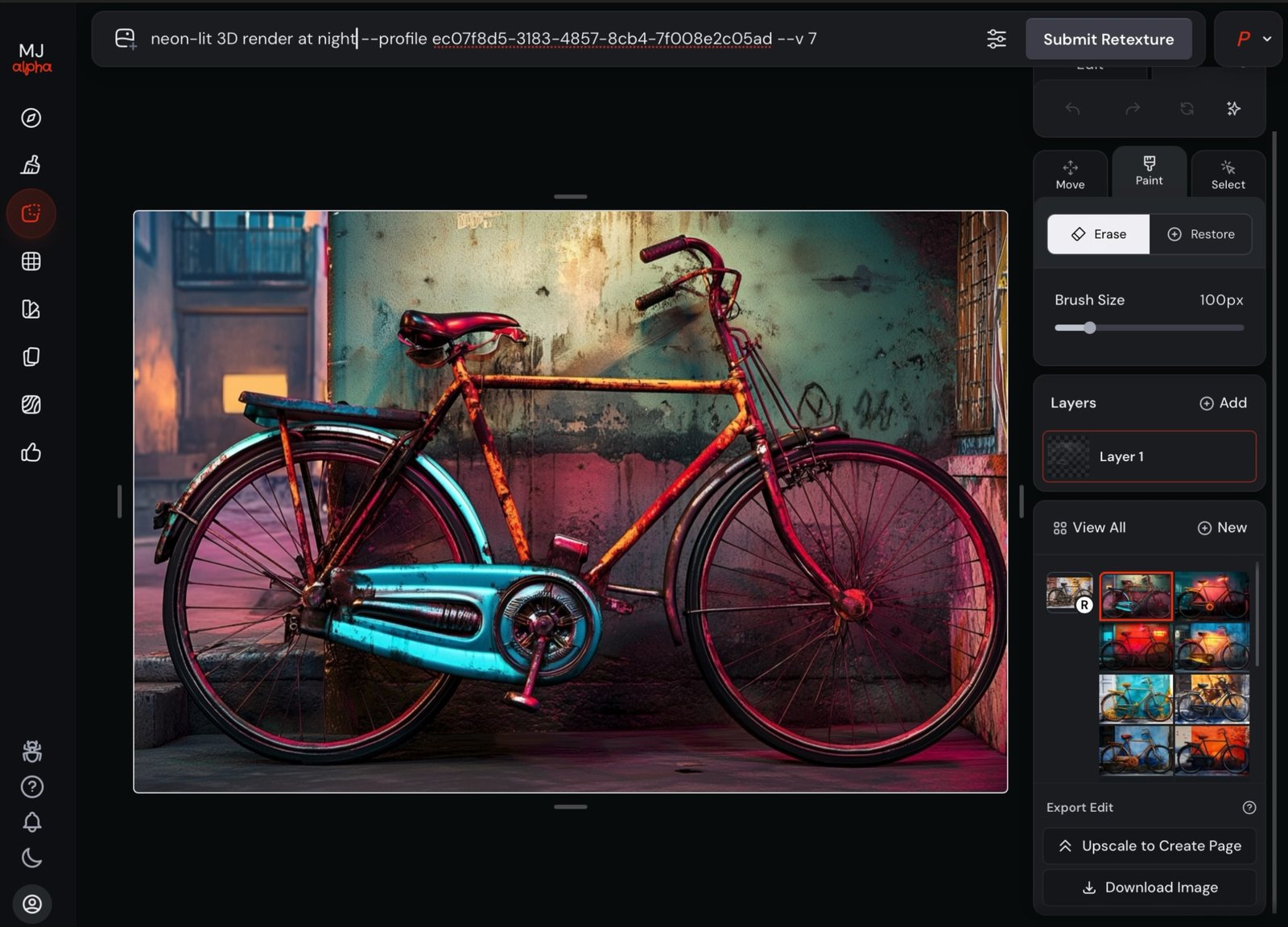
--sref (Part 3), which restyles at generation time; Retexture restyles an image you already have.
a simple still life of a bicycle leaning against a wall --ar 3:2 --v 8.1
→ Edit · Retexture: watercolor painting · then: neon-lit 3D render at night
The same Edit workflow as the lighthouse in 1.3 — but used narratively. A tight, anonymous frame; then the canvas widens and the story arrives.
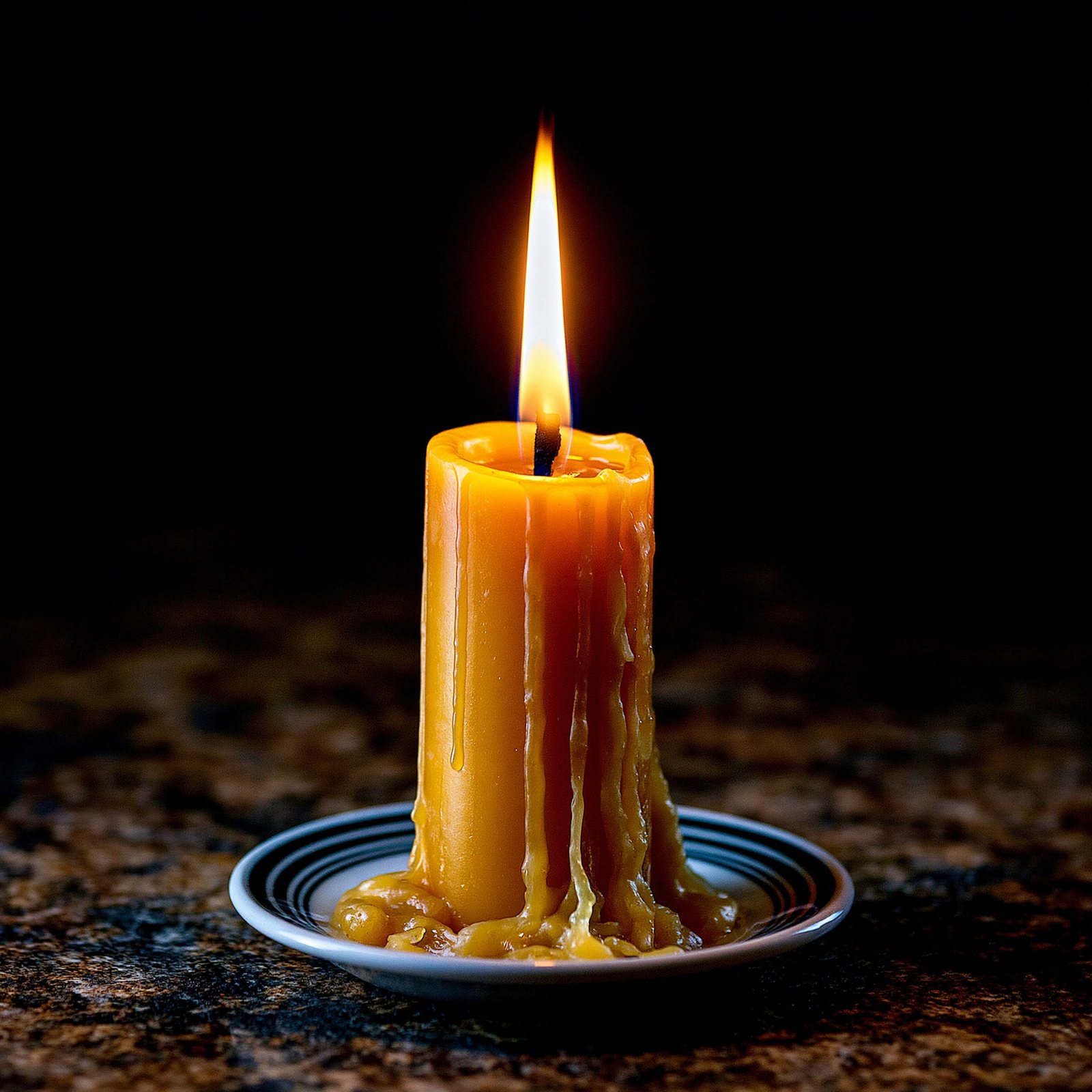
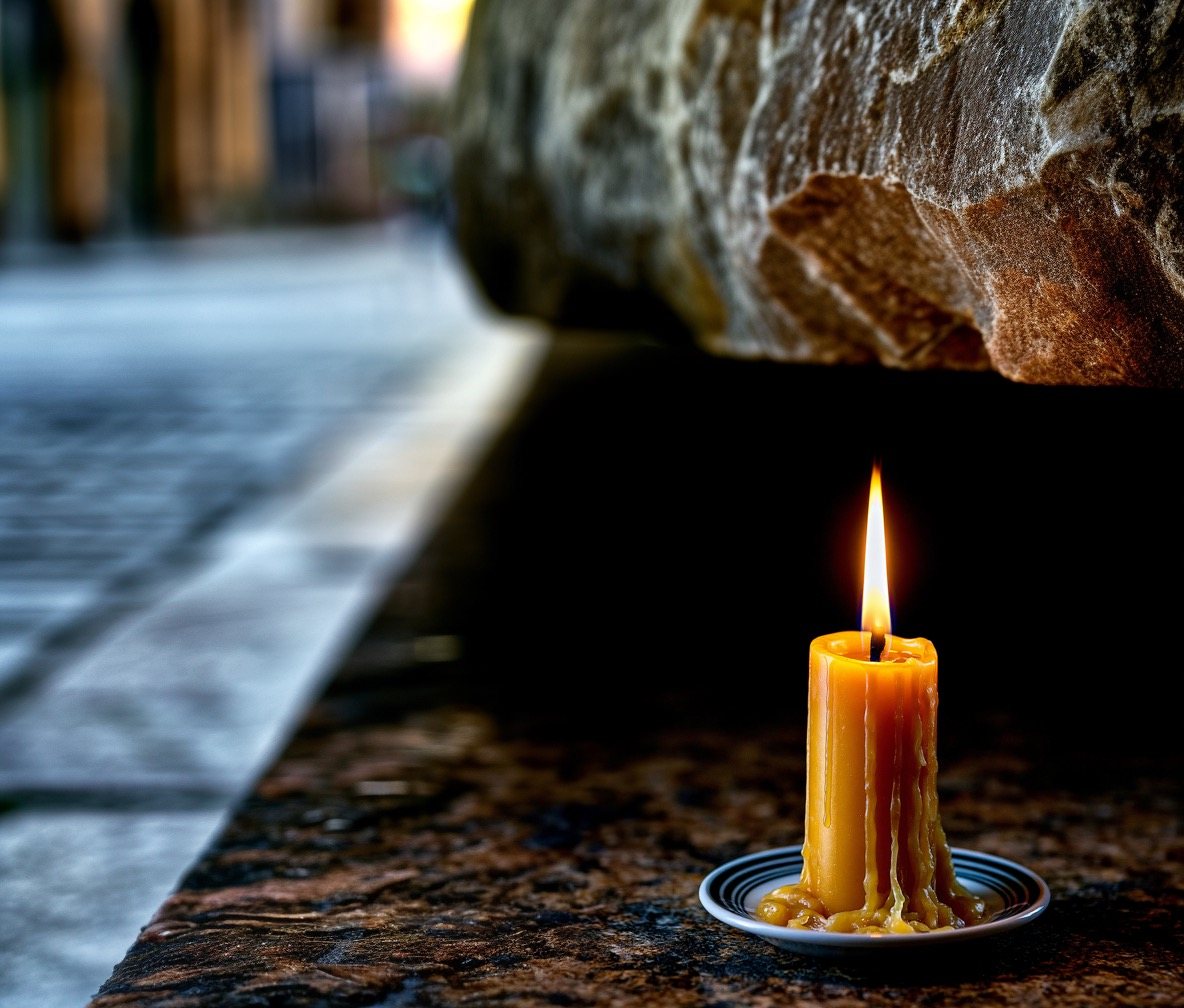
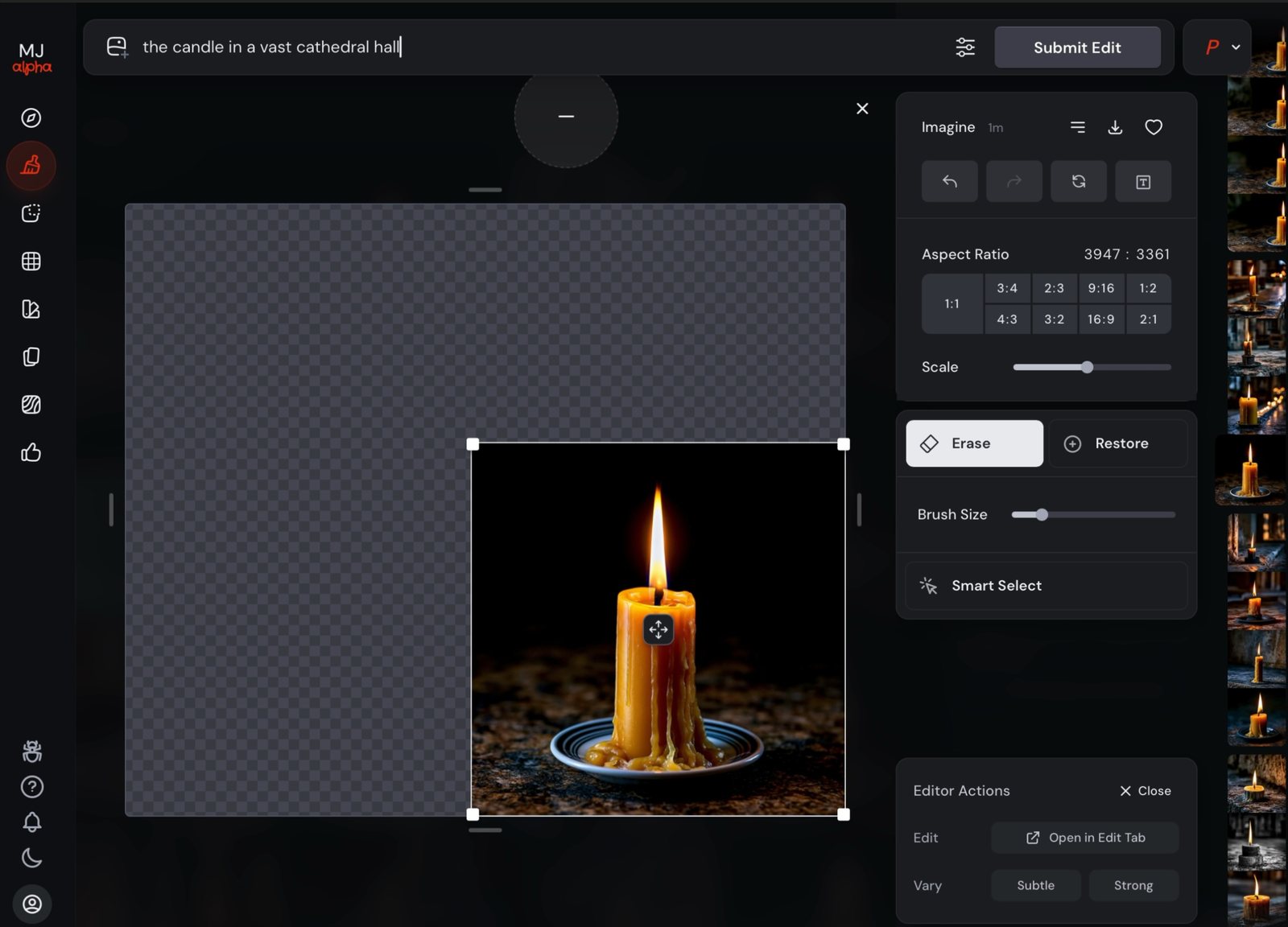

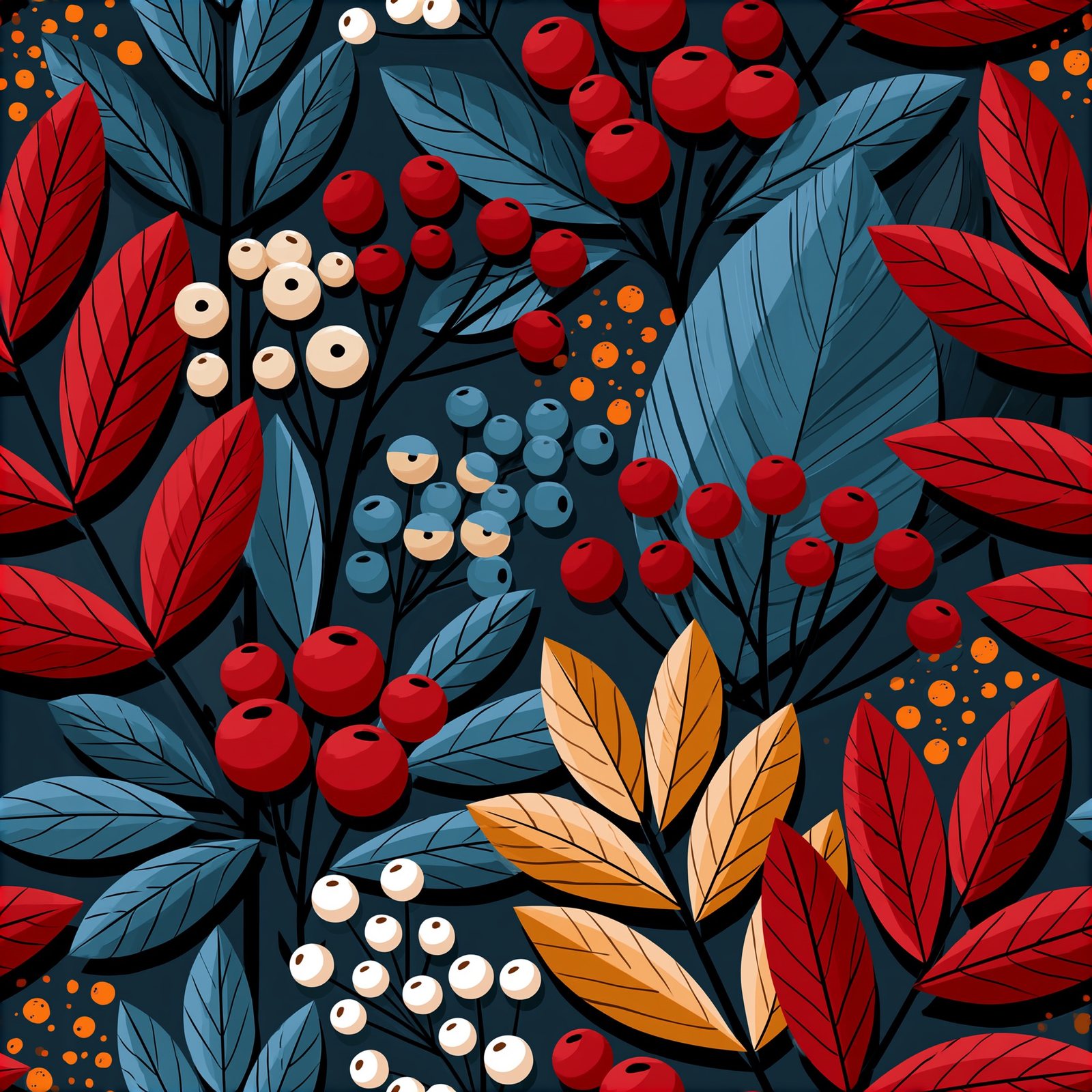
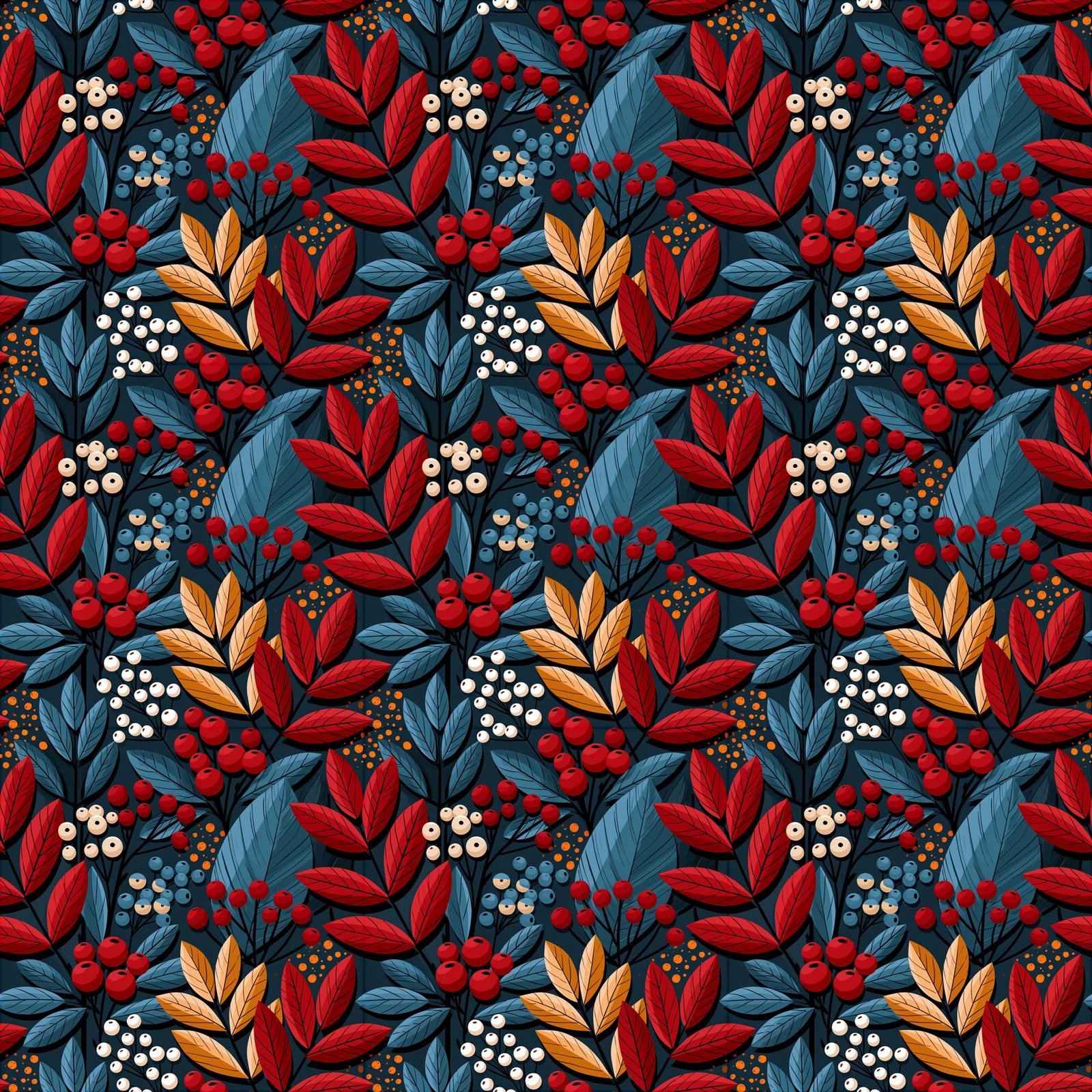
The --tile flag makes every edge match its opposite edge — one generation becomes infinite wallpaper.
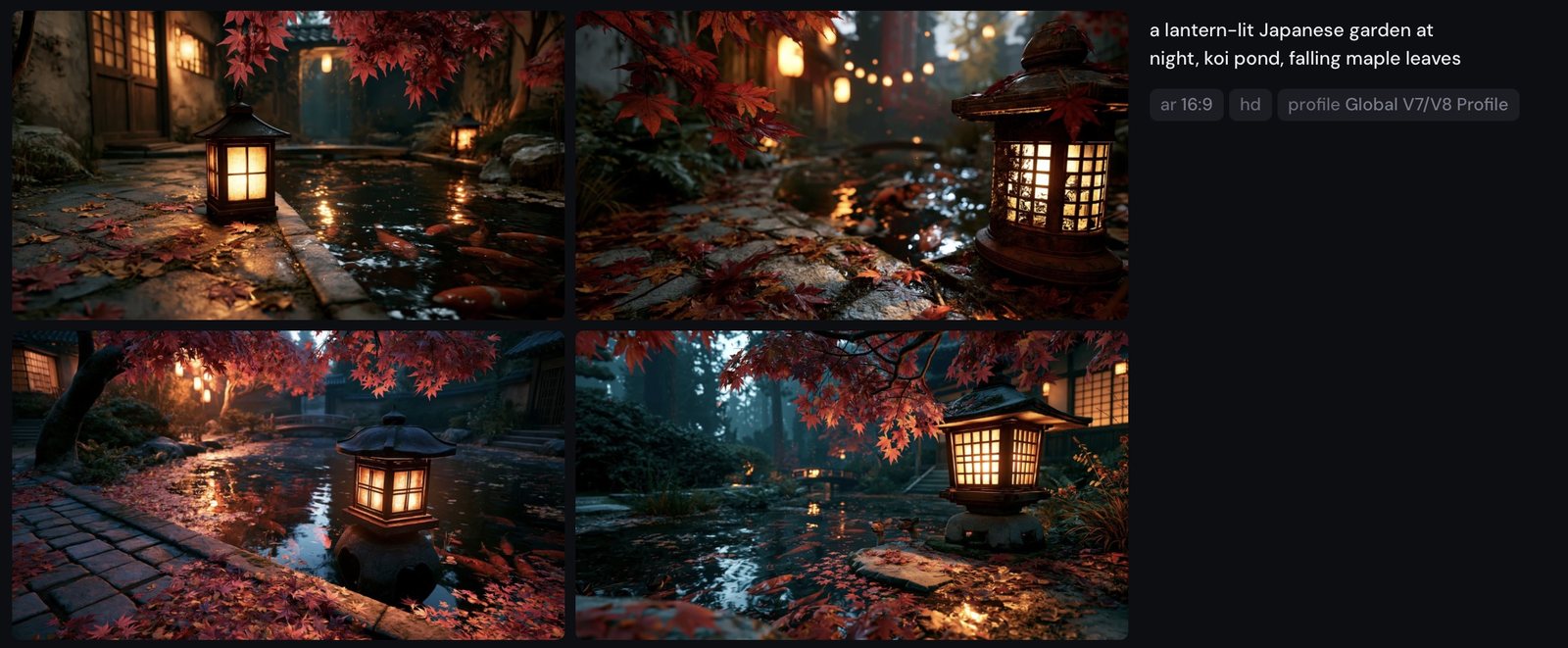
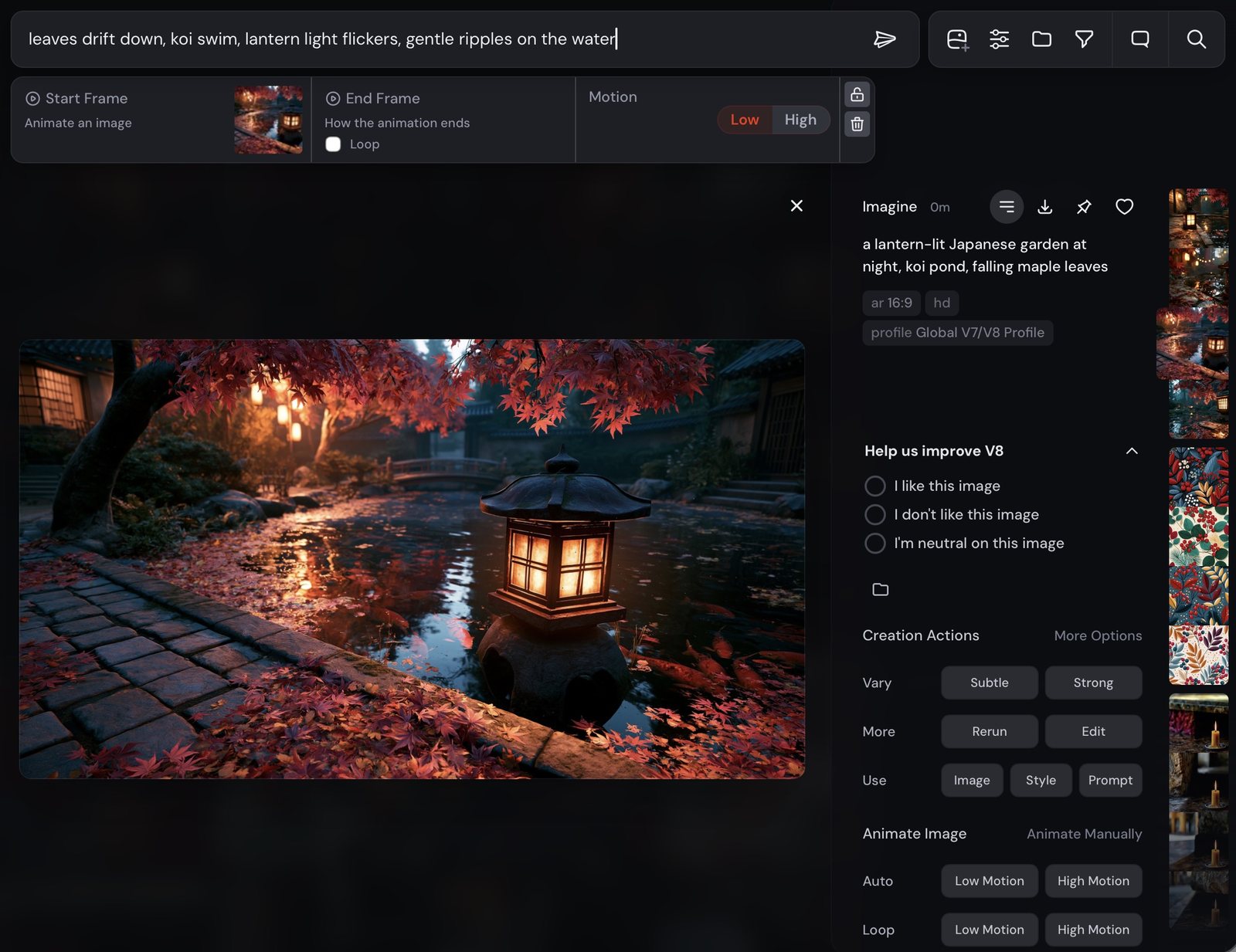
Any strong still can move. Generate, press Animate, describe the motion — Low motion for ambience, High when everything should travel. Image references aren't compatible with video.
Part Eight · to generate
Small didactic comparisons for the pitfalls chapter: conversational prompts, superlative soup, forgotten aspect ratios, and the seed that brings an image back.
Midjourney isn't a chatbot. Politeness, filler and full sentences become noise the model must interpret around.

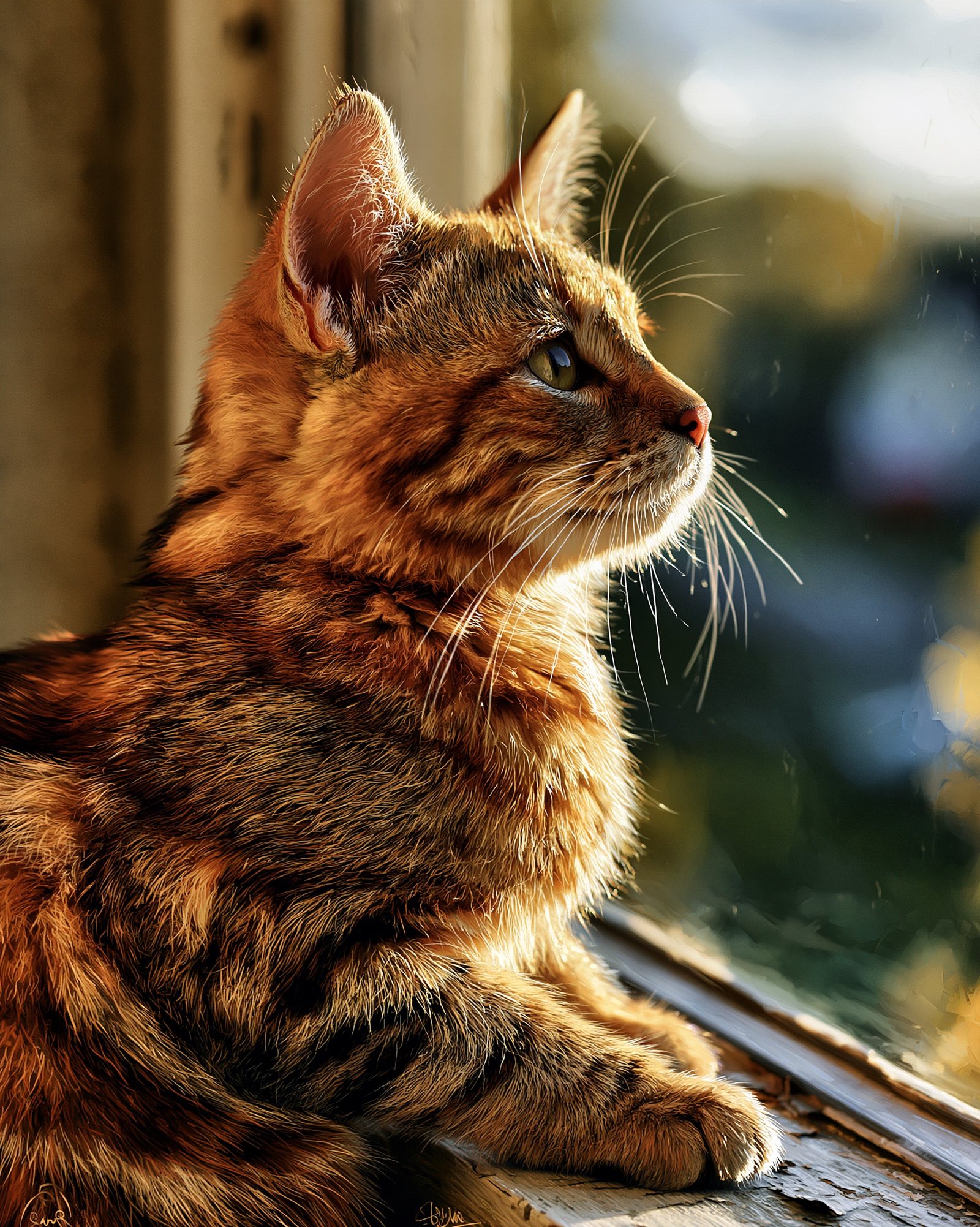
Superlatives are not instructions. V7 and V8 reward restraint — four concrete nouns beat fourteen adjectives.
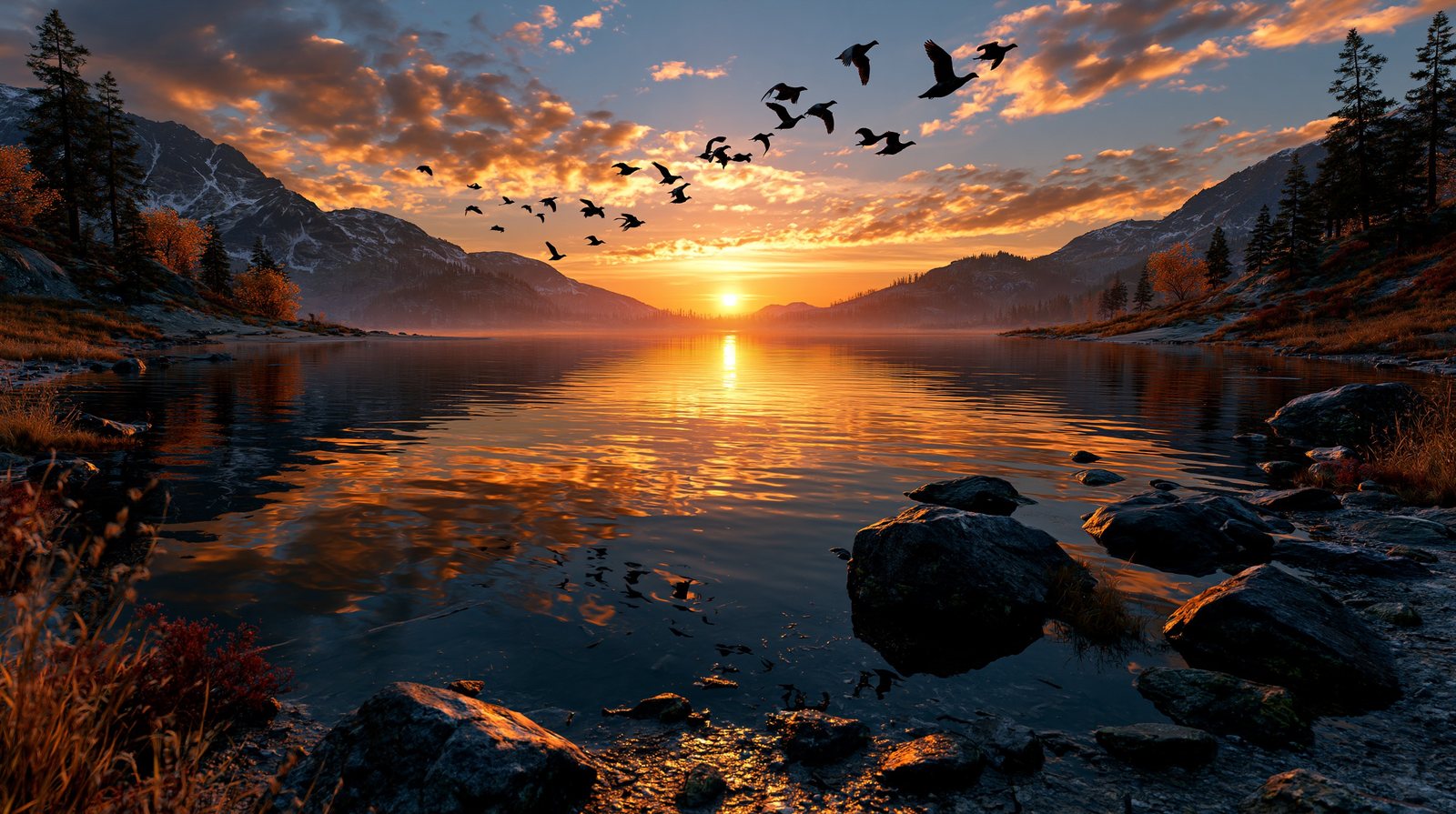

A panorama needs a panoramic canvas. Set --ar before you generate, not after you're disappointed.
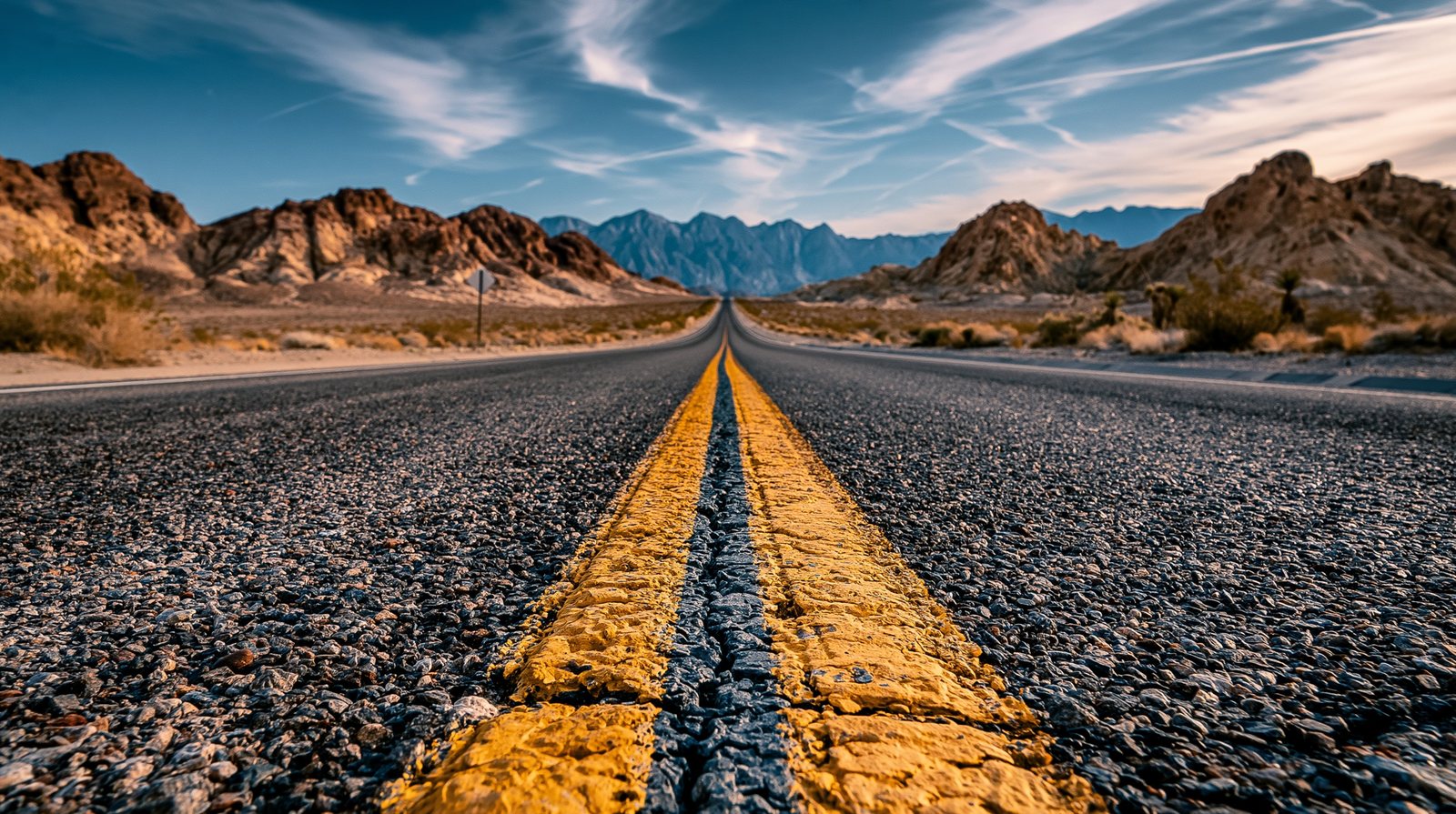
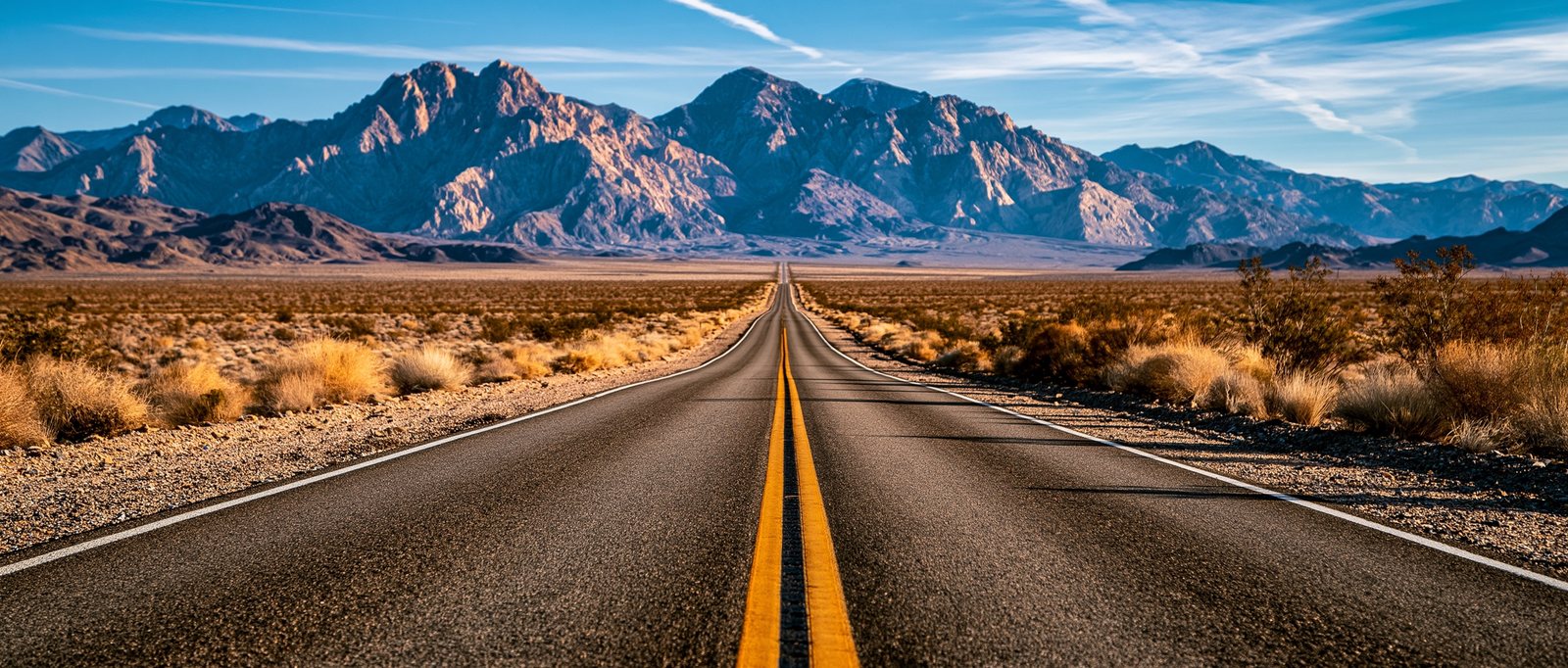
--ar the scene squeezes into whatever frame the model defaults to; at 21:9 the horizon finally behaves like a horizon.
a panoramic desert highway disappearing into the horizon
a panoramic desert highway disappearing into the horizon --ar 21:9
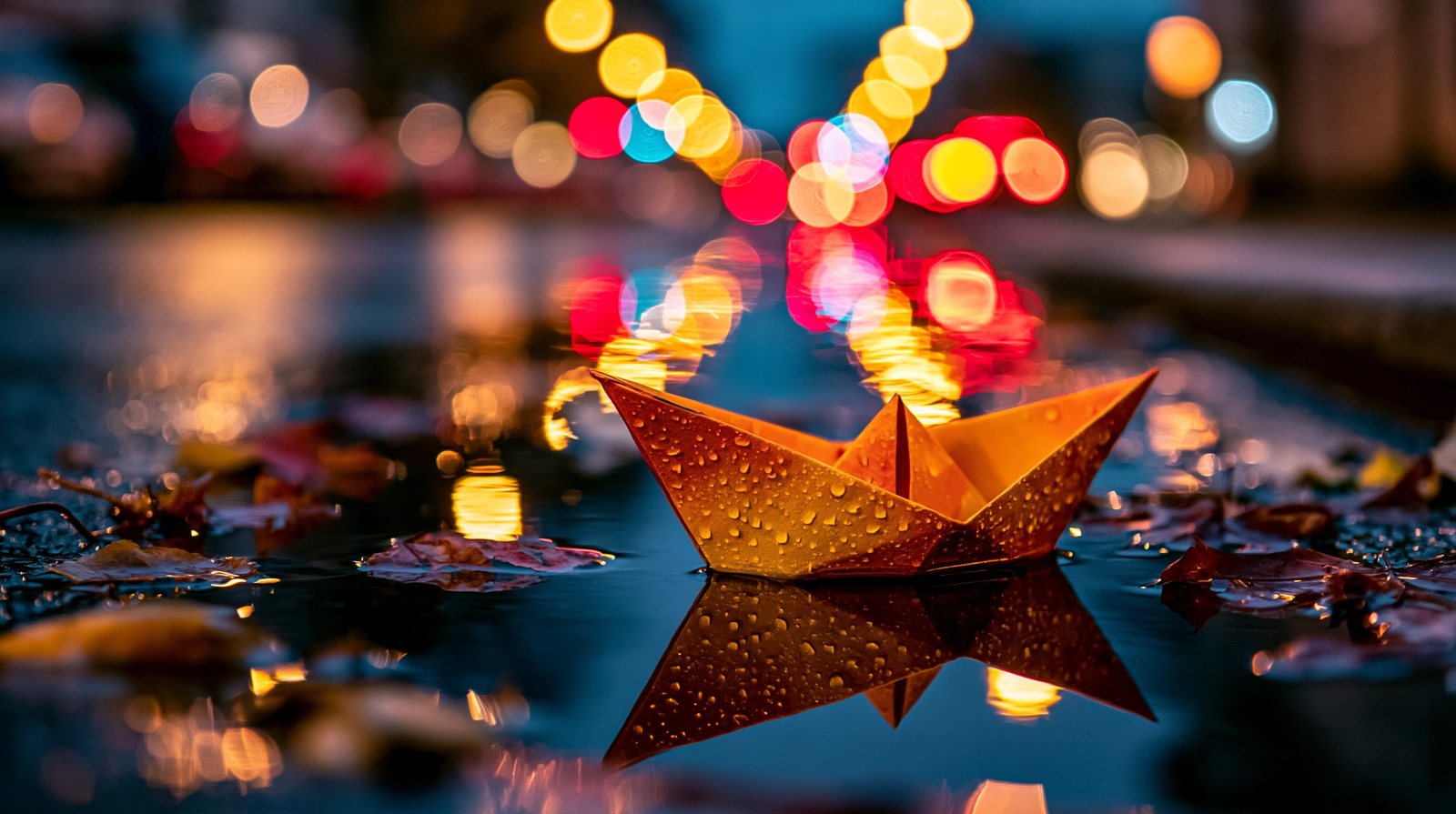
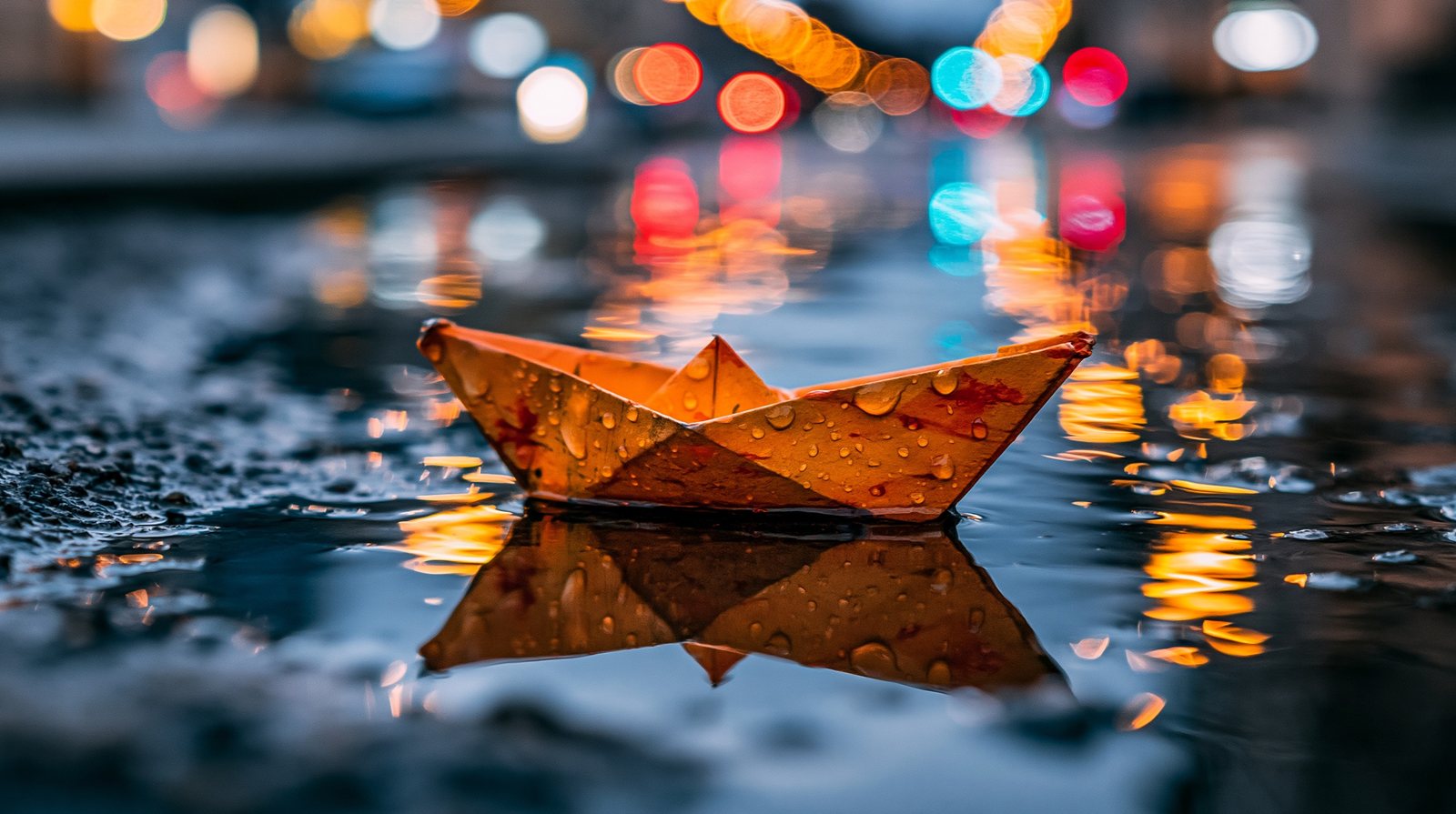
The same seeded prompt, run twice on different occasions. Seeds make experiments fair — and revisions possible.
Appendices
The reference half: every parameter, the reusable control subjects, and what a working creator needs to know about rights and the law.
| Parameter | Range / default | What it does |
|---|---|---|
--ar | up to 14:1 · def 1:1 | Aspect ratio — set it before you generate |
--s stylize | 0–1000 · def 100 | How much Midjourney aesthetic is imposed |
--c chaos | 0–100 · def 0 | Variety between the four grid images |
--w weird | 0–3000 · def 0 | Unconventionality of each image |
--style raw | flag | Literal mode — the realism foundation |
--no | nouns | Negative prompt |
--seed | 0–4.29bn | Reproducibility (V8.1: “99% identical”) |
--tile | flag | Seamless repeating patterns |
--sref / --sw | sw 0–1000 · def 100 | Style reference and its strength V7 |
--oref / --ow | ow 1–1000 · def 100 | Omni Reference — characters & objects V7 only |
--iw | up to 3 | Image-prompt vs text influence V7 |
--p | moodboard ID | Personalization / moodboards (strength via --s) |
--v / --niji | 6–8.1 · niji 7 | Model version — tag every figure |
Pick one per chapter and reuse it across every variable so readers see apples-to-apples: people — “a young woman laughing at a kitchen table” / “a weathered fisherman”; object — “a single ripe pear on a wooden table”; scene — “a lone lighthouse on a rocky cliff”; action — “a mountain climber on a ridge.”
Ownership: paid subscribers own what they create “to the fullest extent possible under applicable law,” with broad commercial rights that survive cancellation; companies grossing over $1M/year must be on Pro or Mega. Copyrightability: the US Copyright Office holds that purely AI-generated images are not copyrightable — only substantial human authorship is protectable, so refine outputs in an editor to strengthen claims. Moderation: roughly PG-13, enforced everywhere including private and stealth work. Litigation: Disney/Universal (June 2025) and Warner Bros. Discovery (Sept 2025) suits remain active through 2026 — this chapter must be re-verified at press time. Best practice taught throughout this book: lean on medium, technique and era language plus image-based --sref, not living artists' names.
www.rupertchesman.com